Support
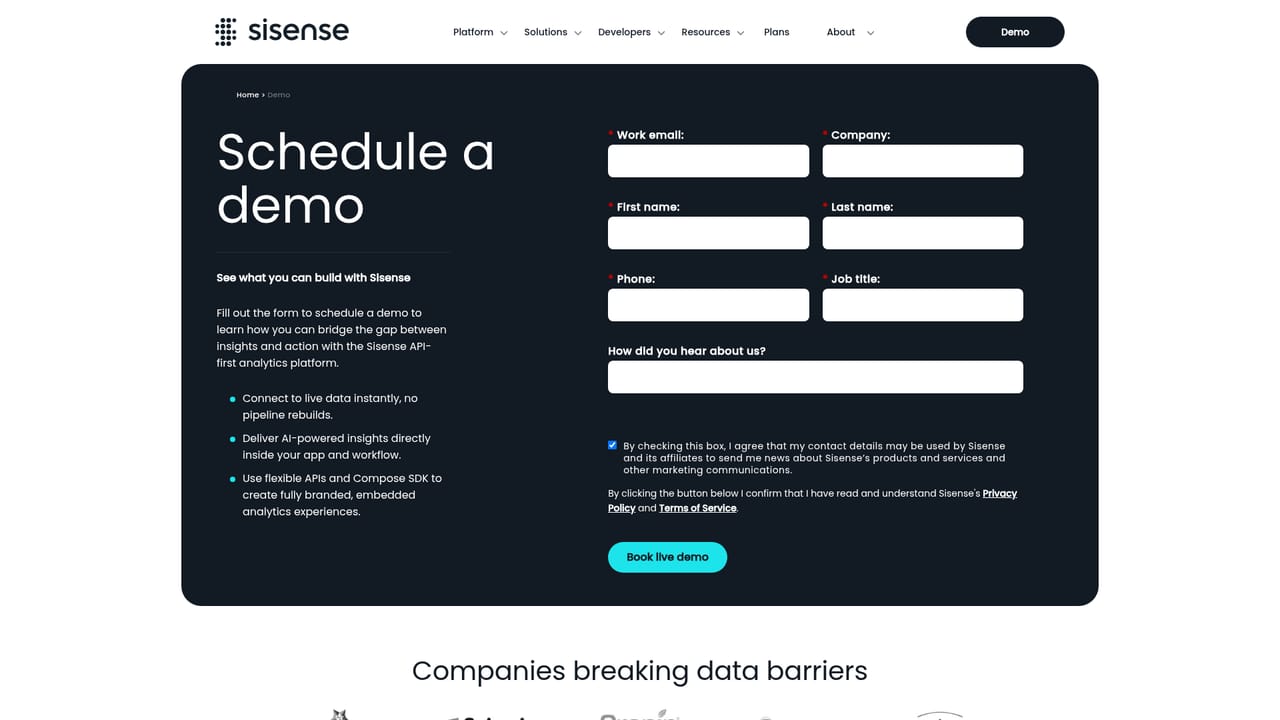
Support runs through documentation and a demo request path; the public site does not describe specific support tiers or service level commitments.
Learn moreEmbed governed AI analytics inside your own product

Sisense is an AI chat bot tool. Embedded analytics platform for SaaS products, combining governed metrics, multi-tenant security and natural language AI with SDKs and APIs for embedding dashboards and assistants under your own brand.
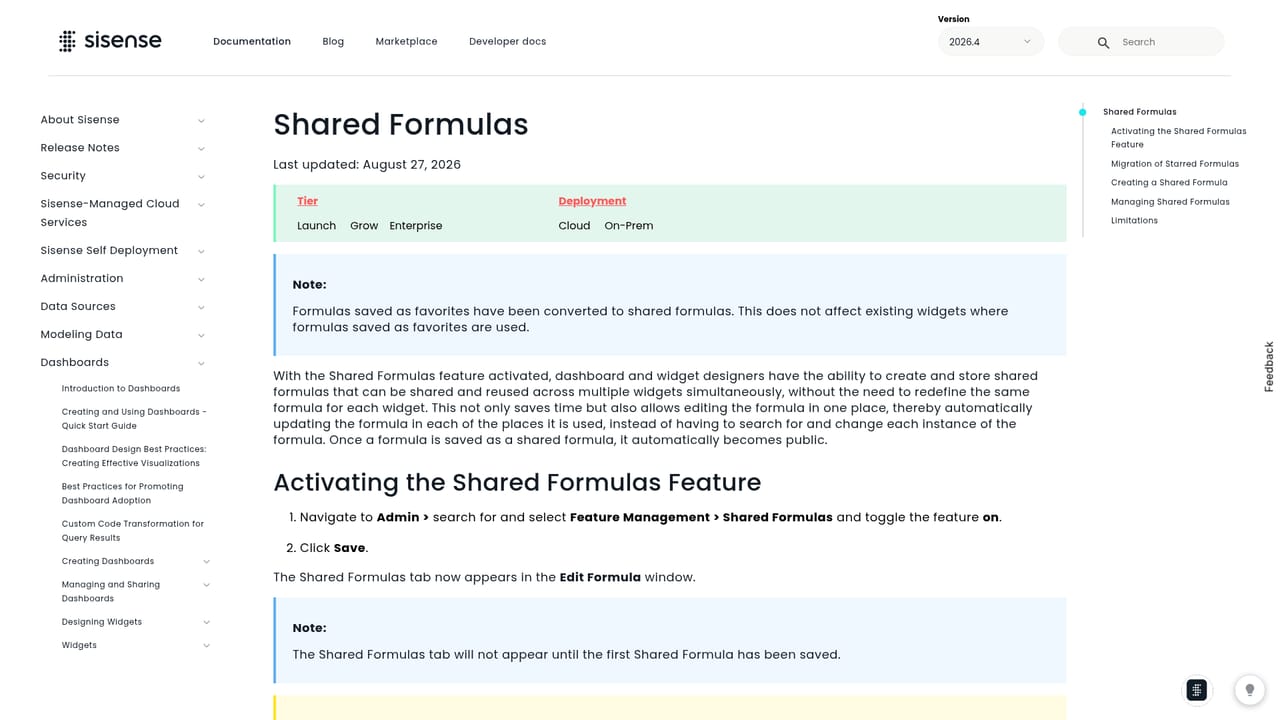
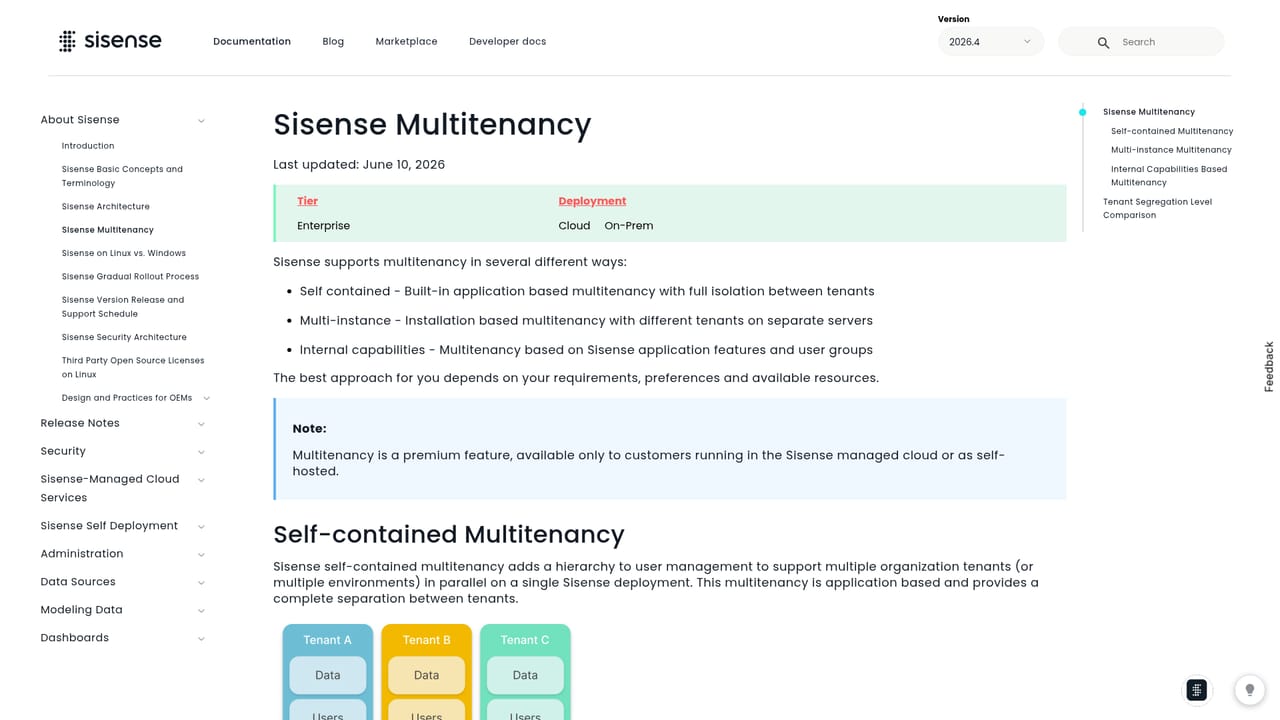
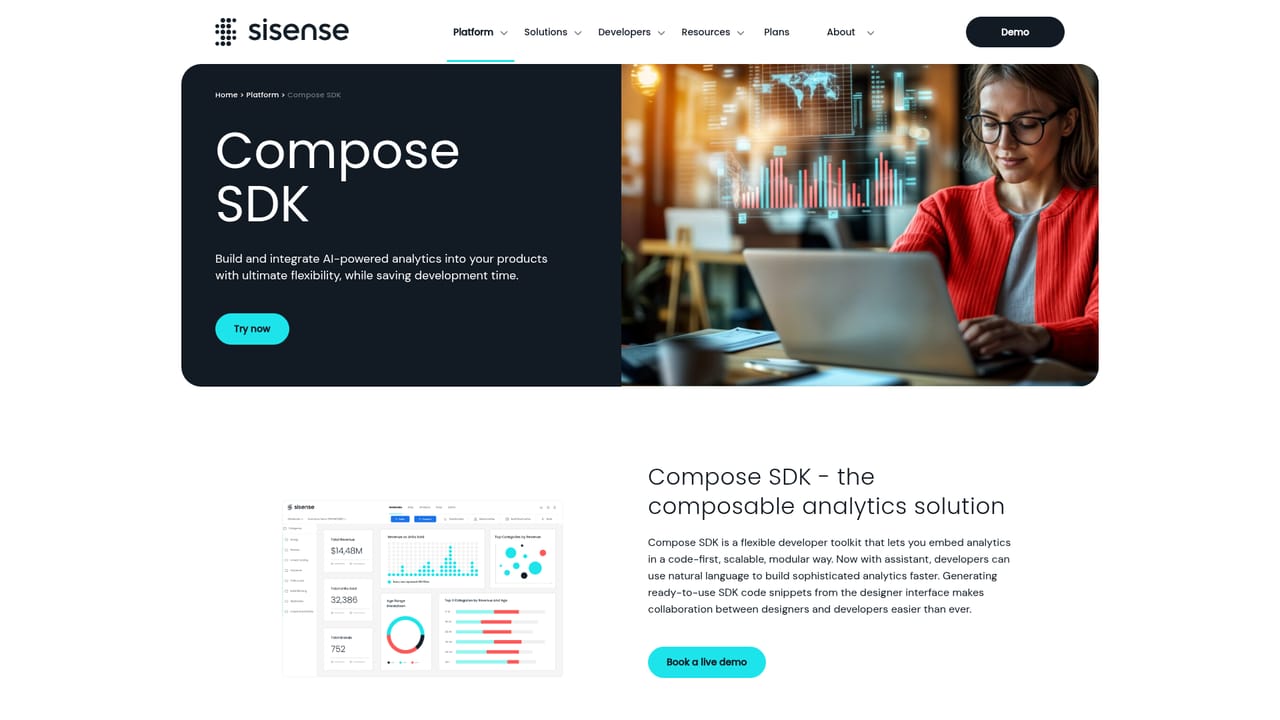
Sisense is an embedded analytics platform aimed at software companies that want to put AI-driven reporting inside their own products under their own brand. Rather than a standalone dashboard tool, it positions itself as a governed distribution layer: metrics, semantic definitions and access rules are defined once in Sisense, then served to both human users and AI assistants so that answers stay consistent and tenant-safe. The company cites more than 20 years of experience powering analytics in customer-facing products, with named customers including Seismic, PagerDuty, Philips and Cropin. The platform is built around governed semantics. Shared formulas keep approved definitions in one place, semantic enrichment gives models the context to interpret fields correctly, and row-level security plus multi-tenant architecture are enforced at the query layer so one customer's data cannot surface in another customer's answer. On top of that data foundation sit user-facing capabilities: a natural language assistant for asking questions, narratives that turn result sets into written summaries, explanation features that identify what drove a change, and pulse and forecast tools that flag where trends are heading. Implementation is deliberately flexible. Teams can embed a single widget or build a custom experience with the Compose SDK and APIs, generate embed code to speed up development, work across multiple frameworks and extend the interface with custom plugins. Sisense also advertises MCP and API connections so the same governed data can feed the AI tools customers already use, without locking the product into one AI experience. This is not a self-serve tool for a solo analyst. The buyers are product and engineering teams at SaaS companies commercializing analytics, and the work assumes data modeling, security configuration and developer involvement. Compared with BI suites sold to internal teams, Sisense trades broad dashboarding breadth for embedding depth and governance. Pricing is not published on the homepage, so budgets need to be qualified through a sales conversation.
Support runs through documentation and a demo request path; the public site does not describe specific support tiers or service level commitments.
Learn moreMCP and API connections let Sisense data feed the AI tools and workflows users already rely on, and custom connector plugins extend the platform's data connectivity.
Learn moreGoverned semantics with shared formulas, semantic enrichment, multi-tenant architecture and row-level security; natural language assistant and search; narratives and explanations that describe results and causes; pulse, forecast and trend detection; Compose SDK, APIs, generated embed code and custom plugins; MCP and API connections to external AI tools.
Learn more AI Angels400+ customizable AI girlfriends for NSFW chat, voice calls, and roleplay
 Candy AIExperience the future of companionship with AI friends who chat, role-play, and connect with you on a human level.
 ourdream.aiA vast AI roleplay platform with millions of characters for chat, images, video and voiceAI Angels400+ customizable AI girlfriends for NSFW chat, voice calls, and roleplayCandy AIExperience the future of companionship with AI friends who chat, role-play, and connect with you on a human level.ourdream.aiA vast AI roleplay platform with millions of characters for chat, images, video and voice


