Pricing
The extension is free. Siteefy states that full access to all features comes at no cost, with no account required and no payment tier described on the page.
Learn moreReview a page for logic, structure and link problems before you publish
Own Siteefy content checker? Verify ownership to get a dofollow link

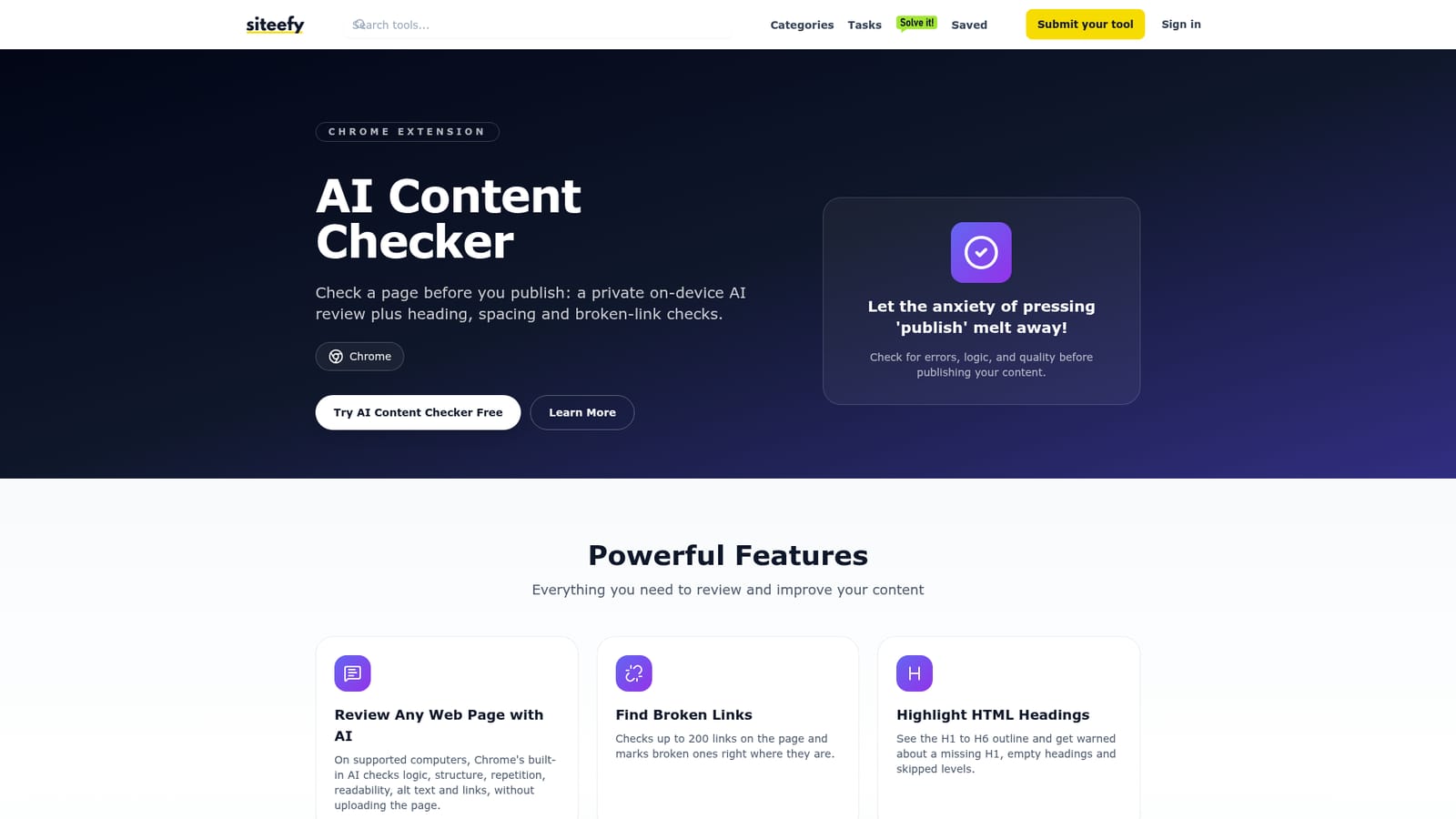
Siteefy content checker is an AI checker tool. A free Chrome extension that reviews a web page before publication. On supported machines, Chrome's on-device AI evaluates logic, repetition, readability, alt text and links, while built-in checks flag broken links, heading outline gaps, same-tab outbound links and spacing problems.
Siteefy's AI Content Checker is a free Chrome extension that audits a web page in the browser before it goes live. The pitch is simple: instead of reading a draft three times and still missing a skipped heading level or a dead link, you run one pass and see problems marked directly on the page. It combines a language review with structural checks that most writing tools ignore entirely. The AI portion runs through Chrome's built-in AI on supported computers. It looks at logic, structure, repetition, readability, alt text and links, and because the model sits on the device, the page is never uploaded anywhere. That matters for unpublished drafts and for anyone working under client confidentiality. Alongside the AI review, the extension performs mechanical checks: it tests up to 200 links and flags the broken ones in place, draws the H1 to H6 outline and warns about a missing H1, empty headings and skipped levels, points out outbound links that open in the same tab, and visualises spacing inconsistencies across the layout. The tool suits content creators, editors, SEO specialists and web publishers who work in a browser based CMS and want a fast pre-publish sanity check. It works on any site or platform because it operates on the rendered page rather than inside a particular editor. A Clear action restores the page exactly as it was, so the review leaves no trace. There is no account and no tracking, and every feature is available without payment. The obvious comparison is a grammar checker, but the overlap is smaller than it looks: those tools focus on sentences, while this one spends much of its effort on page structure, links and layout. The tradeoff is reach. The AI review depends on Chrome's on-device model being available on your machine, so older or unusual hardware gets the deterministic checks without the language analysis. It is also a pre-publish inspector, not an editor: it flags issues and leaves the fixing to you. For teams already drafting with AI, Siteefy points to a separate humanizer tool for smoothing machine-written text before this checker runs.

The extension is free. Siteefy states that full access to all features comes at no cost, with no account required and no payment tier described on the page.
Learn moreA private on-device AI review of logic, structure, repetition, readability, alt text and links; broken link checking for up to 200 links per page; an H1 to H6 heading outline with warnings for a missing H1, empty headings and skipped levels; flags for outbound links that open in the same tab; spacing issue highlighting; and a Clear action that restores the page.
 AI Angels400+ customizable AI girlfriends for NSFW chat, voice calls, and roleplay
 Candy AIExperience the future of companionship with AI friends who chat, role-play, and connect with you on a human level.
 ourdream.aiA vast AI roleplay platform with millions of characters for chat, images, video and voiceAI Angels400+ customizable AI girlfriends for NSFW chat, voice calls, and roleplayCandy AIExperience the future of companionship with AI friends who chat, role-play, and connect with you on a human level.ourdream.aiA vast AI roleplay platform with millions of characters for chat, images, video and voice


