Free trial
A free website build is advertised on the homepage, with the call to action offering to build a free website and a stated zero cost to start.
Learn moreAnswer a few questions, get a generated website in seconds

SitesGPT.com is an app creation tool. SitesGPT generates a full website from a short questionnaire, producing a responsive, hosted site in seconds. Aimed at non-technical users who want a fast, low cost web presence, with customization through custom images and content after generation.
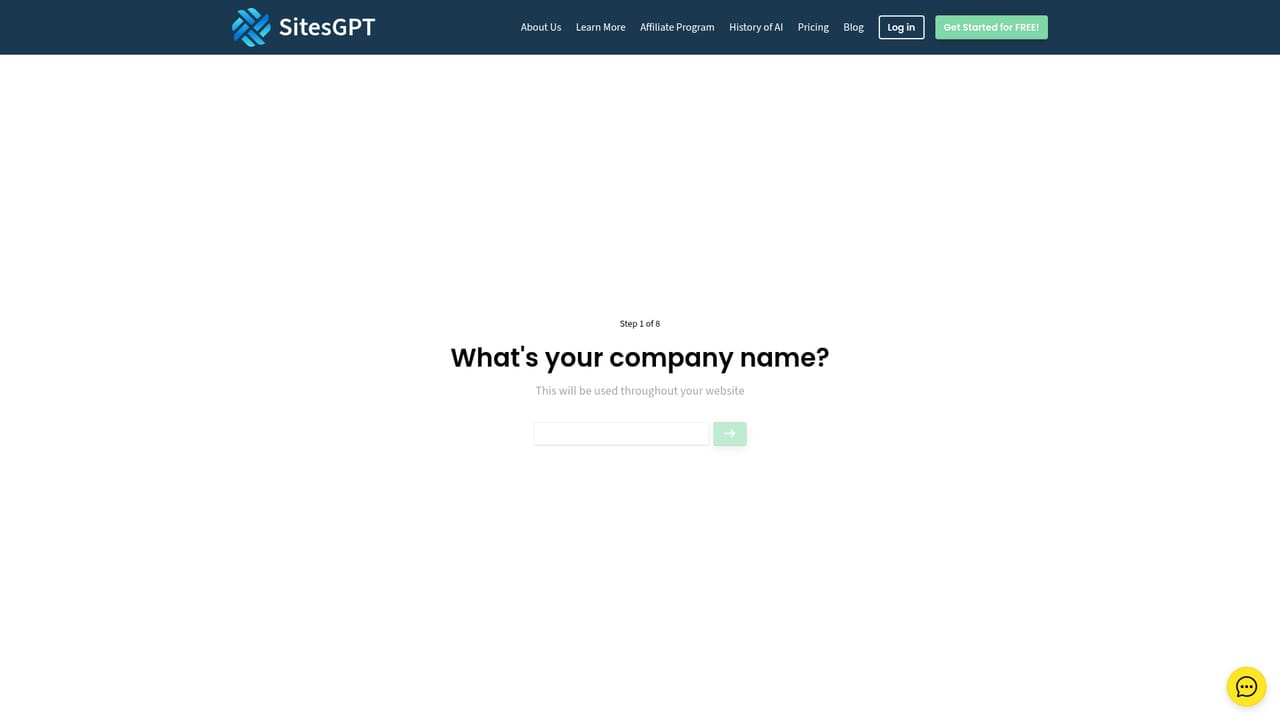
SitesGPT is an AI website builder that generates a complete site from a short questionnaire. Instead of dragging blocks around a canvas or writing markup, the user answers basic questions about the project and the platform assembles a finished website in seconds. The pitch is aimed squarely at people who need a web presence but have no interest in learning a design tool: small business owners, freelancers putting together a portfolio, bloggers, non-profits and event planners. The workflow starts at the wizard, where the questionnaire captures enough context for the generator to produce layout, copy and structure. From there the site can be adjusted with custom images and content, so the generated result acts as a starting point rather than a locked template. SitesGPT states that output is responsive by default, rendering on desktop, smartphone and tablet without a separate mobile build. Hosting runs on the company's cloud infrastructure, which it describes as secure and built for speed and reliability. The case for this kind of tool rests on time and cost. Work that normally takes weeks with a developer or agency is compressed into a single session, and the homepage is explicit that the appeal is avoiding developer fees entirely. It also frames the builder as scalable, so a site can grow alongside a business, and as available around the clock for updates. These are marketing claims rather than verified benchmarks, and the depth of editing tools is not documented on the homepage, so buyers comparing SitesGPT against mainstream visual builders should test how far customization actually goes before committing. SitesGPT positions itself as a low risk entry point: a free build is offered up front, with an affiliate program and a blog for those who want to go further. It suits simple, content-led sites best. Anyone needing complex functionality, detailed ecommerce or fine grained design control should verify those capabilities directly rather than assume them.
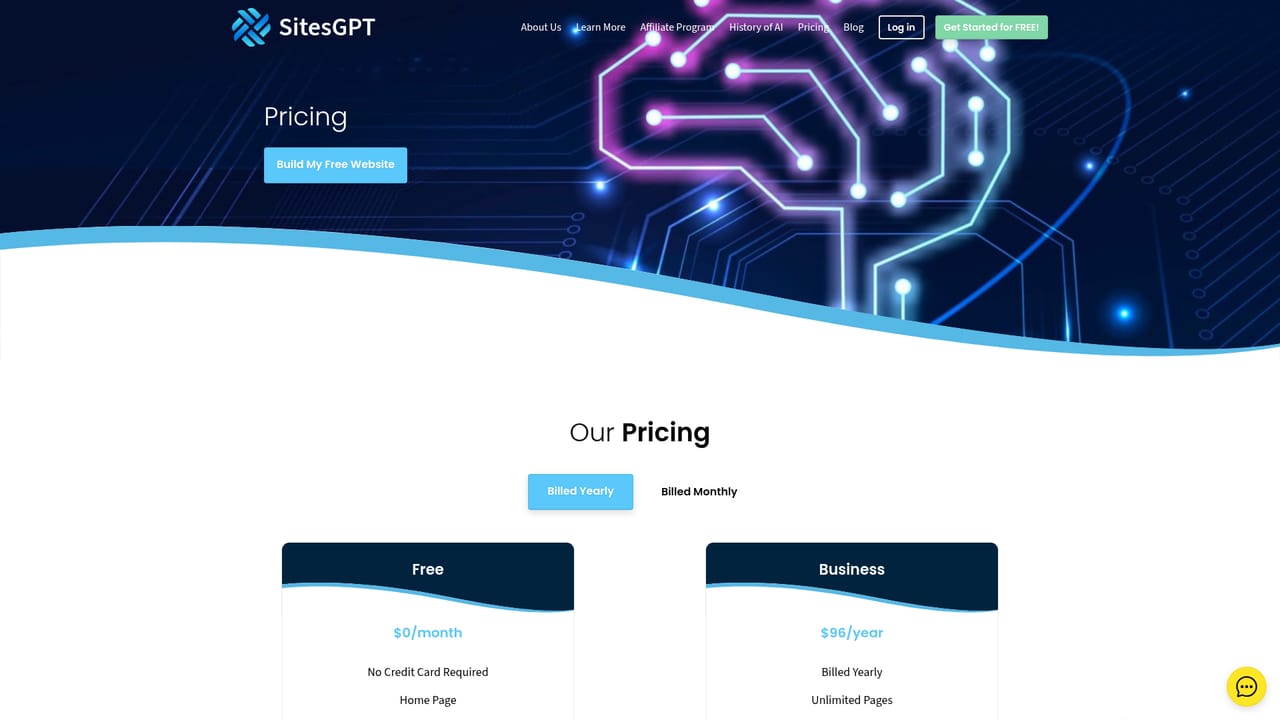
A free website build is advertised on the homepage, with the call to action offering to build a free website and a stated zero cost to start.
Learn moreThe homepage states that starting is free and that a website can be built at zero cost, and it links to a dedicated pricing page. Specific plan tiers, limits and paid feature differences are not listed on the homepage itself.
Learn moreContact is available through a dedicated contact page, and a FAQ page answers common questions. No phone, chat or response time commitments are stated on the homepage.
Learn moreGeneration of a complete site from a short questionnaire, mobile responsive rendering across PC, smartphone and tablet, customization with custom images and content, and hosting on the provider's cloud infrastructure. The homepage also claims scalability as a business grows and continuous availability for updates.
Learn more AI Angels400+ customizable AI girlfriends for NSFW chat, voice calls, and roleplay
 Candy AIExperience the future of companionship with AI friends who chat, role-play, and connect with you on a human level.
 ourdream.aiA vast AI roleplay platform with millions of characters for chat, images, video and voiceAI Angels400+ customizable AI girlfriends for NSFW chat, voice calls, and roleplayCandy AIExperience the future of companionship with AI friends who chat, role-play, and connect with you on a human level.ourdream.aiA vast AI roleplay platform with millions of characters for chat, images, video and voice


