Pricing
The homepage does not list prices, tiers or usage limits. Plan and SKU information lives on a separate page, so budget and credit details need to be confirmed there before committing to a subscription.
Learn moreOne AI agent that turns a prompt into docs, slides, sheets, sites and video

Skywork is a multimodal AI agent that generates documents, slide decks, spreadsheets, websites, posters, images and videos from a single prompt, with deep research and a large library of role-based Experts and Skills supporting the workflow.
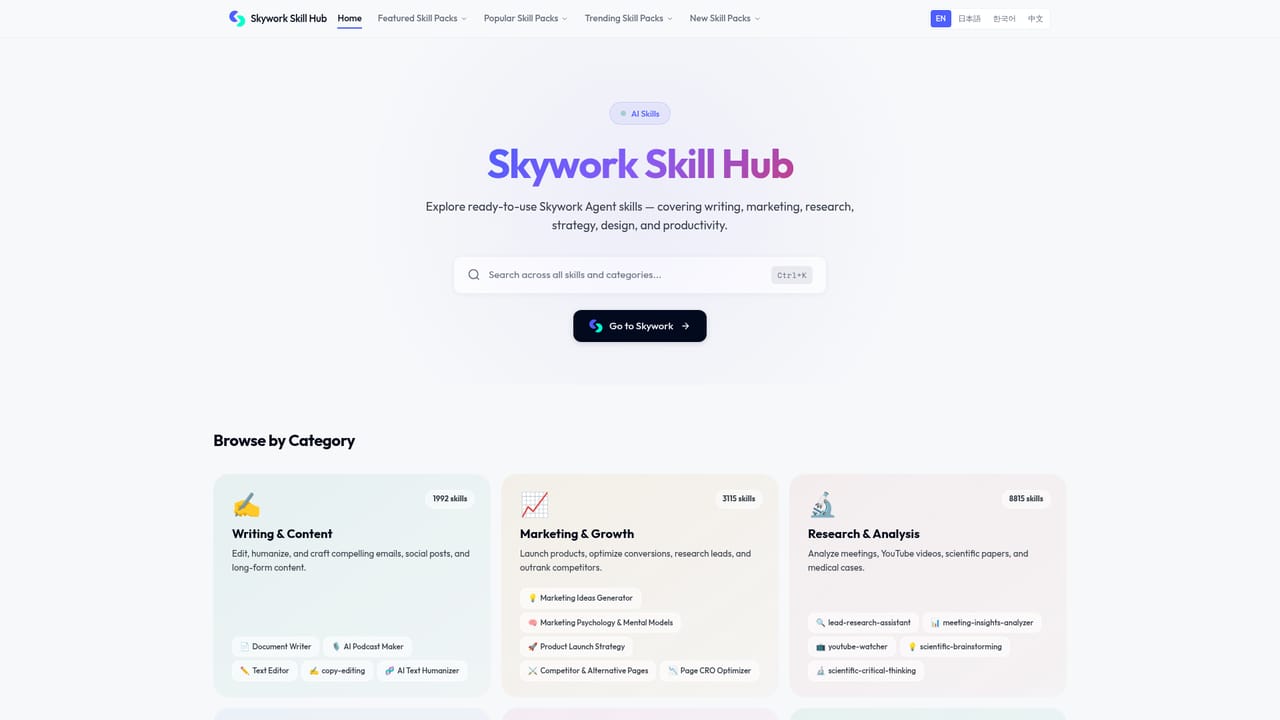
Skywork is an all-in-one AI agent aimed at people who need finished work products rather than a chat transcript. A single prompt can be routed toward a document, a slide deck, a spreadsheet, a website, a poster, an image or a video, with deep research feeding the underlying material. The pitch is multimodal output: the same session that gathers sources can also assemble the deliverable around them. The product is organized less around a single chat box and more around workspaces. Projects, a Knowledge Base and Scheduled Tasks sit alongside the conversation surface, so recurring jobs can be queued rather than re-prompted. A library of prebuilt Experts, each bundling several Skills into a repeatable workflow, covers roles such as research writing, lesson planning, product management, design execution, sales outreach, growth marketing, podcast production, SEO content and spreadsheet analysis. Summoning an Expert is the shortcut path; running individual Skills is the granular one. Use cases on the site map closely to job titles. Analysts build research reports, teachers design courseware and tests, marketers plan campaigns and adapt content across channels, founders work on fundraising material, and families can produce audiobooks from simple input. The Deep Research Expert and the data collection Expert point to a heavier emphasis on sourced, multi-step research than a general assistant typically carries. Against single-purpose rivals, Skywork trades depth in any one format for breadth of output and shared context. A team already committed to a dedicated slide tool or a dedicated video editor will likely keep it. Skywork makes most sense for individuals and small teams who want one agent to produce a rough-but-complete first draft of many artifact types, then refine the parts that matter. Pricing tiers and plan details sit on a separate page and are not described on the homepage.
The homepage does not list prices, tiers or usage limits. Plan and SKU information lives on a separate page, so budget and credit details need to be confirmed there before committing to a subscription.
Learn moreA help centre is available on the site for guidance and troubleshooting. The homepage does not describe support tiers, response times or a contact channel beyond that.
Learn moreThe homepage mentions connecting an IM channel and configuring SkyClaw, an in-product assistant. No broader third-party integration catalogue is described there.
Prompt-to-artifact generation across documents, slide decks, spreadsheets, websites, posters, images and video. Deep research and data collection Skills support sourced output. Projects, Knowledge Base and Scheduled Tasks handle ongoing work, and a large catalogue of Experts bundles multi-Skill workflows for research, teaching, product, design, sales, marketing, legal, accounting, coding and media production.
Learn more AI Angels400+ customizable AI girlfriends for NSFW chat, voice calls, and roleplay
 Candy AIExperience the future of companionship with AI friends who chat, role-play, and connect with you on a human level.
 ourdream.aiA vast AI roleplay platform with millions of characters for chat, images, video and voiceAI Angels400+ customizable AI girlfriends for NSFW chat, voice calls, and roleplayCandy AIExperience the future of companionship with AI friends who chat, role-play, and connect with you on a human level.ourdream.aiA vast AI roleplay platform with millions of characters for chat, images, video and voice


