Support
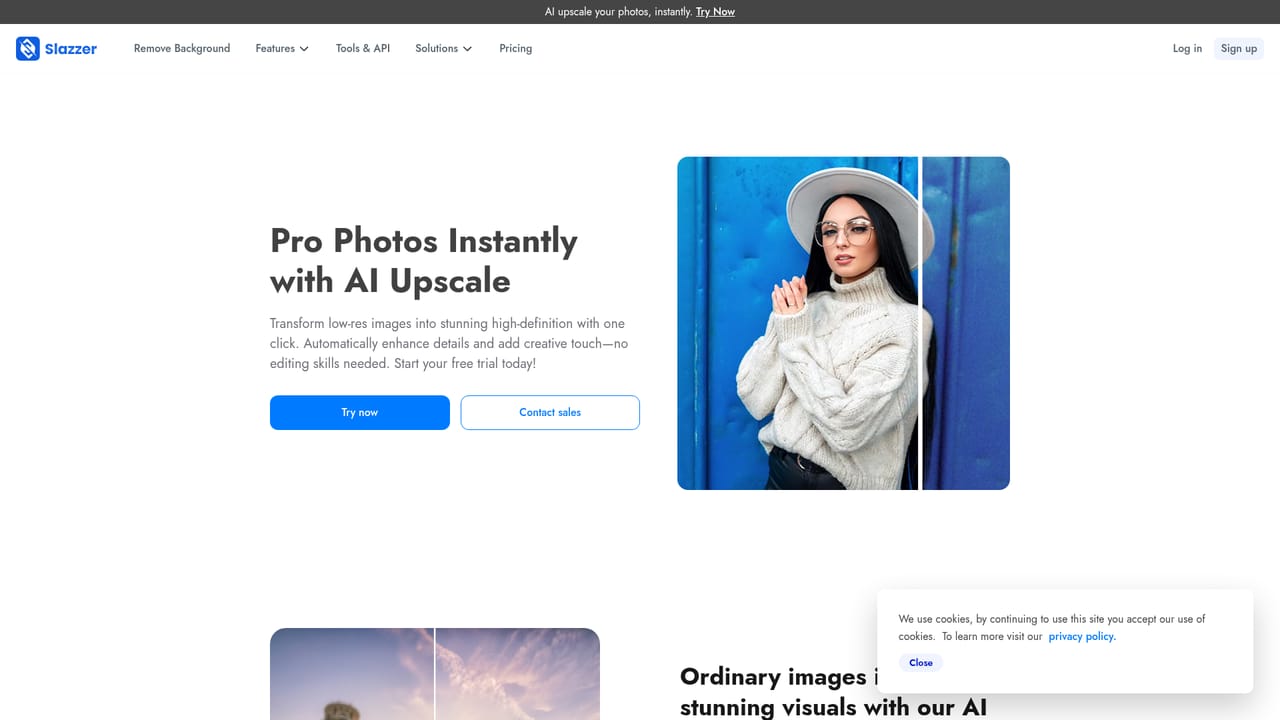
The site offers an enterprise contact route for sales enquiries. No dedicated help centre or documentation is linked from the DeOldify feature page.
Learn moreColorize black and white photos with DeOldify AI in seconds
Own Slazzer DeOldify AI? Verify ownership to get a dofollow link

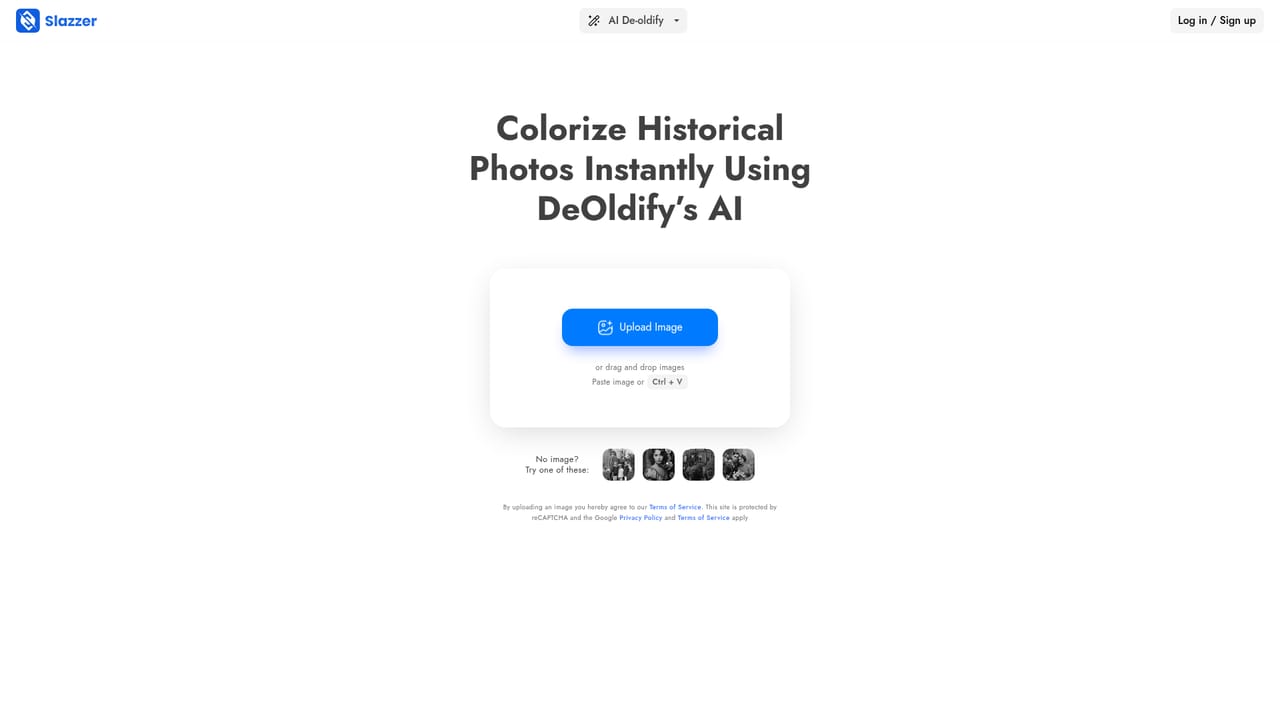
Slazzer DeOldify AI is a colorize drawing tool. Slazzer DeOldify AI colorizes black and white photographs automatically, repairs cracks, sharpens detail and offers a color enhance step before HD download. It runs in the browser or the Slazzer mobile app and slots into a broader AI photo editing suite.
Slazzer DeOldify AI is a browser based colorization tool built into the wider Slazzer photo editing suite. It accepts a black and white photograph, whether a family portrait, a scanned print or an old archival shot, and returns a colorized version. The page frames the process as automatic: the model applies color, repairs visible cracks and sharpens detail along the way, so a damaged vintage picture can come back looking closer to the day it was taken. No Photoshop experience is assumed, and the tool positions itself against manual colorization workflows that take hours of masking and layering. In practice the workflow is short. Users open the AI Deoldify feature on the web or inside the Slazzer mobile app, upload or drag an image in, and let the system process it. A separate AI Color Enhance control then lets people adjust vibrancy, contrast and brightness if the first pass looks too pale or too saturated. The finished file downloads in HD and can be shared directly. That adjust and re-export loop matters, because automated colorization rarely lands perfectly on the first attempt and small tonal corrections are often the difference between a believable result and an obviously artificial one. The natural audience is ordinary consumers working with family archives, plus genealogists, local historians and small studios that need quick turnaround on photo restoration without hiring a retoucher. It also suits sellers or designers who occasionally need to rehab a monochrome image. Slazzer offers no signup requirement for using the web tool according to its own instructions, which keeps casual, one-off use frictionless. Where it fits: DeOldify AI is a single feature rather than a standalone product, sitting alongside AI Upscale, AI Enhance, AI Sky Replacement, AI Shadow and AI Relighting in the Slazzer lineup. That makes it less of a specialist restoration studio and more of a convenience layer inside a general photo cleanup app. Anyone needing precise manual control over skin tones and fabric colors will likely want a dedicated restoration package, while people who want a fast, credible color pass on a handful of old photos will find the integrated route simpler.
The site offers an enterprise contact route for sales enquiries. No dedicated help centre or documentation is linked from the DeOldify feature page.
Learn moreThe feature colorizes black and white photos automatically, repairs cracks, enhances detail and offers an AI Color Enhance control for vibrancy, contrast and brightness. Output downloads in HD. It is one of several Slazzer tools, alongside AI Upscale, AI Enhance, AI Relighting, AI Shadow and AI Sky Replacement.
Learn more AI Angels400+ customizable AI girlfriends for NSFW chat, voice calls, and roleplay
 Candy AIExperience the future of companionship with AI friends who chat, role-play, and connect with you on a human level.
 ourdream.aiA vast AI roleplay platform with millions of characters for chat, images, video and voiceAI Angels400+ customizable AI girlfriends for NSFW chat, voice calls, and roleplayCandy AIExperience the future of companionship with AI friends who chat, role-play, and connect with you on a human level.ourdream.aiA vast AI roleplay platform with millions of characters for chat, images, video and voice