Free trial
New users get 10 free credits to start, with no credit card required.
Learn moreBulk AI colorization and translation for whole manga chapters
Own Watashi Colorizer? Verify ownership to get a dofollow link

Watashi Colorizer is a web app that colorizes whole manga chapters and webtoon episodes in one upload, keeps character colors consistent with palettes, preserves exact resolution, and can translate text into 30+ languages.
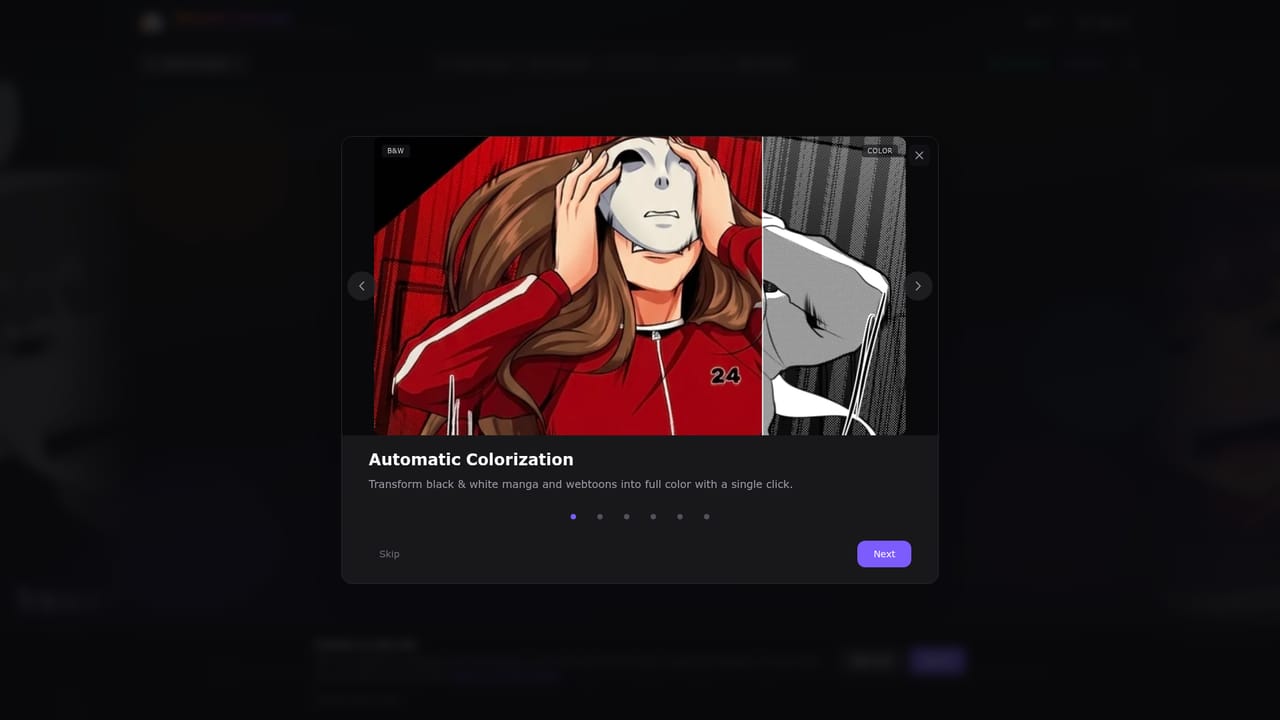
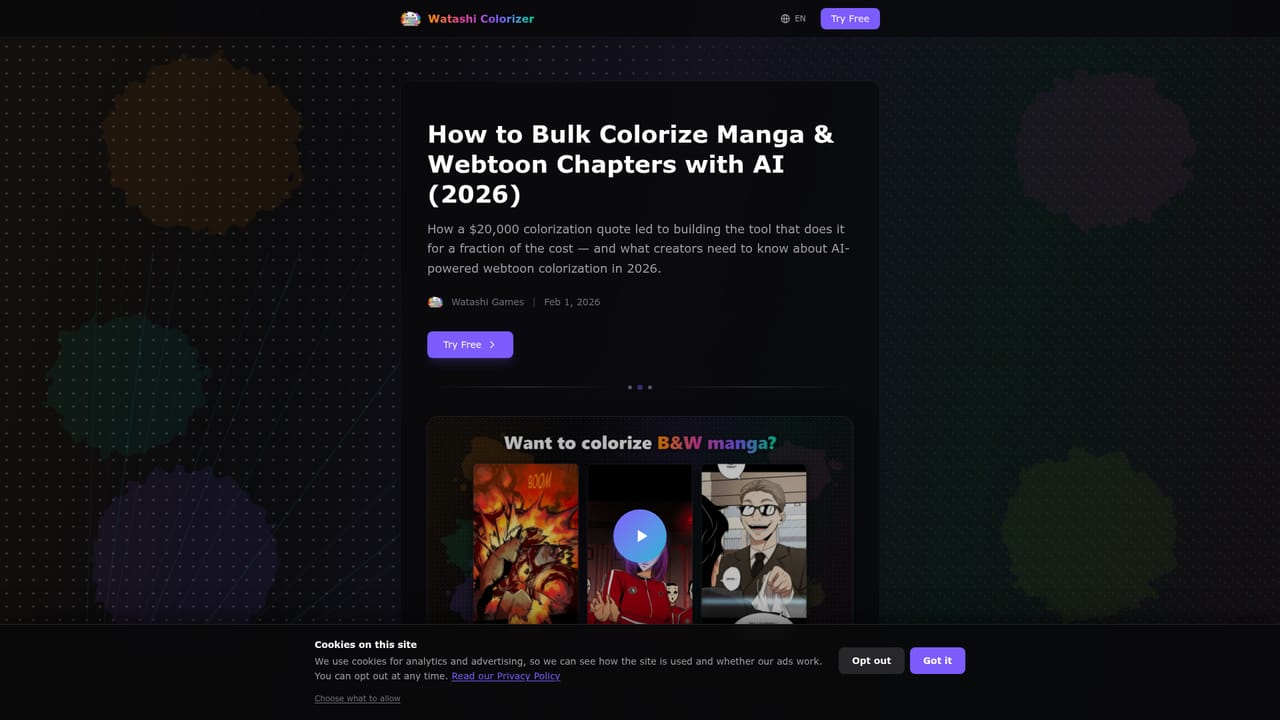
Watashi Colorizer is a web tool that turns black and white manga and webtoon pages into full-color images. Its main difference from most colorizers is scope: instead of handling one image at a time, it accepts an entire chapter in a single upload, with 50 or more pages at once, in PNG, JPG or WebP. Every page returns at the same pixel dimensions it went in with, so an 800x1280 page comes back as 800x1280 with no resizing step before publishing. The tool is aimed at webtoon and manga creators, especially independent artists who cannot afford a professional colorist. The homepage includes a testimonial from the developer, an indie webtoon creator, who describes building it after finding that existing tools processed images individually and lost context when a scene crossed page boundaries. That origin shapes the feature set: panel detection groups related scenes so colors do not shift at seams, and the system is built to cope with long vertical-scroll strips. In practice, the workflow has four stages. A user drags a chapter into the app, colorization runs automatically, an optional translation pass follows, and the finished pages are downloaded. Character palettes let the user define hair, eye and outfit colors once and reuse them across pages and chapters, which addresses the continuity problem that plagues automated colorization. If a particular page looks wrong, individual panels can be re-colorized with different settings without redoing the rest of the chapter. Two extras round out the package. The translation feature detects text, translates it into more than 30 languages and renders it directly onto the artwork. A free enhancement set offers sharpening, denoising and 2x or 4x upscaling without spending credits. Among alternatives, Watashi Colorizer sits between general-purpose image colorizers, which work per image, and manual colorist services, which are costly. It suits creators who need consistent, publish-ready batches rather than one-off experiments, and who may also want to localize the same chapter for international readers.
New users get 10 free credits to start, with no credit card required.
Learn moreFree to try with no credit card required and 10 free credits to start. Image enhancement (sharpen, denoise, 2x and 4x upscale) is stated to cost no credits. Paid plan details are not given on the homepage.
Learn moreBulk chapter upload (50+ pages), exact 1:1 resolution output, character palettes, smart panel splitting to avoid color seams, per-panel re-colorization, AI translation into 30+ languages, and free enhancement modes including 2x and 4x upscaling.


