Pricing
The page title describes colorizing online for free, but the homepage lists no plan names, prices or usage limits.
Learn moreBrowser-based colorizer that turns black-and-white manga pages into color drafts
Own AI Manga Colorizer? Verify ownership to get a dofollow link

AI Manga Colorizer is an anime tool. Web-based AI colorizer for black-and-white manga pages and panels. Upload line art, choose from many coloring styles, and review a color draft against the original before downloading. Part of a wider manga and anime toolkit.
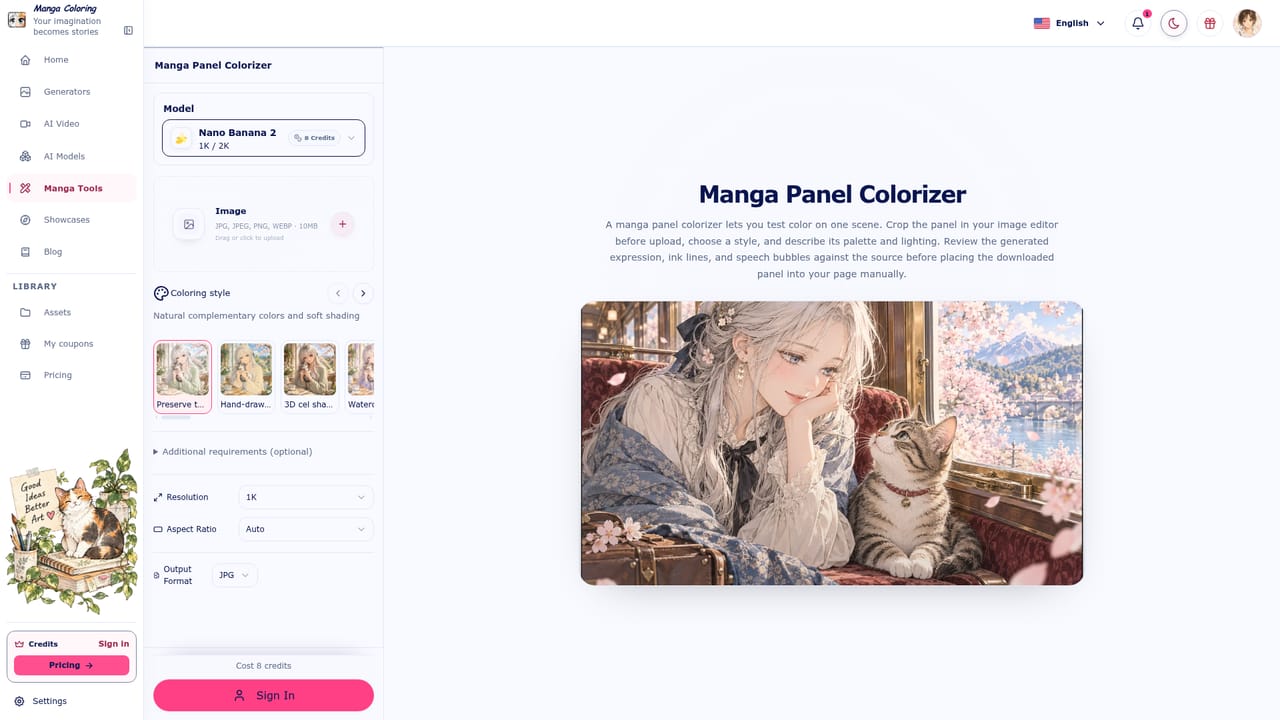
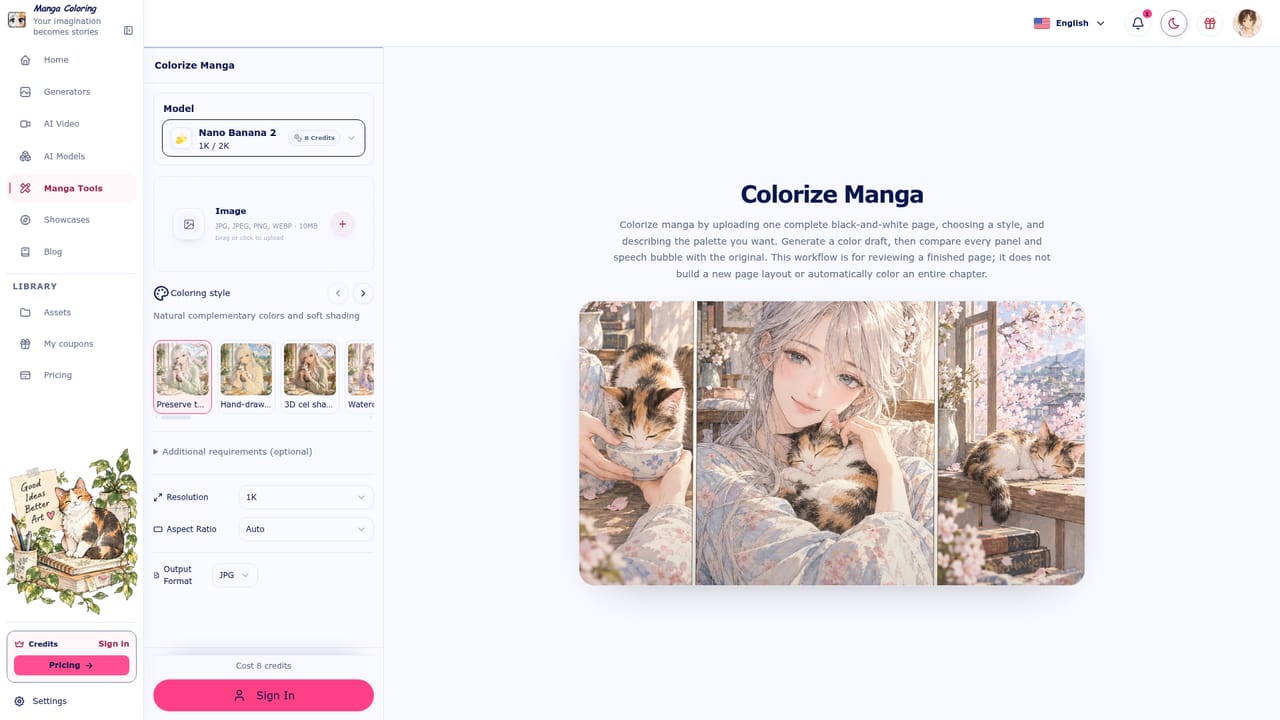
AI Manga Colorizer, published under the Manga Coloring name, is a browser-based service that adds color to black-and-white manga pages and single panels. The core job is simple: a user uploads line art, picks a coloring style, and receives a color draft to inspect before saving it. The site stresses that ink lines, shading, characters, backgrounds and small details should survive the process, so the output works as a reviewable draft instead of a redrawn page. The workflow starts with an upload of a PNG, JPG or WEBP file up to 30MB, which requires signing in. A style picker follows, with a long list of looks: a default that keeps the original, hand-drawn animation, 3D cel shading, watercolor comic, cinematic light, retro manga, ukiyo-e woodblock, gothic dark, webtoon romance and doujin print, among others. Several of the dedicated tool pages also let the user describe the palette in words, covering character colors, background mood and lighting. The generated result is meant to be compared against the original, including panels, screentones and speech bubbles, before downloading. The pages are candid about scope: the colorizer handles one page or panel at a time, does not build a new layout, and does not color a whole chapter automatically. Beyond coloring, the site operates as a wider manga toolkit. Separate pages cover translation, text removal, scan cleaning, damage restoration, upscaling, line art extraction and a manga filter, plus generators for backgrounds, screentones, speed lines, speech bubbles, storyboards and covers. Anime-oriented utilities such as photo-to-anime, pose, expression and outfit changers sit alongside them, and a video section lists several third-party video models. It suits hobbyist artists, doujin creators, webtoon makers and fans who want to preview a palette quickly, and small teams who need a first-pass color reference before manual finishing. Compared with general image editors or heavyweight painting software, it trades fine control for speed and a narrow, manga-specific focus. Users who need consistent batch coloring across a full volume will probably find the page-by-page approach limiting.


The page title describes colorizing online for free, but the homepage lists no plan names, prices or usage limits.
Learn moreColors black-and-white manga pages and panels in many selectable styles with palette descriptions. Includes a toolkit for translation, text removal, cleaning, restoration, upscaling, line art extraction, backgrounds, screentones, speech bubbles and covers, plus anime converters.
Learn more


