Manga Colorizer

Manga-specific AI that colors B&W pages and translates them

Beginner
Screenshot of Manga Colorizer, Manga-specific AI that colors B&W pages and translates them

What is Manga Colorizer?

Manga Colorizer is a web tool that turns black-and-white manga pages into color using manga-tuned AI, with optional translation into 15+ languages, 2K or 4K export and a shareable chapter reader.

Manga Colorizer is a web-based tool that converts black-and-white manga pages into full-color pages, with optional translation of the lettering. It is aimed at manga and comics rather than photographs, so the models behind it are tuned to line art, panel layouts and screentones. According to the site, the underlying image models are Nano Banana Pro running on Gemini, and the goal is to fill flat areas cleanly while leaving inked lines and panel borders intact. The workflow is short. A user uploads one page or a batch in PNG, JPG or WEBP, optionally adds colored reference images to steer the look, and picks a style preset such as soft pastel, bold action, vintage print or webtoon tone. Translation can be switched on by choosing one of more than 15 target languages, and the tool detects speech bubbles, narration boxes and sound effects, then replaces the text while the artwork stays untouched. Coloring and translation run in a single pass. Results can be downloaded at up to 2K or 4K resolution, or compiled into a chapter that opens in a built-in reader and can be shared through a private link. Consistency across a chapter is a stated focus. Presets are repeatable, and chapter-level settings are meant to lock character palettes so the main cast does not change color from page to page. The audience falls into three groups: readers who want colorized raw chapters, indie creators who want to test a color edition before paying for hand painting, and small scanlation or localization teams that need a base pass before editors and finishing artists take over. The site itself positions the output as suited to rapid exploration, fan reading and indie projects, with polished professional work still needing human finishing. Among alternatives, it competes with general-purpose AI colorizers that handle portraits better than screentones, and with standalone manga translators that cover only translation. Its distinguishing choice is bundling coloring, translation, high-resolution export and reading in one pipeline. Pricing details sit on a separate pricing page.
How do you use Manga Colorizer?

  1. 1Upload your manga pages
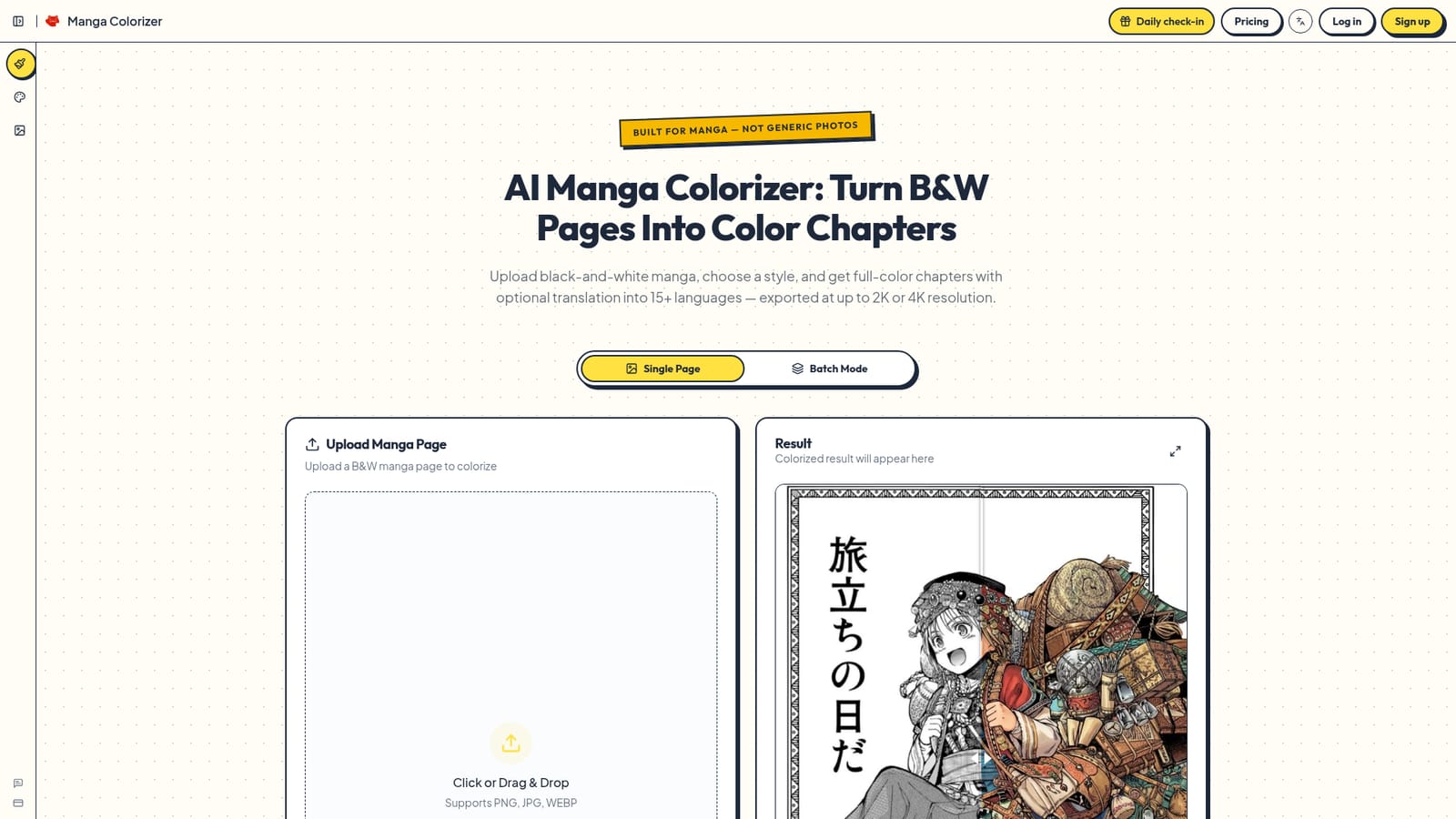
    Open the homepage and drop in one black-and-white page, or switch to Batch Mode for several. PNG, JPG and WEBP are supported, and clean scans work best.
    Manga Colorizer — Upload your manga pages
  2. 2Choose a style and optional reference
    Pick a color preset such as soft pastel, bold action, vintage print or webtoon tone. Colored reference images can be added to guide the look.
  3. 3Enable translation if needed
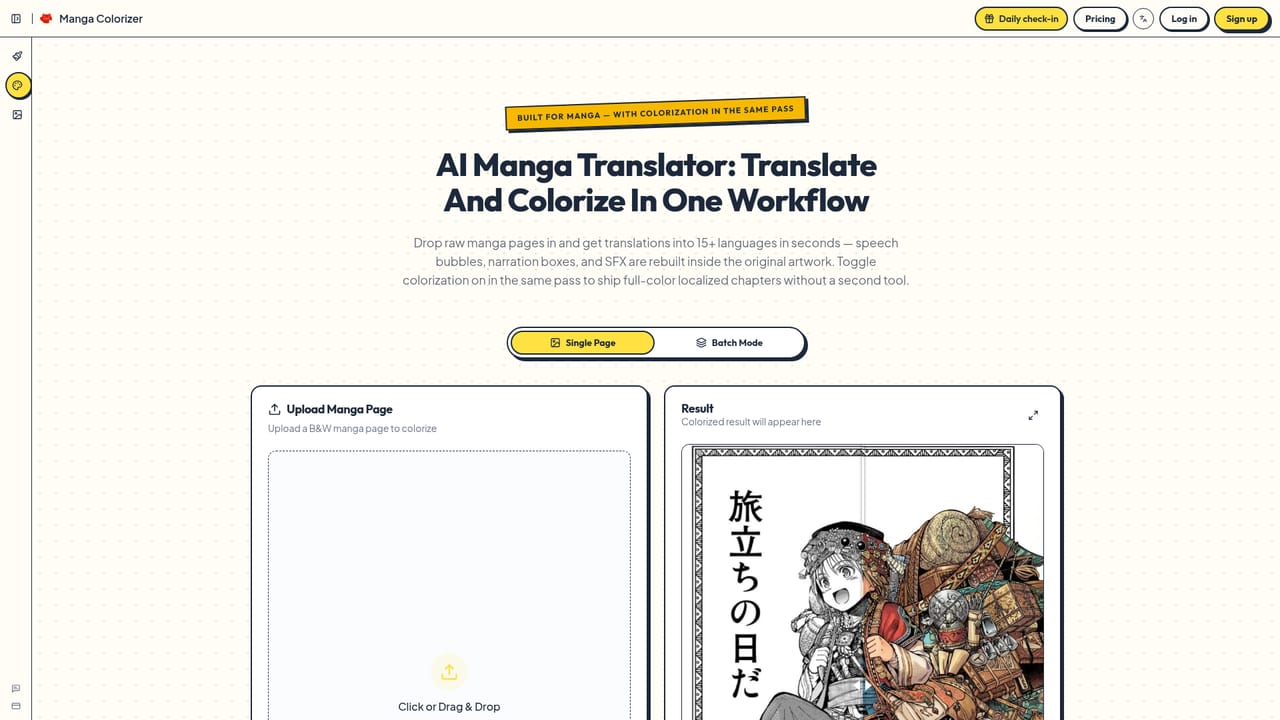
    Turn on manga text translation and select one of the 15+ target languages. Speech bubbles, narration boxes and sound effects are rebuilt in that language.
    Manga Colorizer — Enable translation if needed
  4. 4Colorize and review the result
    Run the colorization and compare the output with the original. Adjust style settings and rerun if the palette is not right.
  5. 5Download or share the chapter
    Download pages at 2K or 4K, or compile them into a chapter and share a private reader link with collaborators or beta readers.
  6. 6Check plans and sample output
    Review the pricing page for plan details and browse the gallery to see example results before committing to a larger project.
    Manga Colorizer — Check plans and sample output

Pros and cons

Pros

  • Built specifically for manga, preserving line art, panel borders and screentones instead of smearing themAI
  • Coloring and translation into 15+ languages happen in one pass and one workflowAI
  • Exports at 2K or 4K, which suits tablets, large monitors and print spreadsAI
  • Style presets and chapter-level settings aim to keep character colors consistent across pagesAI
  • Built-in reader with private share links removes the need for an image hostAI

Cons

  • The site says output suits fan reading and indie projects, so polished professional work still needs human finishing artistsAI
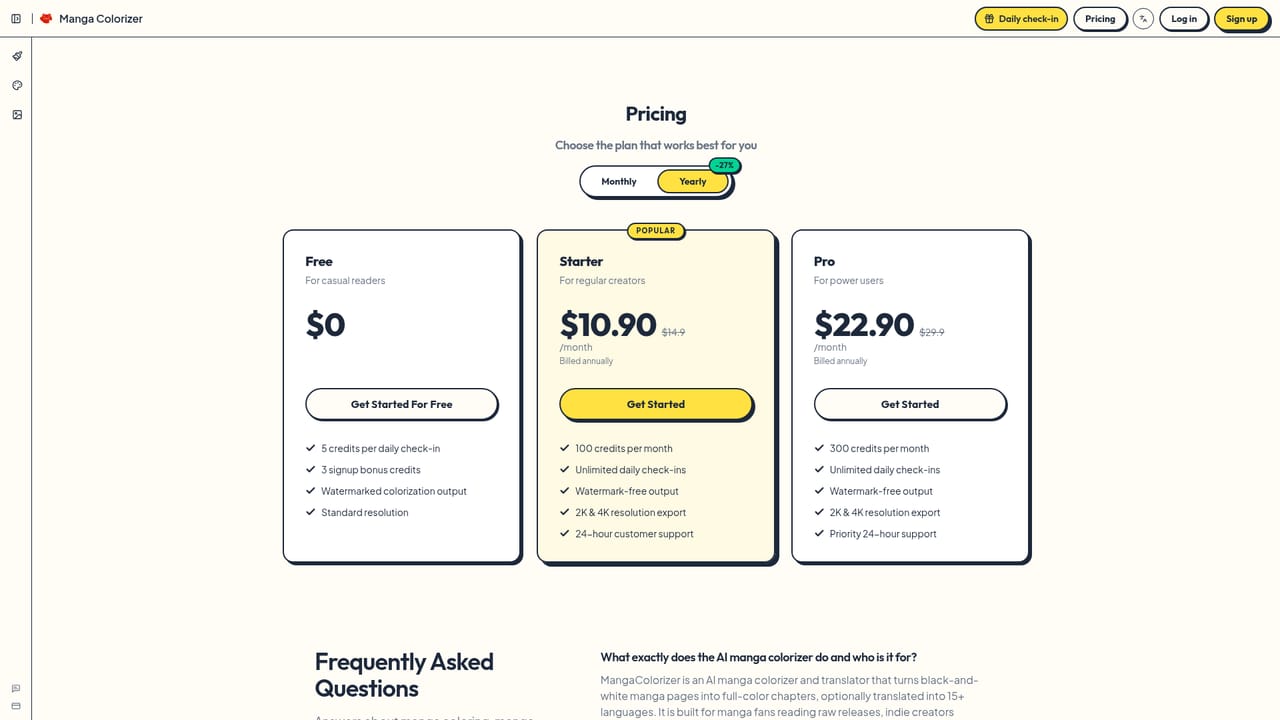
  • Pricing and credit limits are not shown on the homepage, so costs cannot be judged before visiting the pricing pageAI
  • Color choices come from presets and optional reference images, giving limited per-character manual controlAI
  • Quality depends on scan quality: rough pages only process well if panel borders and speech bubbles remain readableAI
  • Colorizing and translating copyrighted raw scans may raise rights questions that the tool does not addressAI

How much does Manga Colorizer cost?

Support

A feedback and contact page is linked from the site. The homepage does not describe support channels or response times.

Learn more

Features

Manga-aware AI coloring, style presets with reference images, chapter-level palette locking, single page and batch modes, translation into 15+ languages, 2K and 4K export, a built-in chapter reader and private share links.

Frequently asked questions about Manga Colorizer

  • How do you use Manga Colorizer?
    The walkthrough on this page covers 6 steps: 1. Upload your manga pages 2. Choose a style and optional reference 3. Enable translation if needed 4. Colorize and review the result 5. Download or share the chapter 6. Check plans and sample output.
  • What platforms does Manga Colorizer support?
    Manga Colorizer is available on Web App.
  • What are the limitations of Manga Colorizer?
    The site says output suits fan reading and indie projects, so polished professional work still needs human finishing artists. Pricing and credit limits are not shown on the homepage, so costs cannot be judged before visiting the pricing page. Color choices come from presets and optional reference images, giving limited per-character manual control.

Status

StatusActive
Views0
Outbound clicks0
Added10/18/2026

Platforms

Web App

Pricing

Freemium