Free trial
A free starter pack covers one presentation, and the site advertises a 30 day free trial with no credit card required.
Learn moreTurn rough ideas into deck-ready PowerPoint slides in seconds.

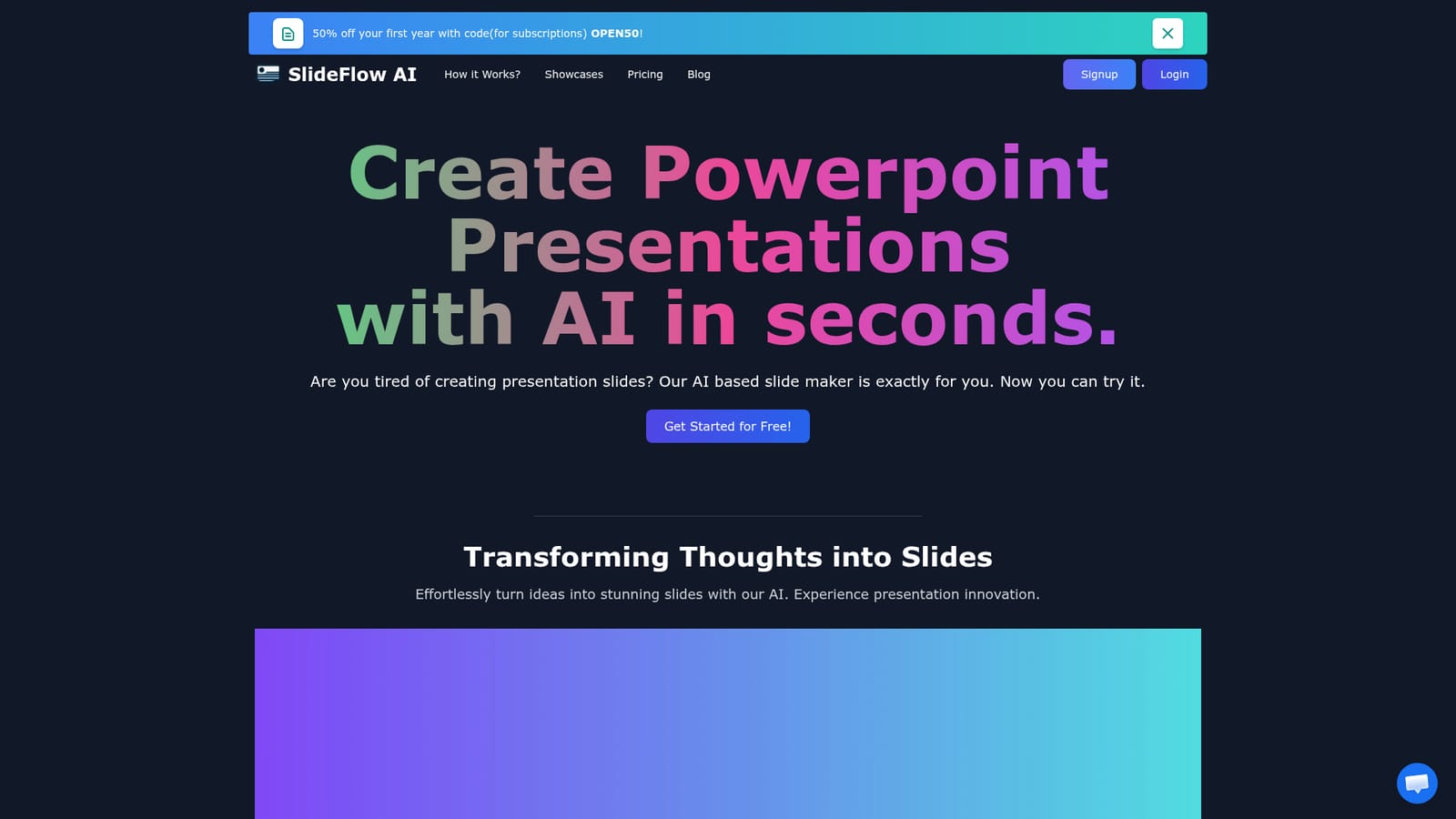
SlideFlow is an AI slideshow maker tool that turns rough ideas into deck-ready PowerPoint slides in seconds. SlideFlow converts pasted or typed text into exportable PowerPoint decks, with an AI Magic Writer for expanding content, content-matched backgrounds and support for 85+ languages.
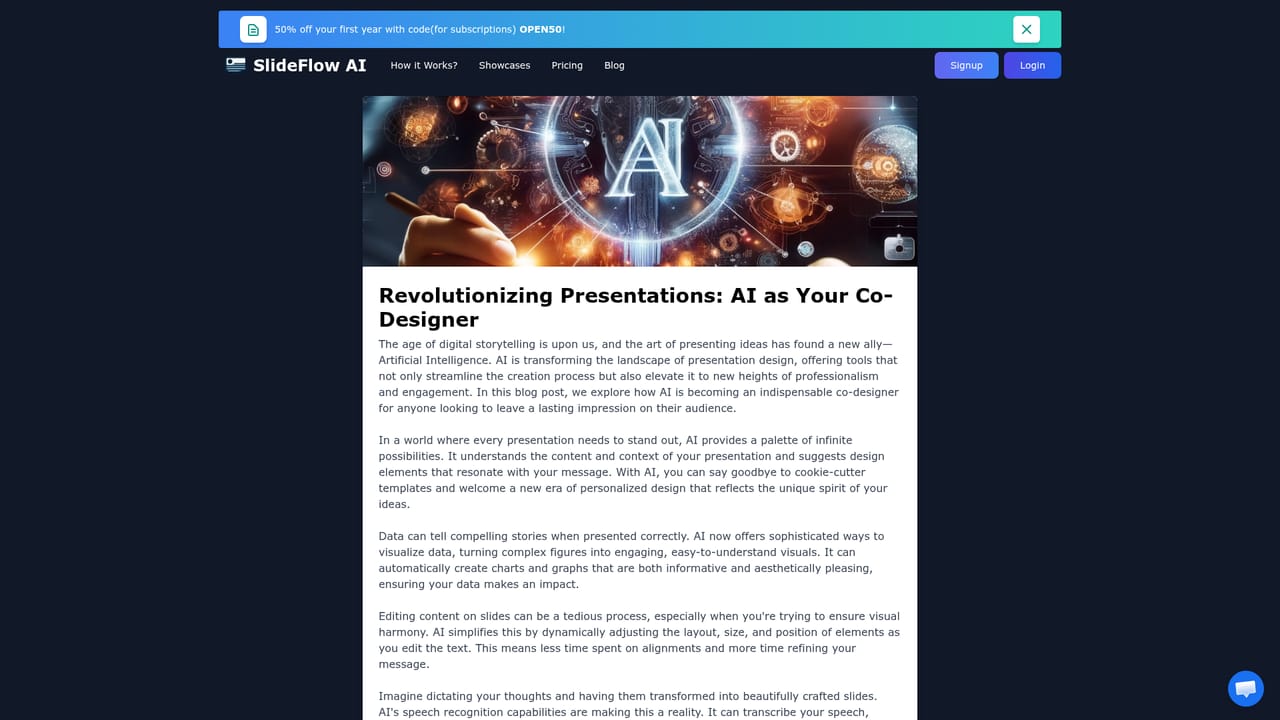
SlideFlow is a web based slide maker that turns typed or pasted text into a finished PowerPoint presentation. You start on a dashboard where you drop in your source content, and the tool generates a slide sequence with backgrounds chosen to match the subject matter. Output is exportable as a PowerPoint file, so the deck can be opened, edited and presented in the software most offices already run. The workflow has three visible stages. First comes the dashboard, where you supply raw text, either typed directly or copied from a document or note. Second is the Magic Editor, which holds a Magic Writer feature for expanding thin content or rewriting sections, plus a background library you can browse when the automatic choice does not fit the tone of the talk. Third is the review pass, where you page through the finished deck and adjust details before exporting. The product is aimed at people who need a presentable deck without a design process: consultants assembling client updates, students, small teams without a designer, and anyone who writes faster than they lay out slides. Language coverage is broad, with 85 or more languages listed, which helps for translated versions of the same deck. Backgrounds are selected from or matched to your content rather than picked manually from scratch, which is the main shortcut compared with building in PowerPoint or Google Slides directly. Among AI presentation tools, SlideFlow positions itself on speed and low commitment rather than on rich template ecosystems. Plans are small and can be bought per presentation without a subscription, and the free starter pack caps you at a single deck. The trade-offs are practical: slide counts per deck are limited by plan, input length is capped in characters, and generated presentations expire from storage, so exported files are the durable artifact.
A free starter pack covers one presentation, and the site advertises a 30 day free trial with no credit card required.
Learn moreBasic free starter pack: 1 presentation, 4 slides, 2000 characters input, 40 Magic Writer uses, 72 hours storage. Pay as you go: 1 deck for $1.49, 3 for $3.49, 5 for $4.99, each with 9 slides, 5000 characters and 7 days storage. Subscription plans are also listed but not priced on the homepage.
Learn moreCancellation of a subscription is handled through a link in the subscription email, with a chat contact offered as a fallback. No other support channels are described.
Dashboard for typed or pasted content, AI generation of up to 4 or 9 slides per deck, content-related background images with a browsable background library, Magic Writer for expanding or editing text, 85+ language support, and PowerPoint export.
 AI Angels400+ customizable AI girlfriends for NSFW chat, voice calls, and roleplay
 Candy AIExperience the future of companionship with AI friends who chat, role-play, and connect with you on a human level.
 ourdream.aiA vast AI roleplay platform with millions of characters for chat, images, video and voiceAI Angels400+ customizable AI girlfriends for NSFW chat, voice calls, and roleplayCandy AIExperience the future of companionship with AI friends who chat, role-play, and connect with you on a human level.ourdream.aiA vast AI roleplay platform with millions of characters for chat, images, video and voice