Free trial
A free plan gives 3 presentations per month with standard AI, web research, infographics, chat editing and PDF download, no credit card required. Decks are capped at 10 slides and licensed for non-commercial use.
Learn moreDescribe your deck in a sentence; AI agents build the slides.

Wonderslide generates designed slide decks from a written brief plus uploaded files, using a chat loop to propose an outline, build slides and apply edits without rebuilding. Aimed at marketers, sales teams, founders, trainers and students on tight deadlines; free tier limited to 3 decks and 10 slides each.
Wonderslide is an AI presentation builder that turns a written brief and uploaded source files into a finished, designed slide deck. The homepage frames it as a chat-driven workflow: the user describes the task (for example a Q4 marketing report with ten slides and a formal tone), optionally attaches documents, spreadsheets or PDFs, and can enable a web search so the agent pulls current statistics with source links. The system then proposes an outline for review before generating slides, which is downloaded as pptx or pdf, opened in Google Slides or shared by link. The product is pitched at people who present regularly but do not design: marketers and product managers assembling management reports, sales teams personalizing proposals for a specific client, startup founders preparing pitch decks, trainers building course material and students finishing a thesis defense. The homepage claims the agent distinguishes genres (report versus strategy versus proposal) and adapts structure to the audience. Roughly 50,000 presentations have been made on the platform, and the stated time from brief to a ready deck is about 15 minutes. In practice the workflow is iterative rather than one-shot. After generation, the user edits by chatting: add a slide about competitors, shorten the deck, or shift the tone to something more formal, without regenerating from scratch. Tables, graphs and diagrams are styled automatically, and numbers pulled from search carry a source link and date, with unverified figures flagged. That review loop is the main differentiator against template galleries like Canva or Gamma, which the homepage argues apply the same visual treatment to every genre and offer no dialogue-based revision. The ceiling is also clear. Output quality still depends on how well the brief and uploaded material are written, and the free tier caps decks at 10 slides while some format controls (editable pptx, watermark removal) sit behind the Starter plan. It competes less with PowerPoint itself than with the growing field of AI deck generators, and its strongest case is a deadline-bound deck where structure and visual polish matter more than bespoke layout control.
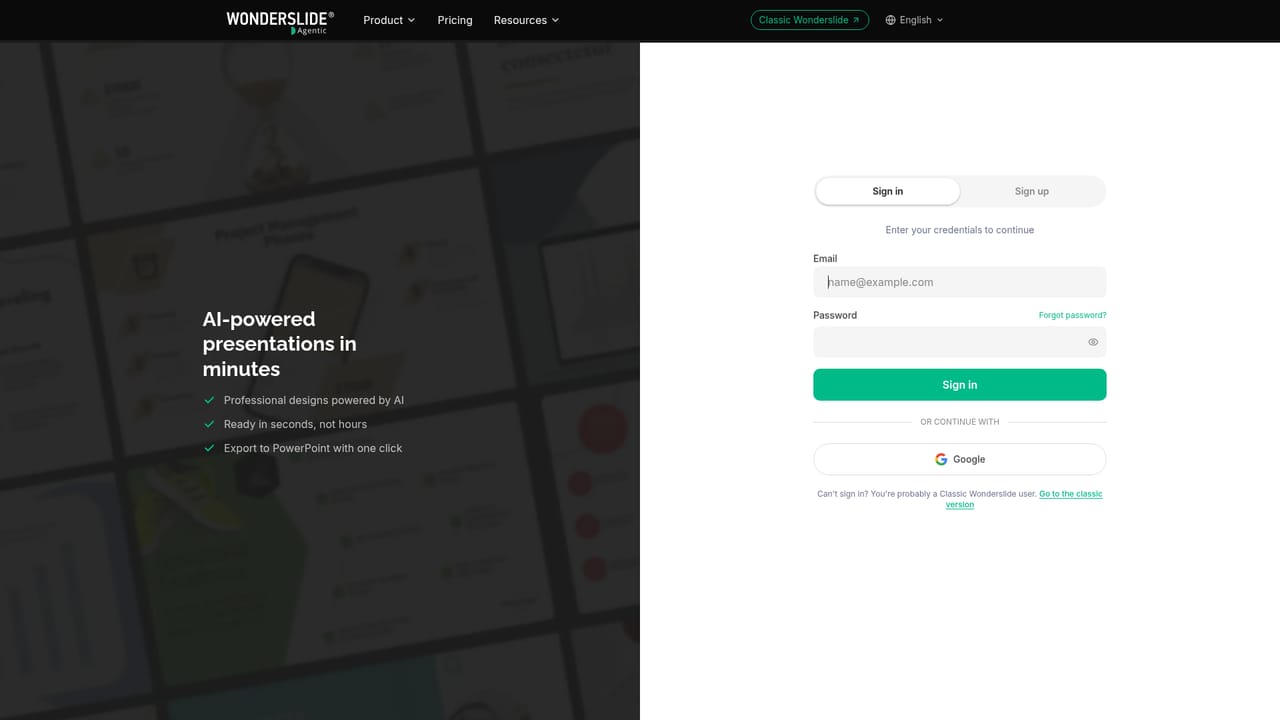
A free plan gives 3 presentations per month with standard AI, web research, infographics, chat editing and PDF download, no credit card required. Decks are capped at 10 slides and licensed for non-commercial use.
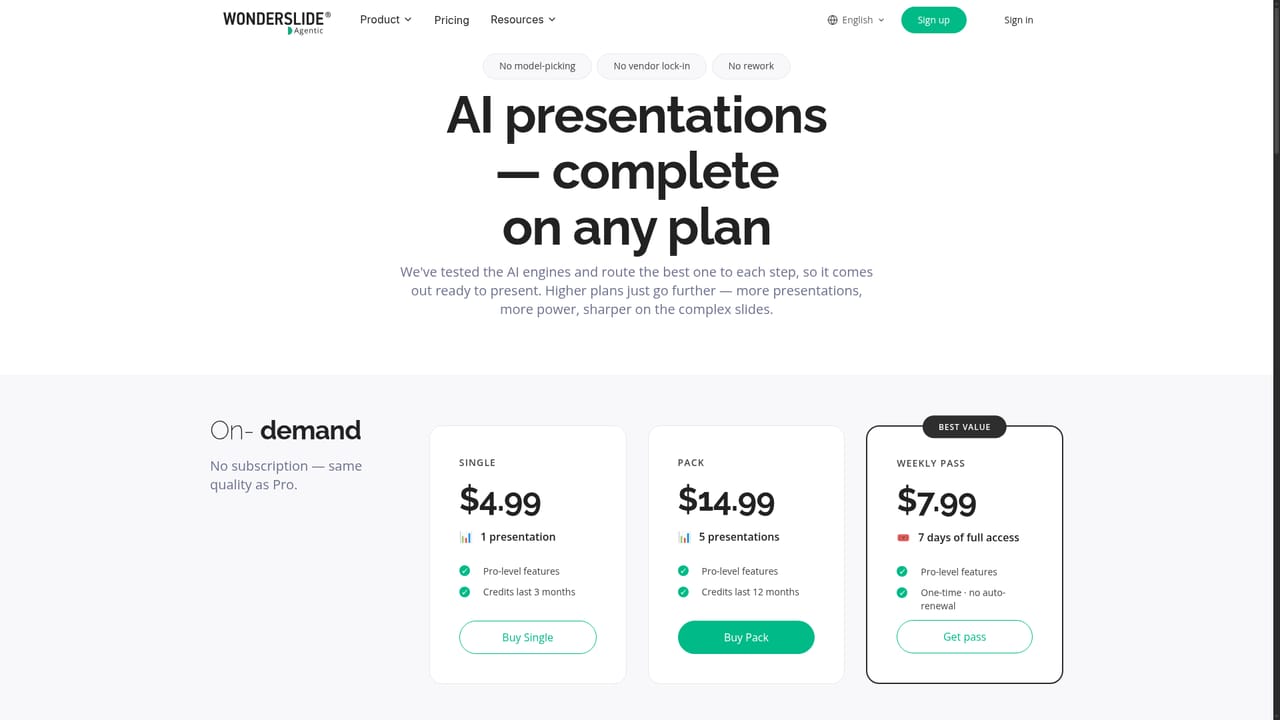
Learn moreFree: 3 decks per month, standard AI, PDF only, up to 10 slides, non-commercial. Starter: 20 decks per month, $12.99/mo or $9.99/mo annual ($120/yr), editable PPTX, no watermark, commercial license. Pro: unlimited, $24.99/mo or $18.99/mo annual ($228/yr). Team: from $59.97/mo for 3 seats.
Learn moreBasic support is listed on the Starter plan, priority support on Pro, and an individual support agent on Team. Team plans also include a team admin dashboard and centralized billing. Team inquiries go to tech@wonderslide.com.
The homepage mentions export to PPTX, PDF, Google Slides and share links. It does not describe a public API or other third-party integrations.
Chat-driven deck creation from a written brief and uploaded documents, spreadsheets or PDFs. The agent proposes an outline for review, then designs slides with styled tables, graphs and diagrams. Optional web search adds current data with source links and flags unverified numbers. Revisions happen by chat without rebuilding, and finished decks export to pptx or pdf, open in Google Slides or share by link.
 AI Angels400+ customizable AI girlfriends for NSFW chat, voice calls, and roleplay
 Candy AIExperience the future of companionship with AI friends who chat, role-play, and connect with you on a human level.
 ourdream.aiA vast AI roleplay platform with millions of characters for chat, images, video and voiceAI Angels400+ customizable AI girlfriends for NSFW chat, voice calls, and roleplayCandy AIExperience the future of companionship with AI friends who chat, role-play, and connect with you on a human level.ourdream.aiA vast AI roleplay platform with millions of characters for chat, images, video and voice