Support
Customer support is handled by email at support@festive-app.com for questions, comments, suggestions and issues. A user guide is linked from the homepage.
Turn photo collections into cinematic slideshows with designer templates
Own Festive Slideshow Maker? Verify ownership to get a dofollow link
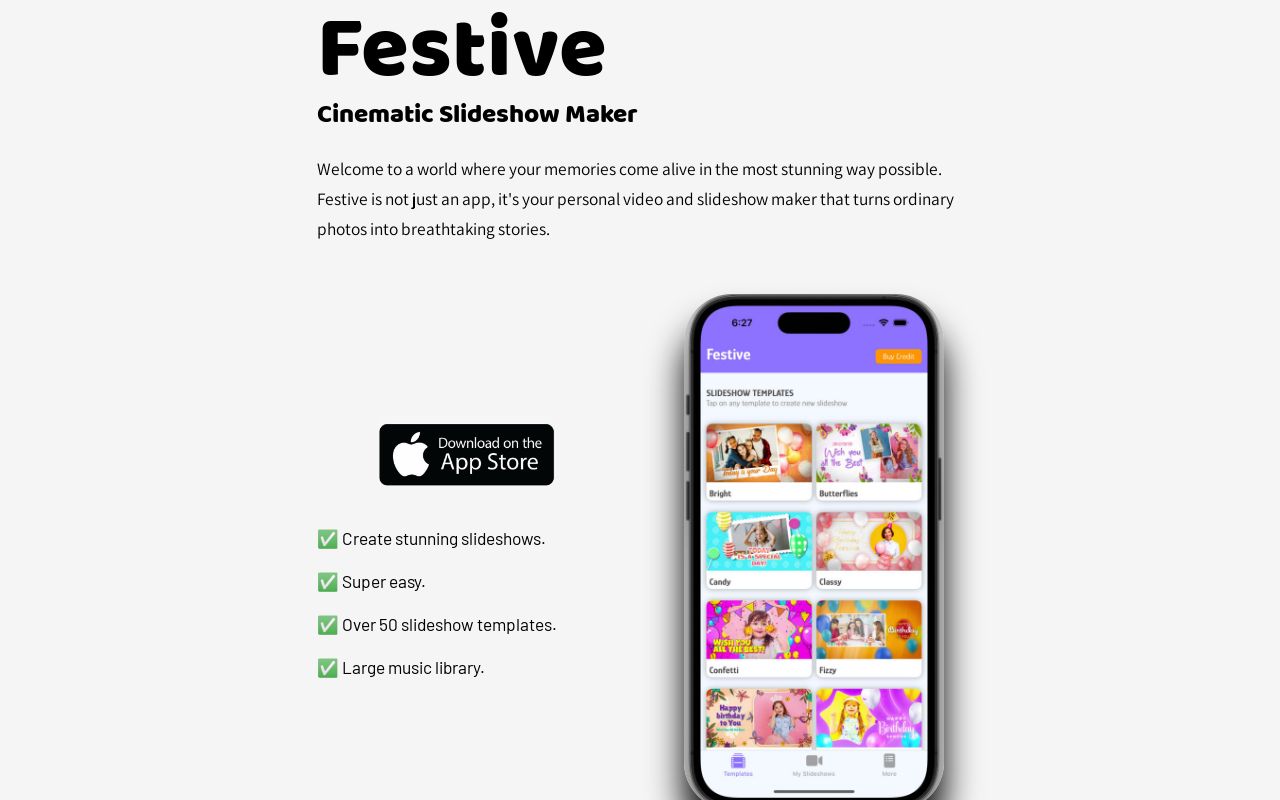
Festive Slideshow Maker is an AI slideshow maker tool that turns photo collections into cinematic slideshows with designer templates. Festive is a slideshow maker for turning personal photos into cinematic videos using more than 50 designer templates, a music library, drag-and-drop editing and AI-generated quotes.
Festive is a slideshow and video maker built around a simple premise: most people have hundreds of photos and no practical way to turn them into something worth watching. The app supplies over 50 templates crafted by an in-house design team, a large music library, and a drag-and-drop editor, so the assembly work that normally takes an afternoon in a desktop editor collapses into a short session on a phone. The workflow is photo-first. You pick a theme (Birthday, Romantic and Memories are the ones named on the site), drop your own images into the template slots, then layer on text and music. Festive includes an AI feature that proposes creative quotes, which is useful when you want a caption with some polish and do not want to write one yourself. Text stays editable, so the generated copy works as a starting point rather than a locked element. Occasion-driven output is the product's center of gravity. Birthday surprises, anniversaries and casual gatherings are the cases the template library is organized around, which means the app is aimed at people making a personal gift or a social post, not at editors producing commercial video. Anyone comparing it with general-purpose editors should expect a narrower tool that removes decisions instead of exposing them: the constraint is the point. The site presents Festive as an app and links to an App Store listing, so the practical home is iPhone and iPad. Pricing tiers are not published on the homepage, and no third-party integrations are described, so a buyer should check the App Store listing for purchase terms before committing. Support runs through a single email address, and a user guide is linked from the same page.
Customer support is handled by email at support@festive-app.com for questions, comments, suggestions and issues. A user guide is linked from the homepage.
Over 50 slideshow templates from a professional design team, occasion themes including Birthday, Romantic and Memories, drag-and-drop photo placement, a large music library, AI-generated creative quotes, and editable text styling. Projects are built for cinematic personal video rather than commercial editing.
 AI Angels400+ customizable AI girlfriends for NSFW chat, voice calls, and roleplay
 Candy AIExperience the future of companionship with AI friends who chat, role-play, and connect with you on a human level.
 ourdream.aiA vast AI roleplay platform with millions of characters for chat, images, video and voiceAI Angels400+ customizable AI girlfriends for NSFW chat, voice calls, and roleplayCandy AIExperience the future of companionship with AI friends who chat, role-play, and connect with you on a human level.ourdream.aiA vast AI roleplay platform with millions of characters for chat, images, video and voice