Pricing
The homepage does not list plan prices. It advertises unlimited 3D creation that is not credit based, and points subscribers to a pricing page for plan details.
Learn moreUnlimited text and image to 3D, plus animation, audio and scenes for game assets
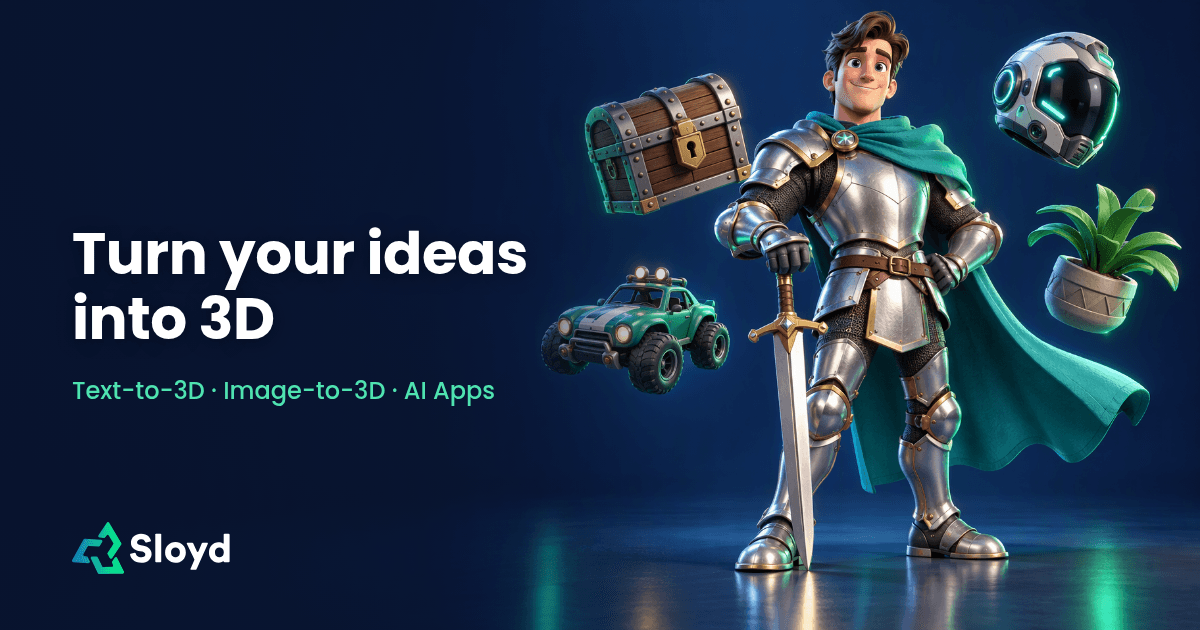
Sloyd generates 3D models from text or images in the browser, with no per-model credit limit advertised. It adds rigging, animation, video, audio, skyboxes and a scene editor aimed at game developers, designers and 3D printing hobbyists.
Sloyd is a browser-based 3D generator that turns text prompts or reference images into textured models without requiring hands-on modeling. The homepage stresses unlimited generation rather than a credit meter, so users can produce as many variations as they like and refine results instead of settling for a first attempt. Its audience spans game developers, designers, indie creators, jewelers and hobbyists who 3D print, with a gallery covering furniture, characters, vehicles, props and figurines. The core workflow has two entry points. Text to 3D takes a described object and returns a model, which suits quick ideation and exploring variants. Image to 3D accepts a photo, sketch, render or reference picture and builds a textured model from its shape and proportions. A companion image app generates and edits pictures with AI so they can serve as references before conversion. Reviewers quoted on the page mention previewing and adjusting a prompt before credits are used, and a library of customizable template objects. Beyond single models, the product has grown into a game-asset suite. Characters can be rigged automatically and given preset or text-driven motion, then exported to a game engine. Other tools cover AI video clips with sound, sound effects and voice-over exported as MP3, 360-degree skyboxes for Blender, Roblox, Unity or the web, a scene editor with an AI agent, a split-to-parts tool and a spritesheet generator. Dedicated pages address 3D printing, interior design, film production and e-commerce, and an API with documentation and a plugins page support integration into existing pipelines. Among alternatives, Sloyd sits between pure text-to-3D generators and full modeling packages. It offers more production-oriented extras than single-purpose generators, while leaving heavy sculpting and retopology to dedicated 3D software. The homepage claims more than a million creators and links to Capterra for further reviews, which gives prospective buyers an outside source to check quality claims against.
The homepage does not list plan prices. It advertises unlimited 3D creation that is not credit based, and points subscribers to a pricing page for plan details.
Learn moreA reviewer on the homepage praises the customer service. An API documentation site exists, and further user reviews are linked on Capterra.
Learn moreModels export to other 3D software and game engines. Skyboxes export to Blender, Roblox, Unity or the web. A plugins page and an API with documentation are also available.
Learn moreText to 3D and image to 3D generation, AI image creation and editing, automatic rigging and animation, AI video with sound, sound effects and voice-over, 360-degree skyboxes, a 3D scene editor, split to parts, spritesheets and 3D printing support.
 AI Angels400+ customizable AI girlfriends for NSFW chat, voice calls, and roleplay
 Candy AIExperience the future of companionship with AI friends who chat, role-play, and connect with you on a human level.
 ourdream.aiA vast AI roleplay platform with millions of characters for chat, images, video and voiceAI Angels400+ customizable AI girlfriends for NSFW chat, voice calls, and roleplayCandy AIExperience the future of companionship with AI friends who chat, role-play, and connect with you on a human level.ourdream.aiA vast AI roleplay platform with millions of characters for chat, images, video and voice


