Pricing
The homepage states the generator is free and requires no account or signup. No paid tiers, subscription prices, or usage limits are mentioned on the page.
Learn moreTurn any goal into a SMART, step-by-step action plan.

Small Steps is an AI project builder tool that turns any goal into a SMART, step-by-step action plan. A free, no-signup AI generator that converts one plain-language goal into an ordered task list with SMART framing and time estimates, then lets you export the result to your own task tracker.
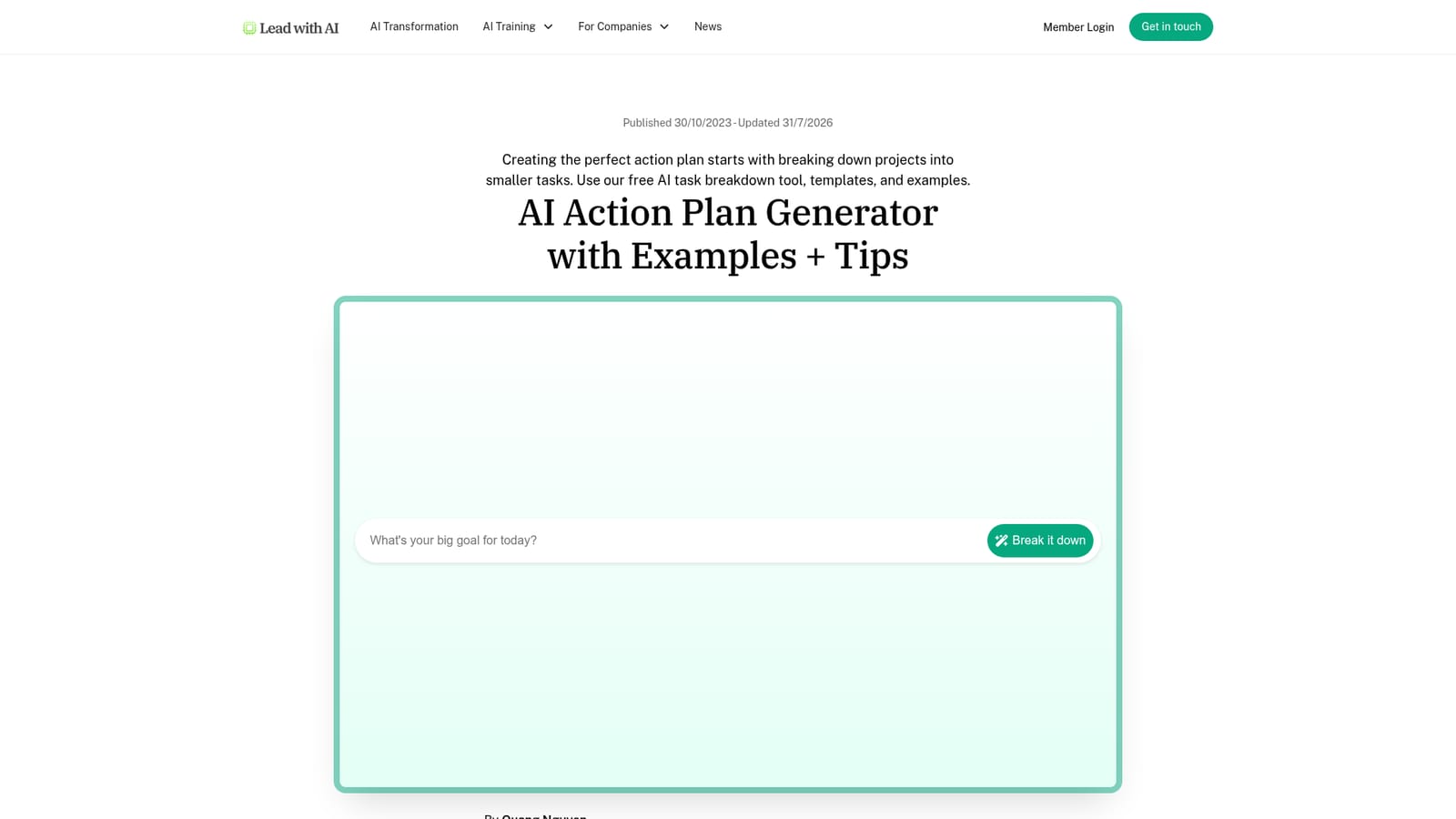
Small Steps is a free AI action plan generator that takes a single goal written in plain language and returns an ordered list of concrete tasks. It runs on ChatGPT 3.5 and shapes each step to fit the SMART criteria (specific, measurable, achievable, relevant, time-bound), so the output reads like a workable plan rather than a vague brainstorm. The tool is built for people who get stuck at the start of a project because the first move is not obvious: solo operators, team leads, and anyone who needs to turn a fuzzy intention into something they can begin today. In practice the workflow is deliberately short. You type a goal such as building a landing page in two days into the only input box on the page and submit it. The generator returns a task breakdown with estimated durations attached to each item, which you can review, reorder, or hand off to collaborators. From there you can export the list with one click and import it into whatever task tracker or project planning tool your team already uses, or email it to yourself. The page does not require an account or a signup, which removes the usual friction of testing a planning tool. Small Steps sits closer to a task breakdown assistant than to a full project management platform. It does not track progress, manage resources, or coordinate multiple parallel workstreams; the source material frames the action plan as a tactical, single-goal instrument, distinct from a broader project plan that covers scope, budget, and risk. That narrow scope is the point. The output is meant to be moved into your existing stack, where ownership, deadlines, and dependencies get handled. The surrounding guidance on the site rounds out the tool with practical habits: prioritize and delegate tasks after generation, batch similar work into time blocks, schedule against Parkinson's Law, apply the two-minute rule to small items, and take breaks. A short FAQ addresses the difference between an action plan and a project plan and how to structure an AI adoption plan for a team. Small Steps is part of the Lead with AI resource library, which also publishes guides on AI in the workplace and on evaluating AI websites.
The homepage states the generator is free and requires no account or signup. No paid tiers, subscription prices, or usage limits are mentioned on the page.
Learn moreThe page mentions exporting the task list for use with your favorite task tracker or project planning tool, and shows an example imported into Notion. No formal integrations or API are listed.
Generates an ordered task breakdown from one plain-language goal, framed to SMART criteria and powered by ChatGPT 3.5. Each task includes an estimated duration. Results can be exported with one click for import into a task tracker or project planning tool. No account is needed to use the generator.
 AI Angels400+ customizable AI girlfriends for NSFW chat, voice calls, and roleplay
 Candy AIExperience the future of companionship with AI friends who chat, role-play, and connect with you on a human level.
 ourdream.aiA vast AI roleplay platform with millions of characters for chat, images, video and voiceAI Angels400+ customizable AI girlfriends for NSFW chat, voice calls, and roleplayCandy AIExperience the future of companionship with AI friends who chat, role-play, and connect with you on a human level.ourdream.aiA vast AI roleplay platform with millions of characters for chat, images, video and voice


