Smart Palette

Turn an idea into custom artwork, then order the print

Beginner
Screenshot of Smart Palette, Turn an idea into custom artwork, then order the print

What is Smart Palette?

Smart Palette is a generative art tool that turns an idea into custom artwork, then order the print. Smart Palette is a create then order service for custom artwork and prints. Users move through a guided selection flow, customize a piece to match their style and space, and order the finished print.

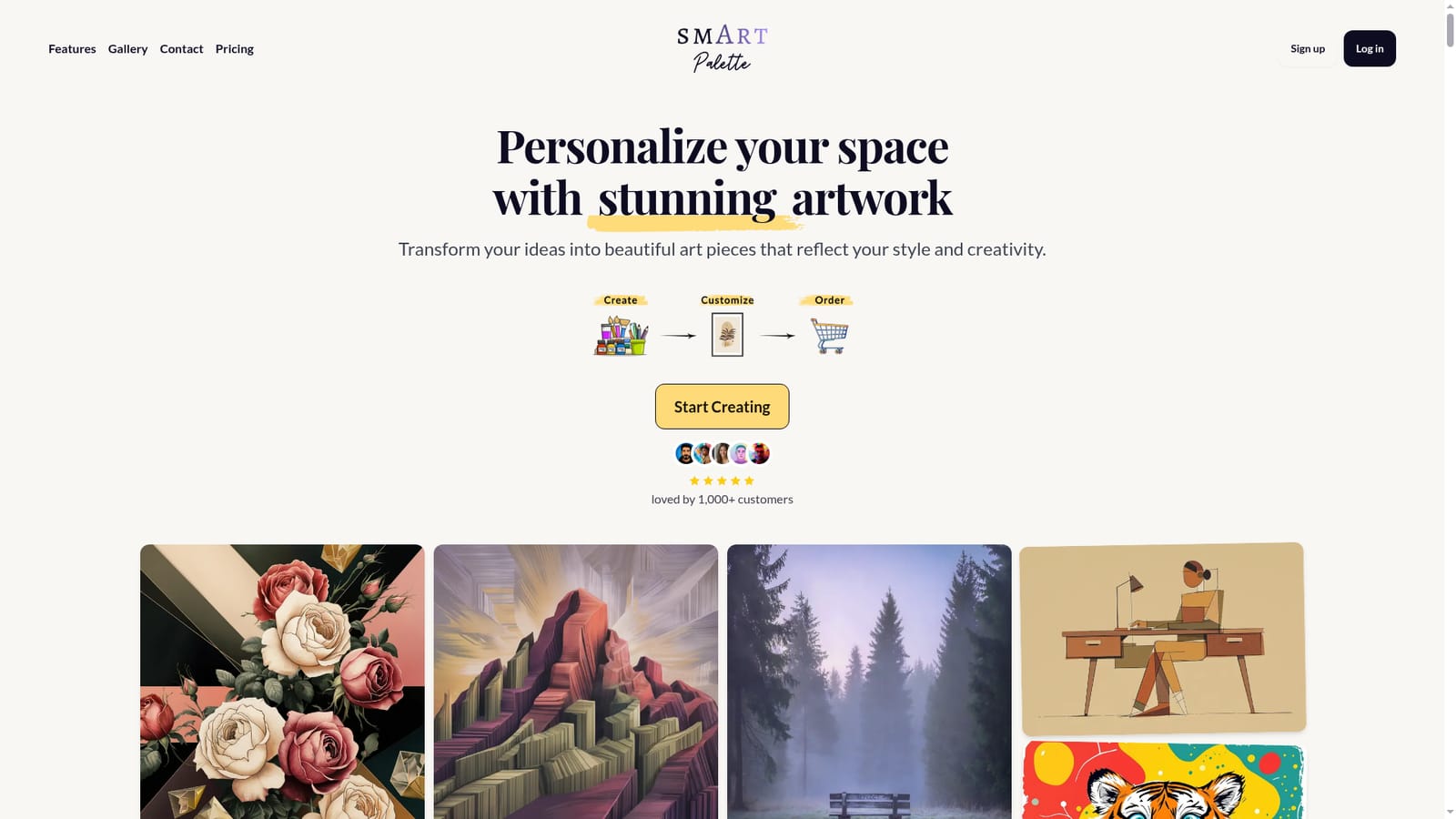
Smart Palette is a service for creating custom artwork and ordering it as a finished print. Rather than stopping at a generated image file, the product carries a piece from an initial concept through customization to a physical order, so the artwork is meant to end up on a wall rather than in a downloads folder. The workflow is built around personal style and the space where the piece will hang. The homepage frames the appeal as transforming ideas into art that reflects the buyer's own aesthetic and matches the room. The site shows a selection flow as the entry point, which suggests the tool guides a user through choices rather than dropping them into a blank canvas. A moodboard gallery of sample pieces illustrates the range of looks on offer, and the site states that more than 1,000 customers have used the service. The practical audience is people decorating a home or office who want something more personal than mass market prints but lack the tools or confidence to commission original work. It also suits gift buyers looking for a piece tied to a specific person or room. Compared with general purpose image generators, Smart Palette is narrower: the output is a printable artwork and the surrounding steps exist to make ordering straightforward, not to support illustration work, concept art or design projects. Compared with marketplaces of pre-made prints, it offers personalization but a presumably smaller catalog of pre-built options. The homepage does not publish pricing tiers, turnaround times, shipping regions, file formats or the specific production methods used for printing. Anyone evaluating it should confirm those details directly before ordering, particularly for larger formats or delivery outside the core market.

How do you use Smart Palette?

  1. 1Start from the homepage
    Open the site and review the moodboard samples to get a sense of the visual styles on offer before committing to a direction.
    Smart Palette — Start from the homepage
  2. 2Enter the selection flow
    Use the Start Creating button to begin the guided selection steps, where the choices that define the piece are made.
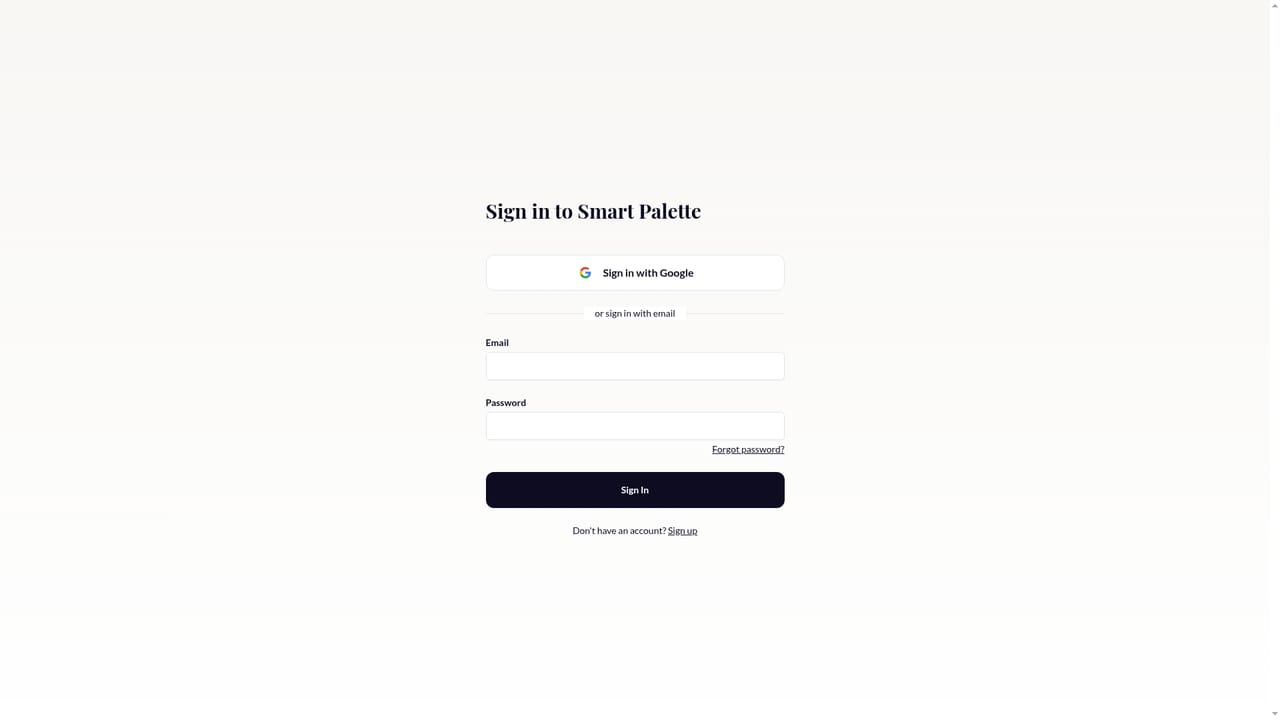
    Smart Palette — Enter the selection flow
  3. 3Set your style and space
    Work through the selection prompts, keeping the room, palette and intended mood in mind so the result fits the wall it is headed for.
  4. 4Review the artwork options
    Compare the resulting designs against the moodboard references and pick the one that best matches your style.
  5. 5Customize and confirm details
    Adjust the chosen piece as offered, then confirm the artwork before moving to the order stage.
  6. 6Place the print order
    Finish the checkout process. Confirm sizing, delivery and cost at this point, since these details are not published on the homepage.

Pros and cons

Pros

  • Combines creation and fulfillment, so a design can go straight to a printed orderAI
  • Positioned around matching artwork to a specific room and personal styleAI
  • Guided selection flow makes the starting point clearer than a blank canvasAI
  • Sample moodboard gives a realistic sense of the visual range availableAI
  • Reported base of more than 1,000 customers suggests some track recordAI

Cons

  • No pricing, shipping or turnaround information on the homepage, so cost is unknown until further stepsAI
  • Narrow scope: built for wall art, not illustration, branding or other design workAI
  • No detail on print materials, sizes, formats or production qualityAI
  • No stated integrations or export options for people who want a digital file tooAI
  • Support channels and returns policy are not described on the siteAI

How much does Smart Palette cost?

Features

Guided selection flow for defining a piece of art, customization of the chosen design, a moodboard gallery of sample artwork for reference, and an ordering path that takes the finished piece to a printed product. The site positions the output as art matched to the user's style and physical space.

Learn more

Frequently asked questions about Smart Palette

  • How do you use Smart Palette?
    The walkthrough on this page covers 6 steps: 1. Start from the homepage 2. Enter the selection flow 3. Set your style and space 4. Review the artwork options 5. Customize and confirm details 6. Place the print order.
  • What platforms does Smart Palette support?
    Smart Palette is available on Web App.
  • What are the limitations of Smart Palette?
    No pricing, shipping or turnaround information on the homepage, so cost is unknown until further steps. Narrow scope: built for wall art, not illustration, branding or other design work. No detail on print materials, sizes, formats or production quality.

Status

StatusActive
Views0
Outbound clicks0
Added10/21/2026

Platforms

Web App

Pricing

Paid