Free trial
The homepage markets Tripo as a free online AI 3D model generator and offers a Start for Free entry point into the studio, but it does not state trial length, credit allowances or what paid plans unlock.
Learn moreTurn text prompts, photos and sketches into 3D models in seconds
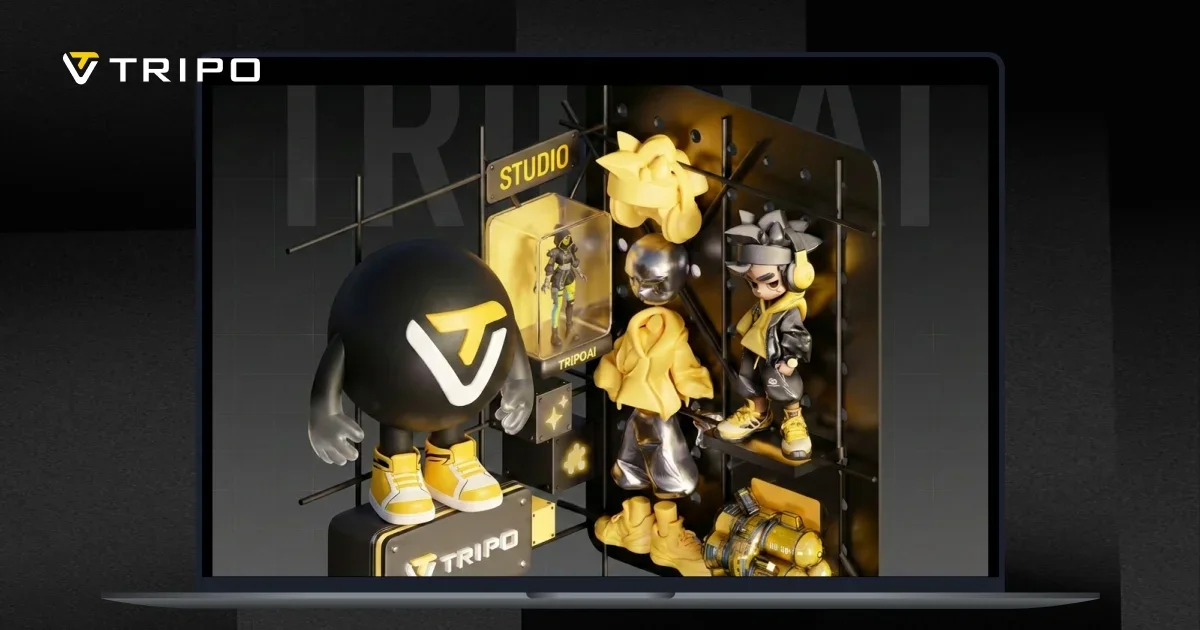
Tripo is a generative art tool that turns text prompts, photos and sketches into 3D models in seconds.
Tripo is an online AI 3D model generator that converts text prompts, photos and sketches into finished 3D assets. The free web studio accepts an uploaded image or a written description and returns a model within seconds, aimed at people who need 3D geometry without opening a sculpting package. The output is not a single generic blob: the service offers two generation paths, a high detail mode that pushes up to 2M polygons for rendering, VFX and print work, and a Smart Mesh mode that produces native quad topology from 500 to 25K polygons with edge flow built for engines. In practice the workflow runs from concept to a usable file. A product photo or drawn concept becomes a base model, smart segmentation cuts it into parts that fit a print bed, and export lands as STL, 3MF or OBJ ready to slice. For game and animation work the same asset can be auto-rigged with a skeleton, then textured with full PBR sets (albedo, normal, metallic, roughness) up to 8K or with flat base color for stylized looks. A quad remesher cleans up topology where needed. The tool suits game artists prototyping characters and props, product and industrial designers validating form early, e-commerce teams building 3D product visuals, and makers who want a printable miniature from a sketch. Studio pages showcase orc warriors, troll miniatures, sneakers, a foldable drone and VR fantasy scenes, which sketch the intended range. Partners listed on the homepage include Sony, NetEase Games, ByteDance, Tencent Games, Stability AI, HTC, Replit, Bambu Lab, Creality and Anycubic, a mix that spans games, hardware and model hosting. Against alternatives, Tripo positions itself on the two-mode split: most generators force a choice between dense detail and clean topology, while Tripo lets users pick per project and clean up afterwards. The trade-off is that output still needs review, and the deepest controls (remeshing, rigging, segmentation) assume some familiarity with 3D pipelines.
The homepage markets Tripo as a free online AI 3D model generator and offers a Start for Free entry point into the studio, but it does not state trial length, credit allowances or what paid plans unlock.
Learn moreText to 3D and image to 3D generation, a high detail mode up to 2M polygons, Smart Mesh quad topology from 500 to 25K polygons, an AI quad remesher, smart segmentation that splits models for print beds, auto-rigging with production-ready skeletons, and AI texturing with PBR maps (albedo, normal, metallic, roughness) up to 8K or flat base color.
Learn more AI Angels400+ customizable AI girlfriends for NSFW chat, voice calls, and roleplay
 Candy AIExperience the future of companionship with AI friends who chat, role-play, and connect with you on a human level.
 ourdream.aiA vast AI roleplay platform with millions of characters for chat, images, video and voiceAI Angels400+ customizable AI girlfriends for NSFW chat, voice calls, and roleplayCandy AIExperience the future of companionship with AI friends who chat, role-play, and connect with you on a human level.ourdream.aiA vast AI roleplay platform with millions of characters for chat, images, video and voice





