Free trial
A free trial is available with no credit card required. The homepage links to a sign-up page where you can start translating immediately.
Learn moreAI translation and localization for global content teams

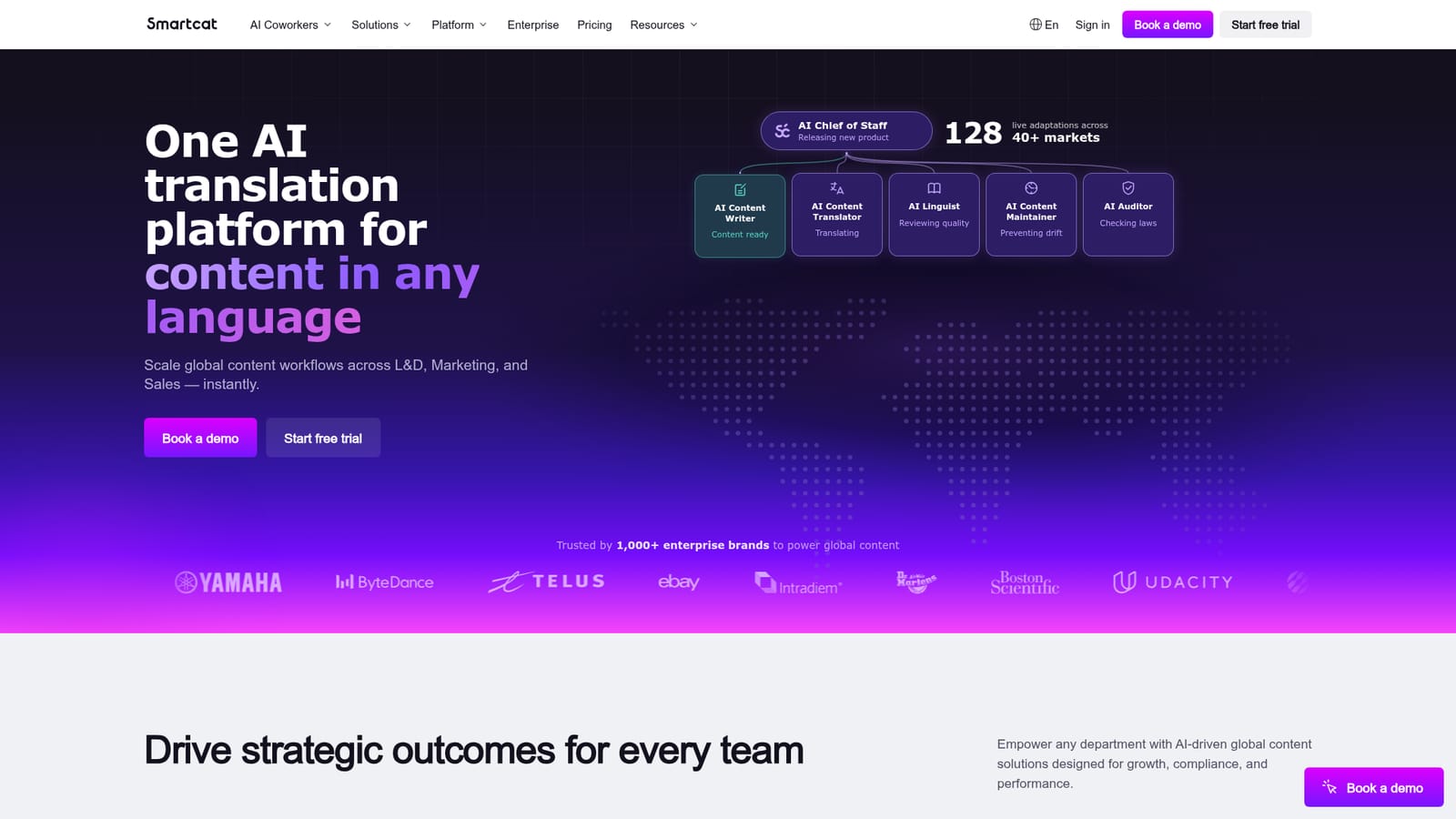
Smartcat is an AI translation and localization platform covering 280+ languages, 80+ file formats and optional human review through a large translator marketplace. It targets marketing, product, legal and ecommerce teams that need multilingual content at scale, with integrations for CMS, Git, Figma and product data tools.
Smartcat is an AI translation and localization platform built for organizations that need to produce content in many languages without assembling a separate localization department. It combines machine translation across 280+ languages with AI content generation and optional human review, all inside a single workspace. The platform is positioned for learning and development, marketing, product, legal, ecommerce and engineering teams that handle multilingual material regularly. In practice, a user uploads a document, connects a website, or pulls content from a business system. Smartcat detects the language pair, applies a translation engine tuned to the content type, and returns the translated file with the original formatting preserved. Reviewers can edit the output, and those edits feed back into the system so technical terms and brand vocabulary stay consistent over time. The same workspace supports project management, translator sourcing and payment consolidation, which means a small team can run a localization program without dedicated tooling. The platform sits between standalone machine translation services and full translation management systems. It offers more workflow control than a simple API or browser translator, and it is designed to be usable by non-specialists rather than only localization engineers. A built-in marketplace of 500,000+ linguists allows a hybrid approach where AI output is reviewed by professionals when accuracy matters. Integrations with CMS, repositories and product data systems let localization run continuously rather than as a one-off batch job. The unlimited seat model encourages wider internal adoption, and the vendor reports cost and turnaround improvements from named enterprise customers.
A free trial is available with no credit card required. The homepage links to a sign-up page where you can start translating immediately.
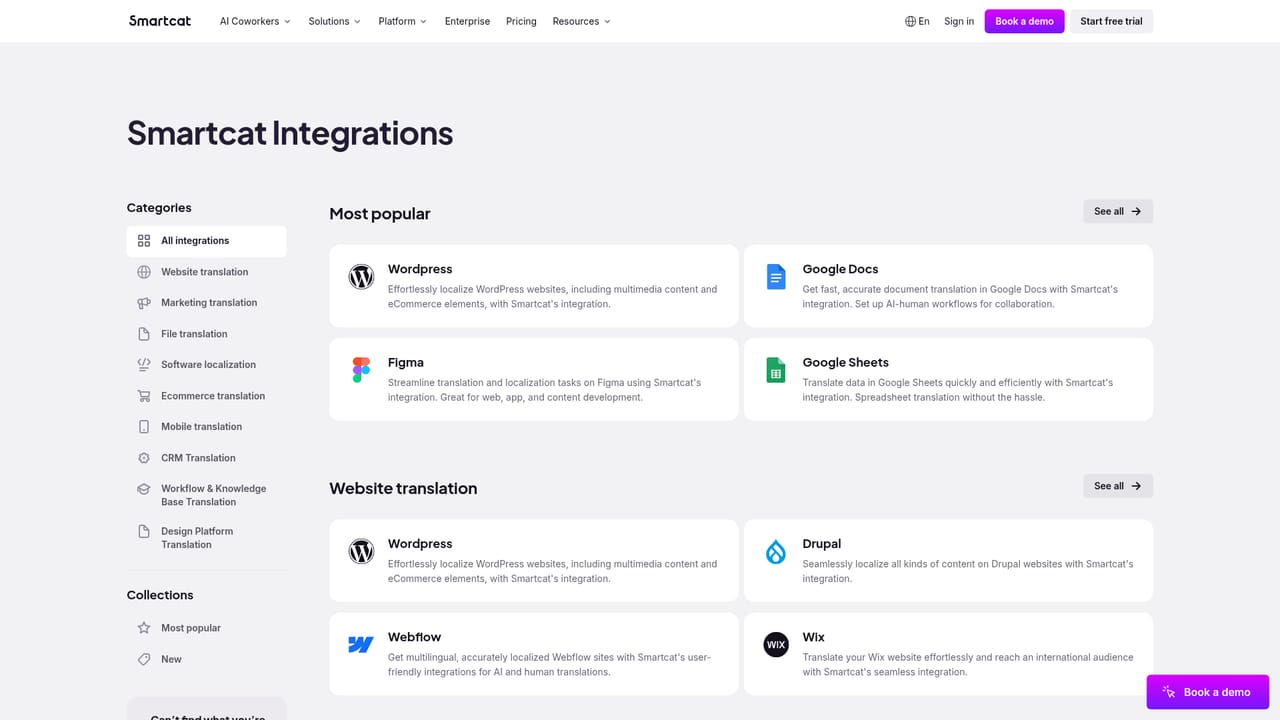
Learn more40+ integrations including Google Docs, WordPress/WPML, Git/Bitbucket, Figma, Contentful, Salsify, Google Sheets, Akeneo, Lokalise, Jira, Google Drive, Dropbox, Gmail, Slack, Salesforce and Drupal.
Learn moreAI translation across 280+ languages, AI content generation, AI plus human workflows, and AI procurement. Supports 80+ file formats, a marketplace of 500,000+ linguists, a website translator for any CMS, and 40+ integrations for continuous localization.
 AI Angels400+ customizable AI girlfriends for NSFW chat, voice calls, and roleplay
 Candy AIExperience the future of companionship with AI friends who chat, role-play, and connect with you on a human level.
 ourdream.aiA vast AI roleplay platform with millions of characters for chat, images, video and voiceAI Angels400+ customizable AI girlfriends for NSFW chat, voice calls, and roleplayCandy AIExperience the future of companionship with AI friends who chat, role-play, and connect with you on a human level.ourdream.aiA vast AI roleplay platform with millions of characters for chat, images, video and voice


