Free trial
The free tool and the free Snov.io account both serve as trial access. The page states no card is required to start.
Learn moreFree AI email writer for sales outreach and follow-ups
Own Snov Email Writer? Verify ownership to get a dofollow link

Snov Email Writer is a copywriting tool. A free AI email generator from Snov.io that writes outreach, follow-up and networking emails from a short prompt. The full AI Studio adds ICP-based personalization, reusable templates and campaign sending inside the Snov.io platform.
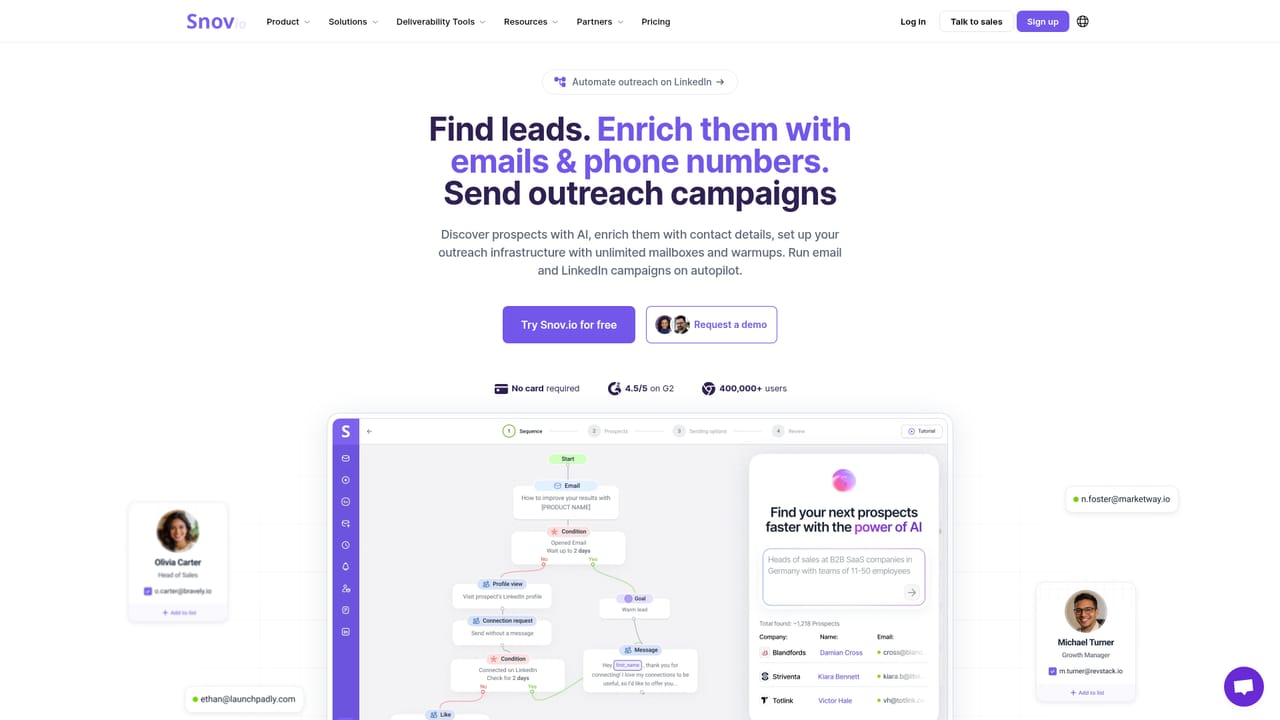
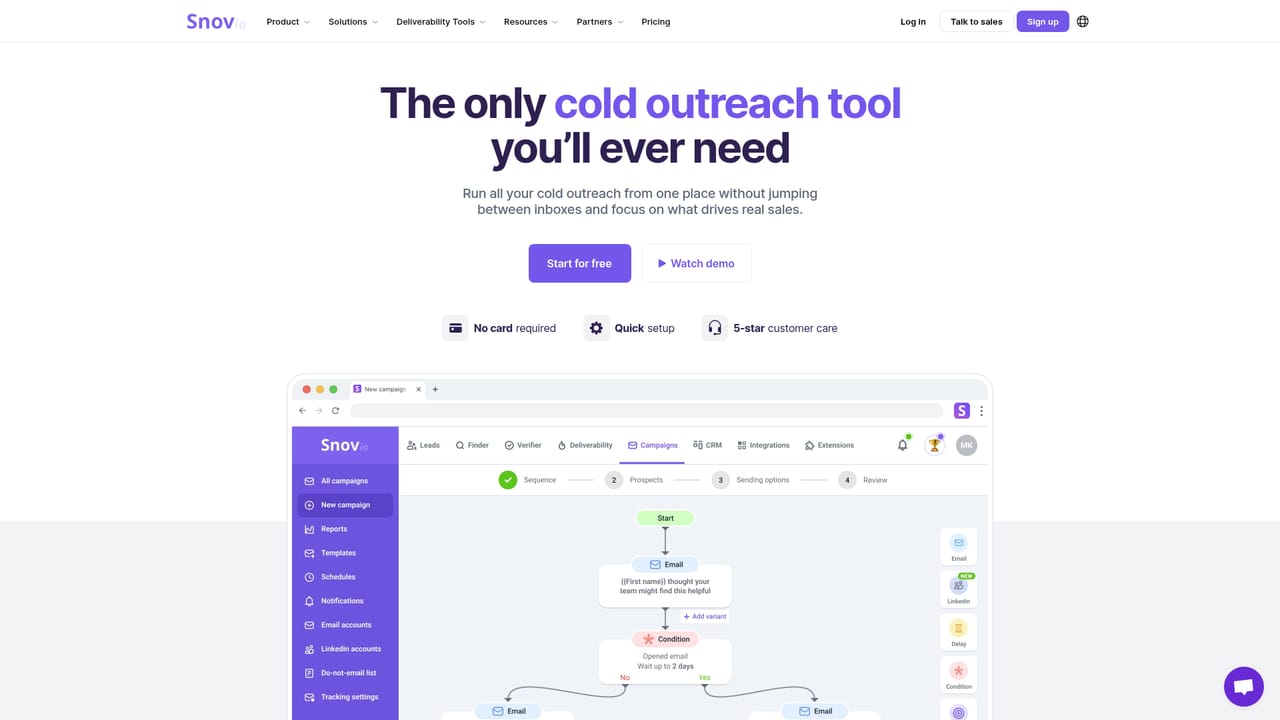
Snov Email Writer is a free browser tool from Snov.io that turns a short instruction into a complete outreach email. You describe the goal, the audience or the offer, and the generator returns copy you can copy straight into your email client. The page itself suggests starting points such as a sales follow-up, a cold pitch, an introduction to a new team or a request for a raise, which gives a clear sense of the intended range: professional correspondence rather than creative writing. The free tool is deliberately narrow. It generates one email at a time, offers no ICP context and stops after a set number of runs. Signing up for a Snov.io account unlocks the full AI Studio, where the workflow becomes more structured. There you define your product and build an ideal customer profile, pick value points that should appear in the copy, and generate drafts that adapt tone and structure. Proven email frameworks and styles are available as presets, and a custom prompt box lets you steer the output. Emails that perform well can be saved and reused, and finished drafts can be added to a sequence and launched as a campaign without leaving the platform, alongside Snov.io's email finder, verifier, warm-up and CRM tools. Sales teams, agencies and founders doing outbound are the obvious audience, though the free generator also suits job seekers, networkers and anyone facing a blank page. Output quality tracks input quality: vague instructions produce generic copy, while a defined ICP and specific selling points produce something closer to a usable first draft. It competes with generic chat assistants on convenience rather than raw model power, and the real differentiator is the surrounding infrastructure for finding leads, warming inboxes and sending sequences. The page claims support for 36 languages and subject line generation, and cites ratings of 4.5 on G2 and 4.6 on Capterra.
The free tool and the free Snov.io account both serve as trial access. The page states no card is required to start.
Learn moreThe AI Email Writer is free to use with a limit on generations. Creating a free Snov.io account removes that limit and opens AI Studio, with paid plans available for advanced features. The page does not list plan prices.
Learn moreSupport details are not described on this page. The site offers a sales contact route and publishes customer case studies.
No outside integrations are stated on this page. Generated emails connect to Snov.io's own modules for lead search, verification, warm-up, multichannel campaigns and CRM.
Generates outreach, follow-up, networking and marketing emails from a short prompt. The free tool produces single drafts with subject line options in 36 languages. AI Studio adds ideal customer profile setup, selectable value points, proven email frameworks, tone and structure controls, custom prompts, saved templates and direct handoff to campaigns.
 AI Angels400+ customizable AI girlfriends for NSFW chat, voice calls, and roleplay
 Candy AIExperience the future of companionship with AI friends who chat, role-play, and connect with you on a human level.
 ourdream.aiA vast AI roleplay platform with millions of characters for chat, images, video and voiceAI Angels400+ customizable AI girlfriends for NSFW chat, voice calls, and roleplayCandy AIExperience the future of companionship with AI friends who chat, role-play, and connect with you on a human level.ourdream.aiA vast AI roleplay platform with millions of characters for chat, images, video and voice


