Free trial
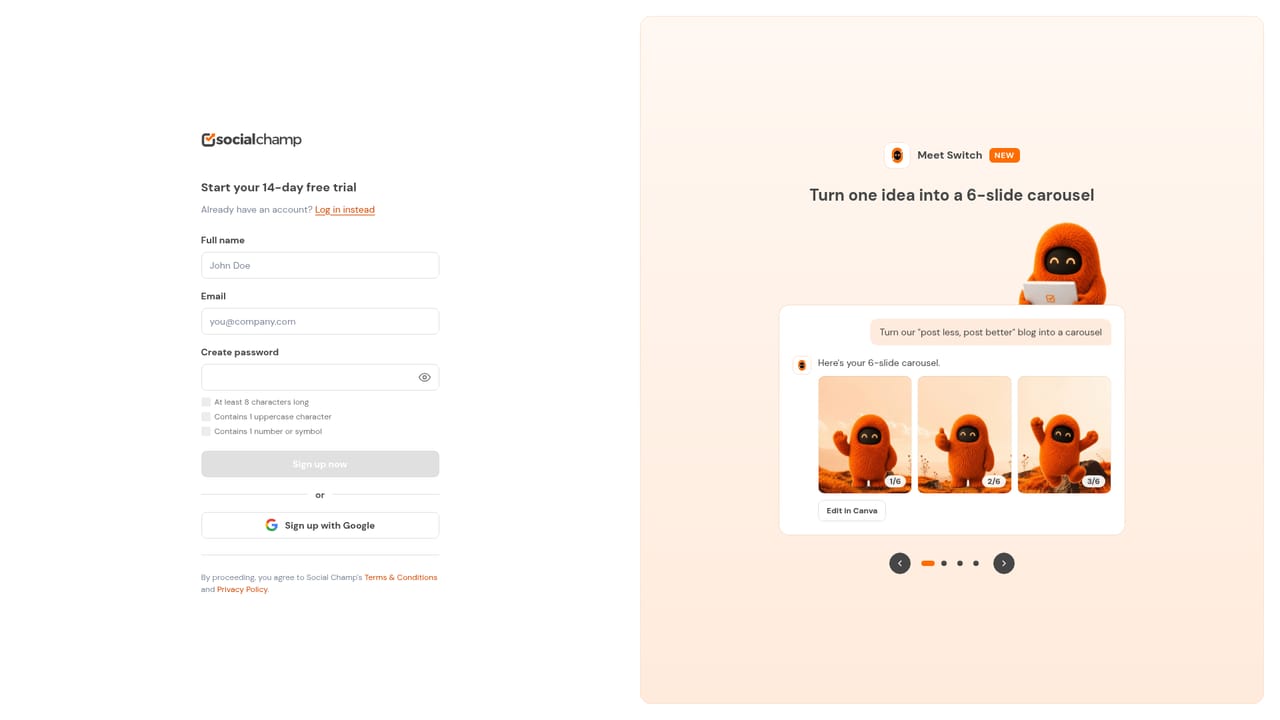
A free forever plan is available with no credit card needed, letting you start scheduling and testing core features before upgrading.
Learn moreAgency-focused social media scheduler with client approvals and reporting.

Social Champ is a social media management tool for agencies that combines multi-platform scheduling, multi-stage client approvals, white-label reporting, and a social inbox. It supports over 12 networks and includes an AI assistant for rescheduling and reporting tasks.
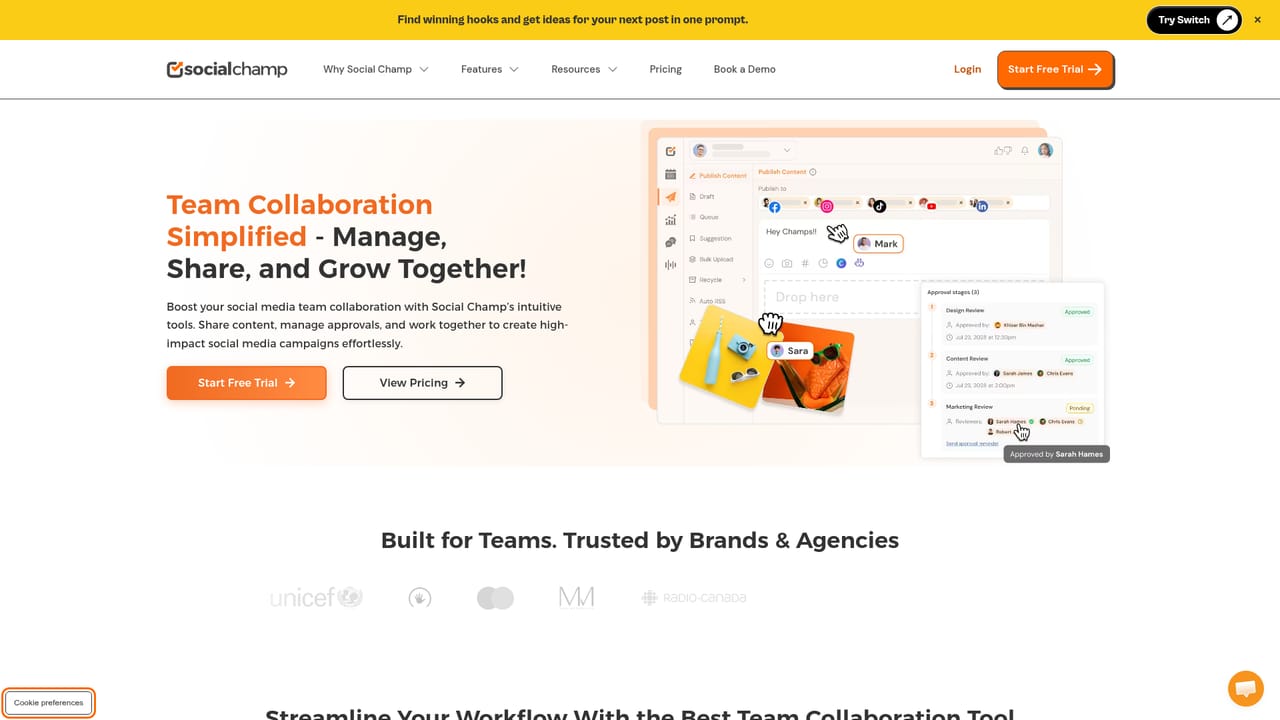
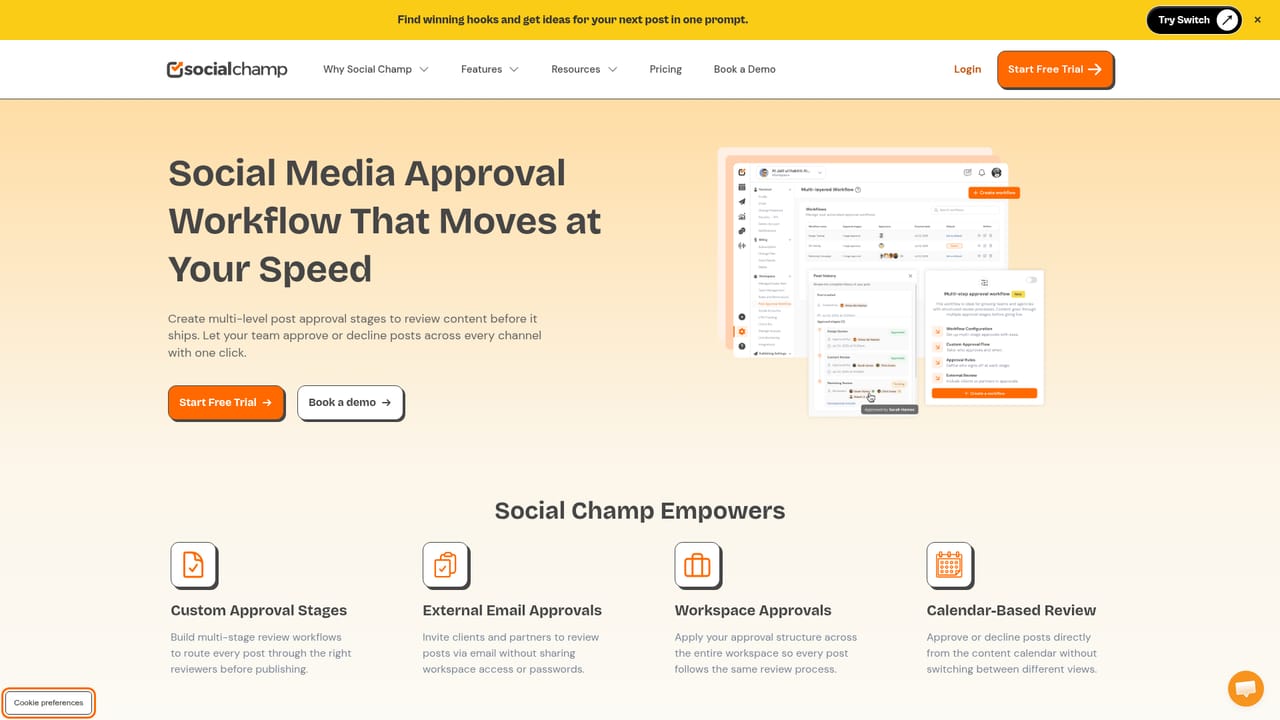
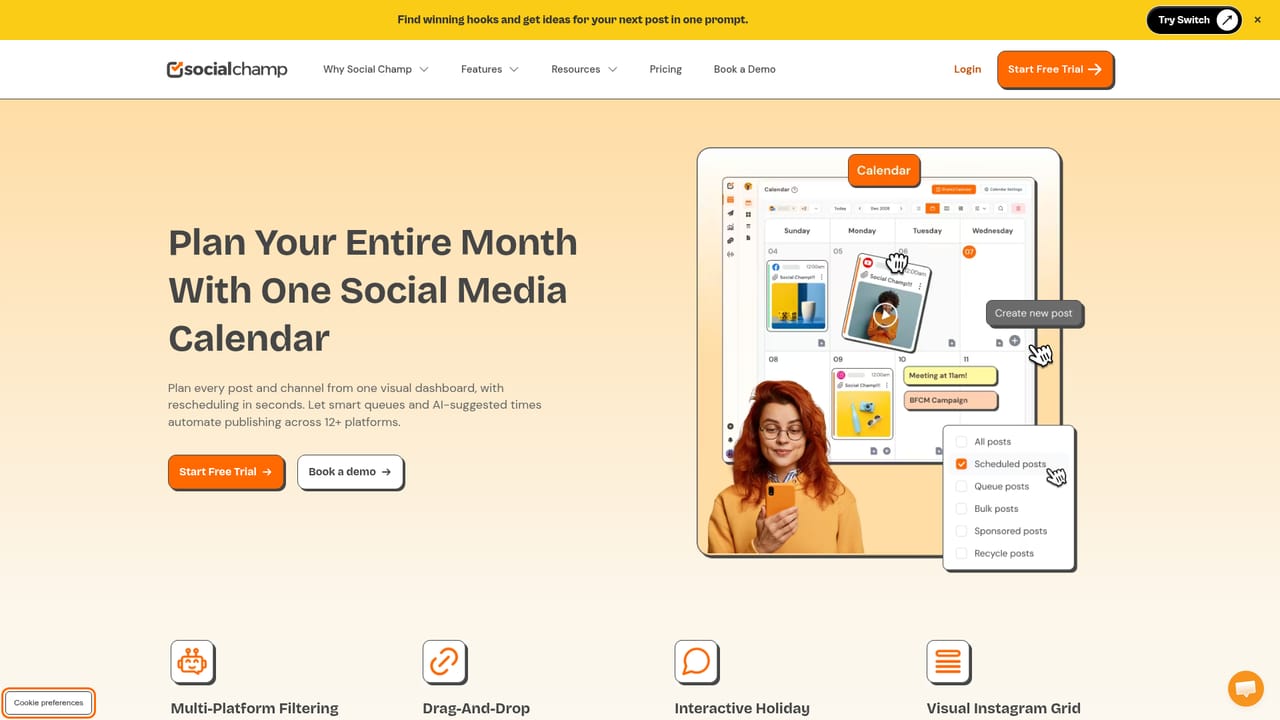
Social Champ is a social media management platform built with agencies in mind. It lets teams plan, publish, and report across more than 12 social platforms, including Facebook, Instagram, Threads, X, Bluesky, Mastodon, LinkedIn, Pinterest, TikTok, YouTube, Google Business Profile, Telegram, and WhatsApp and Discord inboxes. The core proposition is running every client from its own workspace, with separate channels, calendars, team roles, and time zones, so work for one client does not bleed into another. Approval workflows are where the product stands out. Posts can pass through multiple internal review stages before a client sees them, and clients sign off from an emailed link without needing an account. A single approval covers every channel a post is scheduled to, which removes the back and forth of screenshots and email threads. Clients can also follow a view-only calendar link that updates as the team reschedules, and on plans that include it, open a live analytics link. Reporting covers seven report types, exportable to PDF or PowerPoint, with scheduled weekly or monthly analytics on higher plans. The platform adds a social inbox for comments and messages, brand mention tracking with sentiment on select plans, competitor comparison, and employee advocacy tools. Switch, the AI assistant, can reschedule queues, build reports, and explain engagement changes on request, though a person still approves what goes out. Integrations include Canva, Google Drive, Dropbox, OneDrive, Bitly, Google Analytics, Zapier, and CRM connections to HubSpot and Salesforce, plus a REST API and MCP server for teams that want to build their own automations. White label options cover custom domains, branding, login pages, and approval emails from a verified domain. Social Champ sits in the same category as Hootsuite, Sprout Social, and Buffer, but its pricing structure and client-facing approval flow target smaller agencies and multi-client marketing teams rather than large in-house social departments. The free forever plan and no-card signup lower the entry barrier, while enterprise features like SSO and two-factor authentication address larger organisations.
A free forever plan is available with no credit card needed, letting you start scheduling and testing core features before upgrading.
Learn moreSocial Champ offers a free forever plan with no credit card required, plus paid tiers for teams and agencies. Specific plan limits and prices are listed on the pricing page.
Learn moreSupport is available through the contact page. The site also provides feature-specific pages and a developer section for API and MCP documentation.
Learn moreConnects with Canva, Google Drive, Dropbox, OneDrive, Bitly, Google Analytics, Zapier, HubSpot, and Salesforce. A REST API and MCP server are available for custom automations and AI assistant connections.
Learn moreScheduling across 12+ platforms, multi-stage internal and client approvals, per-client workspaces, social inbox, social listening, competitor analysis, brand advocacy, bulk CSV upload, seven report types with PDF and PowerPoint export, white label, SSO, two-factor authentication, and the Switch AI assistant for rescheduling and reporting.
Learn more AI Angels400+ customizable AI girlfriends for NSFW chat, voice calls, and roleplay
 Candy AIExperience the future of companionship with AI friends who chat, role-play, and connect with you on a human level.
 ourdream.aiA vast AI roleplay platform with millions of characters for chat, images, video and voiceAI Angels400+ customizable AI girlfriends for NSFW chat, voice calls, and roleplayCandy AIExperience the future of companionship with AI friends who chat, role-play, and connect with you on a human level.ourdream.aiA vast AI roleplay platform with millions of characters for chat, images, video and voice


