Free trial
A 3 day free trial gives access to all features before a paid plan is chosen. No credit card terms are stated on the homepage.
Learn moreOne calendar, nine networks, less copy-pasting
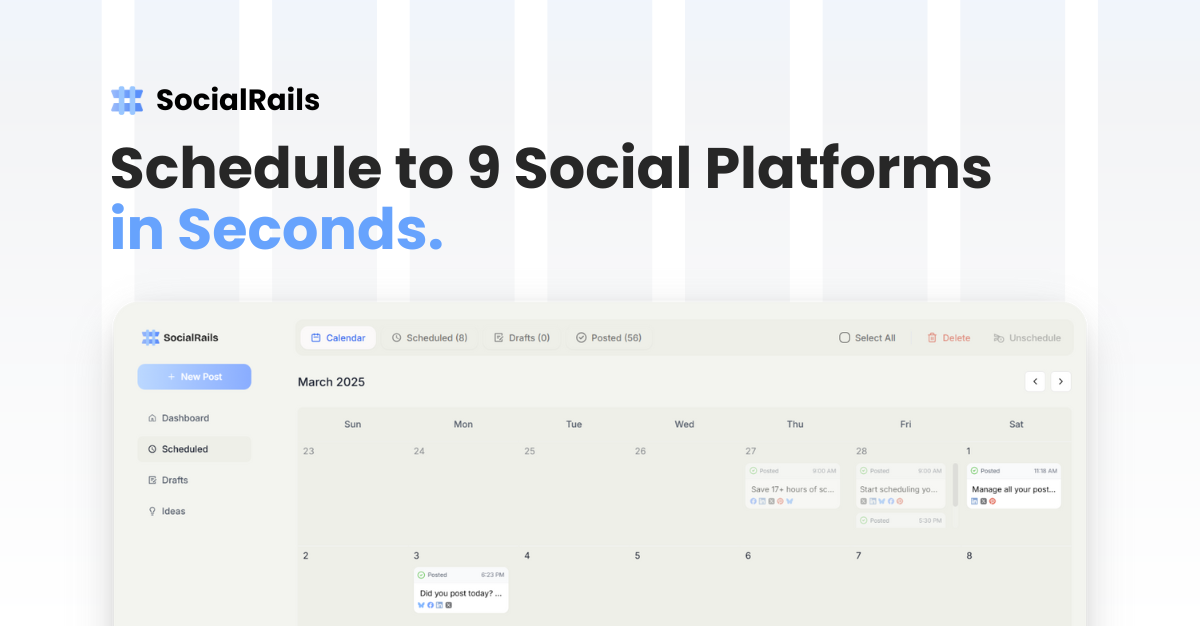
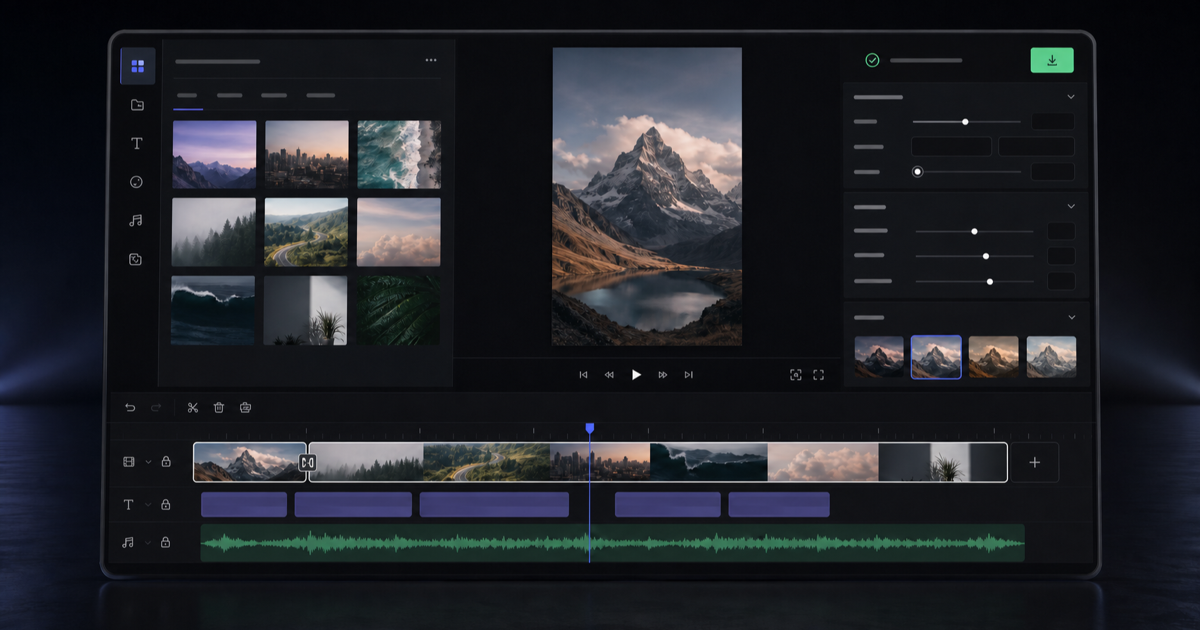
SocialRails is a reels tool. A social media scheduler that posts to nine networks from one calendar, with built-in AI captions, image generation, short-form video templates, a Pinterest pin builder and cross-platform analytics.
SocialRails is a social media management and scheduling tool built around a single idea: compose a post once and push it to nine networks from the same dashboard. The supported platforms are Instagram, Facebook, Twitter/X, LinkedIn, TikTok, YouTube, Pinterest, Bluesky and Threads, connected through OAuth so accounts are authorized once rather than re-linked for every session. A drag and drop calendar sits at the center of the product, letting a week or a month of posts be laid out in one sitting, with multi-select and drag to reschedule for shifting several posts at a time. Recurring posts handle repeating slots automatically, and timeslot and best-time-to-post suggestions remove some of the guesswork from picking an hour. Content creation is bundled in rather than sold separately. The AI assistant generates post ideas in a brand's voice and can produce a 30 day content plan in one pass. Captions can be rewritten and adapted per network with a single click, images are generated through a built-in Nano Banana generator, and auto-resizing reformats visuals for square or wide feeds. Short-form video is covered by more than 350 templates aimed at TikTok and Reels, and Pinterest users get a dedicated pin builder with templates and bulk generation. A media editor adds crop, filters, stickers, draw and redact tools, plus automatic video thumbnails. Analytics track engagement, views, follower growth and top performing posts, and the account supports multiple workspaces with team roles and shared calendars. The product fits solopreneurs, small marketing teams and agencies that want scheduling, light asset creation and reporting in one bill instead of stacking a scheduler, a design tool and a video editor. Workspace and connection limits scale by plan, which makes the Agency tier the relevant one for client work. Compared with heavier suites such as Loomly, SocialRails leans on a smaller feature surface and cheaper multi-platform access, though anyone needing deep approval workflows or enterprise-grade governance should check whether the listed team roles cover their process before committing.
A 3 day free trial gives access to all features before a paid plan is chosen. No credit card terms are stated on the homepage.
Learn moreThree yearly or monthly plans: Creator at $29/month (3 workspaces, 27 connections, 40 AI images and 20 AI videos monthly), Business at $49/month (10 workspaces, 90 connections, 5 team members) and Agency at $99/month (25 workspaces, 225 connections, 15 team members, 180 images). All tiers include unlimited posts and analytics; yearly billing is shown as 20% cheaper.
Learn moreSupport is offered by email and through built-in in-app channels, according to the homepage FAQ. No response time or tiered support levels are stated.
Posts publish to Instagram, Facebook, Twitter/X, LinkedIn, TikTok, YouTube, Pinterest, Bluesky and Threads via OAuth. An API is included on all paid plans.
Scheduling to nine networks from one drag and drop calendar, multi-select rescheduling, recurring posts, timeslot and best time suggestions. AI generates post ideas, a 30 day content plan, per-platform caption optimization, Nano Banana images with auto-resizing, 350+ video templates, a Pinterest pin builder with bulk generation, an image editor with crop, filters, stickers and redact, and analytics for engagement, views and follower growth.
 AI Angels400+ customizable AI girlfriends for NSFW chat, voice calls, and roleplay
 Candy AIExperience the future of companionship with AI friends who chat, role-play, and connect with you on a human level.
 ourdream.aiA vast AI roleplay platform with millions of characters for chat, images, video and voiceAI Angels400+ customizable AI girlfriends for NSFW chat, voice calls, and roleplayCandy AIExperience the future of companionship with AI friends who chat, role-play, and connect with you on a human level.ourdream.aiA vast AI roleplay platform with millions of characters for chat, images, video and voice