Free trial
A 7 day free trial is offered, with cancellation available at any time according to the homepage. Plan tiers and post-trial pricing are not stated there.
Learn moreA mobile-first video editor with templates and AI effects built in.

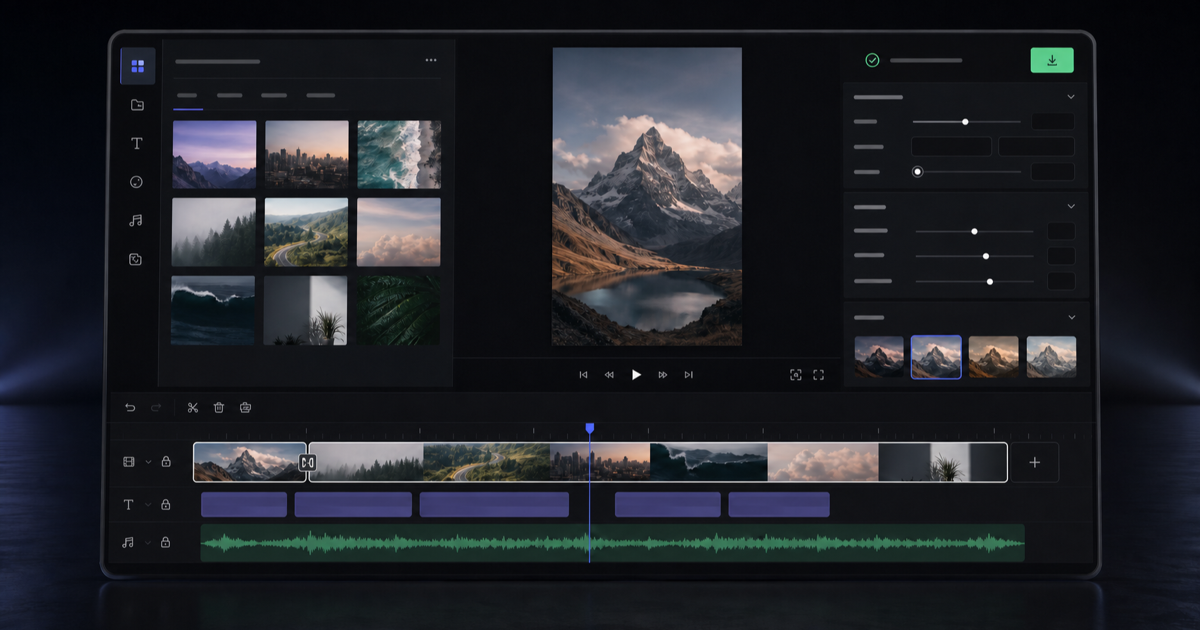
Videoleap is a mobile and web video editor combining templates, standard trimming and effects tools with AI features for backgrounds, object removal, infinite zoom, subtitles and style transforms. It targets social media creators making TikToks, Reels and Shorts who want speed over frame-level control.
Videoleap is a video editing and video making tool built around a simple premise: most people need polished social video without the learning curve of a desktop suite. The editor runs online and as an iPhone and Android app, and it ships with hundreds of ready-made tools covering effects, filters, transitions, speed changes, trimming, merging, looping, flipping, resizing and blurring. The workflow starts from either a blank timeline or a trending template, with assets pulled from the user's own camera roll. The AI layer is where Videoleap differentiates itself from a plain mobile cutter. An AI video editor handles style transformations, an AI Infinite Zoom builds a zoom sequence from a single frame, AI Scenes and AI Transform offer quick restyle edits, and AI Selfie targets trend-driven looks. Object removal erases distractions and photobombers, background removal and an AI background generator swap out scenes, an AI image extender pushes photos and video beyond their original frame, and an AI subtitle generator handles captions. A text-to-image generator and a royalty-free music library round out the creation kit. The tool is aimed at creators, small businesses and social media marketers producing TikToks, Reels, YouTube Shorts, promotional clips, tutorials and slideshows. Dedicated entry points exist for TikTok and Instagram editing, plus a blog covering tutorials and marketing trends. Because everything lives on a phone screen first, the appeal is speed and template reuse rather than frame-accurate control. Where it fits: Videoleap sits in the CapCut-adjacent bracket of consumer editors, and the site itself publishes a comparison of CapCut alternatives. Buyers who want deep color grading, multicam or professional audio mixing will outgrow it. Anyone who wants a fast, template-driven edit with AI assists on a phone will find it a reasonable daily driver.
A 7 day free trial is offered, with cancellation available at any time according to the homepage. Plan tiers and post-trial pricing are not stated there.
Learn moreCore editing covers trimming, merging, looping, reversing, flipping, speed changes, cropping to any frame, blur, filters, transitions and effects. AI features include an AI video editor, Infinite Zoom, AI Scenes, AI Transform, AI Selfie, object removal, background removal and generation, image extending, text-to-image and AI subtitles. A royalty-free music library and thousands of social templates round out the set.
Learn more AI Angels400+ customizable AI girlfriends for NSFW chat, voice calls, and roleplay
 Candy AIExperience the future of companionship with AI friends who chat, role-play, and connect with you on a human level.
 ourdream.aiA vast AI roleplay platform with millions of characters for chat, images, video and voiceAI Angels400+ customizable AI girlfriends for NSFW chat, voice calls, and roleplayCandy AIExperience the future of companionship with AI friends who chat, role-play, and connect with you on a human level.ourdream.aiA vast AI roleplay platform with millions of characters for chat, images, video and voice