Free trial
A free tier lets visitors try the generator after signing up. Limits are not stated on this page.
Learn moreText-to-sound generator for game, video and podcast audio

Fish Audio is an audio tool. Fish Audio's sound effects generator creates audio clips from text prompts for games, videos and podcasts. It offers adjustable duration and guidance, MP3 and WAV downloads, a free tier, and commercial rights on paid plans.
Fish Audio's sound effects generator turns a written description into an audio clip. A user types something like "thunder rolling in the distance" or "footsteps on gravel", and the model returns a realistic sound in seconds. The page positions the tool as a replacement for hunting through stock libraries, aimed at game developers, filmmakers, podcasters and general content creators. In practice the workflow starts on the sound effects page, where a handful of sample clips (a helicopter takeoff, gravel footsteps, keyboard typing, a campfire crackle, rain on a metal roof) can be played alongside the prompts that produced them. Those prompts work as templates for phrasing. Generation itself happens in the web app, where parameters such as duration, guidance and steps can be adjusted for tighter control over the result. Finished clips download as MP3 or WAV, and a separate audio converter handles other formats. The site also publishes a browsable library of single-sound pages, covering rain, thunder, explosions, applause, door sounds, laser zaps, animal noises and UI cues like notifications and alerts. Coverage described in the FAQ spans nature, urban ambience, mechanical noises, sci-fi effects, musical stingers and weather. Sound effects sit inside a wider Fish Audio platform that includes text-to-speech, audio separation and an audio converter, so a creator can generate narration, extract elements from existing audio and layer effects in one account. A developers section and enterprise contact route suggest API and team use, though details are not given on this page. A free tier exists, while commercial rights are tied to paid plans, which matters for anyone shipping the audio in a released game or monetized video. Among alternatives, it competes with stock sound libraries and with dedicated generative audio services. Its main draw is the surrounding voice toolset rather than effects alone, and buyers should check licensing terms on the pricing page before using clips commercially.
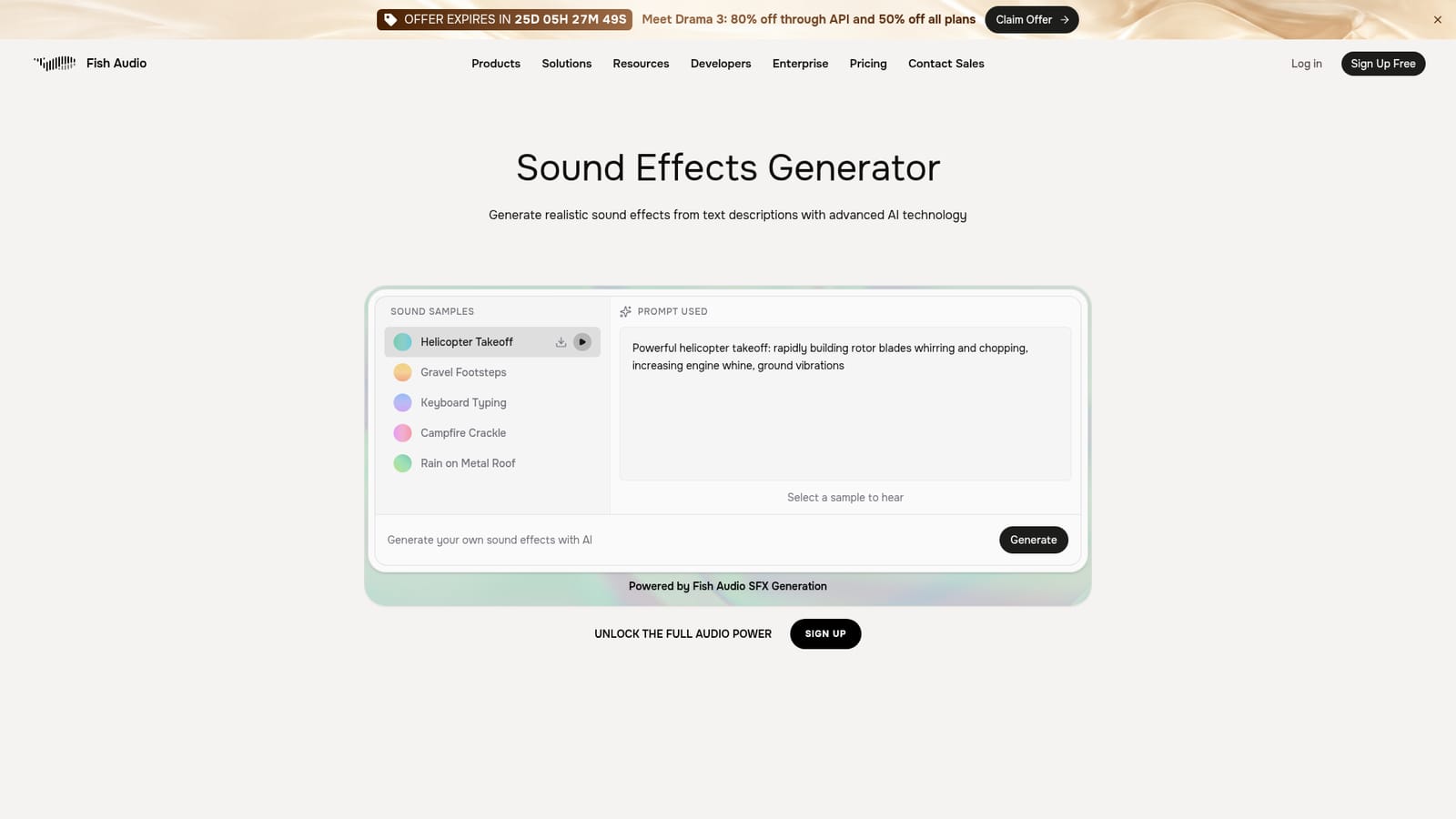
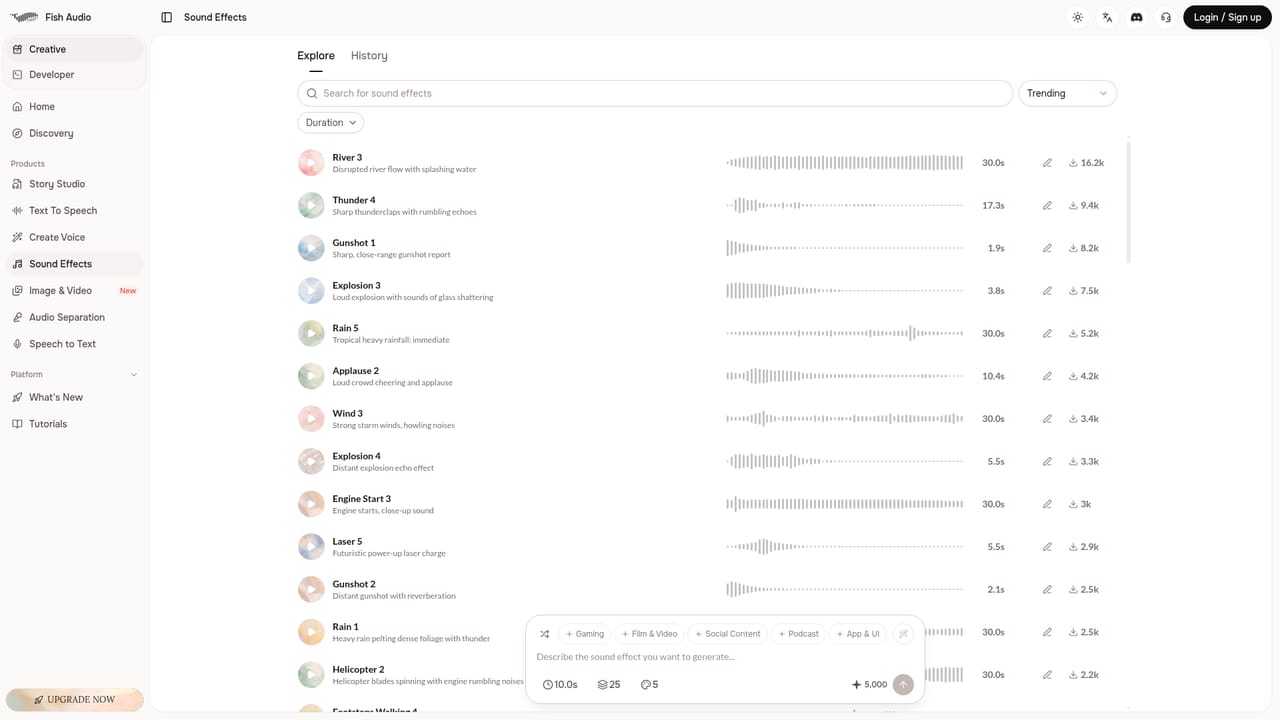

A free tier lets visitors try the generator after signing up. Limits are not stated on this page.
Learn moreA free tier is available. Commercial rights for generated sound effects are included on paid plans. A promotion at the time of capture advertised 50% off all plans and 80% off API use. Specific prices are on the pricing page.
Learn moreA contact sales page and an enterprise page are linked for business inquiries. Support channels and documentation are not described on this page.
Learn moreWorks alongside Fish Audio's own text-to-speech, audio separation and audio converter tools. A developers page exists, but third-party integrations are not listed on this page.
Learn moreText-to-sound generation, fast output, wide range of sound types, adjustable duration, guidance and steps, MP3 and WAV downloads, a browsable library of single-sound pages, and companion audio converter, separation and text-to-speech tools.


