
Sourcely

Turn uncited draft text into credible, citable academic sources

Beginner API
Screenshot of Sourcely, Turn uncited draft text into credible, citable academic sources

What is Sourcely?

Sourcely is an academic research tool that turns uncited draft text into credible, citable academic sources. An AI academic source finder that takes your own draft text and returns relevant, summarised research papers with exportable citations in 700+ styles. Useful for essays, theses and literature reviews, with deep search, credibility checks and a personal citation library.

Sourcely is an academic source finder built for the awkward middle of the writing process, when the argument exists but the citations do not. Instead of starting from a keyword search, you paste a paragraph, an essay or an entire paper, and the tool reads your prose to work out what claims need backing. It then returns papers drawn from a database the site describes as more than 200 million research papers, with the citation-worthy passages in your text highlighted so you can see which sentence each source is meant to support. In practice the workflow is short. Paste text, press the find button, and review the returned sources, each of which arrives with an AI written summary so you can judge relevance before opening the PDF. Advanced filters narrow results by publication year, authorship, relevance and keyword inclusion or exclusion. A Deep Search mode digs for more relevant material on harder topics, and a chat feature lets you ask follow up questions about a source rather than reading it end to end. Chosen sources go into a personal citations library, and references export in more than 700 citation styles, with dedicated pages for APA, MLA and Chicago. Free PDF downloads are offered for many of the listed papers. The tool suits students writing essays and dissertations, graduate researchers assembling literature reviews, and anyone who has ever typed "insert reference later" and regretted it. It is closest in spirit to a reverse search engine rather than a replacement for a bibliographic manager, and the site positions it explicitly against Google Scholar and against chatbots that invent citations. Citation verification and a DOI checker exist as separate pages, which signals that the team treats source legitimacy as an ongoing problem rather than a solved one. Pricing is credit based on the deep search and credibility check features, so heavy users should map their monthly habits before choosing a tier. The interface is plain and task focused, and the whole product lives in the browser with no install.

How do you use Sourcely?

  1. 1Create a Sourcely account
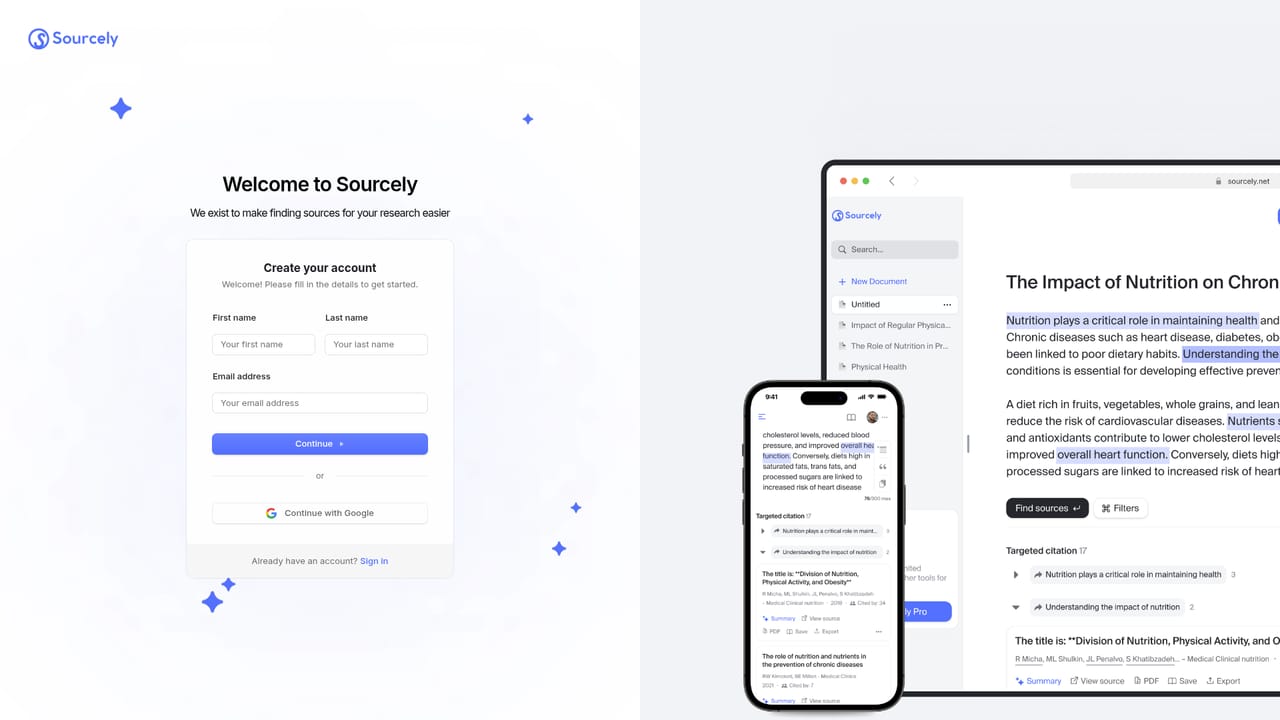
    Sign up with the app to get a workspace and an allowance for searches. Log in at the same address on later visits.
    Sourcely — Create a Sourcely account
  2. 2Paste your essay or paragraph
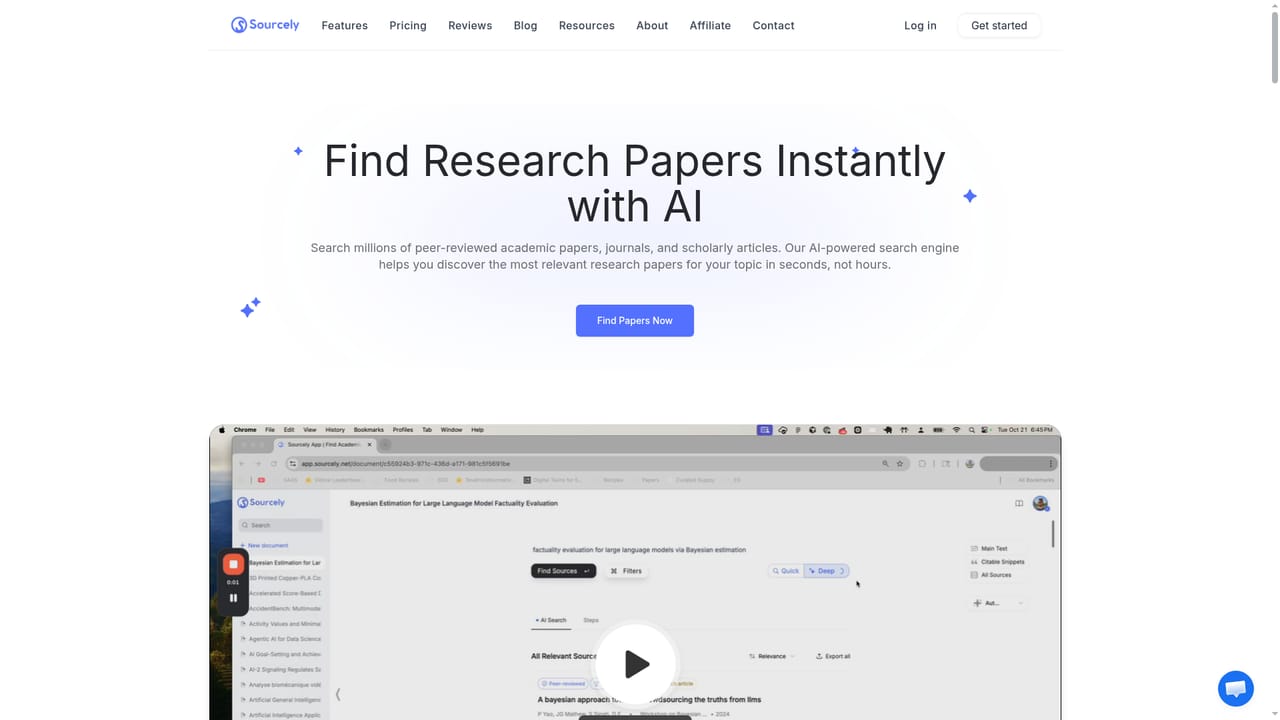
    Drop the section you want cited into the input box on the homepage or in the app. A single paragraph works, and so does a full paper.
    Sourcely — Paste your essay or paragraph
  3. 3Run the source search and set filters
    Trigger the search, then narrow results by publication year, authorship, relevance or keywords to keep only what fits your argument.
    Sourcely — Run the source search and set filters
  4. 4Read summaries and verify credibility
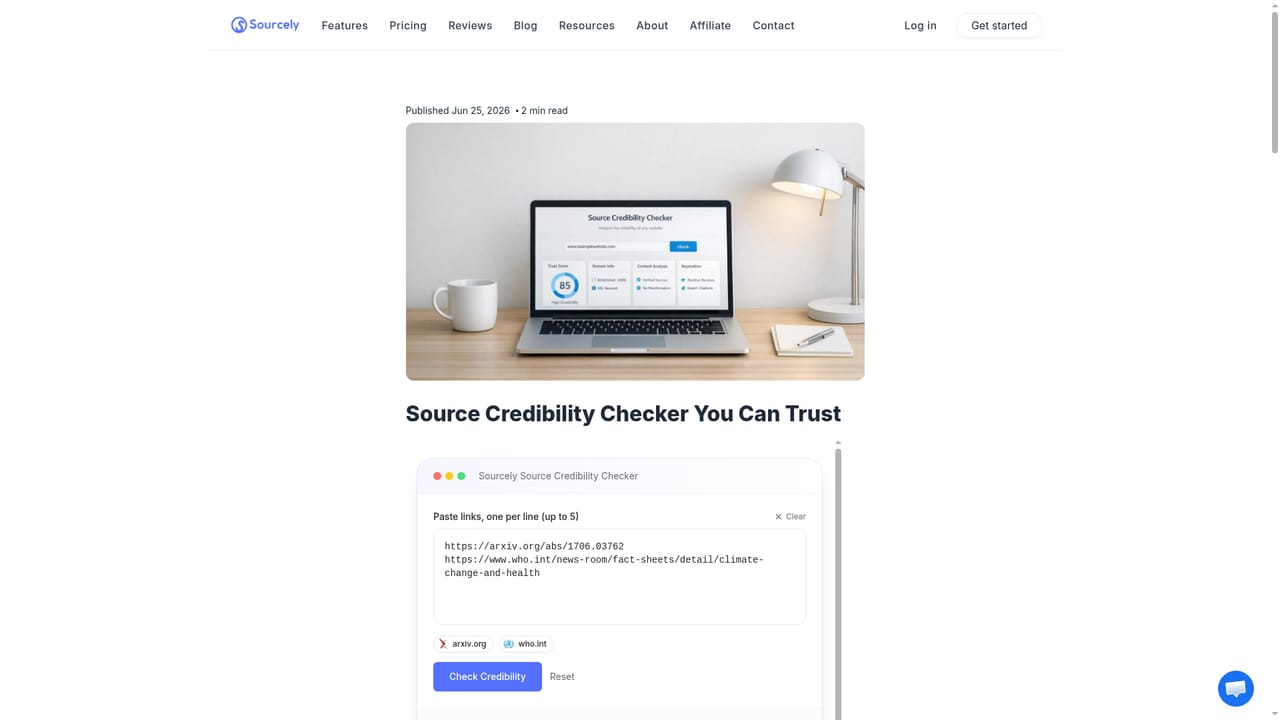
    Skim the summary for each candidate source, download the PDF where available, and run a credibility check on anything you plan to lean on.
    Sourcely — Read summaries and verify credibility
  5. 5Export your references
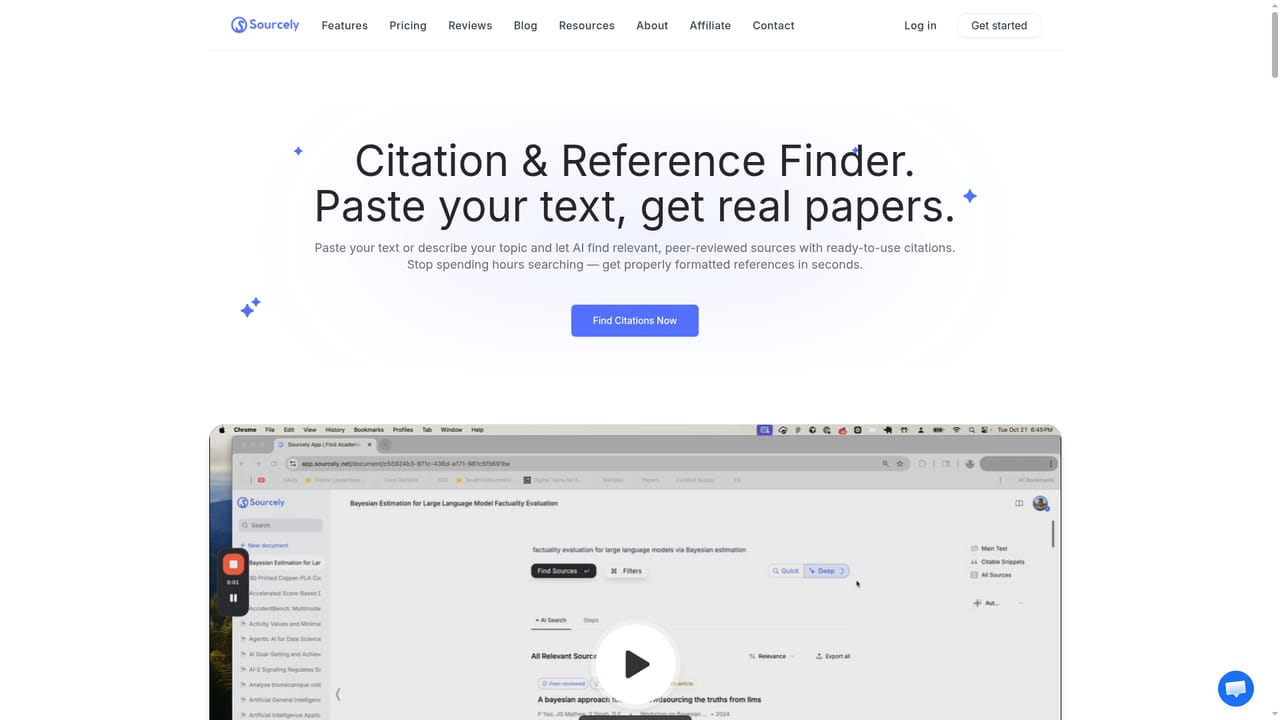
    Save the sources you keep to your library, then export them in your required style, including APA, MLA or Chicago formats.
    Sourcely — Export your references

Pros and cons

Pros

  • Works from your own draft text, so results match the specific claim you need to supportAI
  • Summaries for each source make triage fast without opening every PDFAI
  • Exports references in 700+ citation styles, with dedicated APA, MLA and Chicago pagesAI
  • Advanced filters cover publication year, authorship, relevance and keyword include or excludeAI
  • Citation library keeps chosen sources organised across a projectAI

Cons

  • Deep searches and credibility checks are capped monthly even on paid tiers, so heavy research weeks can exhaust an allowanceAI
  • The high paper count says nothing about coverage depth in narrow or non English subfieldsAI
  • Summaries are AI generated and still need checking against the actual paper before you cite itAI
  • No free tier is stated on the homepage, so evaluating result quality costs moneyAI
  • Everything runs in the browser only, with no reference manager plugin for Word or Google DocsAI

How much does Sourcely cost?

Pricing

Two paid tiers, monthly from $17 or annual billing from $9 per month. Pro at $9 per month (annual) includes 10 deep searches and 25 source credibility checks monthly. Ultra at $19 per month adds a smarter AI model, 30 deep searches and 100 credibility checks. Both include summaries, library saving and chat with sources.

Learn more

Support

Priority support is listed as a paid plan benefit. A contact page and a knowledge base are published for general help and documentation.

Learn more

Integrations

A Sourcely API page exists for developers who want to wire source finding into their own tools. The homepage does not describe plugins for reference managers or word processors.

Learn more

Features

Paste text to find matching sources, with citation-worthy passages highlighted. Each result carries an AI summary, many include free PDF downloads, and sources save to a personal citations library. Advanced filters, Deep Search, chat with sources, citation verification and export in 700+ styles round out the set.

Learn more

Frequently asked questions about Sourcely

  • How much does Sourcely cost?
    Two paid tiers, monthly from $17 or annual billing from $9 per month. Pro at $9 per month (annual) includes 10 deep searches and 25 source credibility checks monthly. Ultra at $19 per month adds a smarter AI model, 30 deep searches and 100 credibility checks. Both include summaries, library saving and chat with sources.
  • Does Sourcely have an API?
    Yes, Sourcely offers an API.
  • How do you use Sourcely?
    The walkthrough on this page covers 5 steps: 1. Create a Sourcely account 2. Paste your essay or paragraph 3. Run the source search and set filters 4. Read summaries and verify credibility 5. Export your references.
  • What platforms does Sourcely support?
    Sourcely is available on Web App.
  • What does Sourcely integrate with?
    A Sourcely API page exists for developers who want to wire source finding into their own tools. The homepage does not describe plugins for reference managers or word processors.
  • What are the limitations of Sourcely?
    Deep searches and credibility checks are capped monthly even on paid tiers, so heavy research weeks can exhaust an allowance. The high paper count says nothing about coverage depth in narrow or non English subfields. Summaries are AI generated and still need checking against the actual paper before you cite it.

Status

StatusActive
Views0
Outbound clicks0
Added10/21/2026

Platforms

Web App

Pricing

PaidSubscription