Free trial
No credit card is needed to start. The free plan remains free and covers up to 50 prompts, with Pro available for larger libraries and additional features.
Learn moreA versioned prompt library that follows you across every AI model
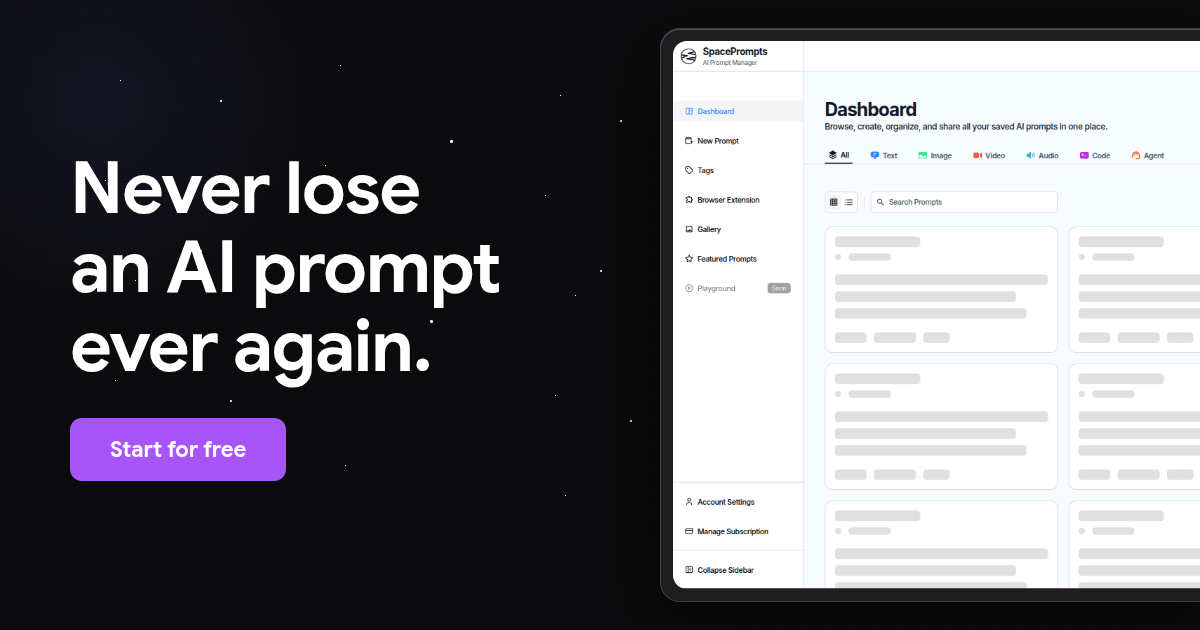
SpacePrompts is a prompt manager for people and teams who use AI daily. It combines a Playground editor with variables and model selection, an Evaluator that scores weak spots, full version history, shared workspaces with role-based permissions, browser extensions for Chrome, Edge and Firefox, and an HTTPS API for pulling prompts into apps.
SpacePrompts is a prompt management workspace for individuals and teams who use AI assistants every day and keep losing the instructions that actually work. The core pitch is retrieval rather than storage: a single library that holds your prompts, keeps every revision, and makes the current version available whether you are typing in ChatGPT, Claude, or your own application code. The working loop starts in the Playground, an editor with variable support and a model picker where you can write from scratch, generate a prompt from a stated goal, or fork a template. Running a prompt there feeds into an Evaluator that scores weaknesses such as missing output structure, vague rules, absent length constraints, and undefined source criteria, then suggests fixes. Every save creates a version, so a bad edit can be rolled back to the previous revision. Saved prompts move into a shared workspace with role-based permissions and an audit trail, and can be pulled into production with a single HTTPS API call, no SDK required. Distribution is handled by browser extensions for Chrome, Edge, and Firefox. Clicking the toolbar icon opens a searchable view of the whole library and copies a prompt in one click. Text highlighted on any page can be saved into the library directly, which suits people who draft prompts inside chat windows rather than a dedicated editor. The tool is aimed at prompt engineers, AI product teams, and heavy daily users who currently default to Notion documents or git repositories and hit the limits of both. The free tier covers up to 50 prompts without a credit card, and paid plans add capacity and team features. Anyone working across several models at once is the clearest fit.
No credit card is needed to start. The free plan remains free and covers up to 50 prompts, with Pro available for larger libraries and additional features.
Learn moreThere is a free plan that requires no credit card and holds up to 50 prompts. A Pro tier exists for users who need more capacity and features, and a satisfaction guarantee is offered, with a refund if the product does not work out. Exact Pro pricing is not stated on the homepage.
Learn moreSupport is reached through the contact page or on Twitter/X at @spaceprompts_, with responses typically within 24 hours. The same contact page takes feedback and feature requests.
Learn morePrompt access is available through a REST API over HTTPS, documented at the API docs page, and through browser extensions for Chrome, Edge and Firefox, which also let highlighted page text be saved into the library.
Learn morePlayground editor with variables, model picker and instant runs; prompt generation from a goal; an Evaluator that scores weaknesses with suggested fixes; version history on every save; shared workspaces with role-based permissions and an audit trail; browser extensions for Chrome, Edge and Firefox; HTTPS API access to current prompt versions.
 AI Angels400+ customizable AI girlfriends for NSFW chat, voice calls, and roleplay
 Candy AIExperience the future of companionship with AI friends who chat, role-play, and connect with you on a human level.
 ourdream.aiA vast AI roleplay platform with millions of characters for chat, images, video and voiceAI Angels400+ customizable AI girlfriends for NSFW chat, voice calls, and roleplayCandy AIExperience the future of companionship with AI friends who chat, role-play, and connect with you on a human level.ourdream.aiA vast AI roleplay platform with millions of characters for chat, images, video and voice