Free trial
New users get $5 of AI usage at signup with no card required.
Learn moreOne AI workspace for chat, documents, images, agents and your CRM
Own StickyPrompts? Verify ownership to get a dofollow link

StickyPrompts is an AI task generator tool. A shared company AI workspace that puts multiple frontier models, documents, images, video, agents and scheduled automations in one place, connected to CRMs, databases, email and file storage so requests end as finished work.
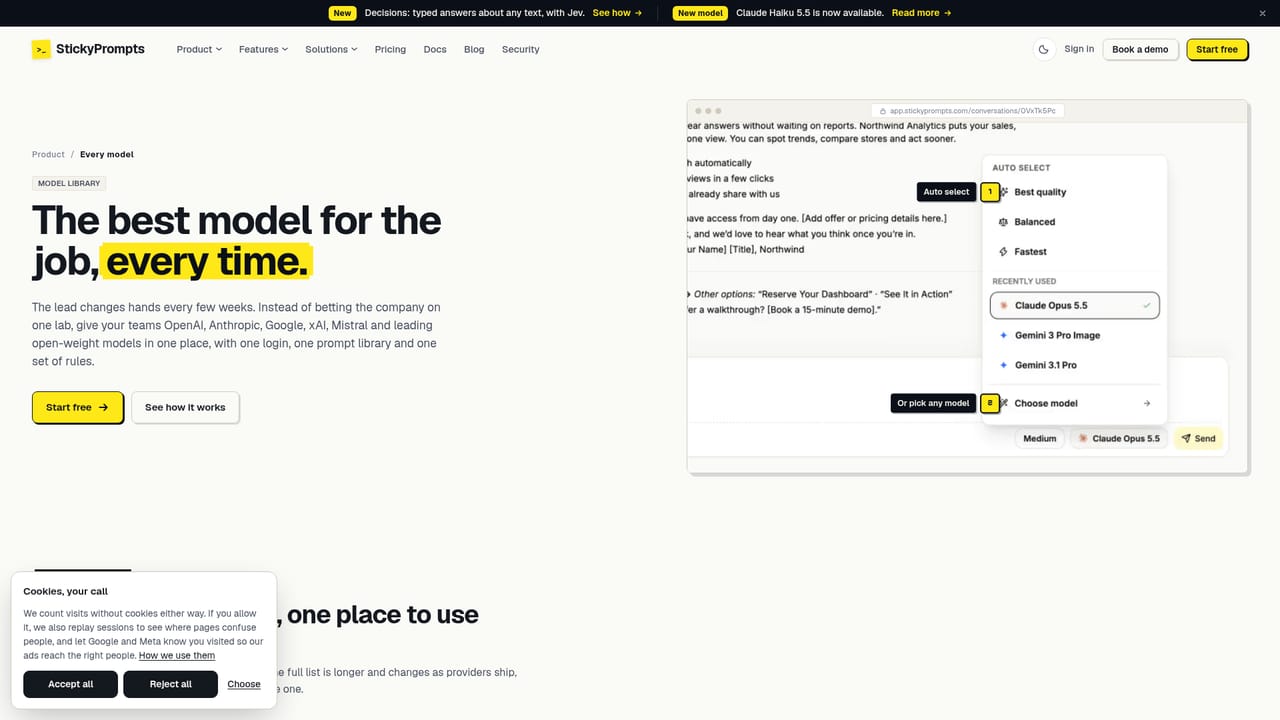
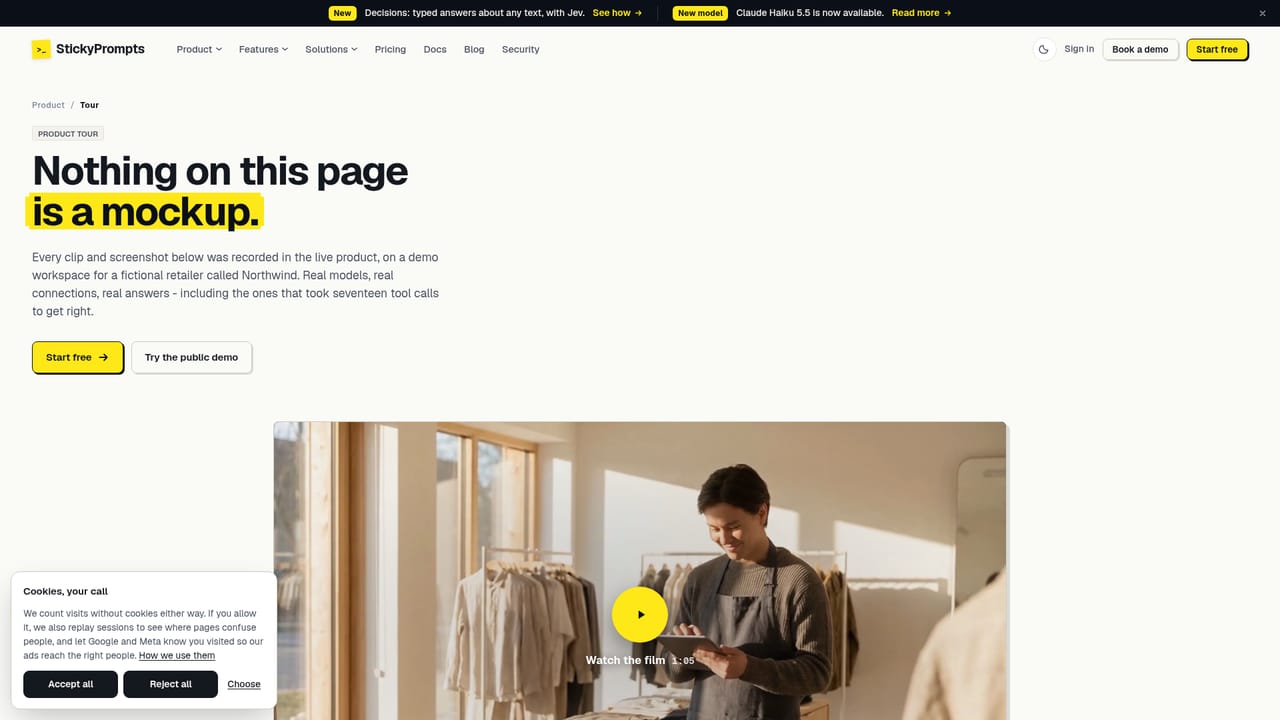
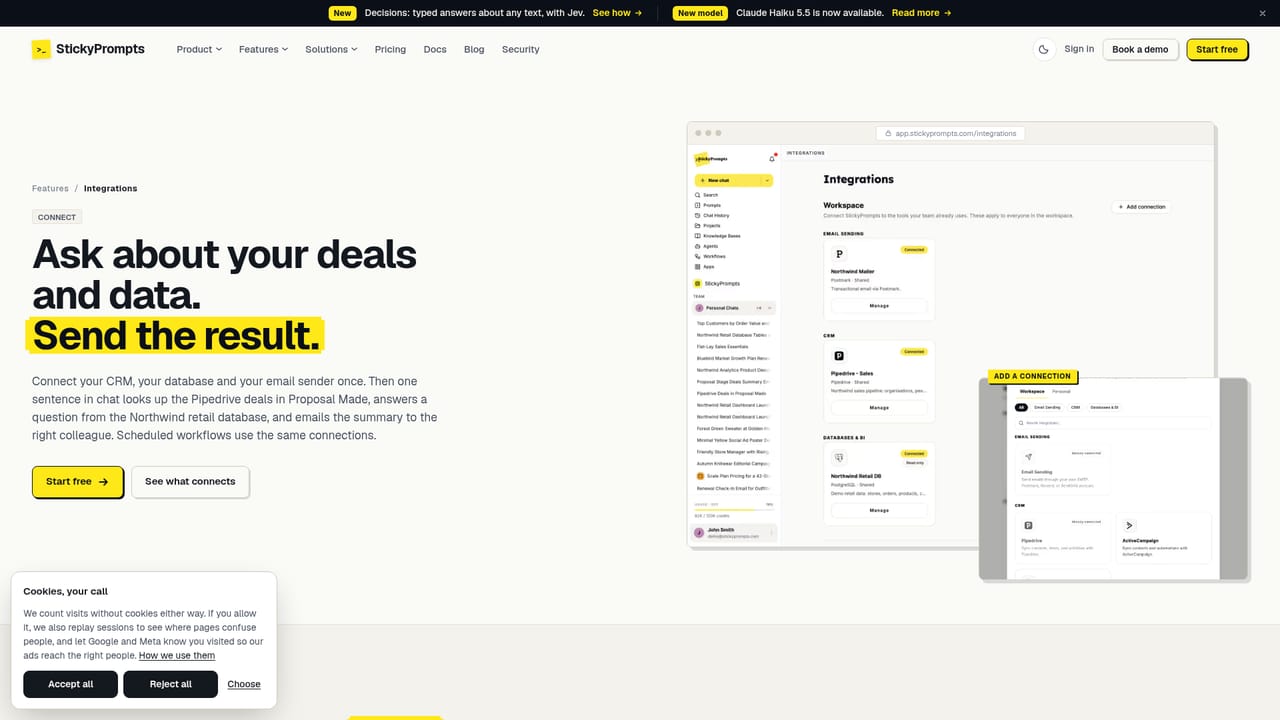
StickyPrompts is a shared AI workspace built around a simple premise: a request should end in a finished artifact, not a chat reply that someone copies into another tool. The product bundles chat, documents, images, video, transcription, agents, scheduled automations, a knowledge base and a prompt library into one login, then wires that layer into the CRM, email, file storage and databases a company already runs. On the model side, the workspace hosts several leading families behind one policy: GPT-6 Astra, Claude Opus 5.5, Gemini 3.1 Pro, Grok 4.7, Mistral Large, DeepSeek V4, Qwen3.8 Flash and Kimi K3, with per-token rates listed for each. Users can pick a model, switch mid-conversation, or let auto-select route a task by quality or speed. Capabilities are metered the same way across generation types, so image and video models sit under the same allow-lists and audit log as text. The practical difference shows in multi-step work. A sales request can look up deals in Pipedrive and send a summary by email in a single run of 17 actions. Documents carry versions and accept plain-language change requests. Agents hold their own instructions, knowledge and tools, and are called with @ inside a chat. Workflows run on a schedule, hourly, daily, weekly or cron, with every run recorded. Governance settings redact card numbers, IBANs and phone numbers before a model sees them and keep the data in the EU if required. It suits operations, sales, marketing and IT teams in small to mid-sized companies that want one contract and one policy rather than a stack of unconnected AI subscriptions. The trade-off is scope: teams wanting a single sharp tool for one job may find the workspace broader than needed, and the deep value only appears once systems are connected.
New users get $5 of AI usage at signup with no card required.
Learn moreFree to start with $5 of AI usage and no card required. The homepage lists per-token rates for individual models, for example $10/$50 per 1M tokens for GPT-6 Astra and $0.15/$0.47 per 1M for Qwen3.8 Flash, but it does not publish subscription tiers or seat prices.
Learn moreConnects to CRMs (Pipedrive, HubSpot, Salesforce, Dynamics 365, Zoho), email senders (Postmark, Resend, Brevo, ActiveCampaign), Google Drive, databases (MySQL, PostgreSQL, SQL Server) and Power BI, plus MCP tools and an SSH bridge.
Learn moreChat across multiple frontier models with mid-conversation switching, versioned documents, image and video generation, speaker-split transcription, agents with their own instructions and tools, scheduled automations with run history, a cited knowledge base, a shared prompt library with variables and per-team governance with redaction and audit logging.
Learn more AI Angels400+ customizable AI girlfriends for NSFW chat, voice calls, and roleplay
 Candy AIExperience the future of companionship with AI friends who chat, role-play, and connect with you on a human level.
 ourdream.aiA vast AI roleplay platform with millions of characters for chat, images, video and voiceAI Angels400+ customizable AI girlfriends for NSFW chat, voice calls, and roleplayCandy AIExperience the future of companionship with AI friends who chat, role-play, and connect with you on a human level.ourdream.aiA vast AI roleplay platform with millions of characters for chat, images, video and voice