Free trial
The homepage includes a Try Speak4Me for Free prompt, so a free trial or free tier appears to exist, though its limits are not described in the homepage content.
Learn moreListen to PDFs, web pages, scanned books, and school materials instead of reading them.

Speak4me is a natural text to speech tool. An iOS text to speech app that converts PDFs, eBooks, scanned books, and web pages into audio, with adjustable playback speed, a chat-with-your-file feature, and free access for schools. Aimed at students, accessibility users, and businesses producing voice-overs.
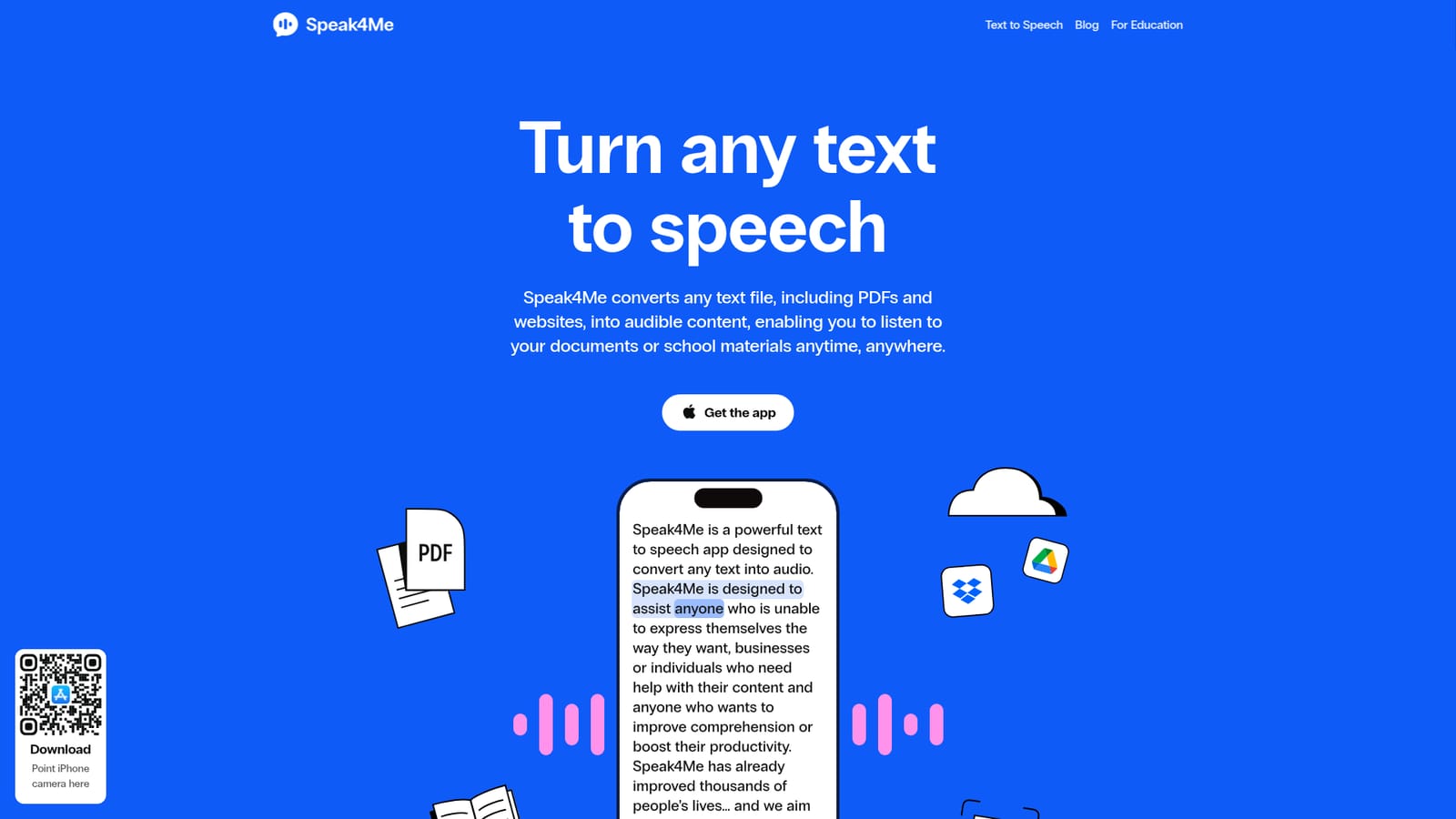
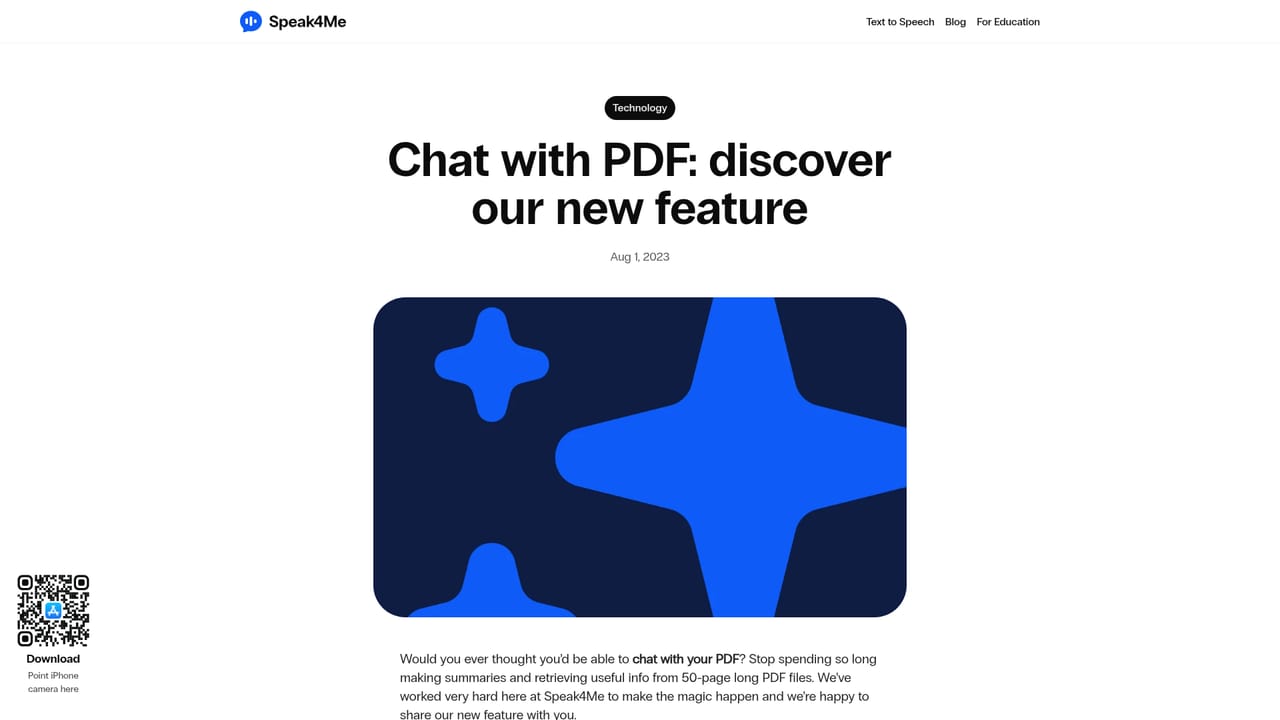
Speak4Me is a text to speech app that reads documents, web articles, and scanned pages aloud in natural-sounding voices. The core idea is simple: anything you would normally read can be converted into audio and played back on your own schedule. Supported inputs include PDFs, eBooks, plain text files, live web pages, and physical books captured with the phone camera. Files can be pulled in from iCloud, Dropbox, or Google Drive, so material does not need to be re-downloaded before it can be listened to. In daily use the app works as a reading replacement rather than a document converter. A student can scan a page of a textbook, a commuter can queue up a saved article, and someone with dyslexia or ADHD can run a dense PDF through speech instead of staring at it. Playback can be pushed up to roughly twice the average reading speed, which is where most of the time savings come from. A newer ChatWithMe feature answers questions about an uploaded file and produces short summaries, which can then be played back as audio. The product leans heavily into accessibility. Dedicated pages cover ADHD, dyslexia, visual impairment, speech pronunciation practice, and use by deaf or mute individuals, and the company states that Speak4Me is free for schools, colleges, and universities. Business and voice-over pages suggest a second audience: teams producing narration or spoken content from written scripts. Seat it next to Speechify or ElevenLabs Reader and the trade-offs are clear. Speak4Me competes mainly on price and accessibility focus, and it publishes comparison posts against both. The catch is that it is an iOS-first app tied to an Apple download link, with no visible desktop software or public API, so anyone outside that ecosystem will need to look elsewhere.
The homepage includes a Try Speak4Me for Free prompt, so a free trial or free tier appears to exist, though its limits are not described in the homepage content.
Learn moreThe homepage says Speak4Me is free for schools, colleges, and universities, and offers a free trial entry point. Individual subscription tiers and prices are not listed on the homepage content provided.
Learn moreSupport is handled by email at hello@speak4me.io, and the site publishes an FAQ page. No live chat or phone support is described.
Learn moreFiles can be pulled in from iCloud, Dropbox, and Google Drive. No other third-party integrations or developer API are mentioned on the homepage.
Text to speech for PDFs, eBooks, text files, web pages, and camera scans of printed books. Import from iCloud, Dropbox, or Google Drive, play audio at up to around 2x reading speed, and use ChatWithMe to question a file and hear summaries read aloud. Voice library covers US, UK, Brazil, Spain, and France.
Learn more AI Angels400+ customizable AI girlfriends for NSFW chat, voice calls, and roleplay
 Candy AIExperience the future of companionship with AI friends who chat, role-play, and connect with you on a human level.
 ourdream.aiA vast AI roleplay platform with millions of characters for chat, images, video and voiceAI Angels400+ customizable AI girlfriends for NSFW chat, voice calls, and roleplayCandy AIExperience the future of companionship with AI friends who chat, role-play, and connect with you on a human level.ourdream.aiA vast AI roleplay platform with millions of characters for chat, images, video and voice