Free trial
Free use allows 3 transcriptions a day, up to 30 minutes per file (15 minutes in Premium Mode). Registered users also get 1 free AI summary or translation try per month.
Learn morePay-once GPU transcription with credits valid for a full year

SpeechTurbo transcribes audio and video on its own GPUs, exporting to DOCX, PDF, SRT, VTT, CSV and TXT. It sells prepaid credits valid for 365 days instead of subscriptions, with speaker diarization, AI summaries and translation.
SpeechTurbo is a web-based transcription service that turns audio and video files into text, subtitles and summaries. Its main distinction is the billing model: instead of a monthly plan, users buy a pack of credits once, and those credits stay valid for 365 days. Usage is metered per minute of audio, with a cheaper Flash Mode and a pricier Premium Mode that bundles speaker diarization and AI denoising. The service targets creators who need SRT or VTT captions for short-form video, teams that record meetings and interviews, and podcasters or educators who want timestamped articles from episodes and lectures. Files can be uploaded locally, imported from cloud storage such as Google Drive and Dropbox, or pulled in from a public link the user is authorized to transcribe. Recognition runs on the vendor's own GPUs, and the site claims transcription at roughly 50 times real time, with a one-hour file finishing in under 80 seconds. It lists support for more than 98 spoken languages and accuracy of up to 99.8 percent, figures that come from the vendor and depend on audio quality. In practice, a user drops in a file, waits for processing, then reviews the result in an interactive transcript editor or downloads it as DOCX, PDF, SRT, VTT, CSV or TXT. Batches of up to 30 files can be queued, each up to 8 hours or 4GB on paid packs. Buying any credit pack unlocks VIP features: AI summaries (brief, outline, action items, meeting minutes) and translation into 70+ languages, which do not consume credits. Original files are deleted within 24 hours, and the vendor states it does not train on user data, though optional summary and translation steps may use third-party language models. Among alternatives, SpeechTurbo competes with subscription transcription apps by favoring prepaid credits and tiered GPU queues over seat-based plans. A free tier allows three transcriptions a day, which makes it easy to test accuracy before paying. It suits occasional and bursty workloads better than teams wanting deep collaboration or live captioning, which the homepage does not describe.
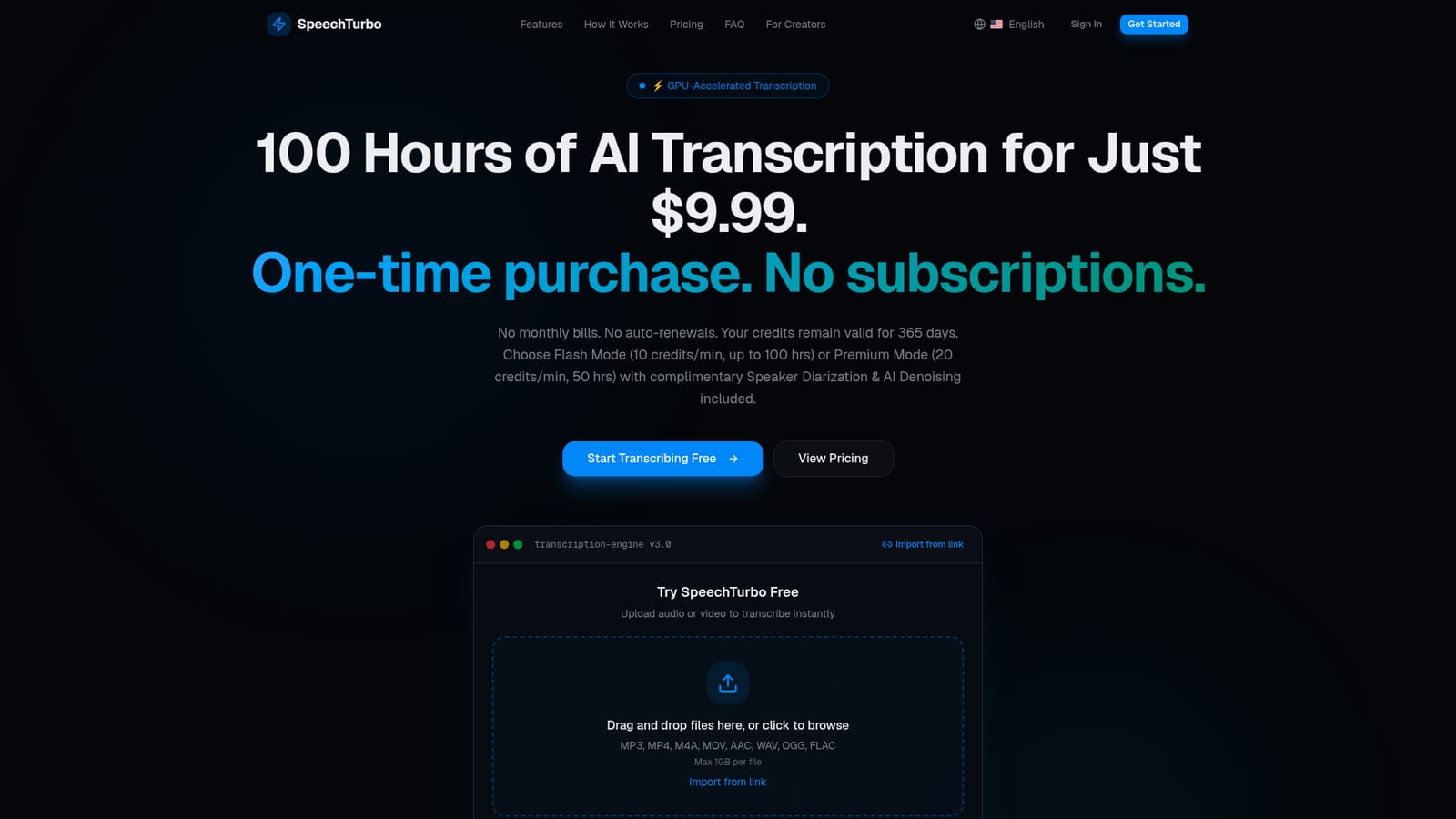
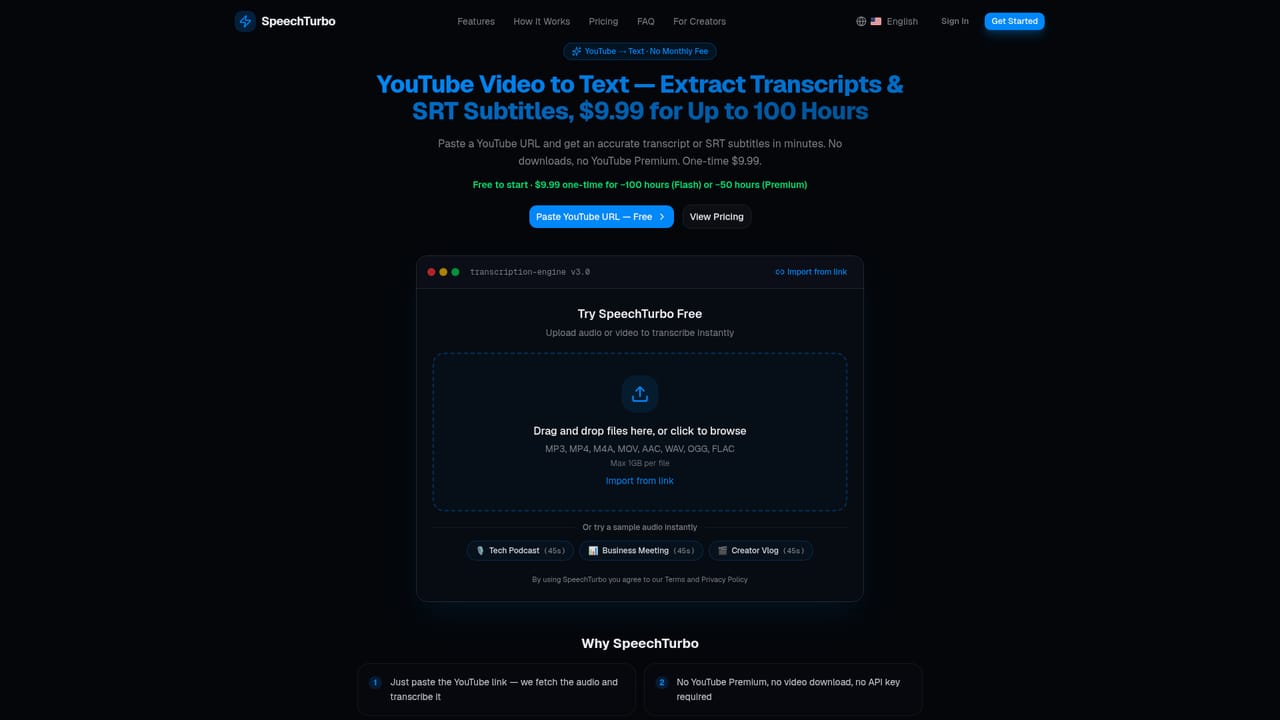
Free use allows 3 transcriptions a day, up to 30 minutes per file (15 minutes in Premium Mode). Registered users also get 1 free AI summary or translation try per month.
Learn morePrepaid credits, no subscription: Starter $9.99 for 60,000 credits (about 100 hours in Flash Mode), Growth $19.99 for 138,000, Pro $39.99 for 300,000. Credits last 365 days. Flash costs 10 credits/min, Premium 20 credits/min.
Learn moreSupport is reachable by email at support@speechturbo.com, and a refund policy page exists. A partner program for creators is also offered. No docs or live chat are described.
Learn moreImports files from Google Drive, Dropbox and other cloud workflows, or from a public link. No third-party app integrations or API are described on the homepage.
GPU transcription at up to 50x real time, 98+ languages, speaker diarization and AI denoising in Premium Mode, batch upload of 30 files, interactive editor, exports to DOCX, PDF, SRT, VTT, CSV and TXT, AI summaries and translation into 70+ languages.


