Spyne

AI listings, panoramic car visuals and 24/7 buyer conversations for dealerships

Beginner
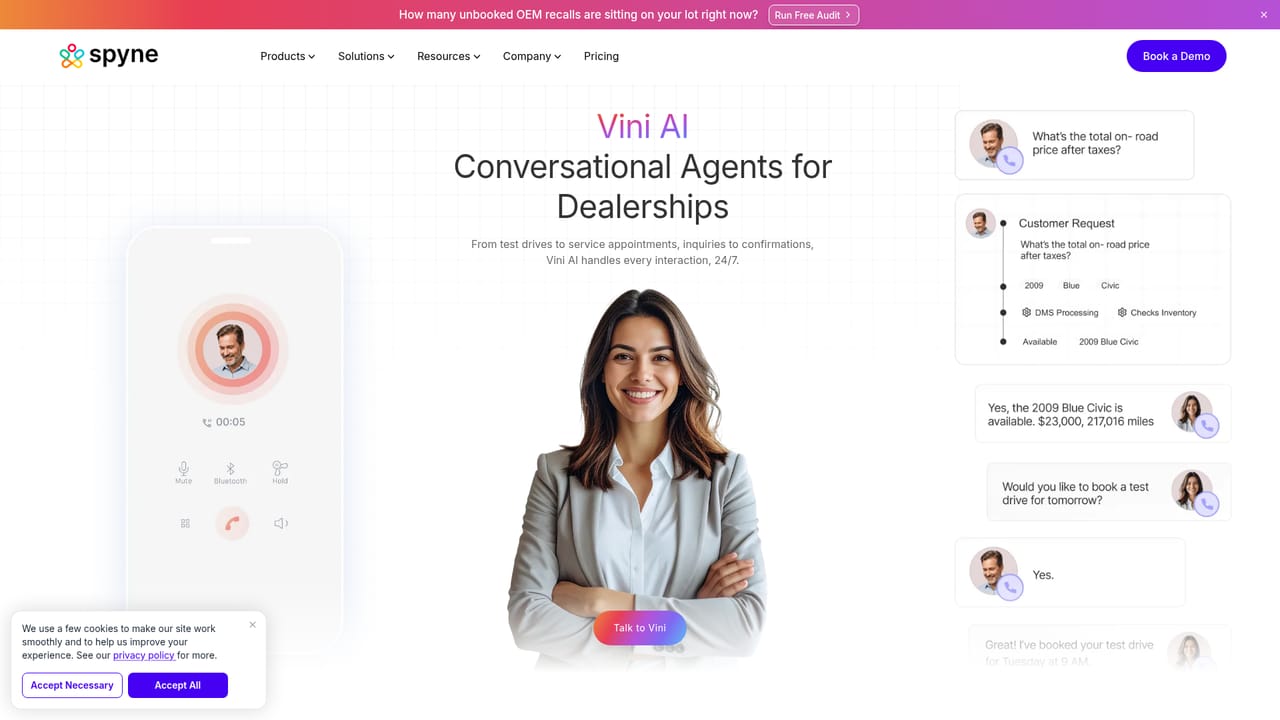
Screenshot of Spyne, AI listings, panoramic car visuals and 24/7 buyer conversations for dealerships

What is Spyne?

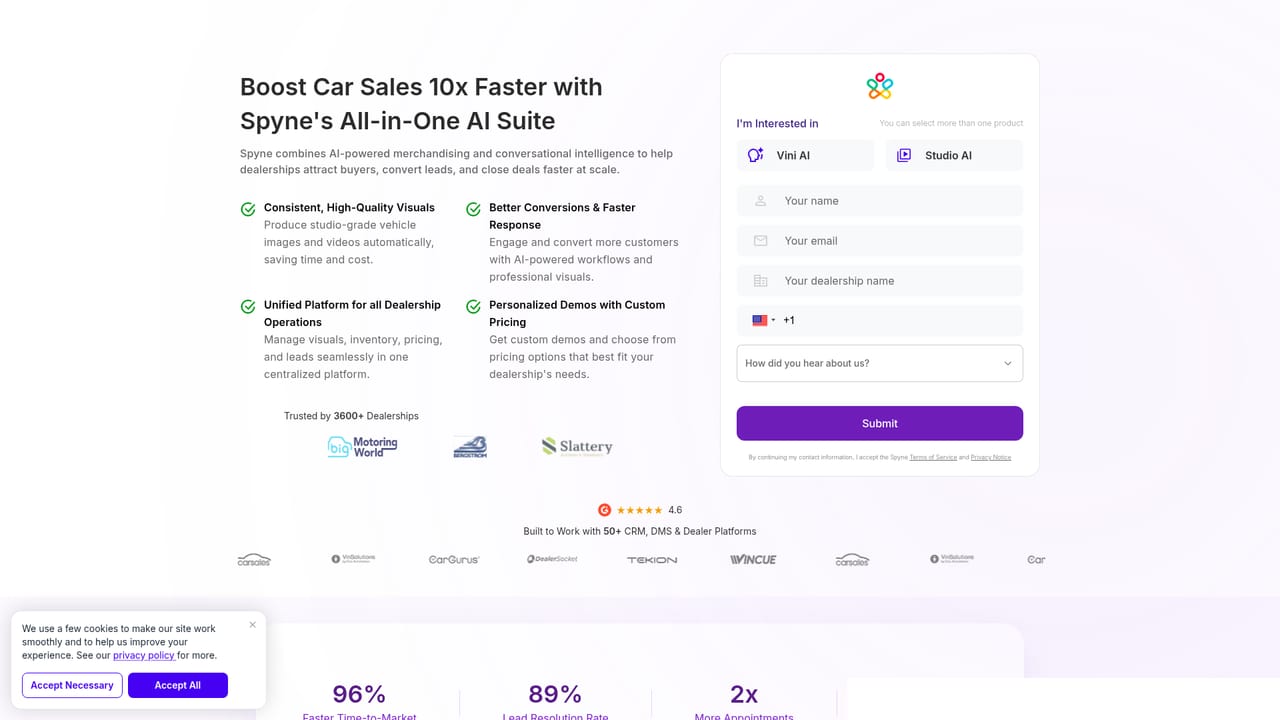
Spyne is an AI panorama tool. Automotive AI platform combining studio-grade car photos, 360 panoramic views and video tours with Vini, a 24/7 conversational agent for lead conversion, plus tools for recalls, reception and online reputation.

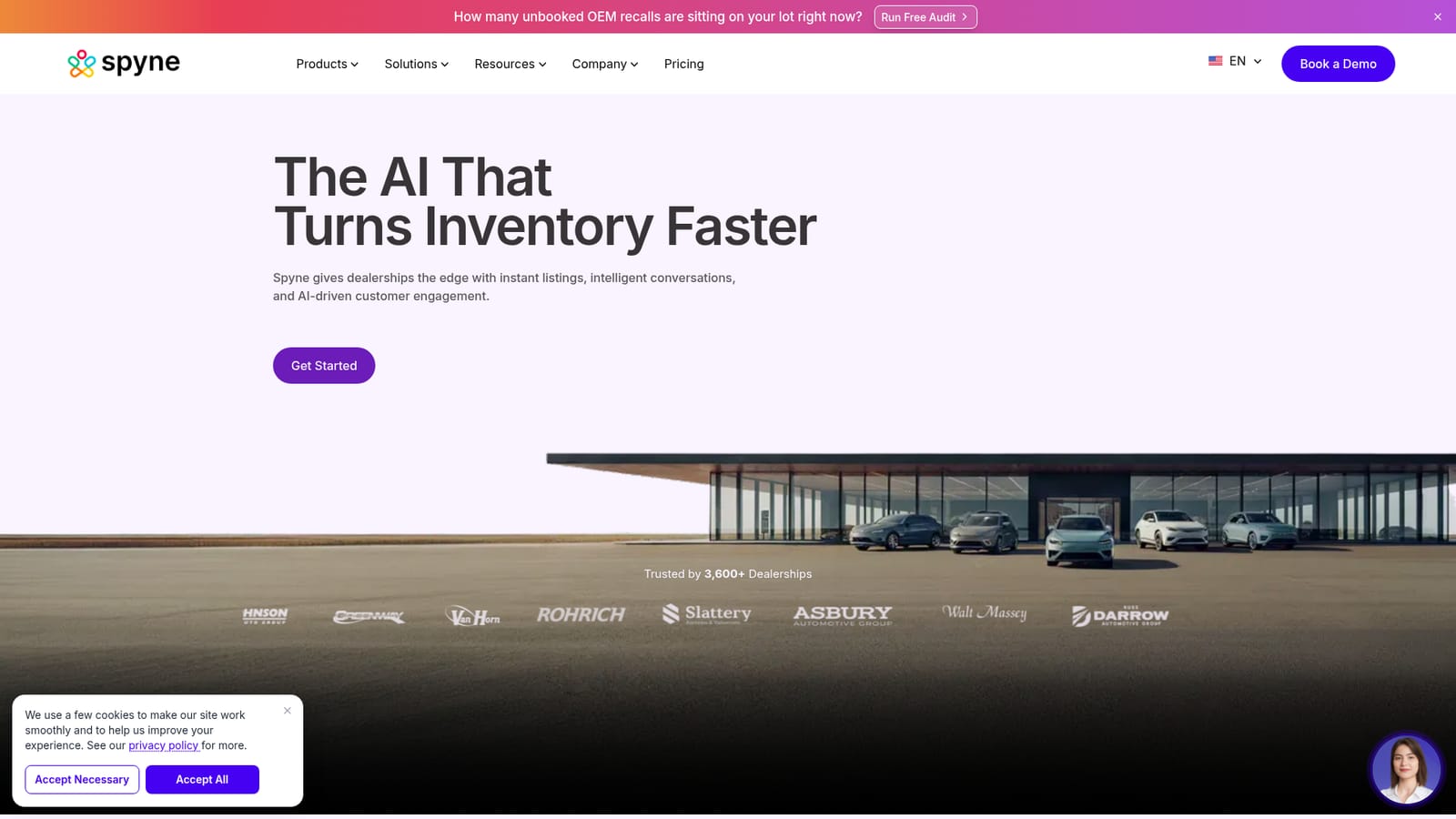
Spyne is an AI platform built for automotive retail, with two connected halves: one that produces studio-quality vehicle visuals and one that handles buyer conversations around the clock. On the visual side, the platform turns ordinary lot photos into consistent, studio-grade imagery, adds panoramic 360 car views and assembles immersive video tours for listings. Those assets are aimed at car merchandising across dealership sites and marketplaces, where presentation quality tends to decide whether a shopper clicks through or moves on. The conversational side is a product called Vini, which engages buyers 24/7 and works to convert leads that would otherwise wait until opening hours. The wider toolset covers adjacent dealership workflows too: an AI receptionist, online reputation management and a recall AI tool that surfaces unbooked OEM recalls sitting on a lot. A free recall audit on the homepage is the fastest way to see that last piece in action. The fit is narrow by design. Spyne is for franchised dealers, used car operations and car marketplaces that need high volume listing production without a photo studio and a team that wants enquiries answered outside business hours. The site claims adoption by more than 3,600 dealerships, and there are case studies, an integration page and documentation for teams evaluating a rollout. Anyone outside automotive, or a solo seller listing one car, will find little here that a generic photo editor and chatbot cannot do more cheaply. In practice the work splits into setup and daily operation: connect the existing systems, shoot or upload inventory photos, let the AI standardise them, then publish listings and let Vini field the incoming questions. Against generic image tools, the argument is automotive-specific output plus conversation management in one place. Against dealer CRM suites, the argument is visuals rather than record keeping. Pricing sits behind a dedicated page and a demo request rather than a self-serve checkout.

How do you use Spyne?

  1. 1Request a walkthrough
    Start on the product demo page, where the team arranges a session covering listings, visuals and conversational AI in the context of your inventory.
    Spyne — Request a walkthrough
  2. 2Run the free recall audit
    The homepage audit checks how many unbooked OEM recalls sit on your lot, which is a quick way to see what the recall tool would surface.
    Spyne — Run the free recall audit
  3. 3Connect your dealership systems
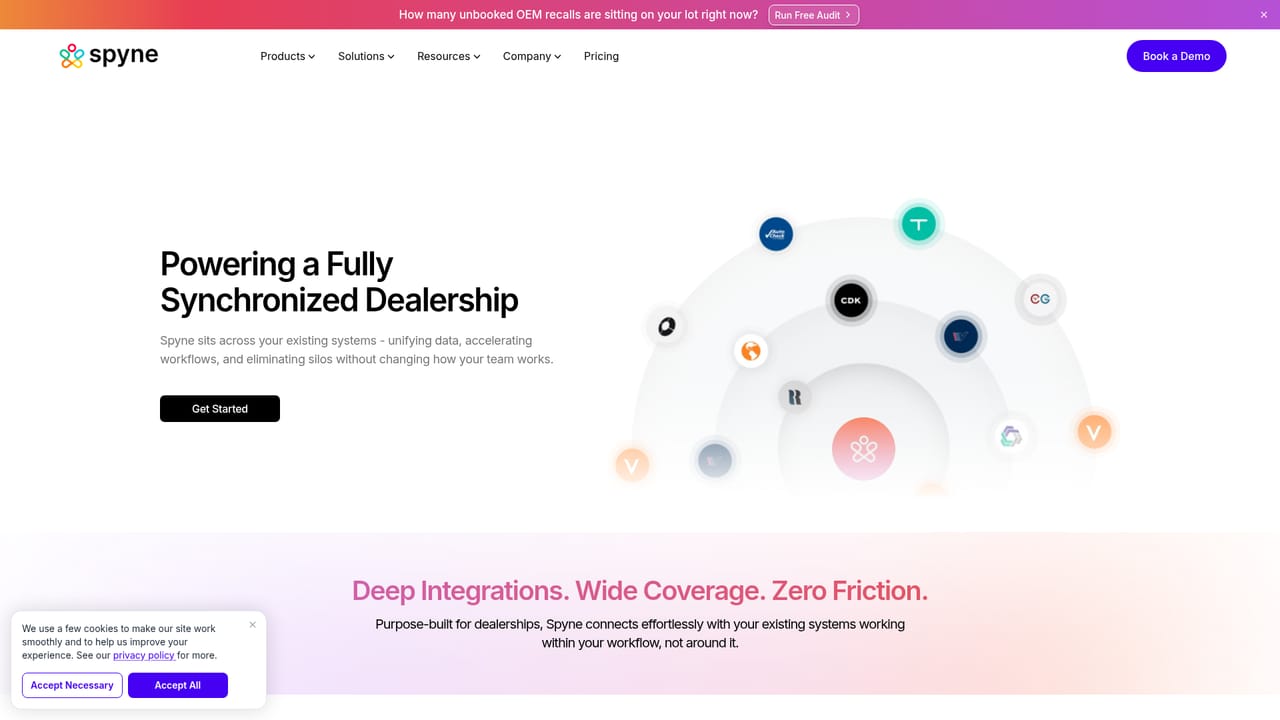
    Review the integrations page to see which inventory, CRM and marketplace systems the platform works with, then plan the connection with your team.
    Spyne — Connect your dealership systems
  4. 4Set up vehicle visuals
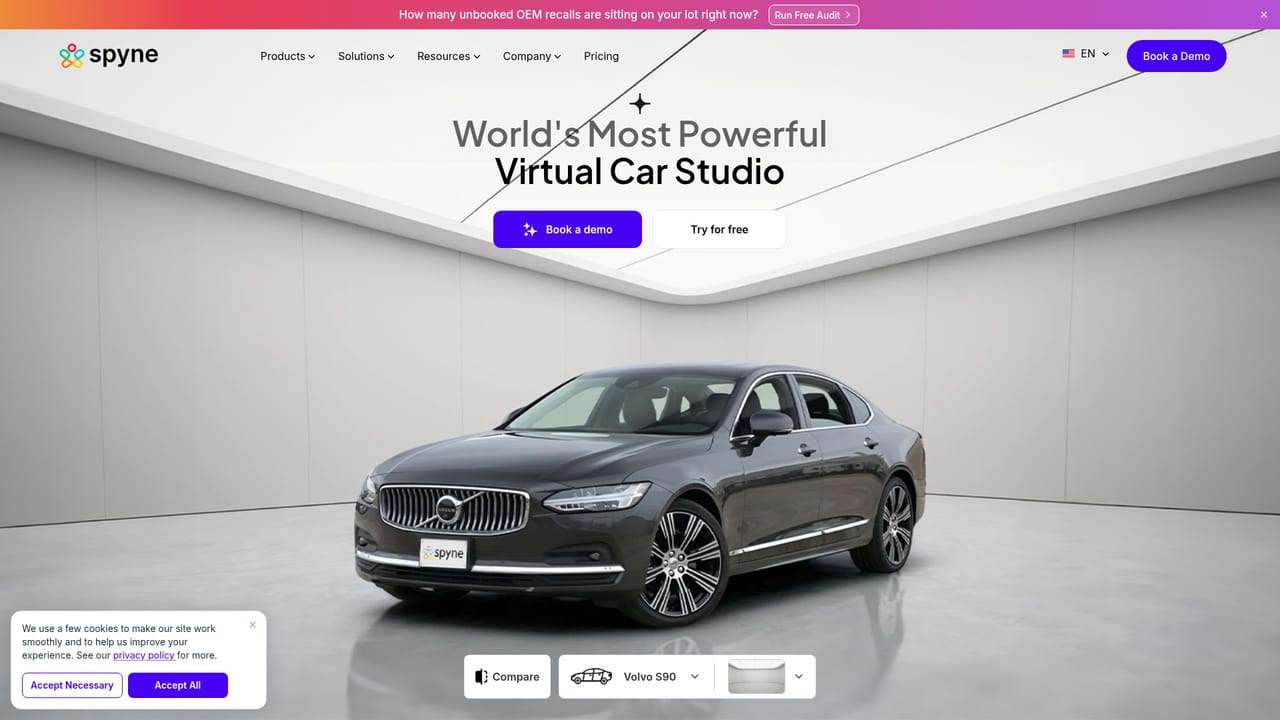
    Use the virtual car photography studio to create studio-grade images from lot photos, then add panoramic 360 views and video tours to listings.
    Spyne — Set up vehicle visuals
  5. 5Configure Vini for buyer conversations
    Set up the conversational agent on the dedicated product page so enquiries are handled and qualified throughout the day and night.
    Spyne — Configure Vini for buyer conversations
  6. 6Read the technical documentation
    The Spyne docs site covers configuration and day to day operation once the account is live and the first listings are flowing.

Pros and cons

Pros

  • Vehicle visuals and conversational AI live in one platform, so listings and lead handling share the same vendorAI
  • 360 car photography and video tours target the presentation gap that hurts click-through on marketplace listingsAI
  • Vini answers buyers around the clock, covering enquiries that arrive after the showroom closesAI
  • Extra tools cover recall outreach, AI reception and online reputation, which are real dealership bottlenecksAI
  • Public case studies, documentation and an integrations page give buyers material to assess before committingAI

Cons

  • Pricing is not shown on the homepage, so budget planning requires a sales conversationAI
  • The platform is built for dealerships and marketplaces, leaving little value for private sellers or other industriesAI
  • No free tier or self-serve signup is visible on the homepage, which slows any hands-on evaluationAI
  • Feature detail is spread across product pages rather than one clear specification, making side-by-side comparison harderAI
  • Dealerships already committed to a CRM suite may end up running overlapping conversation toolsAI

How much does Spyne cost?

Features

Vehicle visuals include AI photo enhancement into studio-quality images, panoramic 360 car views and immersive video tours. Vini handles buyer conversations 24/7 and works on lead conversion. Additional tools cover recall detection, an AI receptionist and online reputation management, with merchandising aimed at dealership sites and car marketplaces.

Learn more

Frequently asked questions about Spyne

  • How do you use Spyne?
    The walkthrough on this page covers 6 steps: 1. Request a walkthrough 2. Run the free recall audit 3. Connect your dealership systems 4. Set up vehicle visuals 5. Configure Vini for buyer conversations 6. Read the technical documentation.
  • What platforms does Spyne support?
    Spyne is available on Web App.
  • What are the limitations of Spyne?
    Pricing is not shown on the homepage, so budget planning requires a sales conversation. The platform is built for dealerships and marketplaces, leaving little value for private sellers or other industries. No free tier or self-serve signup is visible on the homepage, which slows any hands-on evaluation.

Status

StatusActive
Views0
Outbound clicks0
Added10/21/2026

Platforms

Web App

Pricing

Paid