Support
Marble Labs hosts tutorials, documentation and a community space alongside creator showcases and case studies. No dedicated help centre or support channels are described on the homepage.
Learn moreFrontier world models that turn text, images and panoramas into editable 3D scenes

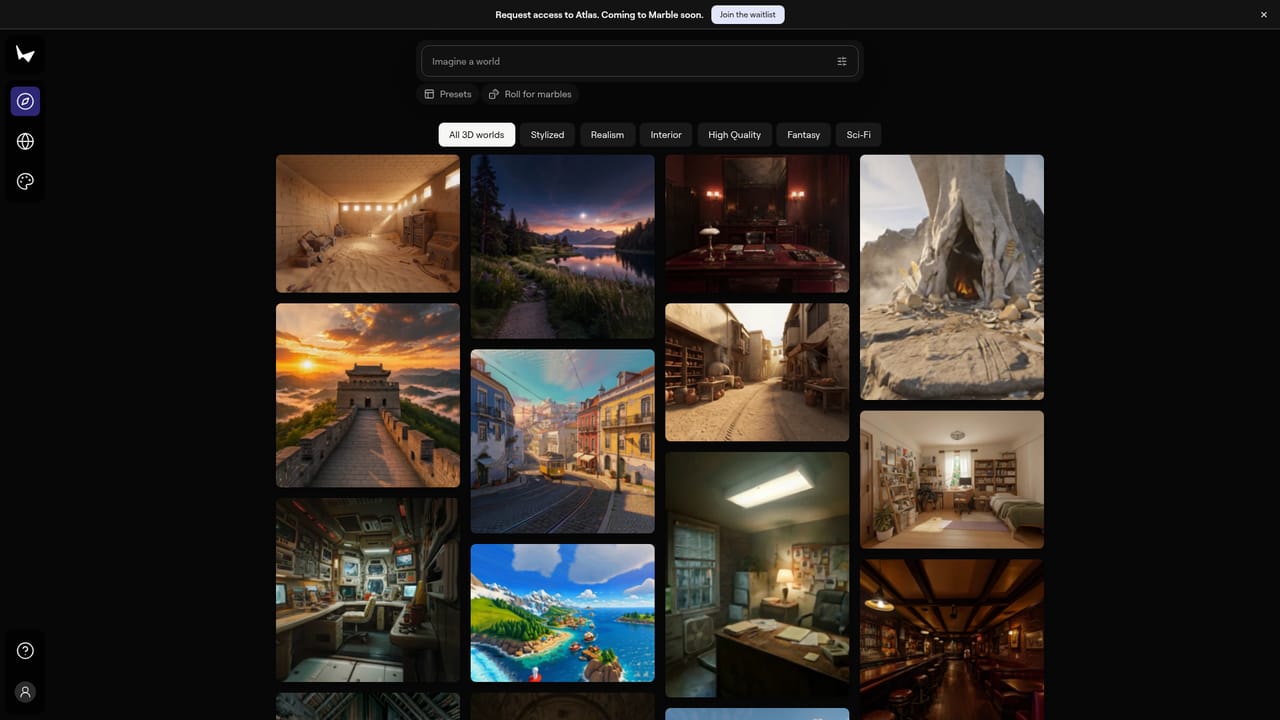
World Labs builds spatial intelligence models. Its Marble product generates persistent, editable 3D worlds from text, images, videos, 360 panoramas or 3D layouts, with 2D and 3D export for production pipelines.
World Labs is a spatial intelligence company whose research focuses on world models: systems that perceive, generate, reason about and interact with 3D environments rather than flat pixels. The company frames its work around three moves, turning seeing into doing, perception into reasoning, and imagination into creating. Its public-facing product is Marble, a generator of persistent 3D worlds that a person can move through, edit and inhabit. Marble accepts several kinds of input. A user can start from a text prompt, an image, a video, or a 360 panorama, and the system produces a spatially consistent, high fidelity scene. For tighter control, worlds can also be built from an existing 3D layout, so the geometry is defined first and the generated content fills it in. Once a world exists, editing tools allow specific elements to be adjusted or the whole environment reshaped. Multiple generated worlds can be expanded and combined into larger, more immersive spaces. Output is designed to leave the platform. Marble exports in a range of 2D and 3D formats, so the results can be pulled into existing art, design or production pipelines instead of being trapped in a browser tab. That positions the product less as a toy and more as a scene-authoring stage inside a broader workflow. The tool suits 3D artists, game and level designers, virtual production teams, and researchers who need explorable environments without hand-building every surface. A companion hub, Marble Labs, collects creator showcases, case studies of production workflows, tutorials and documentation for people learning the system. World Labs operates closer to a research lab than a typical SaaS vendor: it publishes papers and commentary on spatial intelligence, robotics simulation and the road to embodied AI, and it has announced that the company is joining AMD. Buyers should weigh that research-first posture, since roadmap and commercial terms may shift accordingly. Alternatives in the same space tend to be either narrower asset generators or conventional 3D engines that require manual modelling.
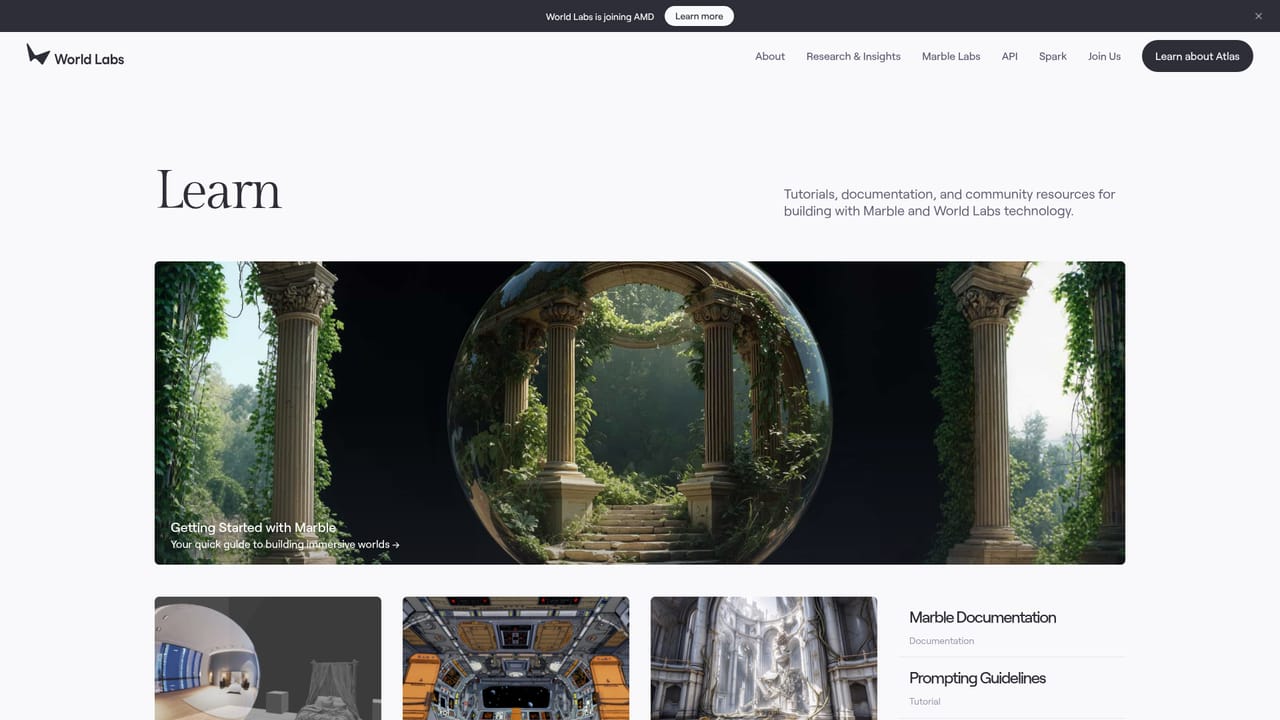
Marble Labs hosts tutorials, documentation and a community space alongside creator showcases and case studies. No dedicated help centre or support channels are described on the homepage.
Learn moreMarble generates spatially consistent, high fidelity and persistent 3D worlds from text, images, videos or 360 panoramas. Worlds can also be built from 3D layouts for precise control, edited element by element or reshaped entirely, and expanded or combined into larger environments. Outputs download and export in various 2D and 3D formats for use in existing workflows and pipelines.
 AI Angels400+ customizable AI girlfriends for NSFW chat, voice calls, and roleplay
 Candy AIExperience the future of companionship with AI friends who chat, role-play, and connect with you on a human level.
 ourdream.aiA vast AI roleplay platform with millions of characters for chat, images, video and voiceAI Angels400+ customizable AI girlfriends for NSFW chat, voice calls, and roleplayCandy AIExperience the future of companionship with AI friends who chat, role-play, and connect with you on a human level.ourdream.aiA vast AI roleplay platform with millions of characters for chat, images, video and voice