Free trial
A free website trial is offered with no credit card required and cancellation at any time. The AI builder can be used to explore a site during the trial.
Learn moreDescribe your business and get a multi-page site built for you

Squarespace is an app creation tool. Squarespace's AI website builder turns a short description of your business into a multi-page site with copy, images, colors and fonts, then lets you refine it in a drag-and-drop editor with an AI assistant and image generation.
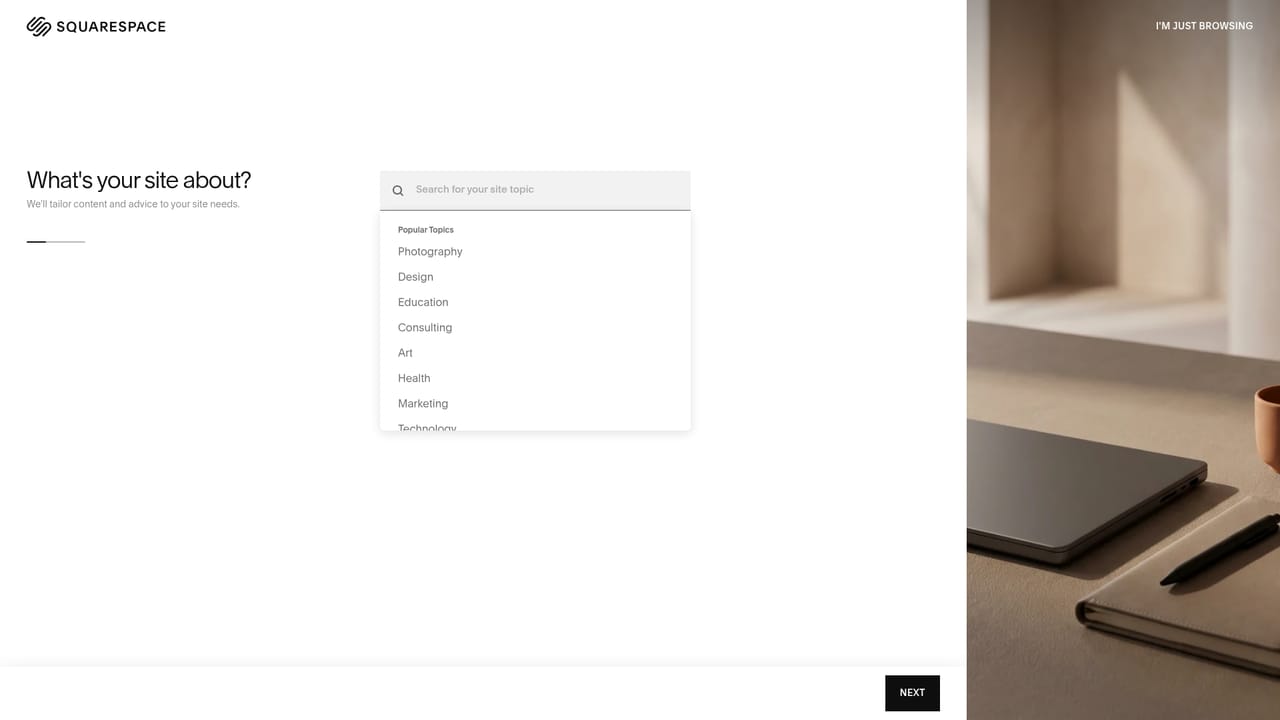
Squarespace's AI website builder starts from a plain-language description of a business, project or personal interest. The prompt can cover what the site is for, who it serves, what visitors should be able to do, and the tone wanted. From that input the builder produces a multi-page starting point with pages, copy, imagery, colors and fonts already in place, shaped by the company's in-house design system rather than a generic template. The tool is aimed at small business owners, creators, freelancers and anyone who wants a credible site without hiring a designer or writing code. In practice the flow has four stages: describe the idea, preview the generated site, customize it, then publish. Customization happens in the standard drag-and-drop editor, where content can be moved, resized and rearranged for desktop and mobile separately. An AI assistant answers questions and carries out supported tasks in context, such as pulling up weekly traffic figures, while AI image generation can create new visuals, transform existing photos or produce a matching image set. A section generator also builds custom blocks, such as a comparison, gallery or pricing display, from a short description. AI is optional after the first draft. Every change can be made by hand in the editor, so the result is a normal Squarespace site and not a static mockup that has to be re-prompted for each tweak. Publishing involves connecting a domain, adding selling or scheduling tools, and working on search visibility, including in AI search. Among alternatives, it sits with other prompt-driven site generators, but its distinguishing point is that the output lands inside a complete hosted website platform with a mature editor. The AI builder can be explored during a free trial, though a paid website plan is required to publish. That makes it a fit for people who value polished defaults and one place for design, hosting and commerce, and a weaker fit for developers who want code-level control over generated output.
A free website trial is offered with no credit card required and cancellation at any time. The AI builder can be used to explore a site during the trial.
Learn moreThe AI website builder can be explored during a free Squarespace trial, but a paid Squarespace website plan is needed to publish. Plan prices are not stated on this page.
Learn more24/7 support through the Help Center and its customer support team, plus free online webinars for learning the basics and refining skills.
Learn moreDomain connection and tools for selling or scheduling are mentioned, along with search and AI search visibility features. No third-party integrations are listed.
Text-to-website generation of multi-page sites, drag-and-drop editor with separate mobile layout control, AI assistant, AI image generation and editing with image sets, custom section generation, responsive design, and search visibility tools.
 AI Angels400+ customizable AI girlfriends for NSFW chat, voice calls, and roleplay
 Candy AIExperience the future of companionship with AI friends who chat, role-play, and connect with you on a human level.
 ourdream.aiA vast AI roleplay platform with millions of characters for chat, images, video and voiceAI Angels400+ customizable AI girlfriends for NSFW chat, voice calls, and roleplayCandy AIExperience the future of companionship with AI friends who chat, role-play, and connect with you on a human level.ourdream.aiA vast AI roleplay platform with millions of characters for chat, images, video and voice


