Stampdy

Describe a stamp in words, get a 2K transparent PNG back

Beginner
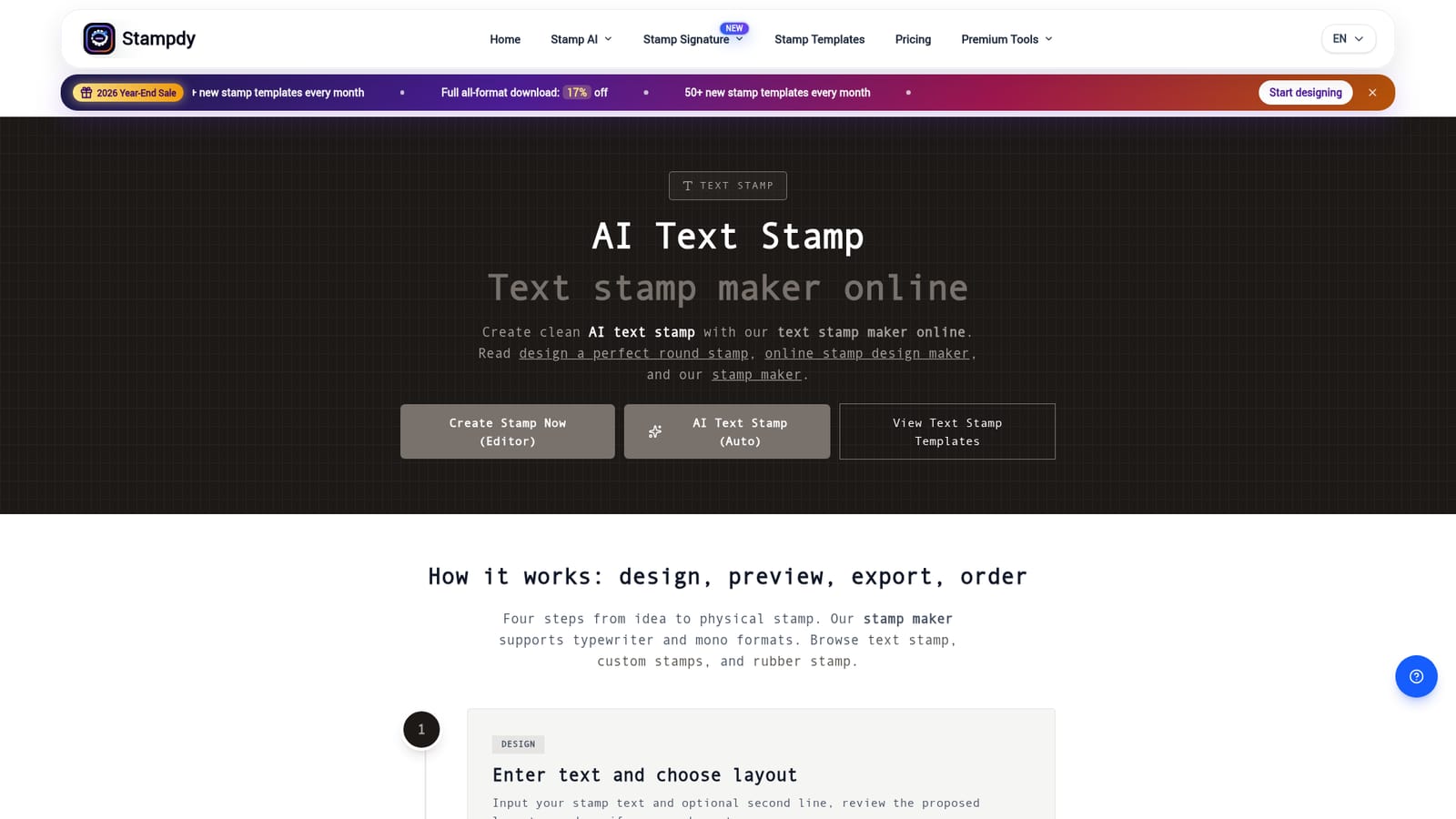
Screenshot of Stampdy, Describe a stamp in words, get a 2K transparent PNG back

What is Stampdy?

Stampdy is a generative image tool. Stampdy's AI Stamp turns a written description or a reference template into a finished stamp design and downloads it as a 2048 px transparent PNG. Style controls cover shape, stamp type, border and color, with input suited to company seals, logo stamps, signature marks and notary-style mockups.

Stampdy's AI Stamp page is a text-to-stamp generator built on GPT-Image-2.5 Flare. You describe the stamp you want (a company seal, a logo mark, a notary-style round stamp, a wedding monogram) and the model produces a finished design concept with lettering, symbols and borders already arranged. Every output is a 2048 by 2048 transparent PNG, which is four times the pixel count of the 1K images the product shipped earlier. Generation is fully automatic and the file downloads as soon as it is ready. The workflow offers two modes. Create from scratch starts with an optional style choice (shape, stamp type such as India seals or company seals, a modern, minimal or formal treatment, border on or off, and a hex color) followed by a short written request. Use Reference Image takes one of the template designs as a visual anchor and applies your described changes, so existing layouts can be re-lettered rather than rebuilt. Prompts that include a center logo are supported, though the page advises keeping icons simple enough to read at stamp size. The tool is aimed at small businesses, print shops, event planners and anyone who needs a plausible stamp mockup without learning a vector editor. It is a concept generator, not a compliance tool: the page states plainly that legal and notary-style layouts are for exploration only and that required wording, symbols and dimensions must be confirmed with the relevant authority. Output is PNG only, so vendors needing SVG, EPS or PDF have to rebuild in the main Stampdy stamp maker, which retains manual control over type, spacing, borders and aging effects. Against generic image generators, the value is the constrained input form and stamp-specific styles rather than raw flexibility. Against a traditional stamp maker, it trades precision for speed: drafts arrive in one pass, but every rendered word, proportion and fine stroke still needs a human check before it goes near a document or an engraver.

How do you use Stampdy?

  1. 1Pick your starting mode
    Open the AI Stamp page and decide between creating from scratch or using a reference image. The reference route is better when an existing layout or logo placement must survive the redraw.
    Stampdy — Pick your starting mode
  2. 2Set shape, type and style
    Choose a circle, square or triangle shape, then select a stamp type such as company seals or design seals and a modern, minimal or formal style. Toggle the border and pick a color by swatch or hex value.
  3. 3Write the stamp content
    Enter the exact text, year and symbols you want, up to 400 characters. Appearance settings from the previous step do not need repeating in the prompt.
  4. 4Borrow a template if you need a direction
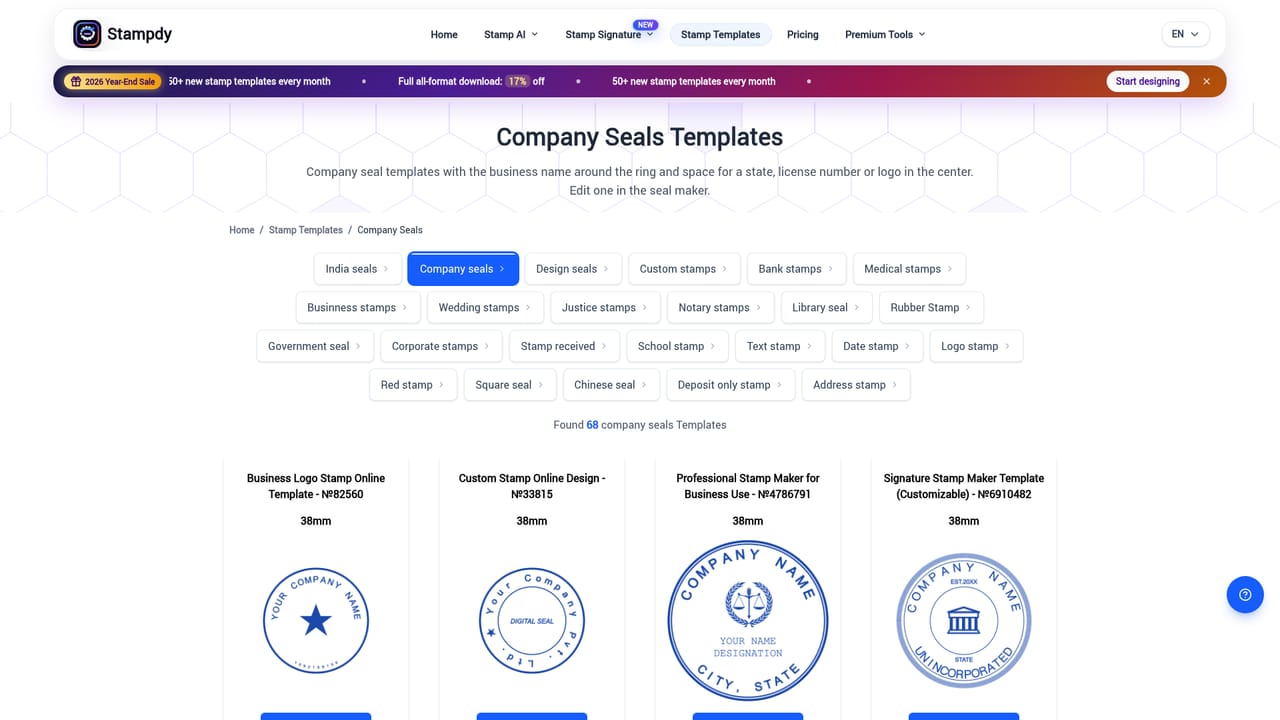
    Browse the company seal, logo stamp or signature stamp templates and load one as a reference. Describe only the text to swap and anything that must be kept or removed.
    Stampdy — Borrow a template if you need a direction
  5. 5Generate, pay and review the PNG
    Complete payment to start the automatic run. The 2048 px transparent PNG downloads when ready; check every word, border and symbol before use, and note that some viewers show transparency as black.
  6. 6Rebuild in the editor for print formats
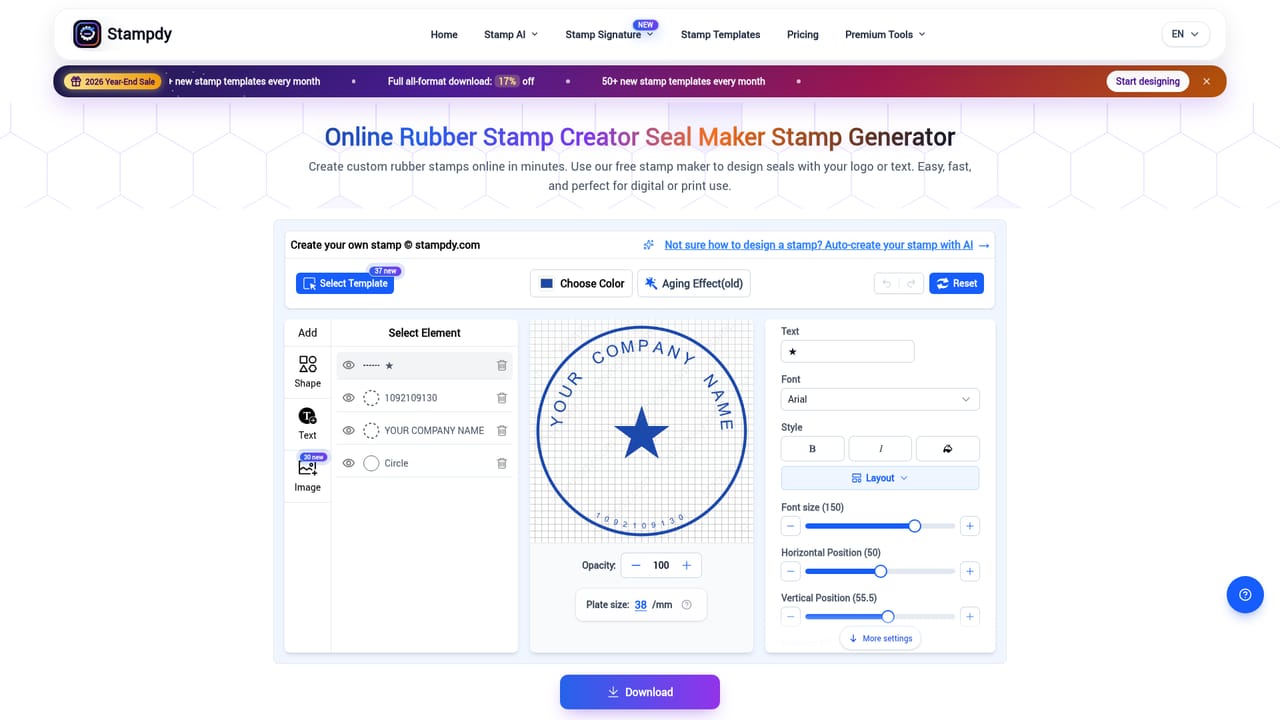
    If a vendor needs SVG, EPS or PDF, recreate the approved design in the manual stamp maker, where spacing, aging effects and multi-format export are available.
    Stampdy — Rebuild in the editor for print formats

Pros and cons

Pros

  • Outputs arrive as 2048 by 2048 transparent PNGs, ready to drop onto documents and layoutsAI
  • Two entry points, a from-scratch description or a reference template, cover both fast drafts and re-letteringAI
  • Concrete style controls (circle, square or triangle shape, stamp type, modern, minimal or formal style, border toggle, hex color) constrain the model before it generatesAI
  • Template catalog spans company seals, logo stamps and signature stamps, so there is a sensible starting point for most business usesAI

Cons

  • AI generation only exports transparent PNG; SVG, EPS, PDF, JPG and Word require rebuilding the design in the separate stamp maker editorAI
  • Payment is required before generation begins, and there is no way to preview output quality firstAI
  • No compliance checking for legal or notary layouts, so wording and authorization remain entirely the user's responsibilityAI
  • AI output can shift proportions, text and small details, which means every logo-based result needs comparison against approved brand assetsAI
  • Fine-detail stamps take longer to render, and dense lettering or thin strokes often need manual cleanup afterwardsAI

How much does Stampdy cost?

Pricing

The site runs a 2026 Year-End Sale with 17 percent off full all-format downloads and mentions 50 or more new stamp templates each month, but no specific prices or plan tiers are listed on the homepage. Credits are purchased, and additional credits are offered through the AI image stamp maker page.

Learn more

Support

Support is handled through WhatsApp messaging, as stated in the how-to walkthrough on the AI Stamp page. A FAQ section covers export formats, mobile use, ownership and print clarity.

Features

Text-to-stamp generation on GPT-Image-2.5 Flare with 2K (2048 by 2048) transparent PNG output. Two modes: create from a description, or use a template or image as a reference. Controls cover shape, stamp type, style, border and hex color, plus aging effects in the editor. Prompt length is capped at 400 characters. Mobile review and export are supported.

Frequently asked questions about Stampdy

  • How much does Stampdy cost?
    The site runs a 2026 Year-End Sale with 17 percent off full all-format downloads and mentions 50 or more new stamp templates each month, but no specific prices or plan tiers are listed on the homepage. Credits are purchased, and additional credits are offered through the AI image stamp maker page.
  • How do you use Stampdy?
    The walkthrough on this page covers 6 steps: 1. Pick your starting mode 2. Set shape, type and style 3. Write the stamp content 4. Borrow a template if you need a direction 5. Generate, pay and review the PNG 6. Rebuild in the editor for print formats.
  • What platforms does Stampdy support?
    Stampdy is available on Web App.
  • What are the limitations of Stampdy?
    AI generation only exports transparent PNG; SVG, EPS, PDF, JPG and Word require rebuilding the design in the separate stamp maker editor. Payment is required before generation begins, and there is no way to preview output quality first. No compliance checking for legal or notary layouts, so wording and authorization remain entirely the user's responsibility.

Status

StatusActive
Views0
Outbound clicks0
Added10/22/2026

Platforms

Web App

Pricing

Paid