Free trial
The free plan doubles as the trial: sign up without a credit card, cancel anytime. The sign-up flow is linked directly from the homepage.
Learn moreTurns a script into a shot list, storyboard and animatic in one pass

Storyboarder is a movie script tool that turns a script into a shot list, storyboard and animatic in one pass. Script-driven storyboarding tool that generates a shot list, consistent storyboard frames and an animatic with audio, plus a 3D camera tool for reframing and a one-click pitch deck export.
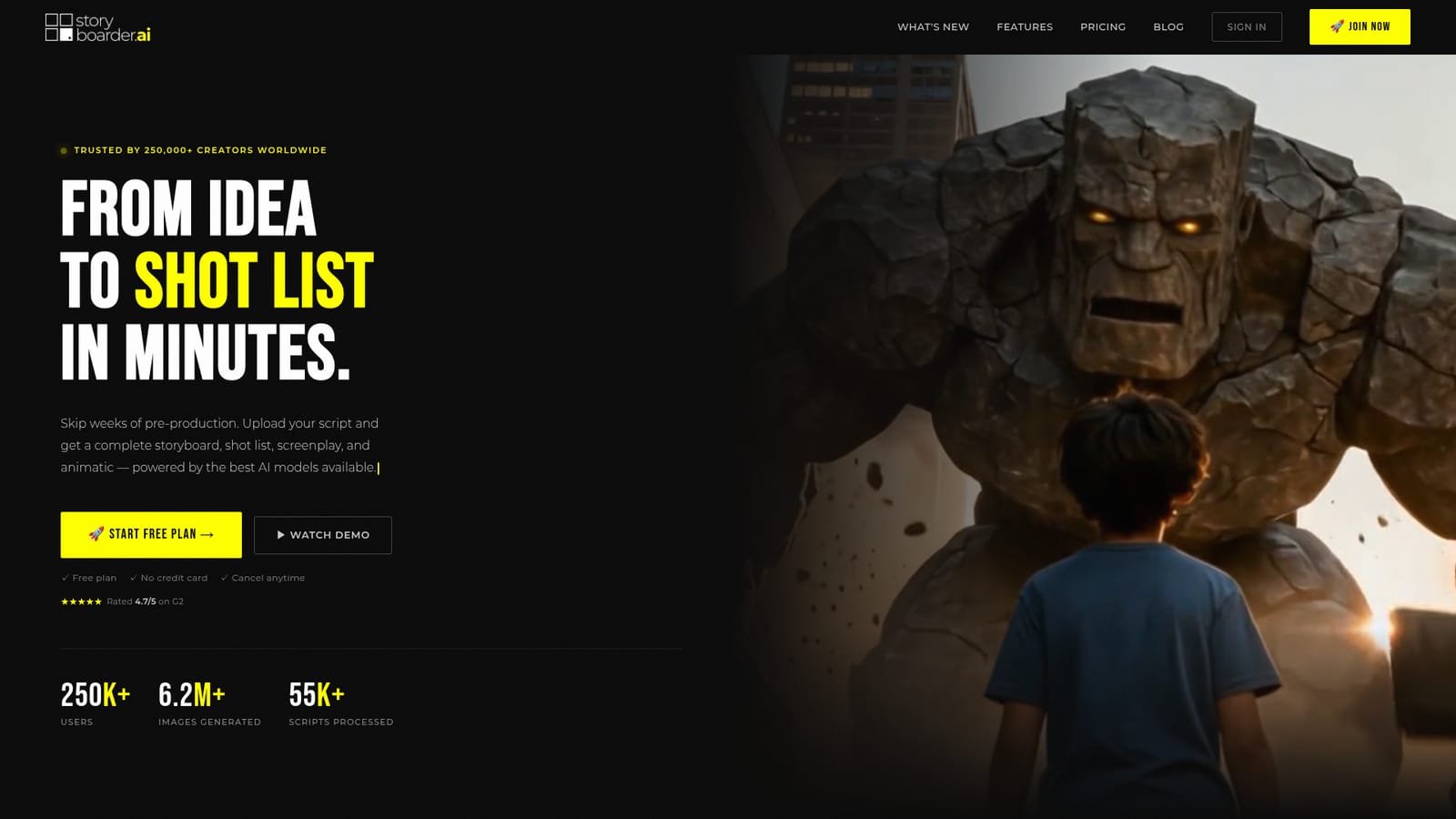
Storyboarder.ai takes a written script or a plain-language concept and produces the pre-production package that normally takes a storyboard artist weeks: a shot list, a full set of storyboard frames, and an animatic cut from those frames. You can upload a screenplay in PDF, Final Draft (FDX), Fountain, Word or plain text, or simply type out an idea and let the tool structure it. The site positions the product as a complete pipeline rather than a single image generator, and the workflow reflects that: script in, shot list out, frames generated, then frames converted to video with audio. The feature set is aimed squarely at production work. Character, location and prop consistency is the headline claim, so the same actor design carries across every panel instead of drifting between regenerations. A 3D camera angle control lets you orbit, pan, tilt and zoom around a generated frame to find a new composition without rerunning the prompt. Sketch-to-image converts rough napkin drawings into finished panels, and custom art styles let you upload a reference image (comic, photoreal, anime or a proprietary look) as a style guide. Image generation is unlimited on every plan, with no credit counter or per-image fee. Video 2.0 adds motion to frames with clips of up to 15 seconds, a Multi-Cut mode for sequences, and built-in audio for animatics. Exports cover PDF shot lists and storyboards, MP4 animatics and a one-click pitch deck in several designs. The audience is broad by design. The site names feature films, commercials, animation, short films, corporate content and documentaries, and the pricing page plus free plan lower the barrier for indie filmmakers and film school students who cannot justify a storyboard artist. Agencies and brand teams appear throughout the customer logos, which suggests the pitch deck export matters as much as the frames themselves. Where it fits: the tool competes with general image generators that need manual prompting for every panel, and with traditional storyboard software that offers no generation at all. Its edge is the chained workflow and the consistency controls. The tradeoff is that output still needs a human eye on framing and story logic, and the aesthetic range is bounded by what the models produce.
The free plan doubles as the trial: sign up without a credit card, cancel anytime. The sign-up flow is linked directly from the homepage.
Learn moreA free plan is offered with no credit card and no stated time limit. Paid plans exist but tier names and prices are not listed on the homepage; the app's pricing page holds the current details. Every plan is described as including unlimited image generation with no credits or per-image fees.
Learn moreA help center with product walkthroughs and a 90 second overview video is linked from the site. Customer testimonials single out responsive support, but no ticketing or chat channels are listed on the homepage.
Learn moreScript to shot list to storyboard to animatic in one pipeline. Character, location and prop consistency across frames, 3D camera angle control for reframing, sketch-to-image, custom art style references, unlimited image generation, Video 2.0 clips up to 15 seconds with Multi-Cut and audio, PDF and MP4 export, one-click pitch deck, and support for PDF, FDX, Fountain, Word and plain text scripts.
 AI Angels400+ customizable AI girlfriends for NSFW chat, voice calls, and roleplay
 Candy AIExperience the future of companionship with AI friends who chat, role-play, and connect with you on a human level.
 ourdream.aiA vast AI roleplay platform with millions of characters for chat, images, video and voiceAI Angels400+ customizable AI girlfriends for NSFW chat, voice calls, and roleplayCandy AIExperience the future of companionship with AI friends who chat, role-play, and connect with you on a human level.ourdream.aiA vast AI roleplay platform with millions of characters for chat, images, video and voice