Free trial
A free plan is available without a payment card and without ads, including a monthly allowance of AI generations, so the core tools can be tested before subscribing.
Learn moreTurn lecture files into flashcards, quizzes and podcasts, then follow a study plan

Studyflash is an AI summarizer tool that turns lecture files into flashcards, quizzes and podcasts, then follow a study plan. A study app that converts lecture PDFs, slides, notes and recordings into flashcards, quizzes, summaries, mind maps, podcasts and graded mock exams.
Studyflash is an AI study app built around one idea: the material a student already has should be enough to prepare for an exam. Users upload lecture PDFs, Word documents, PowerPoint slides, images of handwritten notes, plain text or pasted notes, and the app converts that source into structured study material. It also accepts Anki decks and can record a lecture live through the web app or the mobile apps. The output arrives in six formats: flashcards with spaced repetition scheduling, quizzes, summaries, mind maps, timed and graded practice exams, and audio podcasts for listening away from a desk. A study plan layer sits on top of the generated content and tells the student what to review and when, which is the clearest difference from general purpose chatbots. The built-in tutor, Max, answers questions strictly from the uploaded sources and cites the passage behind each answer rather than searching the open web. Practice exams can be modelled on a past paper the student uploads, and grading follows the country's own scale. Voice chat works in every supported language, and the interface and generated content are available in 27 languages. The product is aimed squarely at university and secondary school students who revise from lecture material and want a single place to test themselves. It is less useful for people researching topics with no source documents, since Max does not browse the web. Its closest alternatives are spaced repetition apps such as Anki, which require manual card creation, and general assistants such as ChatGPT or NotebookLM, which answer questions but do not schedule review or simulate exam conditions. Studyflash sits between the two: automated card generation with the scheduling discipline of a dedicated revision tool. Accuracy needs human oversight. The company states plainly that AI generated cards can be wrong and positions them as a draft to check and edit, with citations making verification quick. The free plan covers flashcards, quizzes, summaries, mind maps, spaced repetition and a monthly allowance of AI generations, with no card required and no ads. Premium adds unlimited generations, mock exams, podcasts and unlimited study groups. The app is made in Switzerland and reports more than one million student users.
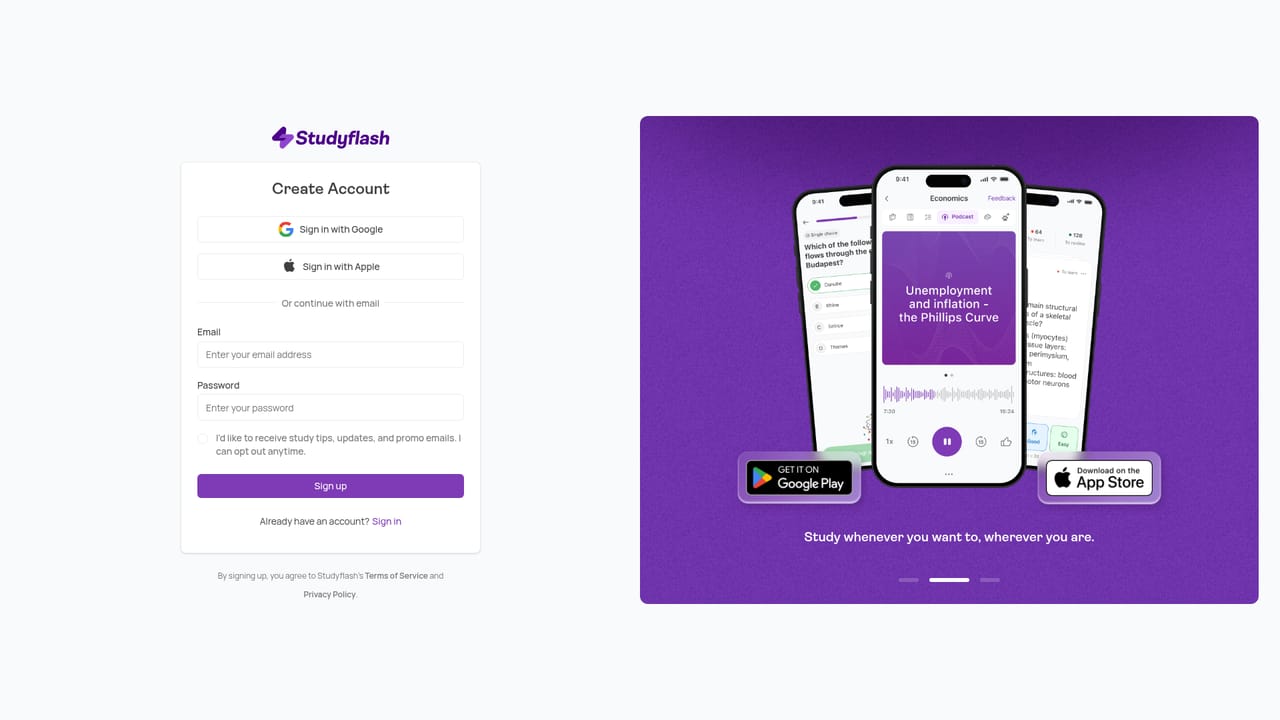
A free plan is available without a payment card and without ads, including a monthly allowance of AI generations, so the core tools can be tested before subscribing.
Learn moreFree plan covers flashcards, quizzes, summaries, mind maps, spaced repetition, a monthly allowance of AI generations and chat with Max, with no card and no ads. Premium adds unlimited generations, mock exams, podcasts and unlimited study groups. Exact prices are not listed on the homepage.
Learn moreImports Anki decks (.apkg) and accepts common document and image formats. No third party integrations or public API are described on the homepage.
Uploads accept PDFs, Word files, PowerPoint slides, JPEG and PNG images (including photos of handwritten notes), text files and pasted text, plus live lecture recording and Anki deck imports. One upload produces flashcards with spaced repetition, quizzes, summaries, mind maps, podcasts and timed graded practice exams. A study plan schedules review, and the tutor Max answers from your sources with citations in 27 languages.
 AI Angels400+ customizable AI girlfriends for NSFW chat, voice calls, and roleplay
 Candy AIExperience the future of companionship with AI friends who chat, role-play, and connect with you on a human level.
 ourdream.aiA vast AI roleplay platform with millions of characters for chat, images, video and voiceAI Angels400+ customizable AI girlfriends for NSFW chat, voice calls, and roleplayCandy AIExperience the future of companionship with AI friends who chat, role-play, and connect with you on a human level.ourdream.aiA vast AI roleplay platform with millions of characters for chat, images, video and voice


