Free trial
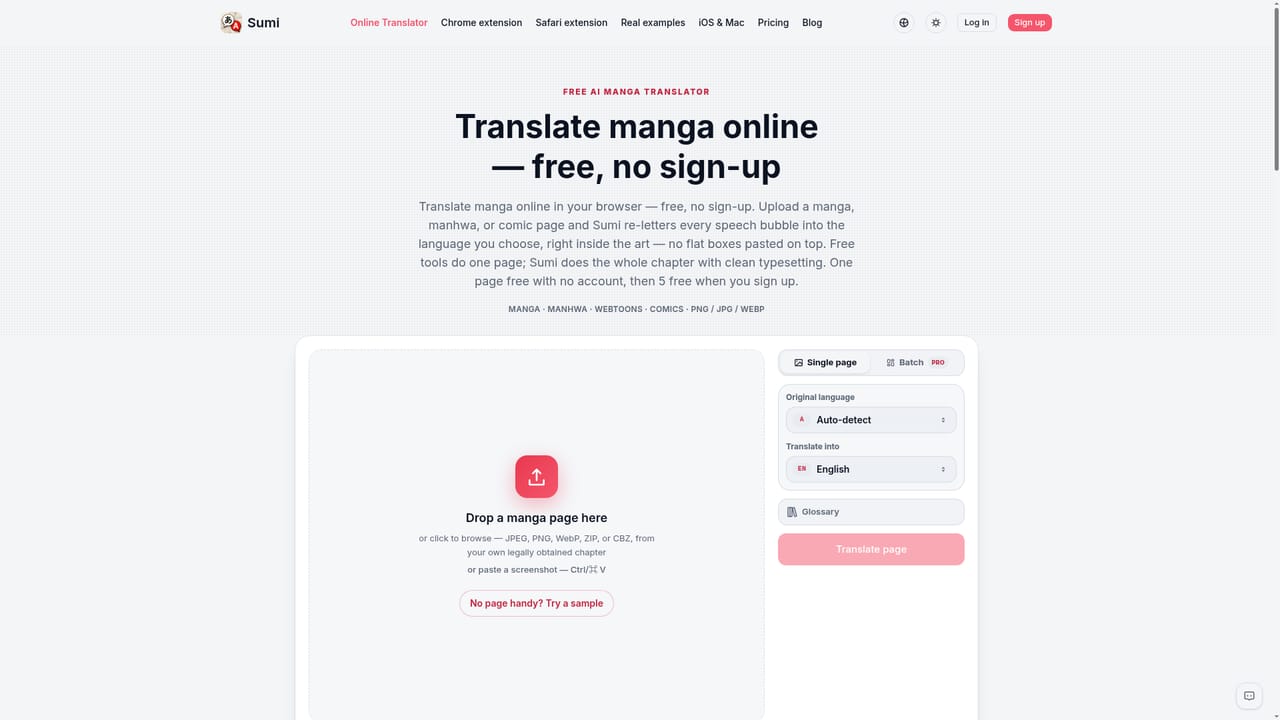
No account is required for the first translated page on the web translator. Signing up adds 5 free pages plus 5 more to claim daily; no time-limited trial is described.
Learn moreRead raw manga, manhwa and webtoons in your own language, right on the page.

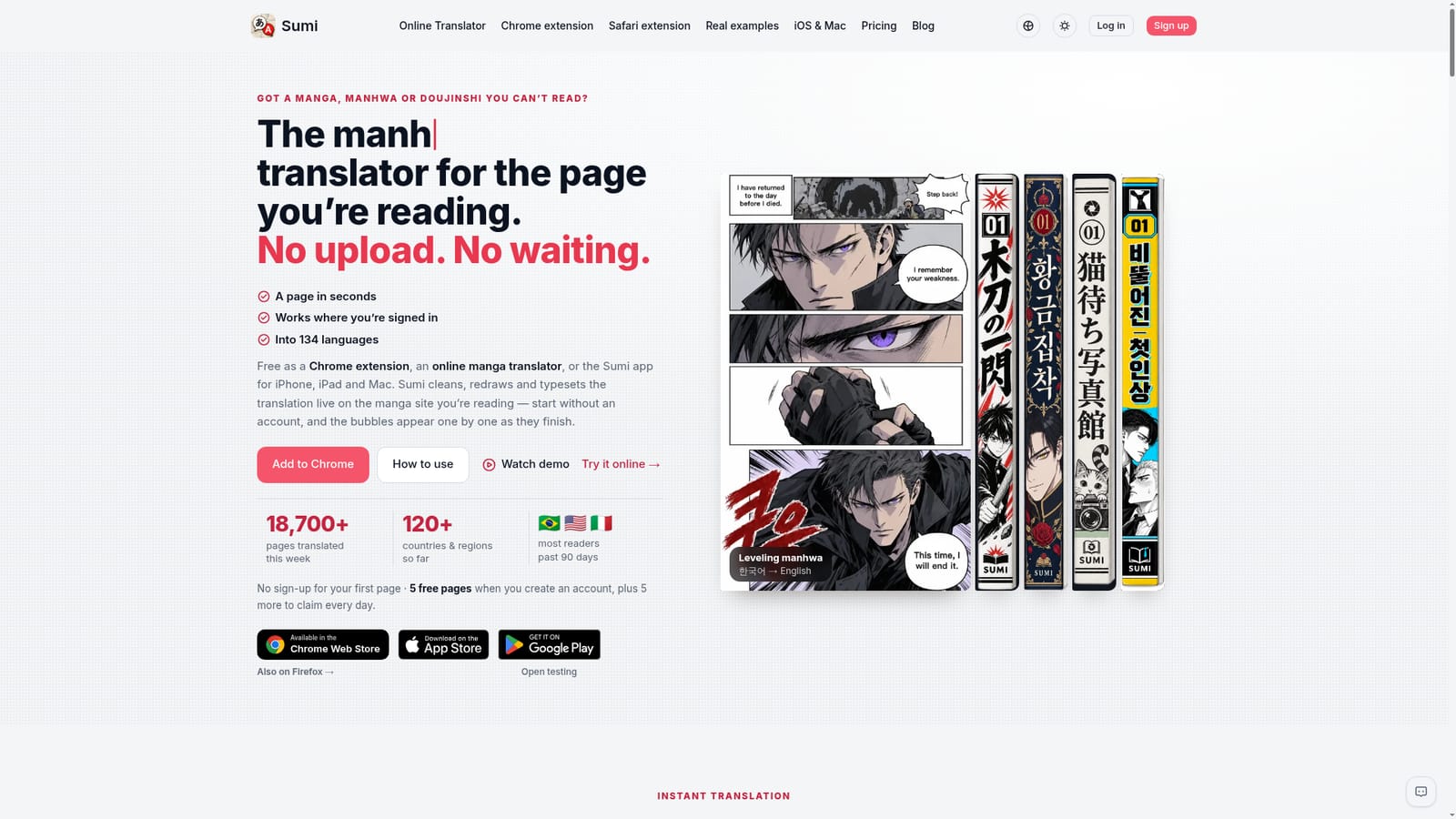
Sumi translates raw manga, manhwa, manhua and webtoons in place: open a chapter in your browser, trigger the extension or iOS app, and the original text is erased and your language re-typeset into the artwork. Supports 134 languages and 30 tested publisher platforms, with vertical CJK typesetting and page-by-page translation.
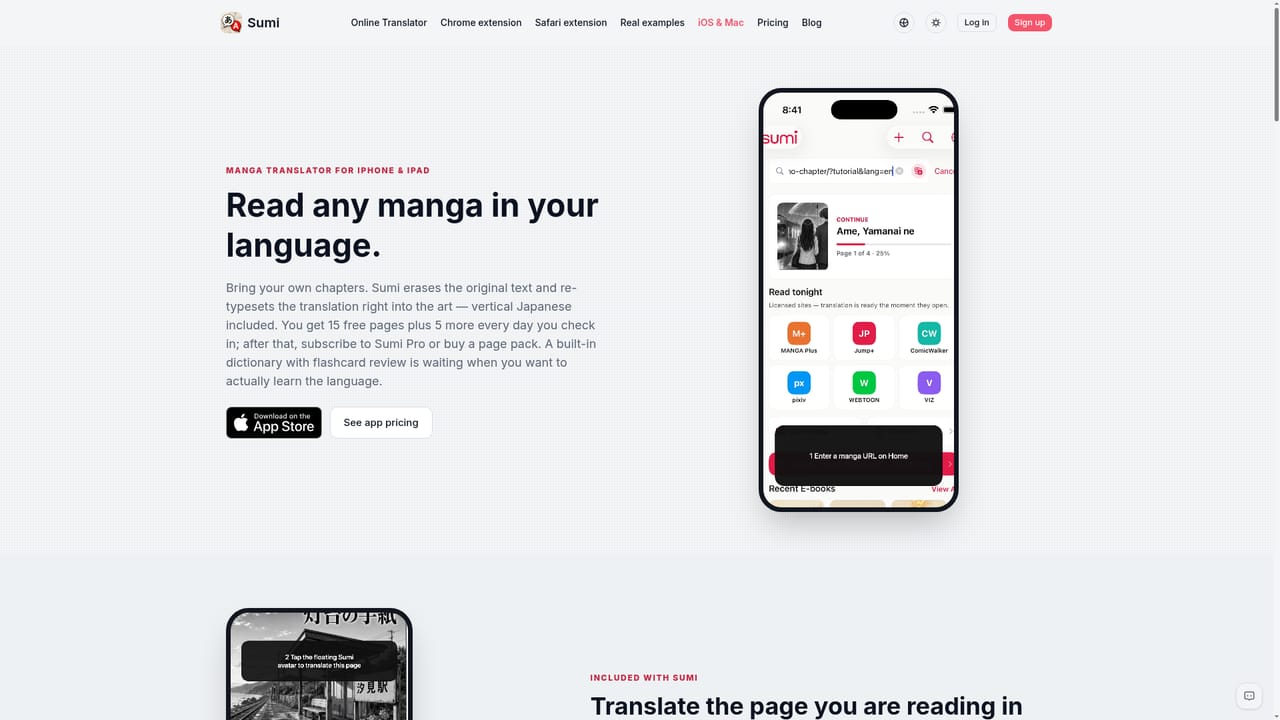
Sumi is an AI manga translator that works inside the browser you already read in, rather than pulling chapters onto a separate server first. You open a chapter on the platform where you normally read (Shonen Jump+, MANGA Plus, WEBTOON, pixiv and similar), trigger Sumi, and the app re-letters the speech bubbles in place. The original text is erased from the artwork and your language is typeset back into it, with true vertical Japanese, Chinese and Korean placement for tall bubbles instead of horizontal text wedged in sideways. A page typically takes a few seconds to translate on Sumi's side, and pages appear one by one as they finish. Three entry points cover most readers. A browser extension for Chrome, Edge and Firefox handles desktop reading; a Safari extension and a dedicated iPhone and iPad app (also Mac) handle Apple devices, with the app offering its own browser and an Auto switch so each page turn translates itself. The app additionally opens whole chapters from PDF, ZIP, CBZ or EPUB files and keeps them in one library. A no-install option on the web site lets you drop a single page in and watch the result before creating an account. Sumi positions itself against apps that download an entire chapter before showing anything, and against readers who cannot reach pages behind a login. Because it reads what the browser already displays, signed-in chapters work. The claimed coverage is 30 official publisher platforms and 134 output languages, with 18,900+ pages translated in a recent week. Vertical-strip manhwa, colour manhua and self-published doujinshi are all called out as targets, though the site admits panels with text baked into background art are flagged rather than guessed at. Practically, Sumi suits readers following ongoing Japanese or Korean releases ahead of official translations, and anyone who wants a page readable without running it through a separate OCR and image-editing pipeline. An account unlocks 5 free pages plus 5 more to claim daily, which is enough to judge quality on your own series before committing.
No account is required for the first translated page on the web translator. Signing up adds 5 free pages plus 5 more to claim daily; no time-limited trial is described.
Learn moreThe Chrome extension is described as free, and readers can start without an account. Creating an account grants 5 free pages plus 5 more to claim every day. The homepage does not list paid tiers, prices or subscription rates, so the cost of heavy use beyond the free allowance is not stated.
Learn moreA public FAQ page covers common questions. The homepage lists no dedicated help centre, email address or live chat channel.
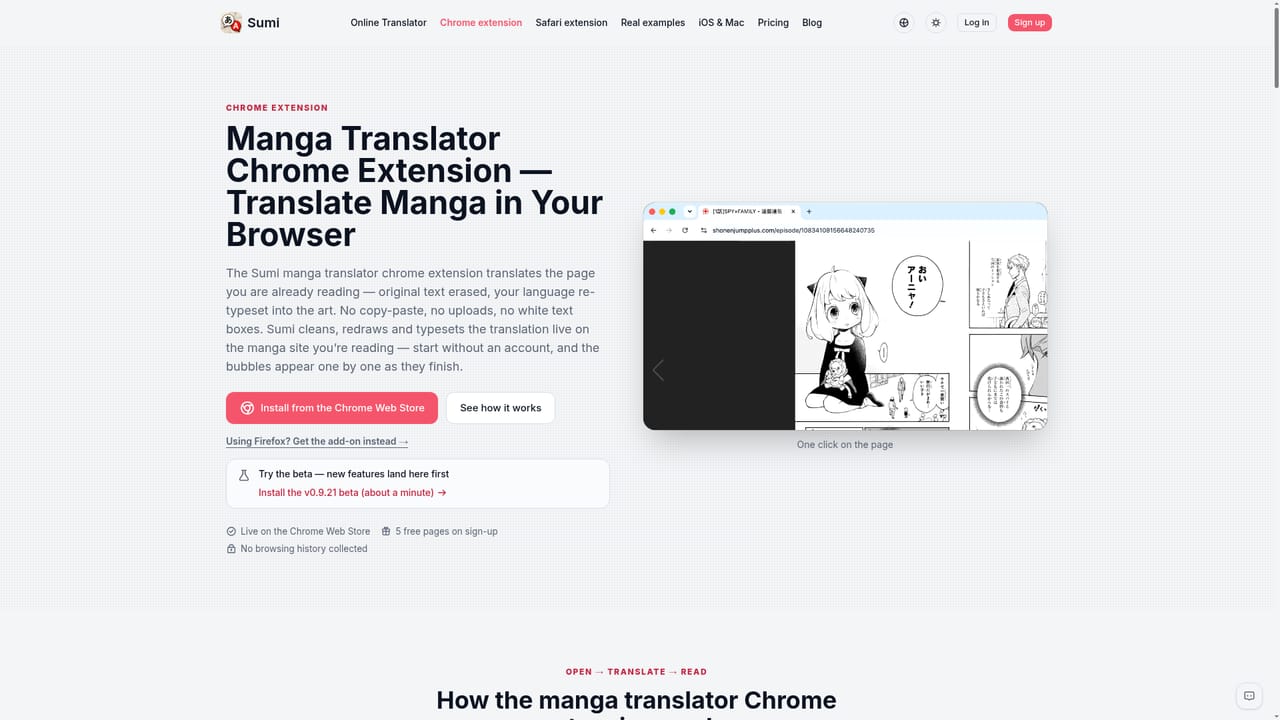
Learn moreShips as a Chrome and Edge extension, a Firefox add-on, a Safari extension, and an iPhone, iPad and Mac app, working directly on third-party manga sites rather than through an API.
Learn moreIn-place page translation with original text erased and redrawn into the artwork, true vertical typesetting for Japanese, Chinese and Korean, page-by-page delivery, an Auto mode in the iOS app, whole-chapter imports from PDF, ZIP, CBZ and EPUB, and 134 output languages across 30 tested official publisher platforms.
Learn more AI Angels400+ customizable AI girlfriends for NSFW chat, voice calls, and roleplay
 Candy AIExperience the future of companionship with AI friends who chat, role-play, and connect with you on a human level.
 ourdream.aiA vast AI roleplay platform with millions of characters for chat, images, video and voiceAI Angels400+ customizable AI girlfriends for NSFW chat, voice calls, and roleplayCandy AIExperience the future of companionship with AI friends who chat, role-play, and connect with you on a human level.ourdream.aiA vast AI roleplay platform with millions of characters for chat, images, video and voice