Free trial
A one-time grant of 20 credits, no card required. Public video links can be tried without an account, and signing in keeps the remaining balance but does not grant another trial. Homepage example videos are free to reopen.
Learn morePaste a video link, get a summary, chapters, transcript and mind map
Own Summarize Video to Text? Verify ownership to get a dofollow link

Summarize Video to Text is a summaries tool. A web-based AI video summarizer for YouTube, TikTok and Instagram links. It returns a streamed summary, timestamped chapters, a transcript, a mind map and Q&A, with exports to Obsidian and Notion and output in 14 languages.
Summarize Video to Text is a browser-based video summarizer that converts YouTube, TikTok and Instagram videos into written material. A pasted link produces a streamed summary, key insights, timestamped chapters, a full transcript, a collapsible mind map and a Q&A panel for follow-up questions. Nothing needs to be installed, and a public video link can be tried without creating an account. The tool is aimed at people who learn or work from recorded video. Students can turn a long lecture into a chapter list and search the transcript for a specific definition. Professionals can check a meeting recording or conference talk for a particular decision. Creators can pull transcripts from other channels or their own back catalogue to outline new scripts, and researchers can locate one passage inside a multi-hour interview and cite it with a timestamp. In practice, the service reads the captions attached to a video, including YouTube auto-generated ones, and builds the output from that text. When captions are missing, an AI transcription route can handle public videos whose audio is reachable, and signed-in users can upload their own audio or video files. Summaries can be written in 14 output languages regardless of the spoken language. Results can be copied, downloaded as plain text, exported to Obsidian or Notion with a free account, or shared through a link that opens a cached result. Procedural videos also get a flowchart rendered by the VizText diagram generator. Usage runs on credits: a one-time trial grant, paid subscription credits each month and purchasable top-ups. Length limits depend on account tier, from short clips without an account to several hours on Pro. Compared with generic chatbots, the product is built around one narrow job, so the workspace layout, timestamp navigation and note-app exports are ready out of the box. A Chrome and Edge extension and an Obsidian plugin extend the same engine into the places where videos are watched and notes are kept. Output quality depends on caption quality, so videos without usable captions are the weak spot.
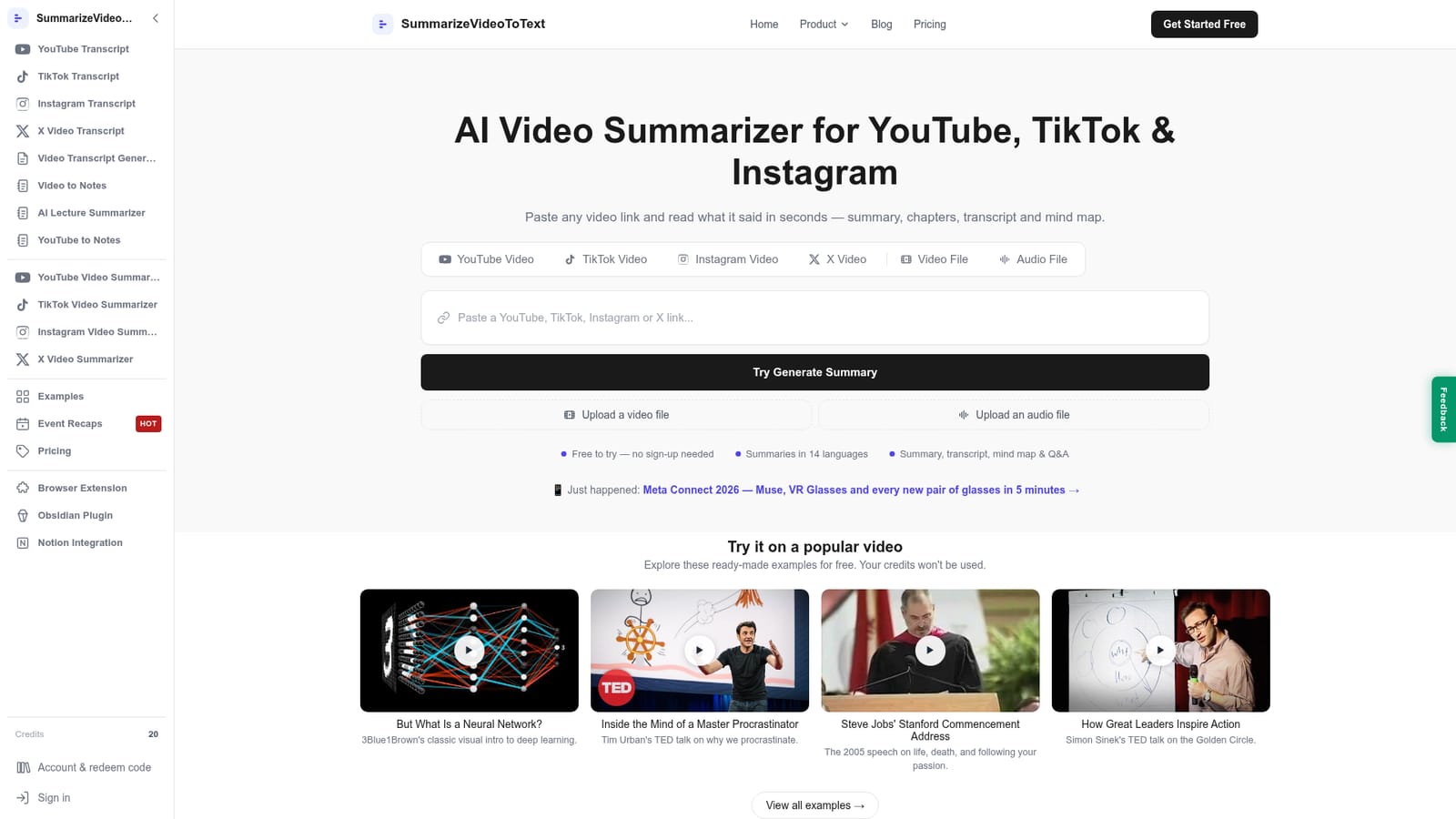
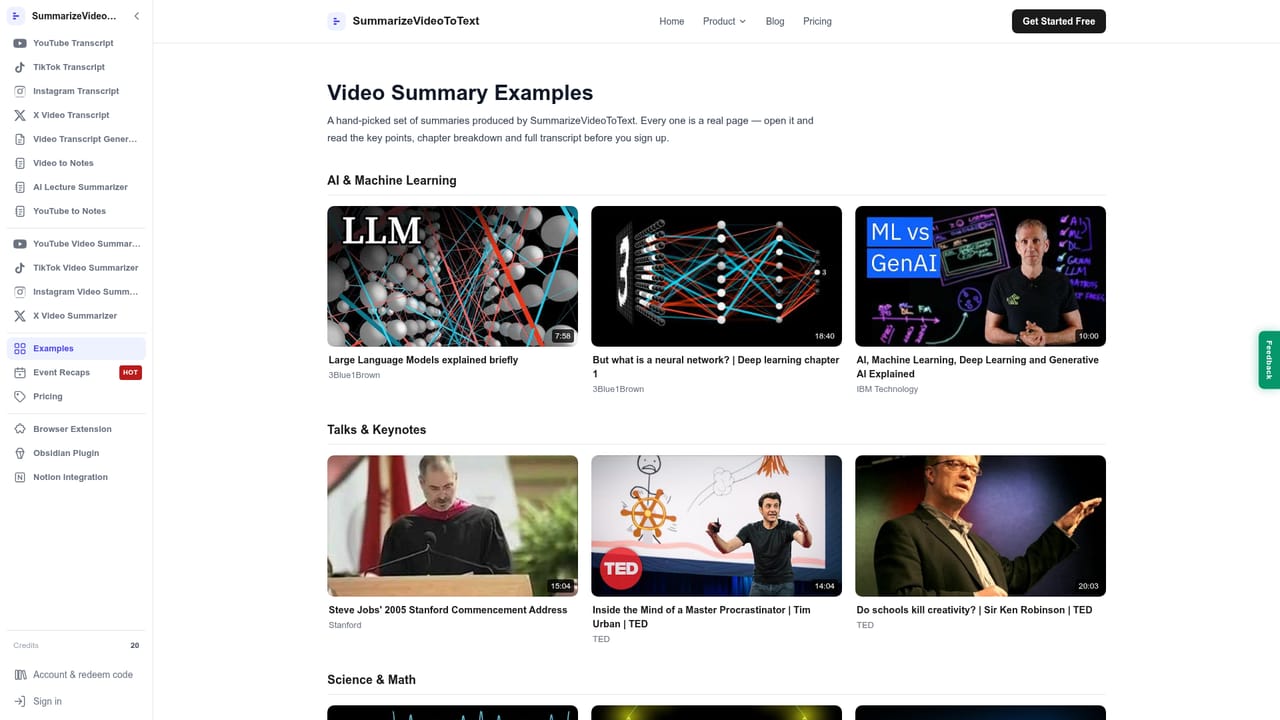
A one-time grant of 20 credits, no card required. Public video links can be tried without an account, and signing in keeps the remaining balance but does not grant another trial. Homepage example videos are free to reopen.
Learn moreStarts with a one-time 20-credit trial and no card. Existing subtitles cost 1 credit per minute, AI transcription 10 credits per minute with a 10-credit minimum per video. Subscriptions give 1000 credits monthly; top-up packs never expire. Exact prices are not stated on the homepage.
Learn moreExports to Obsidian with one click through a plugin and to a shared Notion page. A Chrome and Edge extension shows the summary beside YouTube videos. Process diagrams are rendered by VizText.
Learn moreStreamed AI summary with key insights, timestamped chapters, searchable full transcript, collapsible mind map, grounded Q&A, VizText process diagrams, 14 output languages, file upload for signed-in users, and Markdown, Obsidian and Notion export.
Learn more


