Free trial
A 7-day free trial with no commitment is offered, and signup starts on the app subdomain. Card requirements and what the trial includes are not stated on the homepage.
Learn moreLinkedIn content platform that drafts, schedules and measures posts in your own voice.

Supergrow is a content writing tool. A LinkedIn-focused content platform that captures a person's speaking style through an AI interview, then turns it into scheduled posts, with team approval workflows and performance analytics.
Supergrow is a LinkedIn content platform built around a single idea: posts written in a person's own voice outperform polished brand-page output. It serves two audiences from one product. Individual professionals use it to build a personal brand and post consistently, while marketing and communications teams use it to run employee advocacy programmes where many colleagues publish on-message content without losing their individual tone. The core mechanism is a voice profile built from a conversation. An AI interviewer called Alex runs sessions on PostCast, asking questions about your expertise and following up in real time. Ten to fifteen minutes of talking produces multiple post drafts, and the platform claims those drafts reflect your vocabulary, opinions and usual topics. Existing material can also be fed in: YouTube videos, blog posts and PDFs are converted into several LinkedIn-ready formats, and a voice-to-post feature turns spoken notes into drafts. Day to day, work moves through a Kanban board with draft, review, approved and scheduled stages, then into a calendar where posts are queued for peak times. A first-comment scheduler publishes a follow-up comment at the moment a post goes live, which is handy for links, hashtags or calls to action. An analytics dashboard tracks post performance, engagement and follower growth so users can see which angles land. Team accounts add multi-member management, a shared calendar, approval workflows, role-based permissions and posting challenges. Supergrow sits in a crowded field of LinkedIn scheduling and ghostwriting tools. Its differentiators are the interview-driven voice capture, the team approval layer, and a newer MCP integration that lets Claude or ChatGPT draft posts, pull analytics and manage team workspaces by prompt. It is a natural fit for founders, consultants and executives who want visibility without writing, and for comms leads coordinating many voices at once.
A 7-day free trial with no commitment is offered, and signup starts on the app subdomain. Card requirements and what the trial includes are not stated on the homepage.
Learn moreThe homepage invites visitors to reach out with questions and points to G2 reviews, but no specific support channels or hours are listed.
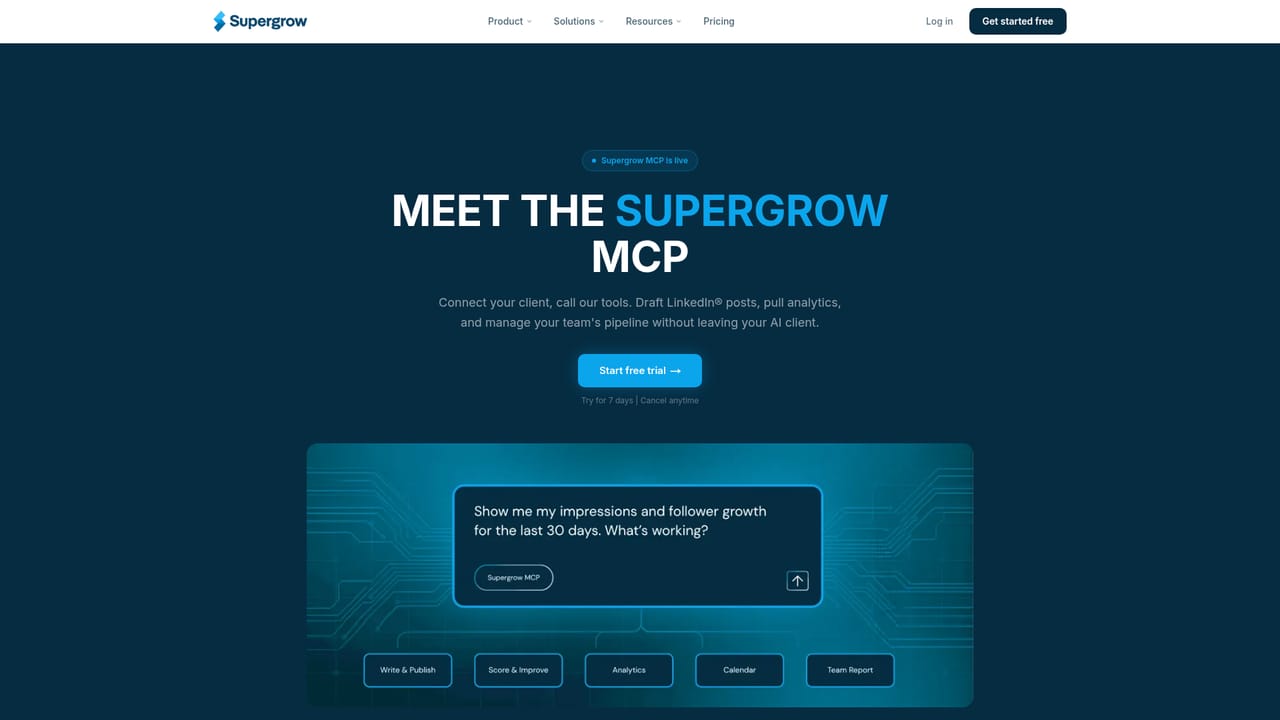
Supergrow offers an MCP connection that links Claude or ChatGPT to the platform for drafting, analytics and team management. It is also described as a LinkedIn Verified Partner. No other integrations are named on the homepage.
Learn moreVoice profile built through an AI interview (PostCast), AI post drafting, repurposing of YouTube videos, blog posts and PDFs, voice-to-post conversion, Kanban content management, scheduling with calendar, automatic first-comment scheduling, post and follower analytics, plus team features: multi-member dashboard, approval workflows, posting challenges and role-based permissions. An MCP integration connects Claude or ChatGPT to drafts, analytics and team management.
Learn more AI Angels400+ customizable AI girlfriends for NSFW chat, voice calls, and roleplay
 Candy AIExperience the future of companionship with AI friends who chat, role-play, and connect with you on a human level.
 ourdream.aiA vast AI roleplay platform with millions of characters for chat, images, video and voiceAI Angels400+ customizable AI girlfriends for NSFW chat, voice calls, and roleplayCandy AIExperience the future of companionship with AI friends who chat, role-play, and connect with you on a human level.ourdream.aiA vast AI roleplay platform with millions of characters for chat, images, video and voice


