Free trial
A 14 day free trial is offered on every plan and no credit card is required to start. It is enough time to build a flow and test retrieval before committing to a tier.
Learn moreNo-code AI chatbots that answer queries and act on business systems

Suppa is a no-code builder for AI chatbots that combine scripted flows, retrieval from your own documents and API calls into business systems. It targets support, sales and internal automation, ships a mobile SDK for in-app deployment, and prices in three tiers with a 14 day trial that needs no credit card.
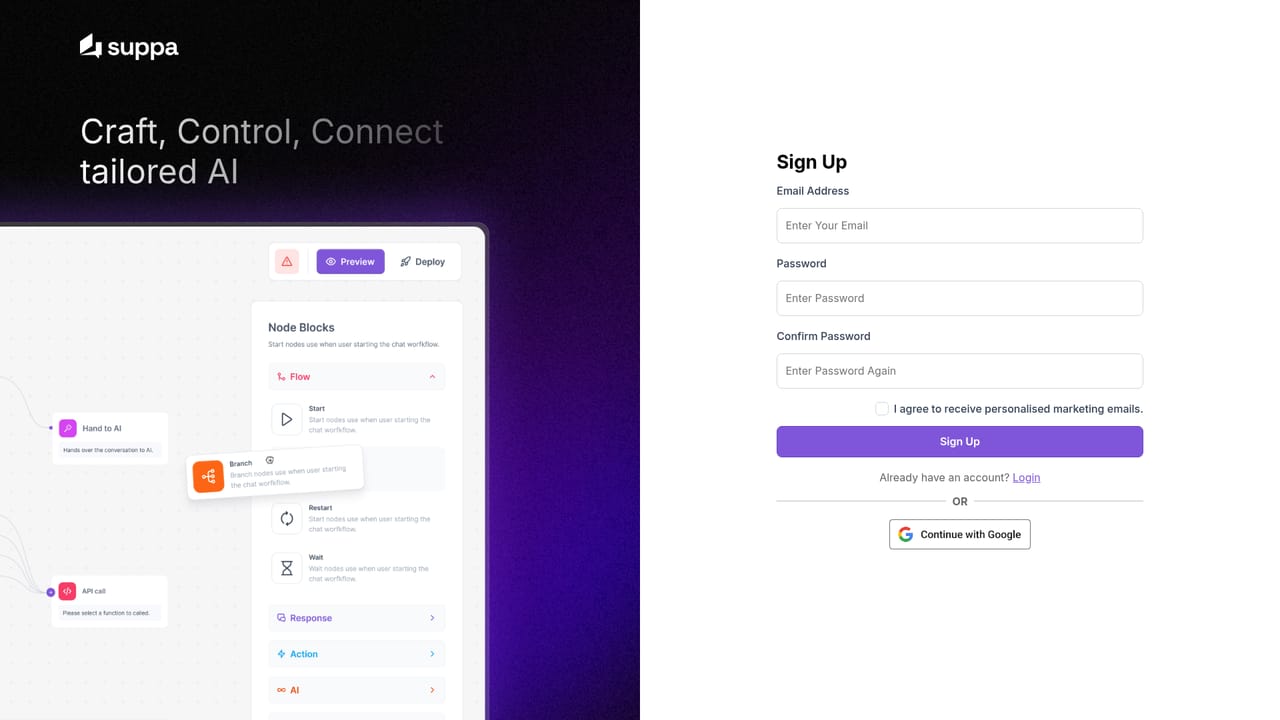
Suppa is a no-code platform for building AI chatbots that handle customer support, sales questions and internal tasks. The pitch is straightforward: slow responses cost customers, so Suppa lets a business deploy a conversational agent that keeps answering after hours without a developer on hand. The builder is a visual canvas rather than a code editor, and it is aimed at small teams and support leads as much as at technical staff. Flows are assembled from blocks. A start point triggers the conversation with user consent, branches apply conditional logic, messages and user input blocks handle the scripted parts, and variables store what the visitor types. When the conversation needs real answers, a knowledgebase block retrieves information from documents, an AI response block calls the model once, and a hand to AI block passes the thread over for open-ended dialogue. An API call block lets the bot act on external systems through endpoints the user supplies, so a chatbot can do more than talk. Knowledge can be pulled from multiple sources, and the homepage references Notion, PDF, Word, Excel, Google Drive and OpenAPI as the kinds of content and systems that feed a bot. Deployment spans web and mobile, with a mobile SDK for embedding AI inside an app. Suppa positions itself between simple FAQ widgets, which cannot take actions, and custom builds that need engineering time. Pricing runs on three monthly tiers plus an enterprise conversation. The Starter plan covers one chatbot, 1,000 chat sessions and five knowledgebase items, Pro raises those to three bots and 3,000 sessions, and Business goes to ten bots and 10,000 sessions. Every tier is gated on knowledgebase items and API actions, so the plan choice depends on how much material and how many system calls a bot needs. A 14 day trial requires no card.
A 14 day free trial is offered on every plan and no credit card is required to start. It is enough time to build a flow and test retrieval before committing to a tier.
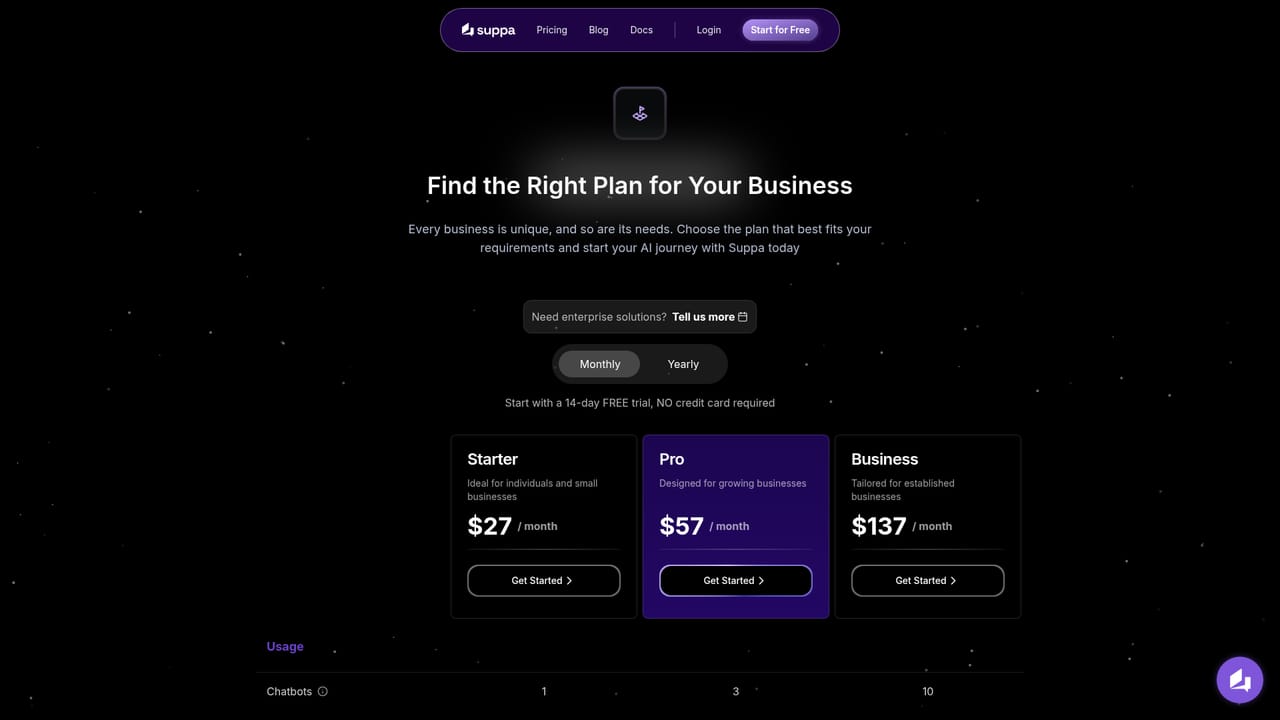
Learn moreThree monthly tiers: Starter at $27 with 1 chatbot, 1,000 chat sessions, 5 knowledgebase items and 5 API actions; Pro at $57 with 3 chatbots, 3,000 sessions, 20 knowledgebase items and 20 API actions; Business at $137 with 10 chatbots, 10,000 sessions, 50 knowledgebase items and 100 API actions. Enterprise is arranged by call.
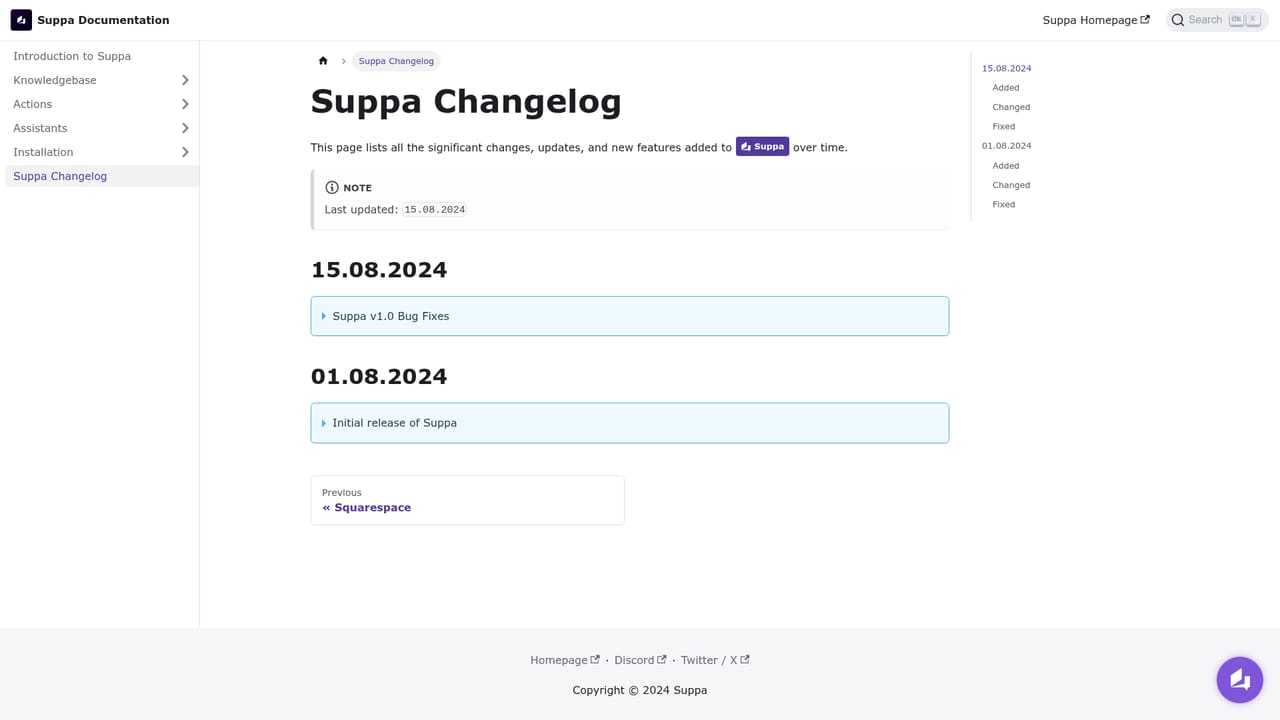
Learn moreSupport is reached by email at info@suppa.ai. Documentation and a changelog are published on a separate docs site, and the homepage FAQ covers setup and coding requirements.
Learn moreThe homepage names Notion, PDF, Word, Excel, Google Drive and OpenAPI as the content and system types that feed a chatbot. Broader third-party connections are made through your own API endpoints rather than a published app directory.
A no-code canvas with start, branch, message and user input blocks for scripted flows, plus knowledgebase retrieval, single-call AI response and full hand to AI for open dialogue. API call blocks act on external systems through your own endpoints. Multi-source knowledge ingestion, deployment to web and mobile, and a mobile SDK for in-app assistants complete the set.
 AI Angels400+ customizable AI girlfriends for NSFW chat, voice calls, and roleplay
 Candy AIExperience the future of companionship with AI friends who chat, role-play, and connect with you on a human level.
 ourdream.aiA vast AI roleplay platform with millions of characters for chat, images, video and voiceAI Angels400+ customizable AI girlfriends for NSFW chat, voice calls, and roleplayCandy AIExperience the future of companionship with AI friends who chat, role-play, and connect with you on a human level.ourdream.aiA vast AI roleplay platform with millions of characters for chat, images, video and voice


