Free trial
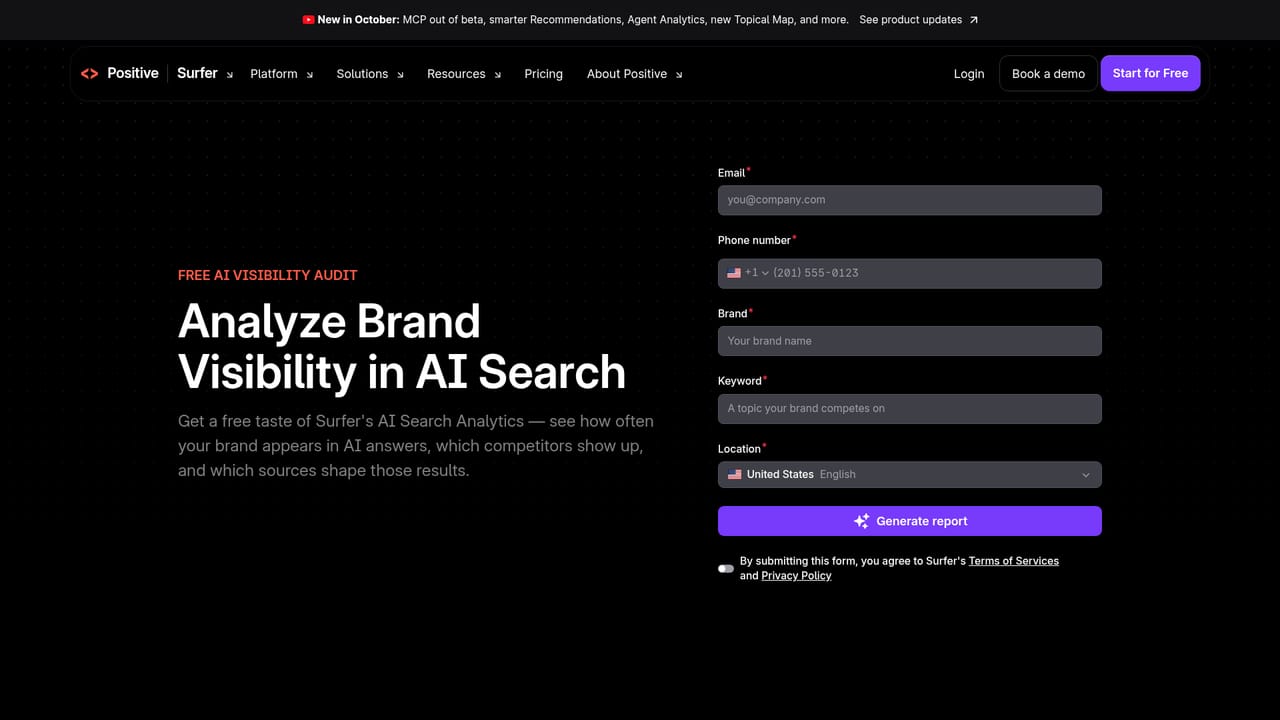
No trial length or trial terms are stated on the homepage. A free AI visibility audit is offered as a no-cost way to evaluate the platform's data.
Learn moreSEO and AI visibility platform for teams that need to be cited, not just ranked

SurferSEO is a content writing tool. A content optimisation and AI visibility platform built around a SERP-driven editor, briefs and AI drafting. Suits agencies and in-house SEO teams publishing at volume who want pages to rank in Google and get cited by assistants.
SurferSEO is an AI visibility and organic growth platform aimed at marketing teams, agencies and SEO specialists who need their pages to show up both in classic Google results and in assistant-driven answers from tools such as ChatGPT, Gemini, Claude and Perplexity. The homepage positions the product around a single idea: being the answer wherever buyers search, rather than chasing rankings in one engine. The core of the workflow is the Content Editor, which takes a target query and builds a structured brief from competitor analysis. Instead of guessing what a page needs, writers work inside a document that shows recommended terms, structure and readability targets, and the analysis also points at gaps and sections that competitors cover but the draft does not. Surfer AI sits alongside it for drafting, and long-standing features such as the SERP Analyzer let a team compare its own page against the top results for a keyword before rewriting. Beyond on-page optimisation, the platform has been extended toward AI search measurement. The October release notes describe Recommendations, Agent Analytics, a new Topical Map and an MCP server that has moved out of beta, which suggests teams can pull Surfer data into other tooling and track how often their brand surfaces in AI-generated responses. A free AI visibility audit is offered as an entry point, and case studies on the site cover agencies, SaaS companies, e-learning and small businesses reporting traffic and click growth after rebuilding their content process around the editor. Surfer competes with general SEO suites and with AI writing tools that bolt optimisation on afterwards. Its differentiator is the editor-first workflow and the depth of the SERP data behind it, which suits teams publishing at volume who want a repeatable brief-to-publish pipeline. It is heavier than a plain writing assistant and assumes someone owns keyword and content strategy.


No trial length or trial terms are stated on the homepage. A free AI visibility audit is offered as a no-cost way to evaluate the platform's data.
Learn moreSupport is served through a documentation site, a community feed, a blog and the Surfer Academy, which includes an AI search optimisation masterclass.
Learn moreGoogle Docs, a WordPress plugin, an API (v2 docs published) and an MCP server for connecting Surfer data to other tooling. A ClickUp case study describes a combined workflow.
Learn moreContent Editor with SERP-driven recommendations and briefs, Surfer AI drafting, SERP Analyzer, Topical Map, Recommendations and Agent Analytics for tracking brand visibility in AI search. An MCP server (out of beta as of October) and a WordPress plugin extend the workflow, and the interface is available in French and Polish.
Learn more AI Angels400+ customizable AI girlfriends for NSFW chat, voice calls, and roleplay
 Candy AIExperience the future of companionship with AI friends who chat, role-play, and connect with you on a human level.
 ourdream.aiA vast AI roleplay platform with millions of characters for chat, images, video and voiceAI Angels400+ customizable AI girlfriends for NSFW chat, voice calls, and roleplayCandy AIExperience the future of companionship with AI friends who chat, role-play, and connect with you on a human level.ourdream.aiA vast AI roleplay platform with millions of characters for chat, images, video and voice


