Integrations
SWAPP works inside Revit and ArchiCAD, executing production work in the live model. The homepage names no other integrations.
AI documentation and modeling that runs inside Revit and ArchiCAD

SWAPP is an AI layer for architecture firms that produces construction documents and BIM models inside Revit and ArchiCAD, learning each firm's standards, QA rules and production history. Its agentic assistant Frank reads and writes the live model with human approval, and a compliance product handles ADA checking.
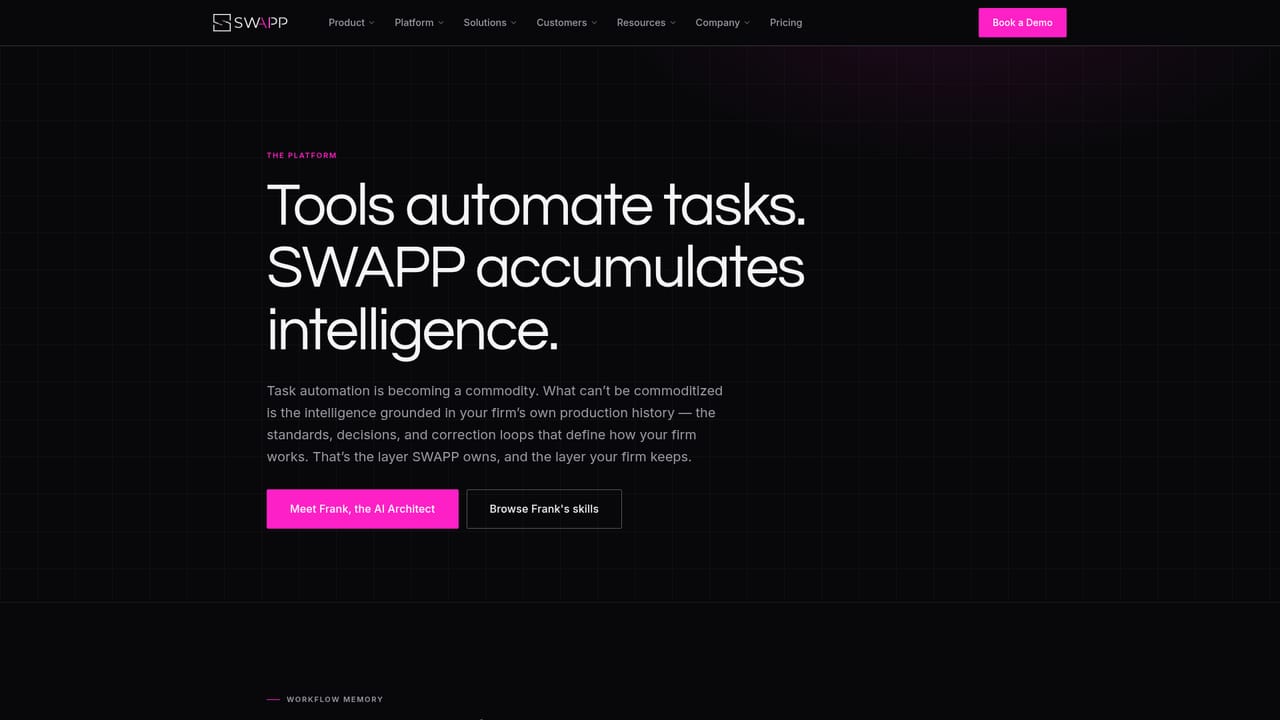
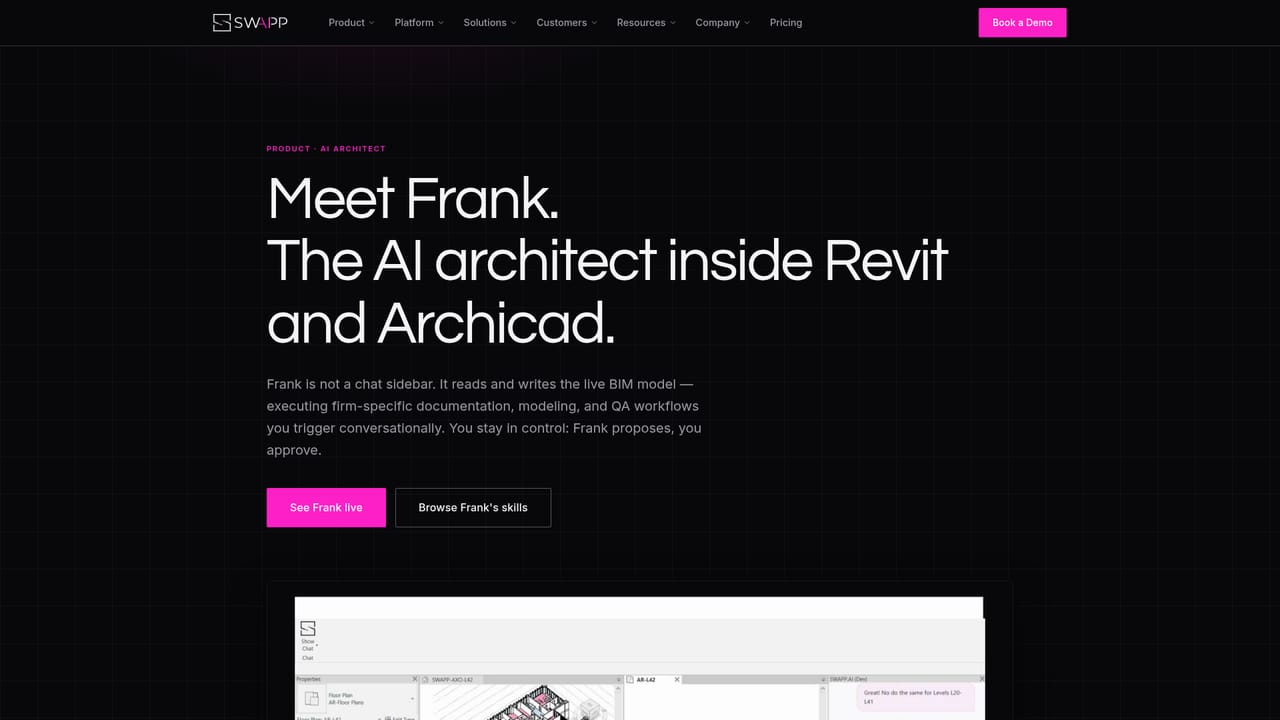
SWAPP is an AI layer for architecture firms that automates construction documentation and BIM modeling directly inside Revit and ArchiCAD. Rather than producing suggestions in a separate chat window, it executes production work in the live model: dimensions, tags, views, sheets, 2D to 3D modeling, finish schedules, parameter setting and validation. The company reports that complete construction document sets have been delivered on its platform, with a large share of documentation tasks handled automatically across the full project lifecycle. The central idea is that the intelligence belongs to the firm. Every engagement opens with a roughly two week onboarding in which the firm's annotation rules, graphic standards, QA logic and production history are encoded into the system. From then on those standards are enforced project by project, office by office, and every correction a team member makes feeds back into the system. SWAPP frames this as succession insurance: the way senior staff draft, check and decide is captured so that judgment stays in-house after retirements or departures. Frank, the agentic assistant, is the interface most users touch. It reads and writes the live model, can model entire floors, place dimensions, resolve collisions and run quality checks, and it can be triggered conversationally or surface suggestions proactively while a team works. The stated design is human approval before execution, and customer feedback highlights that Frank asks for clarification rather than guessing when a task is unclear. A dedicated compliance product performs agentic ADA accessibility checking and fixes issues in the model itself. SWAPP is aimed at architecture practices with real production deadlines, particularly larger firms with established standards and several offices. It is not a design generator competing with concept tools: it sits downstream, in documentation and coordination, and is priced and sold through pilots on a firm's own projects. Preconstruction, construction and operations modules are listed as coming in 2026, so the current value is concentrated in design and documentation. Security is positioned as enterprise grade: ISO/IEC 27001:2022 certification, hard tenant isolation, and native BIM files that are never sent to third party LLM providers or used to train general models.
SWAPP works inside Revit and ArchiCAD, executing production work in the live model. The homepage names no other integrations.
Core products cover documentation (dimensioned, tagged, sheeted and QA'd construction document sets), modeling (2D to 3D, finish schedules, parameters and validation from SD through CD) and ADA compliance checking that fixes issues in the model. The Frank assistant reads and writes the live model and runs agentically inside Revit, with human approval before execution.
Learn more AI Angels400+ customizable AI girlfriends for NSFW chat, voice calls, and roleplay
 Candy AIExperience the future of companionship with AI friends who chat, role-play, and connect with you on a human level.
 ourdream.aiA vast AI roleplay platform with millions of characters for chat, images, video and voiceAI Angels400+ customizable AI girlfriends for NSFW chat, voice calls, and roleplayCandy AIExperience the future of companionship with AI friends who chat, role-play, and connect with you on a human level.ourdream.aiA vast AI roleplay platform with millions of characters for chat, images, video and voice


