Free trial
A "Start team trial" button on the homepage leads to signup. Trial length and limits are not stated there.
Learn moreAI sales assistant that handles CRM updates, follow-ups and deal insight
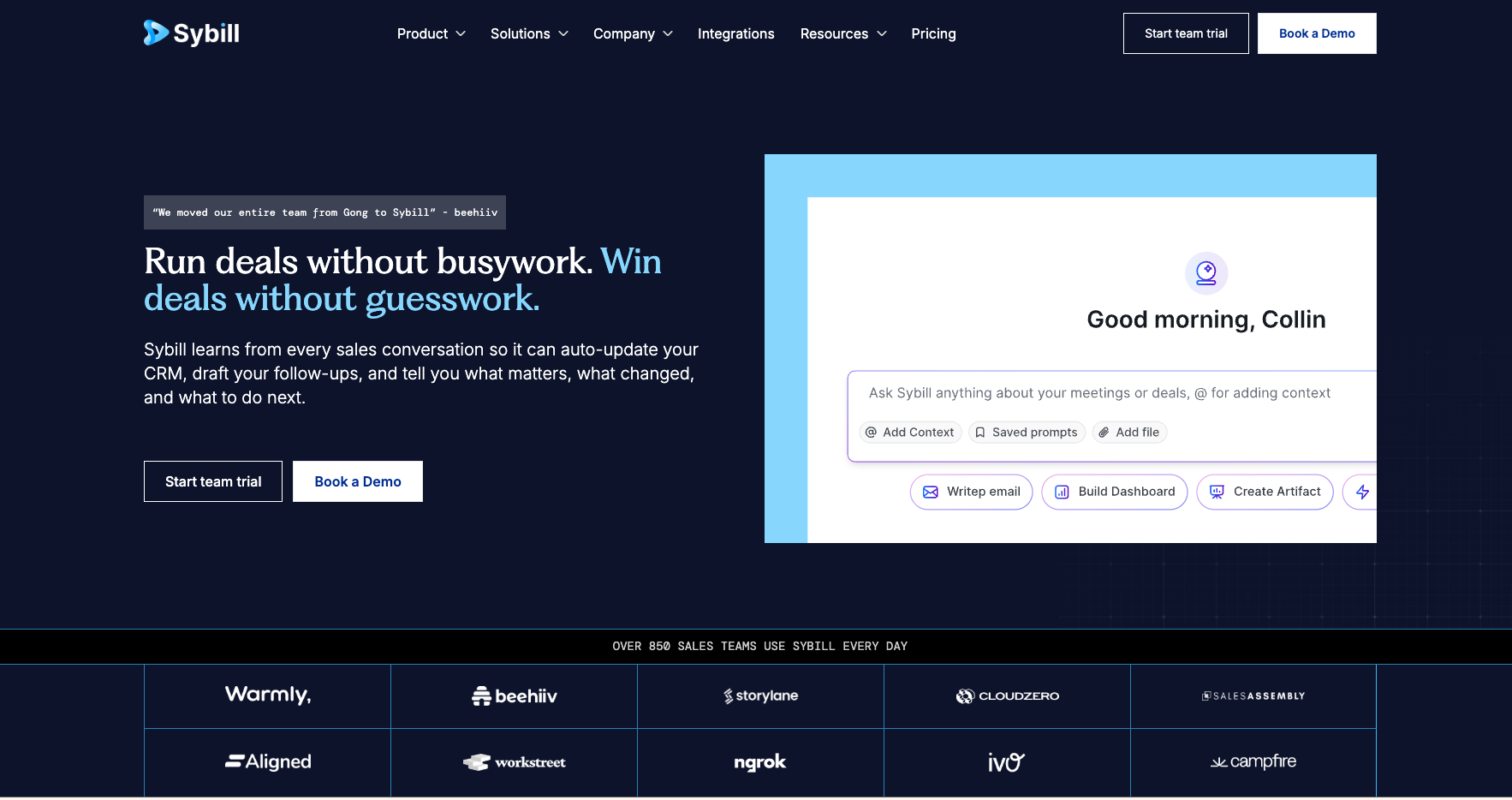
Sybill is an AI sales assistant that turns calls, emails and Slack threads into summaries, CRM updates, follow-up emails and deal guidance, so revenue teams spend less time on admin and see deal risk earlier.
Sybill is an AI assistant built for revenue teams. It records sales calls and meetings, and also draws on emails and Slack threads, to keep a running picture of every deal. From that picture it produces call summaries, follow-up emails, proposals, collateral and meeting prep, and it writes the results back into the CRM so reps are not stuck doing data entry after each conversation. The product is aimed at account executives, sales managers, sales leaders, revenue operations and customer success teams. Reps get the administrative work taken off their calendar, while managers get a view of risk, pipeline health, coaching opportunities and forecasting without chasing people for updates. The site lists dedicated pages for each of these roles, and it says more than 850 revenue teams use the product. In practice, the work happens in three layers. The first is automation: after each conversation Sybill fills account, opportunity and contact fields, drafts emails in the rep's own tone, and builds team or personal templates. The second is visibility: users can ask questions in plain English about buyers, blockers, risks or forecasts and receive answers with citations, and recurring sales workflows can be automated. The third is judgement: Sybill learns from past wins and losses, spots patterns in live deals and suggests the next best action, such as where to focus, who to engage or when to bring in more stakeholders. The vendor claims a 75% no-edit rate on generated emails and savings of more than ten hours a week on sales admin, though these figures are self-reported. Among alternatives, Sybill competes with conversation intelligence platforms and general meeting note takers. The site publishes comparison pages against Gong, Fathom, Fireflies and Granola, and also describes running alongside Gong. Its distinguishing angle is that it goes beyond transcription into deal-level reasoning and downstream actions, which suits sales organizations more than teams that only need plain meeting notes.
A "Start team trial" button on the homepage leads to signup. Trial length and limits are not stated there.
Learn moreThe homepage does not list prices. It offers a team trial and a demo booking, so cost details come from the sales team.
Learn moreSupport options include a contact page, an FAQ, a demo booking page and a referral page. Support hours and channels are not described on the homepage.
Learn moreThe site has an integrations page, and the homepage says it works with CRMs, calls, meetings, emails and Slack threads. Specific connectors are not listed on the homepage.
Learn moreCall summaries, automatic CRM field updates, personalized follow-up emails, proposals and collateral, pre-meeting briefs, plain-English deal Q&A with citations, deal inspection, coaching, buyer and competitor intelligence, sales plays and next-best-action guidance.
Learn more AI Angels400+ customizable AI girlfriends for NSFW chat, voice calls, and roleplay
 Candy AIExperience the future of companionship with AI friends who chat, role-play, and connect with you on a human level.
 ourdream.aiA vast AI roleplay platform with millions of characters for chat, images, video and voiceAI Angels400+ customizable AI girlfriends for NSFW chat, voice calls, and roleplayCandy AIExperience the future of companionship with AI friends who chat, role-play, and connect with you on a human level.ourdream.aiA vast AI roleplay platform with millions of characters for chat, images, video and voice


