Free trial
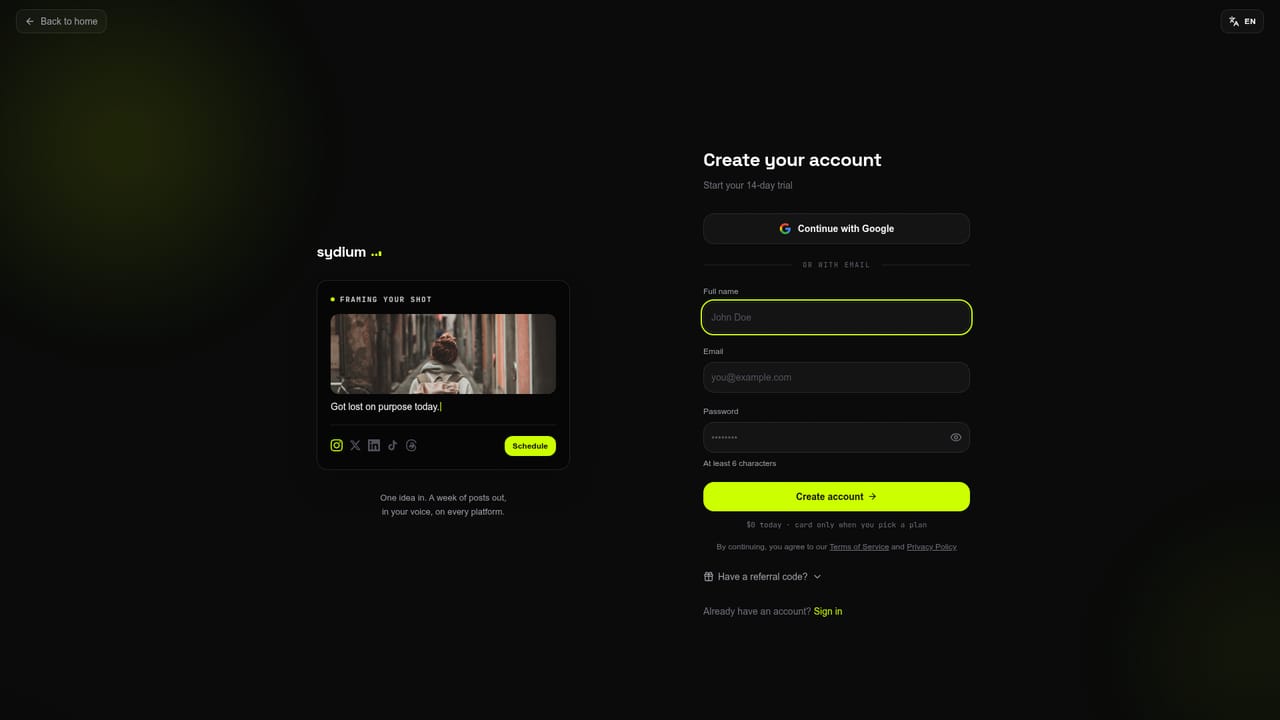
A free account with three drafts needs no card. The 14-day trial on Pro and Agency requires a card, charges $0 today, and costs nothing if cancelled before day 14.
Learn moreSocial media workspace that drafts, publishes and replies in your voice

Sydium learns a brand's writing voice, drafts posts, images, videos and carousels, publishes to eleven platforms, handles comments and DMs, and reports results, with agency client workspaces and an API.
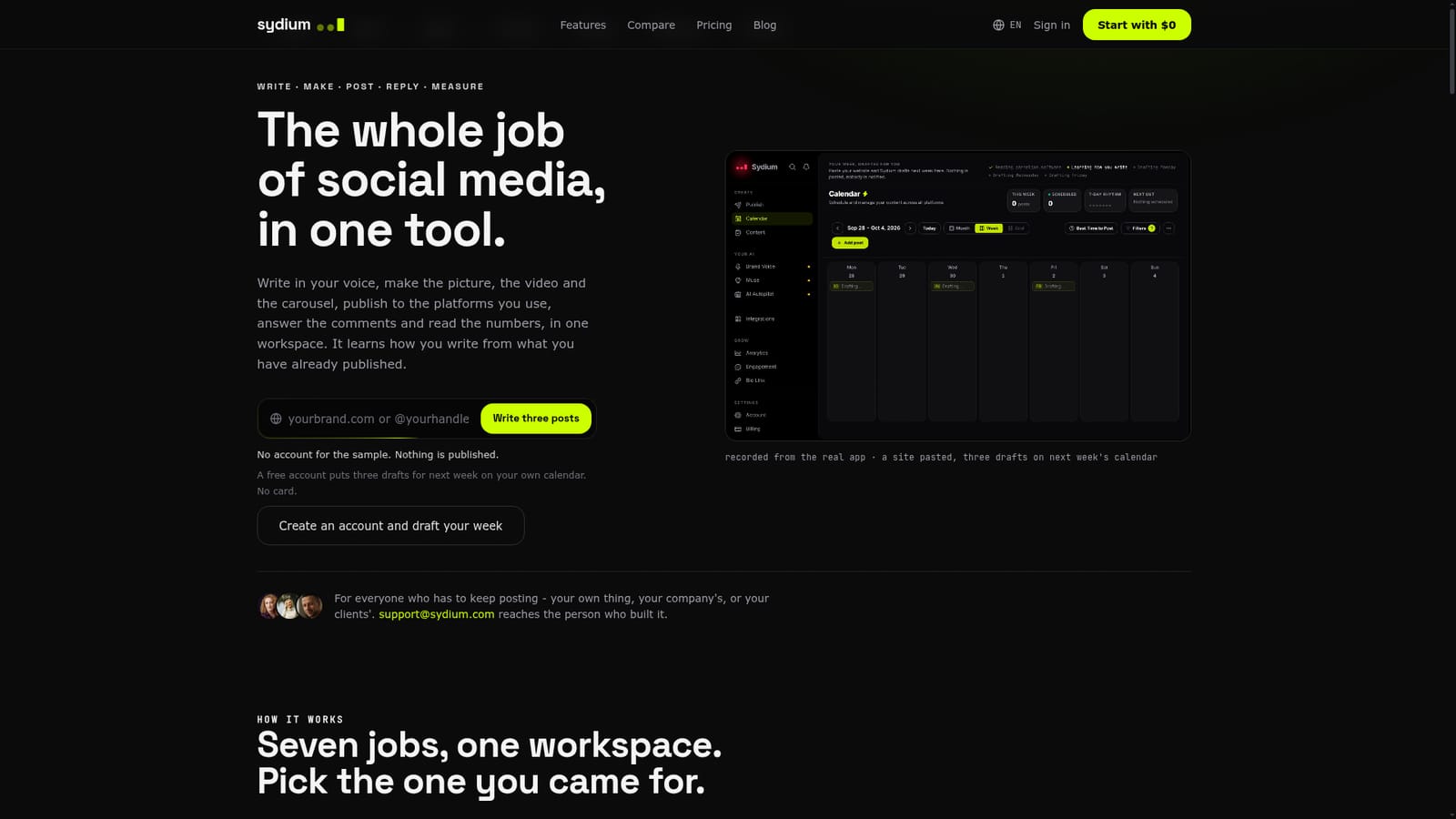
Sydium is a social media workspace that handles writing, visuals, scheduling, replies and reporting from one place. Its central idea is voice learning: it studies what a person or brand has already published, plus websites, brand documents or posts they admire, and builds a profile of cadence, vocabulary and point of view. Users can add rules such as words to use or avoid, the intended audience and a sign-off. Each brand or client gets its own voice, and that voice is applied to posts, carousels, captions and suggested comment replies. Edits made to drafts feed back into later ones. The product is aimed at people who have to keep posting regularly: solo founders, small businesses, creators and agencies running accounts for clients. A composer writes a post once and previews it for eleven platforms, including Instagram, TikTok, YouTube, LinkedIn, X, Facebook, Pinterest, Bluesky, Threads, Mastodon and Google Business, with per-platform settings and one-click wording adaptation. Scheduling covers exact times, recurring slots and a calendar view. An optional autopilot drafts the coming week per brand, and the user chooses whether to review each post, approve a weekly batch or let it publish. Around the composer sit an idea feed that suggests three topics a day based on niche searches, an Image Studio, a Video Studio and a Carousel Studio, a unified inbox for comments and direct messages with keyword-triggered link replies, and analytics with shareable reports and competitor tracking. Agency plans add client workspaces, approval links and a branded portal. Sydium also connects outward: it works through ChatGPT, Claude and other MCP clients, and offers a REST API, a CLI and a Chrome extension for saving ideas. Compared with a dedicated scheduler such as Buffer or Later, it bundles generation and engagement tools; compared with a general chatbot, it keeps a persistent per-brand voice and publishes directly. A free sample of voice learning is available without an account.
A free account with three drafts needs no card. The 14-day trial on Pro and Agency requires a card, charges $0 today, and costs nothing if cancelled before day 14.
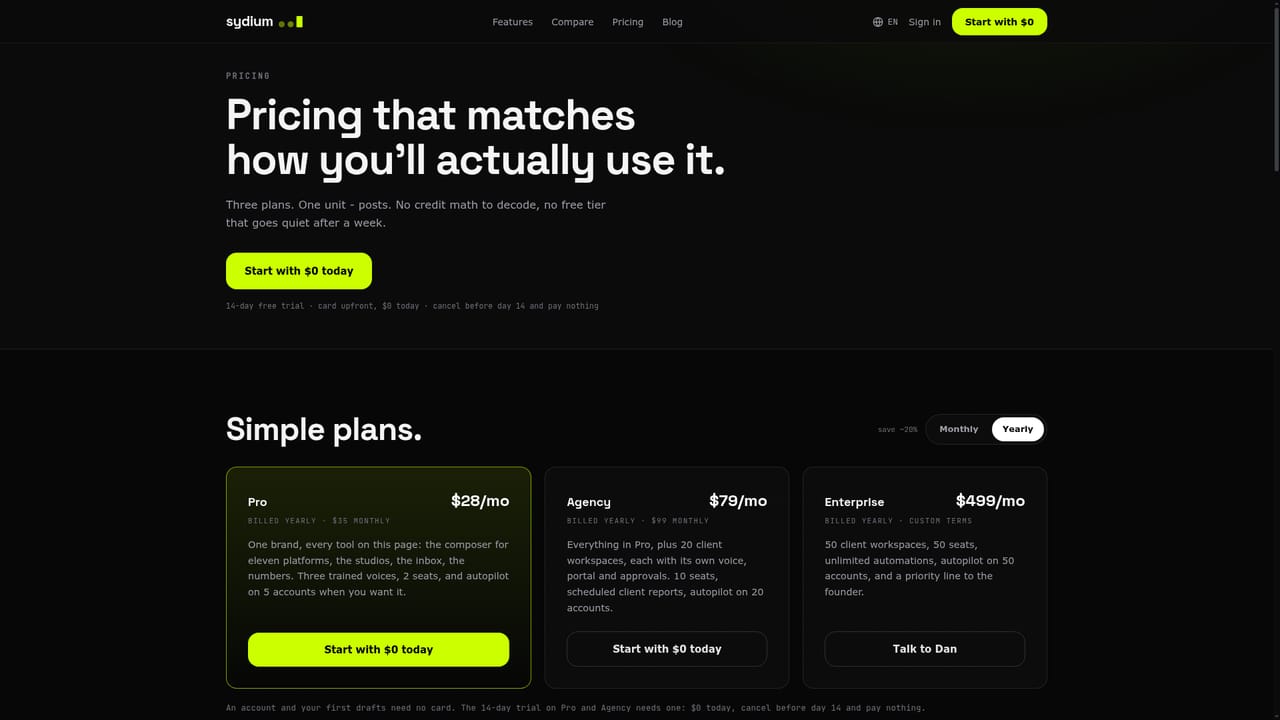
Learn morePro is $28/mo billed yearly or $35 monthly. Agency is $79/mo billed yearly or $99 monthly. Enterprise is $499/mo billed yearly with custom terms. Video generation is billed separately in credits.
Learn moresupport@sydium.com reaches the founder directly. Developer docs cover the API, and a voice guarantee offers retraining or a refund of the first paid month. Enterprise has a priority line to the founder.
Publishes to Instagram, TikTok, YouTube, LinkedIn, X, Facebook, Pinterest, Bluesky, Threads, Mastodon and Google Business. Connects to ChatGPT, Claude and MCP clients, with a REST API, CLI and Chrome extension.
Learn moreVoice learning per brand, daily post ideas, Image, Video and Carousel Studios, a composer with previews for eleven platforms, scheduling and autopilot, a unified comment and DM inbox, analytics with shareable reports, and agency client workspaces.


