Free trial
A 7-day free trial is offered with cancel anytime terms; sign-up happens on the Talo app registration page.
Learn moreReal-time voice translation inside Zoom, Meet and Teams calls

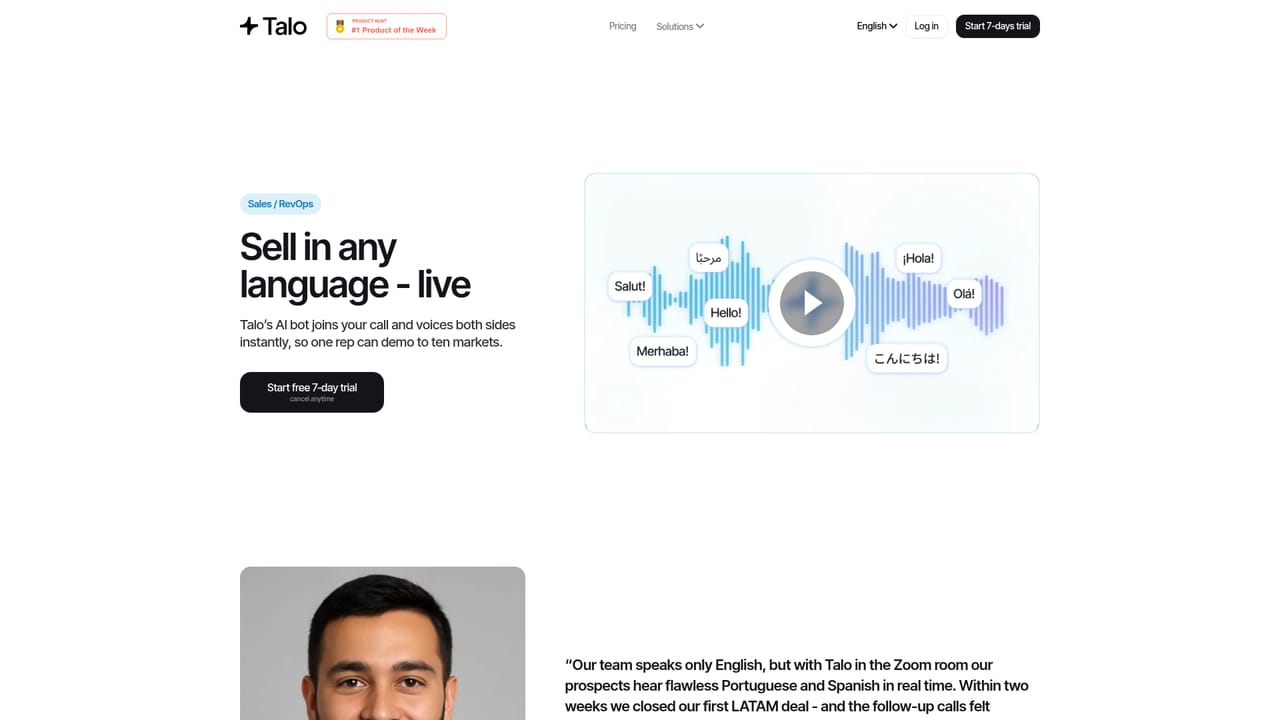
Talo is a parrot voice translation tool. Talo adds one AI bot to Zoom, Google Meet or Microsoft Teams calls and translates speech in real time across 60+ languages, aimed at sales, support, webinars, research interviews, recruiting and distributed team meetings.
Talo is a live interpreting layer for video meetings. A single AI bot joins a call on Zoom, Google Meet or Microsoft Teams, listens to each participant in their own language and speaks the translation back in real time, so a two-way conversation can run without anyone switching tools or typing into a chat box. The product covers more than 60 languages and is positioned squarely at business conversations rather than document translation. The company publishes distinct use cases, and they say a lot about the intended buyer: global sales calls and demos, customer success and support, marketing webinars and live events, product and user research interviews, recruiting and HR interviews, and internal cross-team syncs. In practice that means a sales rep who only speaks English can run a demo for a prospect in another language, a support agent can handle a multilingual queue, and a hiring manager can interview candidates in their native tongue without a human interpreter on the line. The single-bot design is the notable architectural choice. Rather than asking every participant to install something or create an account, one bot is added to the meeting and handles all speakers. Talo also states that meeting data is not stored or retained, and that its security framework aligns with SOC 2 and ISO 27001, with encryption and continuous compliance monitoring. Where it fits: dedicated interpreter services and human agencies remain the benchmark for high-stakes legal or medical interpretation, and caption-only tools cover passive viewing rather than live dialogue. Talo occupies the middle ground of everyday business meetings, with published testimonials from education and healthcare users and logos including BCG, UNICEF and Hyundai. Buyers should test accuracy on their own language pairs and accents during the trial rather than assume uniform quality across all 60+ languages.
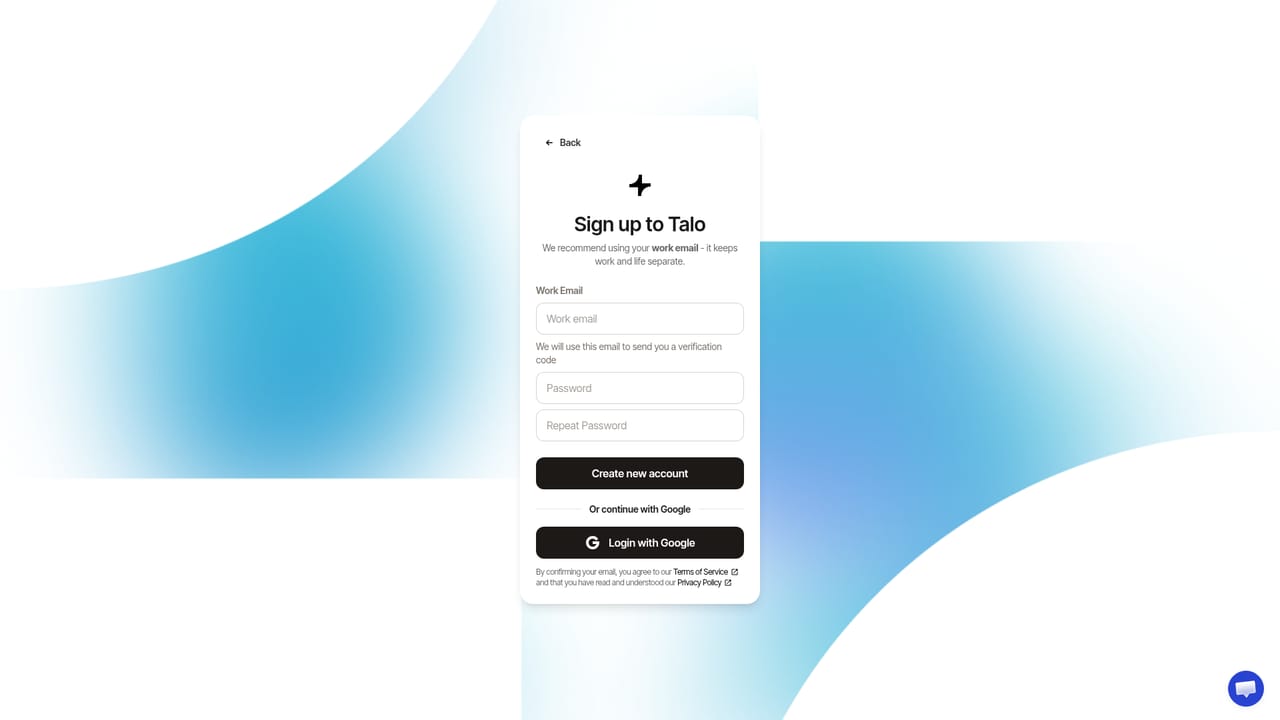
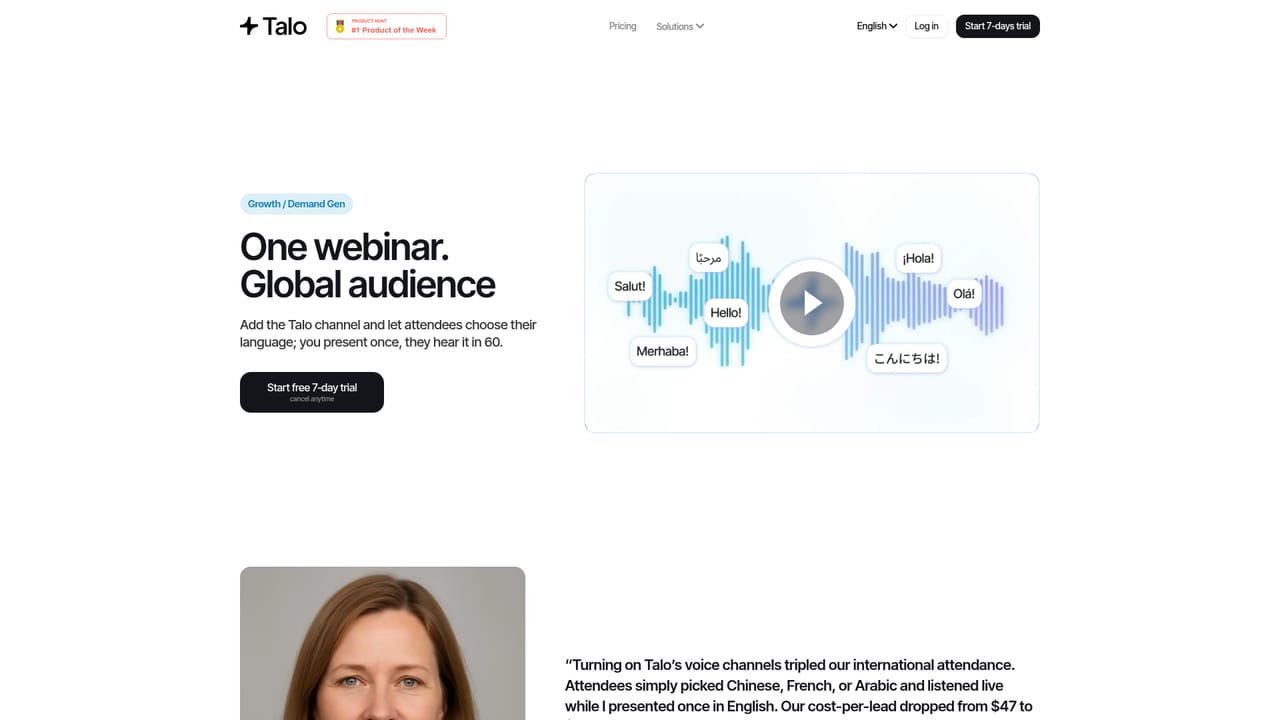
A 7-day free trial is offered with cancel anytime terms; sign-up happens on the Talo app registration page.
Learn moreTalo works with Zoom, Google Meet and Microsoft Teams. The homepage does not list other integrations or a public API.
Real-time voice interpreting in 60+ languages during video calls, delivered by a single AI bot that joins Zoom, Google Meet or Microsoft Teams and translates every participant. Two-way conversation support, live multilingual captions, use cases spanning sales, support, webinars, research, recruiting and internal syncs, plus a stated no-retention data policy aligned with SOC 2 and ISO 27001.
 AI Angels400+ customizable AI girlfriends for NSFW chat, voice calls, and roleplay
 Candy AIExperience the future of companionship with AI friends who chat, role-play, and connect with you on a human level.
 ourdream.aiA vast AI roleplay platform with millions of characters for chat, images, video and voiceAI Angels400+ customizable AI girlfriends for NSFW chat, voice calls, and roleplayCandy AIExperience the future of companionship with AI friends who chat, role-play, and connect with you on a human level.ourdream.aiA vast AI roleplay platform with millions of characters for chat, images, video and voice