Free trial
The first translated call is free, capped at 2 minutes. That is enough to test the language pair and audio quality on a short conversation before committing to a plan.
Learn moreSpeak your language, they hear theirs, on any ordinary phone call

AI Call is an AI calls tool that speaks your language, they hear theirs, on any ordinary phone call. AI Call translates phone, voice, and video calls in real time across more than 100 languages.
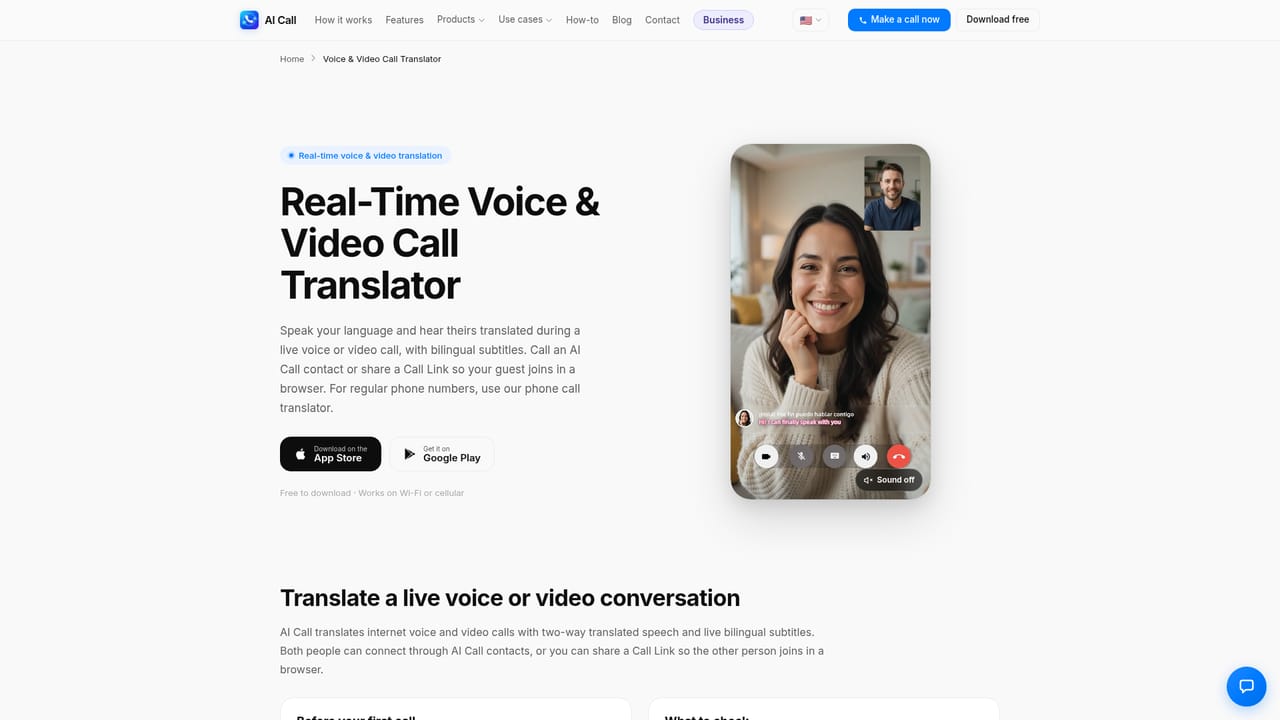
AI Call is a real-time call translation app built by TaraAI LLC. It lets two people hold a conversation across a language gap while each side speaks and hears their own language. The core trick is that the person on the other end does not need to install anything: you dial a normal mobile, landline, or VoIP number from inside the app, and the translation layer runs on your side of the call. In practice you pick the two languages, enter a number with its country code, and start talking in short turns. The app recognizes speech, converts it to text, translates it, and voices the result to the other speaker, then does the same in reverse when they reply. There is also a voice clone option so your translated speech still resembles your own voice. Beyond plain phone calls, AI Call handles internet voice and video conversations through shared Call Links that open in a browser, provides live bilingual subtitles, offers a face-to-face mode where one phone is passed back and forth, and supports translated text chat inside the app. An AI Phone Agent can place calls on your behalf and send a transcript afterward. The audience is broad but specific in practice: people calling overseas customer support lines, travelers booking a restaurant or hotel abroad, families split across countries, small teams dealing with foreign suppliers, and anyone handling errands like a doctor appointment or an insurance claim in a language they do not speak. English pairs with Chinese, Japanese, Korean, German, French, Spanish and many others, with the company claiming coverage of more than 100 languages. Against alternatives, the built-in call translation features on iPhone, Samsung, and Pixel devices cover some language pairs at no extra cost. AI Call makes sense when you want a dedicated app that reaches ordinary phone numbers, when you need voice and video plus subtitles, or when you want a Call Link that a browser user can join. Business users can also embed the same engine through an API, mobile and web SDKs, or platform plugins.
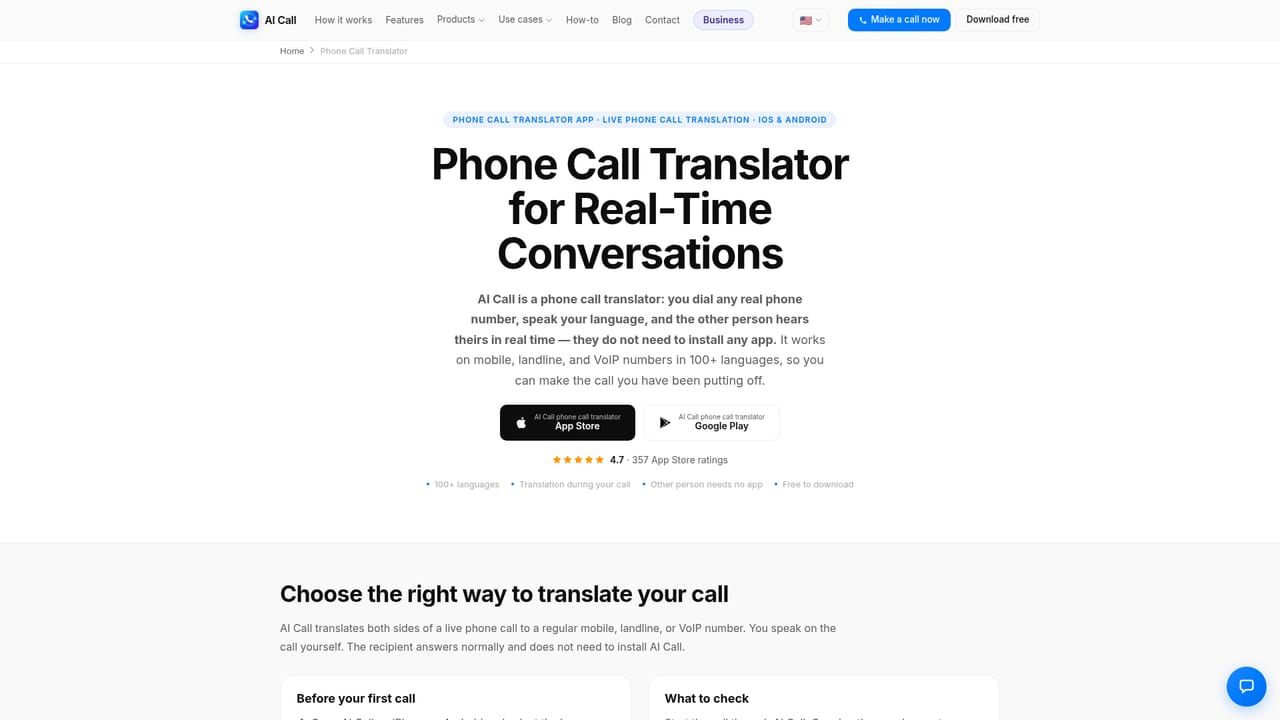
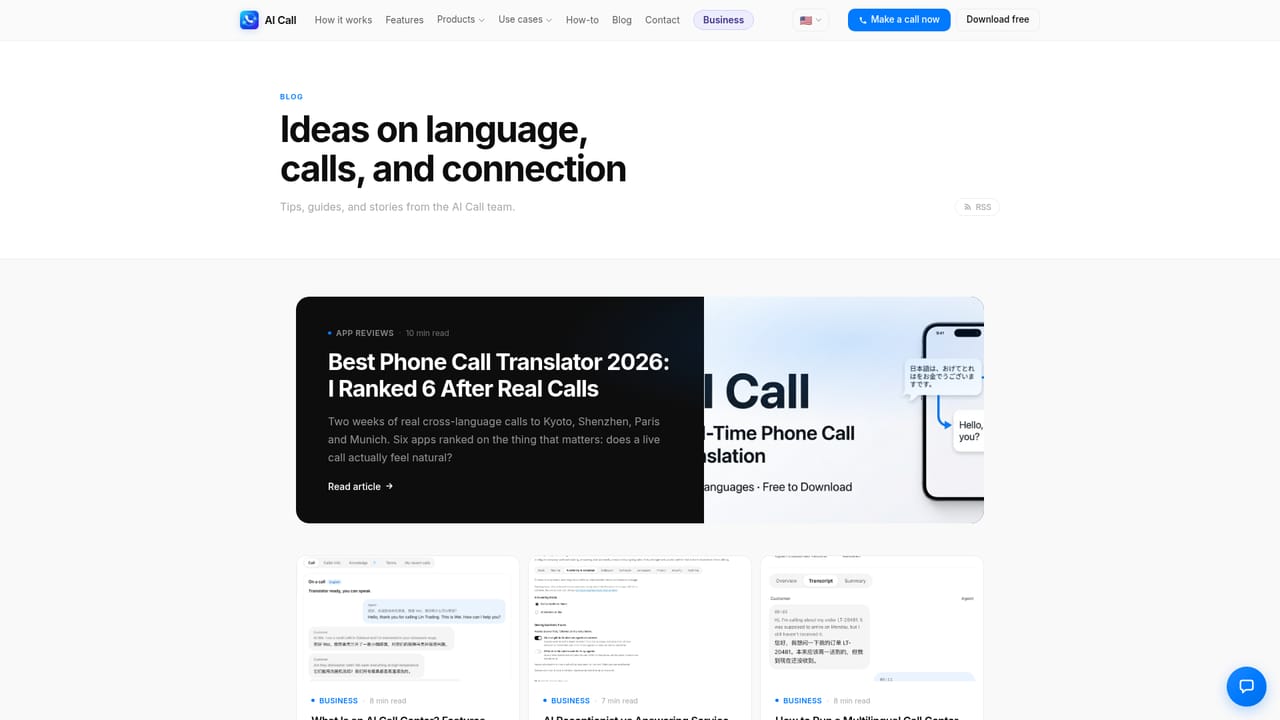
The first translated call is free, capped at 2 minutes. That is enough to test the language pair and audio quality on a short conversation before committing to a plan.
Learn moreThe app is free to download on iPhone and Android, and the first translated call is free for up to 2 minutes. Actual calling minutes, usage limits, and paid options depend on the mode and the current plan shown inside the app, so the price should be checked before starting a call.
Learn moreNo dedicated support page is listed on the site. The homepage includes an FAQ covering app requirements, language support, latency, landline calling, and accuracy, alongside a blog of practical guides.
Call Links can be shared through WhatsApp, WeChat, iMessage, Telegram, Instagram, and LINE. For developers, an API, mobile and web SDKs, and ready-made platform plugins are offered through AI Call for Business.
Learn morePhone call translation to mobile, landline, and VoIP numbers; translated voice and video calls with bilingual subtitles; browser Call Links shareable through messaging apps; face-to-face mode on one device; voice cloning so translated speech sounds like the speaker; in-app translated text chat; an AI Phone Agent that makes calls and sends transcripts.
Learn more AI Angels400+ customizable AI girlfriends for NSFW chat, voice calls, and roleplay
 Candy AIExperience the future of companionship with AI friends who chat, role-play, and connect with you on a human level.
 ourdream.aiA vast AI roleplay platform with millions of characters for chat, images, video and voiceAI Angels400+ customizable AI girlfriends for NSFW chat, voice calls, and roleplayCandy AIExperience the future of companionship with AI friends who chat, role-play, and connect with you on a human level.ourdream.aiA vast AI roleplay platform with millions of characters for chat, images, video and voice