Pricing
Taskaid is a paid product. The homepage FAQ states plainly that there is no free plan, but it does not publish plan names, prices or billing terms, so exact costs have to be checked with the company.
Learn moreA personal task workspace where your AI assistants plan the day

Taskaid is a task workspace that connects to AI assistants such as ChatGPT, Claude and Cursor through MCP, letting users capture tasks, plan the day and hand work between conversations without copying context around.
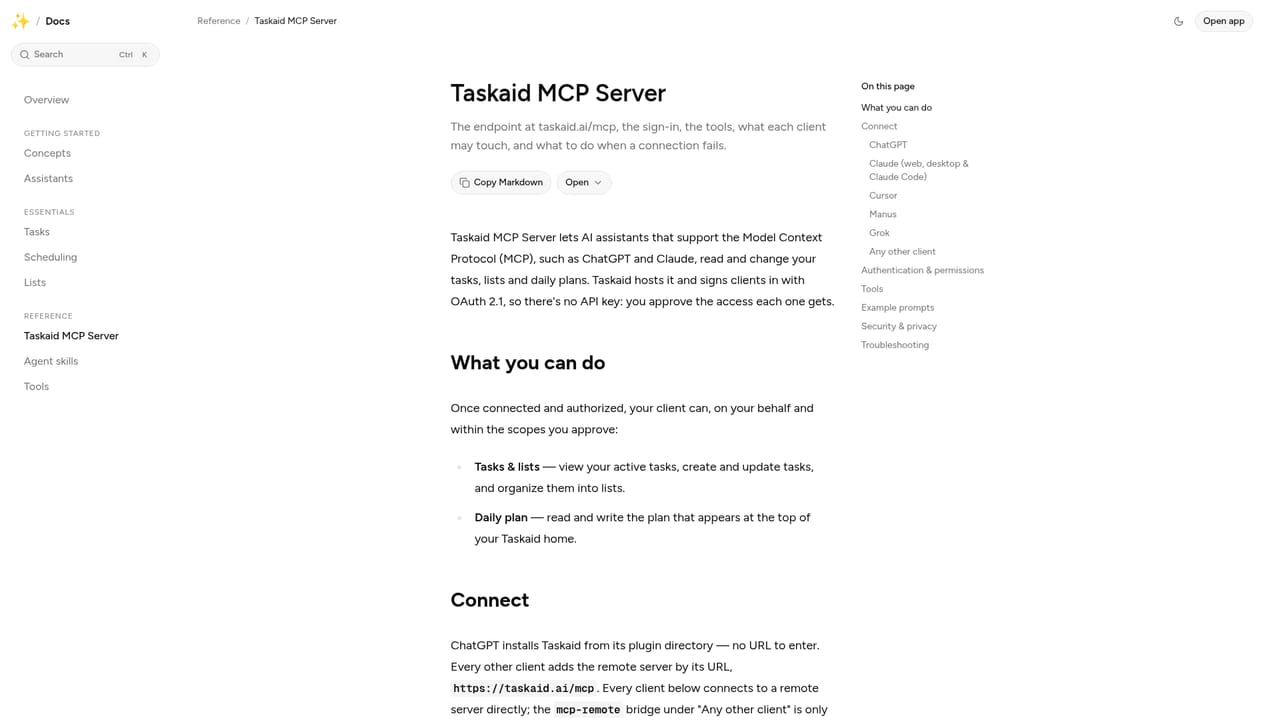
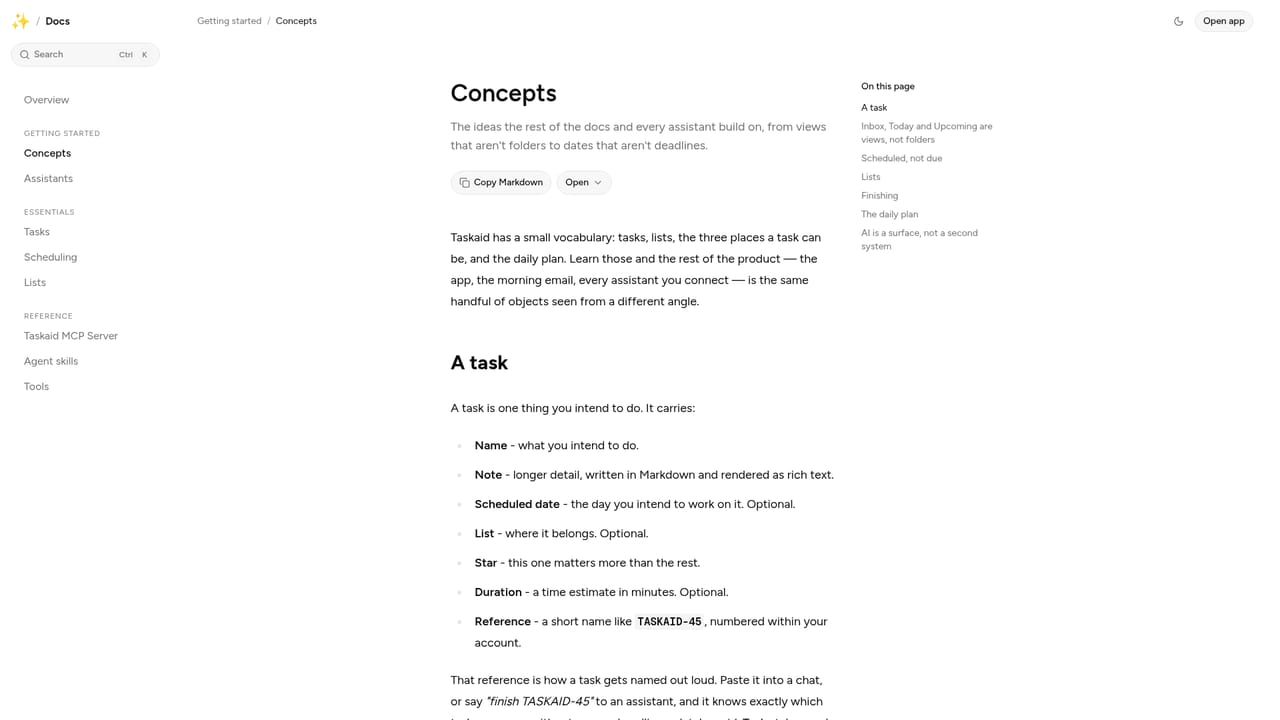
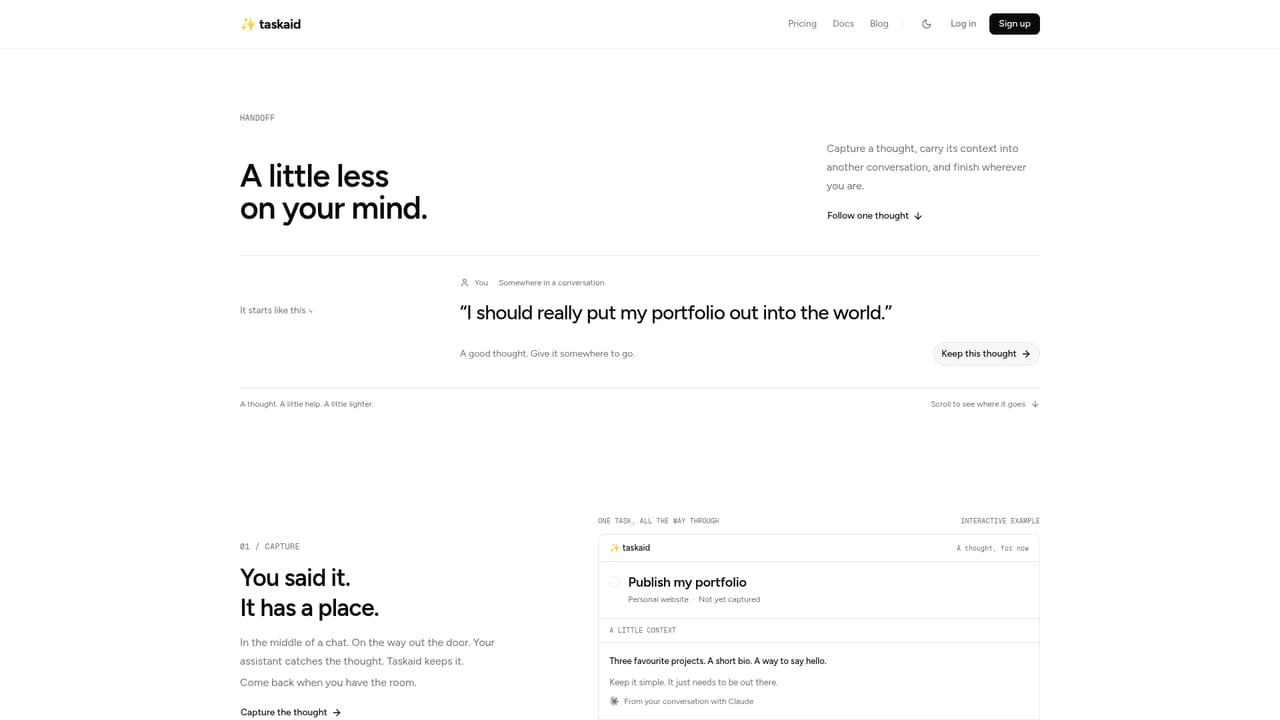
Taskaid is a personal task management workspace built around a simple premise: the assistant can change, but the task should stay. Tasks are captured and kept in Taskaid, then handed to whichever AI assistant the user already works with, so work that starts in one chat can be picked up in another without losing context. Notes, decisions and next steps travel with the task rather than staying locked inside a single conversation. The core of the product is the daily plan. Taskaid pulls together tasks, priorities, meetings and unfinished work, and the connected assistant turns them into a schedule written in the user's own words. That can be a short list of clear priorities or a detailed table with time blocks and the context behind each block, drawing on tools the assistant already connects to, such as a calendar, Slack or project updates. Because the plan is generated through the assistant, the user can ask for more breathing room, a tighter focus or a more detailed schedule and get a different shape to the day. The finished plan is kept in Taskaid. Integration runs through MCP, a standard that lets assistants such as ChatGPT, Claude, Cursor, Codex, Manus and Grok talk to Taskaid. Users connect an assistant once, then ask questions like what the day looks like, add tasks, move work between days or mark items complete, all from inside the chat. A handoff view shows how a task saved from Claude, for example, arrives ready for Codex to continue. Taskaid is aimed at individuals who already lean on AI assistants for their work and want their tasks to hold together across those tools. It is deliberately small in scope and pitched as easy to learn, with less to manage rather than more. The homepage positions it as built for personal work rather than team projects, and it is careful about data handling, addressing the question of what happens to stored information. A paid product with no free plan, it competes less with heavyweight project suites and more with the habit of keeping everything inside a single chat thread.
Taskaid is a paid product. The homepage FAQ states plainly that there is no free plan, but it does not publish plan names, prices or billing terms, so exact costs have to be checked with the company.
Learn moreThe site has a support page linked from the FAQ section for questions the homepage does not answer. The homepage does not describe support channels, hours or response times.
Learn moreTaskaid connects to assistants through MCP, with ChatGPT, Claude, Cursor, Codex, Manus and Grok named on the homepage. A dedicated integrations page lists the full set.
Learn moreTask capture and storage in a personal workspace, assistant-written daily plans built from tasks, priorities, meetings and connected tools, conversational task editing, and a handoff view that moves tasks between assistants while keeping notes and next steps attached.
 AI Angels400+ customizable AI girlfriends for NSFW chat, voice calls, and roleplay
 Candy AIExperience the future of companionship with AI friends who chat, role-play, and connect with you on a human level.
 ourdream.aiA vast AI roleplay platform with millions of characters for chat, images, video and voiceAI Angels400+ customizable AI girlfriends for NSFW chat, voice calls, and roleplayCandy AIExperience the future of companionship with AI friends who chat, role-play, and connect with you on a human level.ourdream.aiA vast AI roleplay platform with millions of characters for chat, images, video and voice


