Free trial
The homepage advertises instant, free trial access to create and visualize tattoo art, though no trial length or credit limit is stated.
Learn moreTurn text, sketches or a photo into a tattoo concept before the needle touches skin
Own Tattoo AI Design? Verify ownership to get a dofollow link

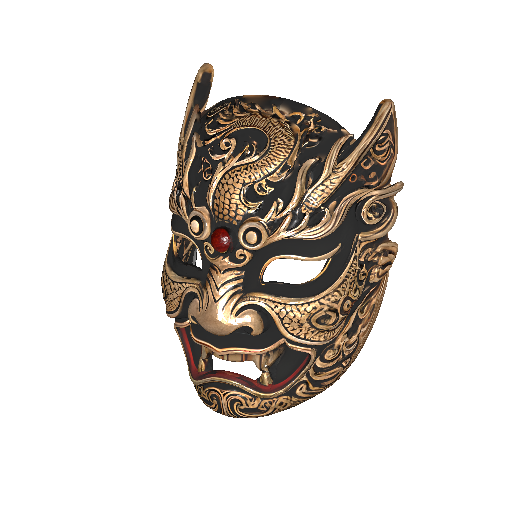
Tattoo AI Design is a generative art tool that turns text, sketches or a photo into a tattoo concept before the needle touches skin. A browser based AI tattoo generator that builds designs from text prompts or reference images, offers a large preset style library, and previews finished artwork on a photo of your body.
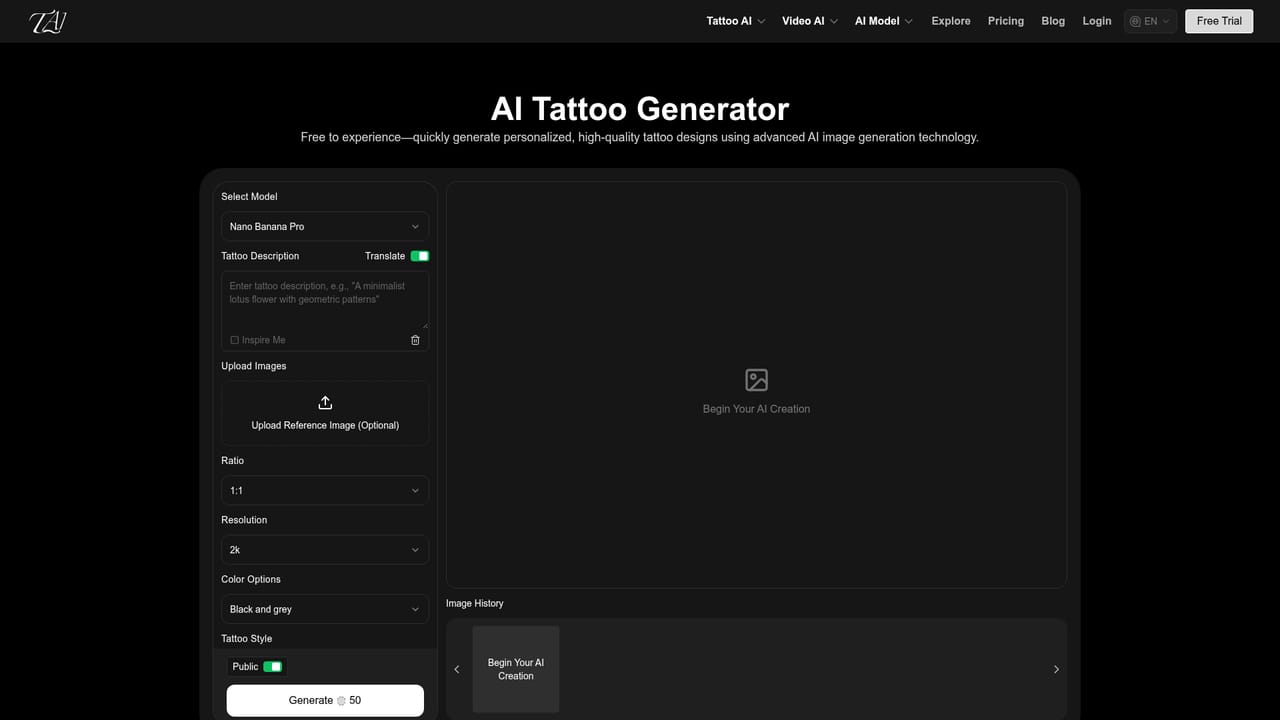
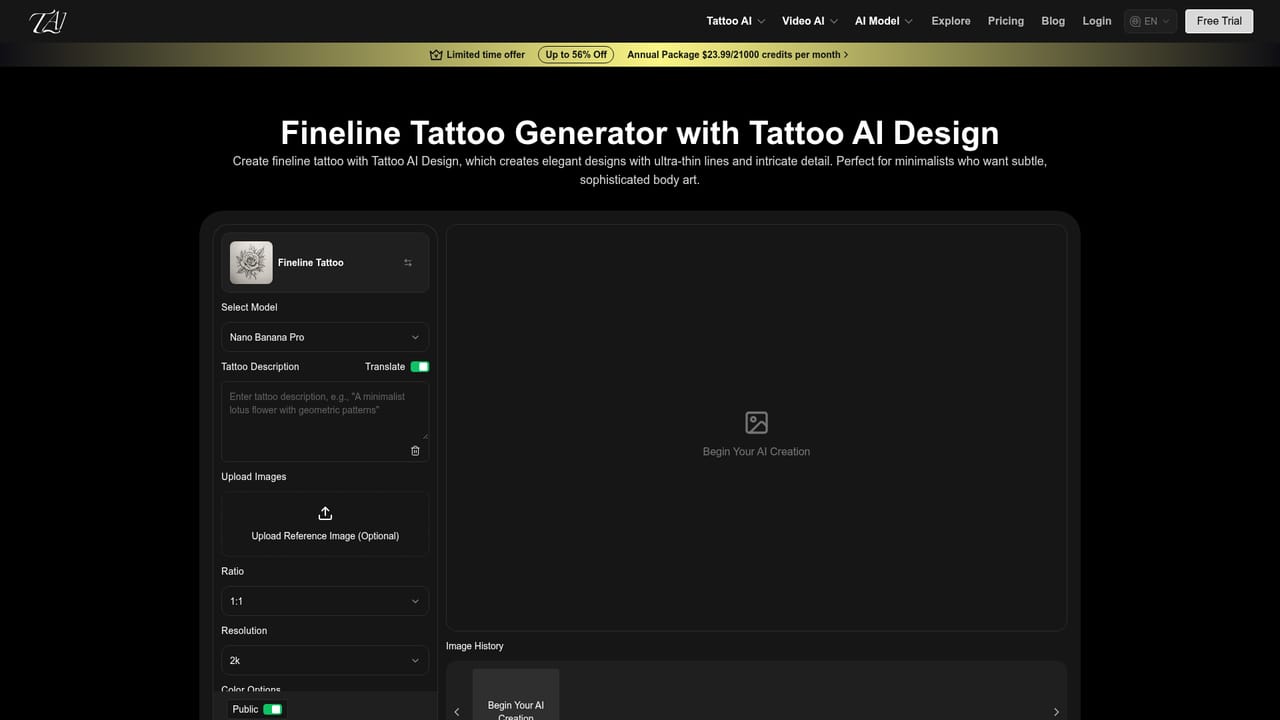
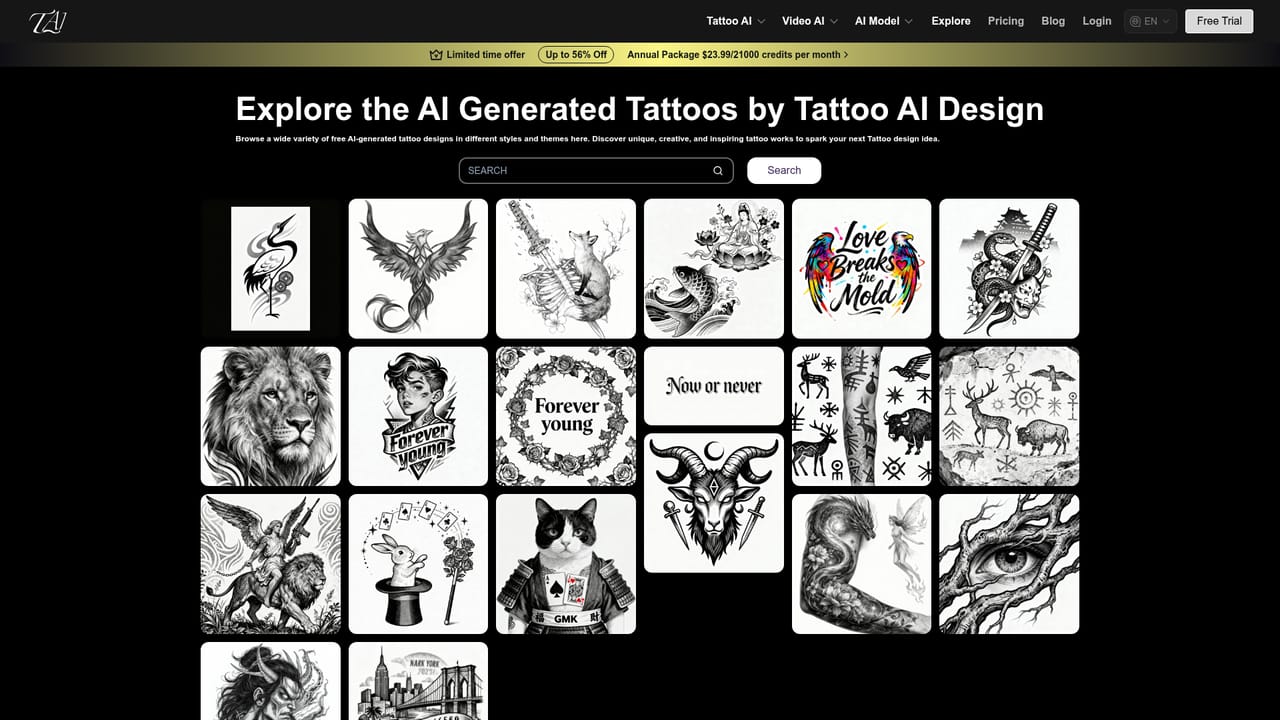
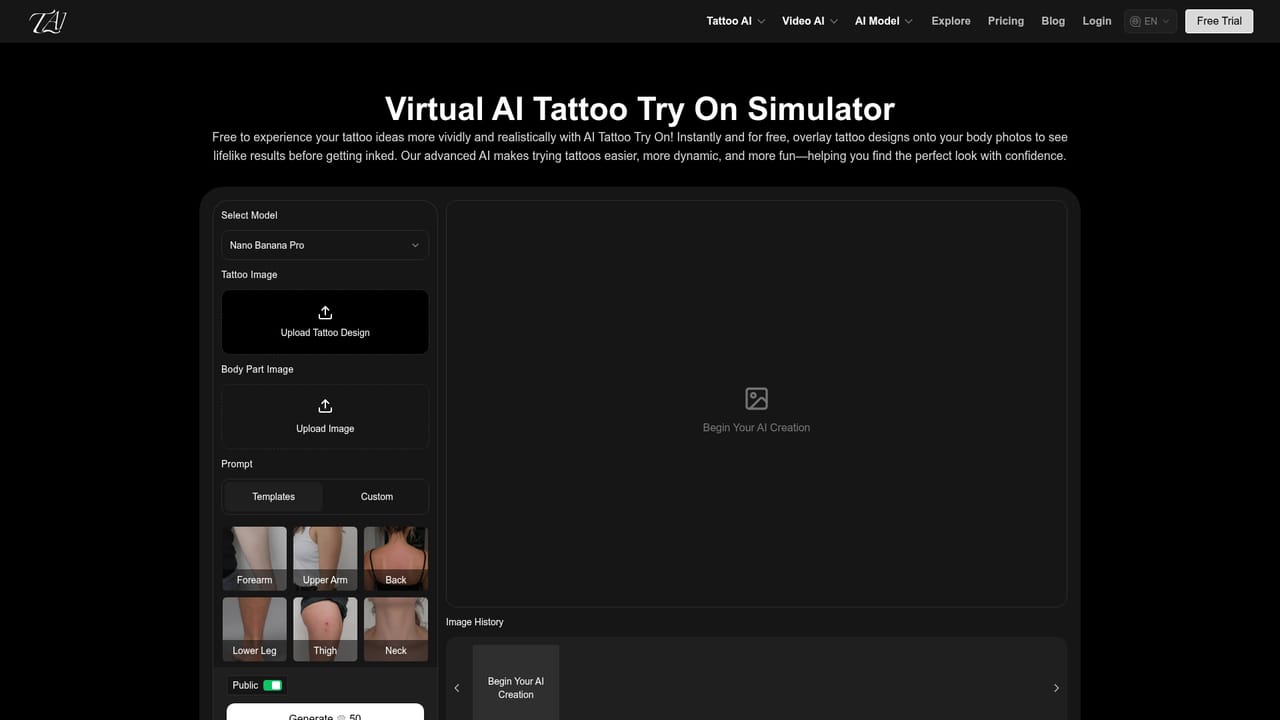
Tattoo AI Design is a browser based generator that turns written concepts, reference uploads or a combination of both into tattoo artwork. The site runs on third party image models (Nano Banana Pro, Nano Banana 2 and Seedream 4.5), so the actual drafting work happens on established engines rather than a model trained in house. You type a description, optionally attach a picture, and pick a style; the tool returns finished looking tattoo sketches within seconds. A separate video module built on Veo 3.1 produces moving renders from the same inputs. The style library is the most developed part of the product. It organizes presets into Popular, Styles, Animal and Plant groups, with entries for fineline, ignorant, Chicano, sailor Jerry, neo traditional, watercolor, realism, geometric, Japanese and tribal work, plus creature and floral presets such as wolf, phoenix, snake, rose and lotus. That breadth helps when a client describes a vibe rather than a concrete image, since switching presets is faster than rewriting a prompt from scratch. The other half of the offering is AI Tattoo Try On, which overlays a generated design onto a photo of your body. Size and position can be adjusted and the placement selected, so the result reads as a preview of the tattoo on skin rather than a flat illustration. Artists use this to settle placement questions with clients, and individuals use it to test ideas on a forearm, back or ribcage before booking. The tool sits in a crowded field of general purpose image generators that can imitate tattoo linework. Its case rests on the tattoo specific preset library, the try on step and the explore gallery, where public prompts are readable and reusable. Anyone comparing options should weigh those conveniences against the fact that the image engines behind them are available elsewhere directly.
The homepage advertises instant, free trial access to create and visualize tattoo art, though no trial length or credit limit is stated.
Learn moreText and sketch input for generating designs, a large preset style library spanning fineline to realism and tribal, body preview with size and position adjustment, a video generator built on Veo 3.1, and a public explore gallery of generated tattoos with prompts shown.
Learn more AI Angels400+ customizable AI girlfriends for NSFW chat, voice calls, and roleplay
 Candy AIExperience the future of companionship with AI friends who chat, role-play, and connect with you on a human level.
 ourdream.aiA vast AI roleplay platform with millions of characters for chat, images, video and voiceAI Angels400+ customizable AI girlfriends for NSFW chat, voice calls, and roleplayCandy AIExperience the future of companionship with AI friends who chat, role-play, and connect with you on a human level.ourdream.aiA vast AI roleplay platform with millions of characters for chat, images, video and voice