Support
Support is documentation-led: a public FAQ page plus a contact address for sharing projects. Learning material is hosted externally by MIT Media Lab, Ready AI and other educators.
Learn moreTrain a model on your own images, sounds or poses in the browser
Own Teachable Machine? Verify ownership to get a dofollow link

Teachable Machine is a generative art tool. A free Google web tool for training image, sound and pose classifiers in the browser with no code. You group examples into classes, train with one click, test live, then export a TensorFlow.js model for sites, apps, Arduino or Coral hardware.
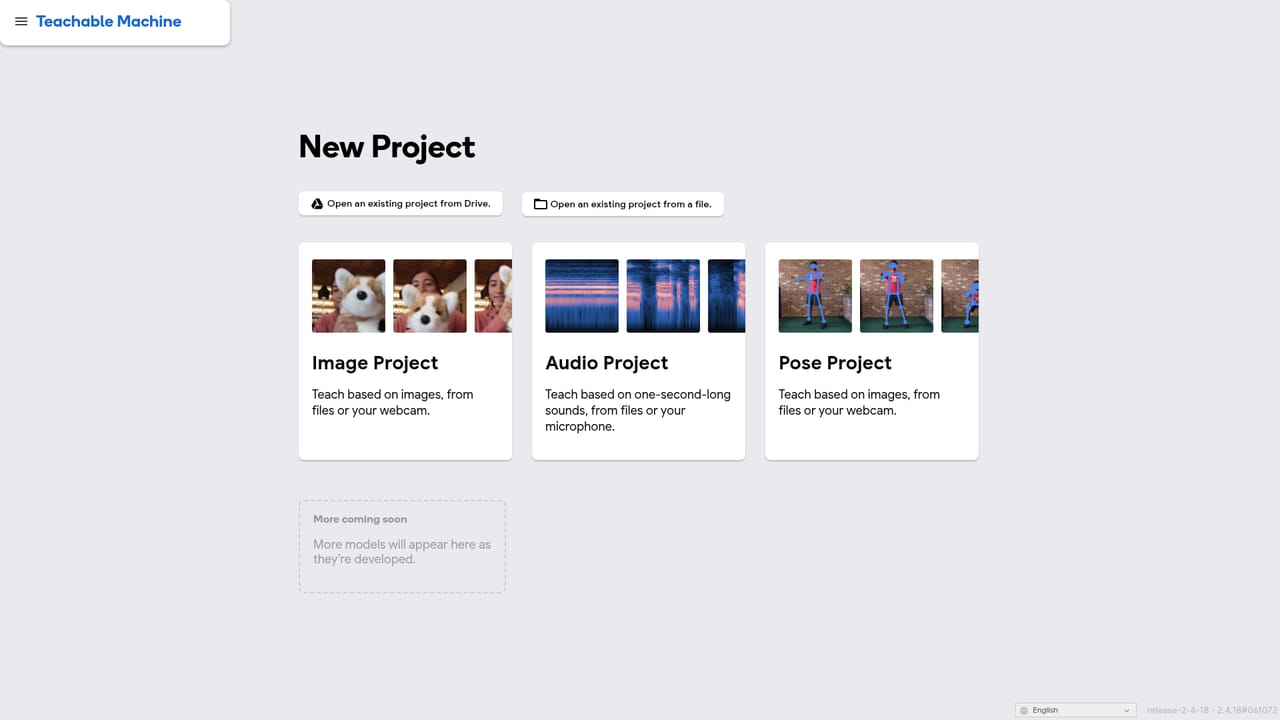
Teachable Machine is a web tool from Google that lets anyone train a small machine learning model without writing code. A project starts by choosing one of three input types: images, audio clips, or body poses. You then create classes (the categories you want the computer to tell apart) and feed each one examples, either by uploading files or by capturing them live through a webcam or microphone. A single click trains the model, and a preview panel immediately shows how it classifies new samples, so the loop from idea to result takes minutes rather than days. It is built for people who are curious about machine learning rather than people who ship production models. Teachers use it to demonstrate classification and bias in the classroom, designers and artists use it for interactive installations, and developers use it to prototype a gesture or sound trigger before committing to a larger build. The site points to teaching material from MIT Media Lab and Ready AI, plus example projects such as a cardboard sorting machine, a paper-based game controller, and an assistive communication setup. The training interface is deliberately shallow: gather examples, train, test, export. What makes it useful beyond a demo is the export path. Models are real TensorFlow.js models that run anywhere JavaScript runs, and they can be downloaded for offline use or hosted online with a shareable link. The tool also supports export to formats suited to hardware such as Coral and Arduino. Raw samples can stay on the machine: the webcam and microphone streams do not need to leave the computer, which matters for classrooms and privacy-sensitive settings. Against no-code vision platforms, Teachable Machine is narrower but freer and faster to start, with no account needed for basic training and no per-model billing. Against a full ML framework it is not a substitute: there are no options for custom architectures, large datasets, or fine-tuning. Treat it as an on-ramp and a prototyping surface, not a training pipeline.
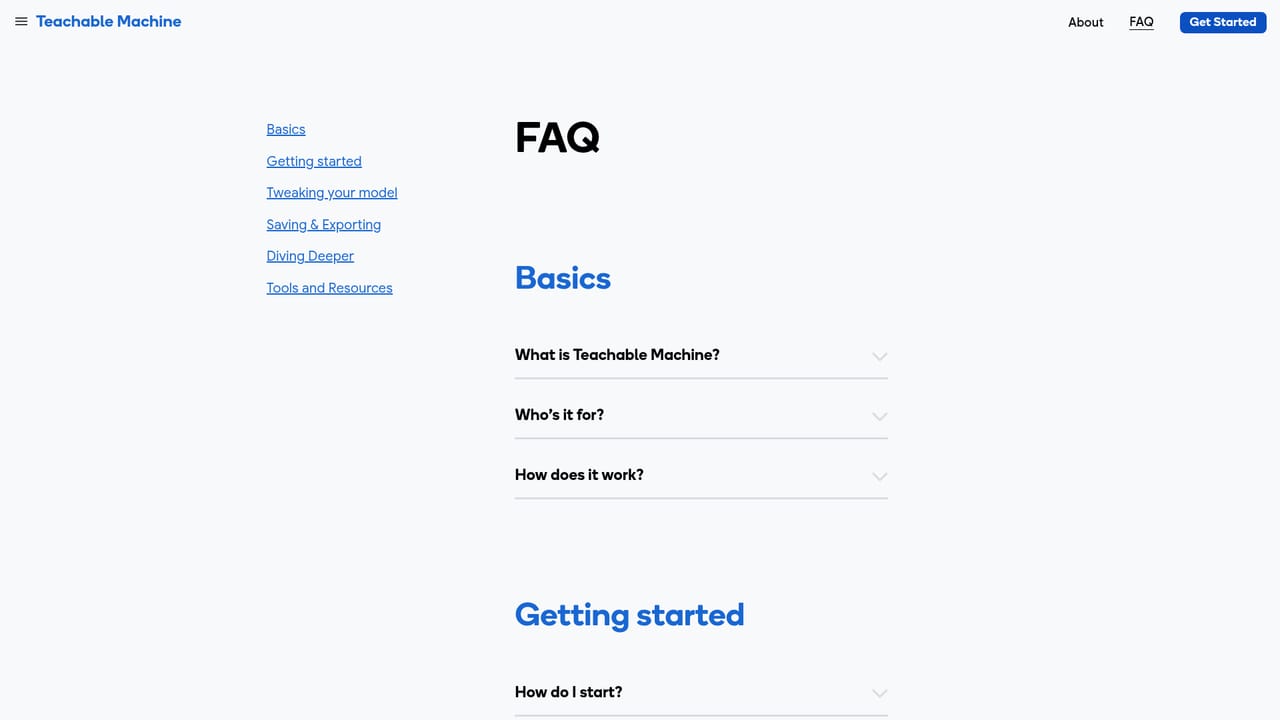
Support is documentation-led: a public FAQ page plus a contact address for sharing projects. Learning material is hosted externally by MIT Media Lab, Ready AI and other educators.
Learn moreExported models are TensorFlow.js models and are listed as working with ml5.js, p5.js, Node.js, Glitch, Framer, Coral and Arduino. Export formats extend use to hardware projects beyond the browser.
Train classifiers on three input types: images from files or webcam, short audio recordings, and body poses captured live. Group samples into classes, train with one click, test in a live preview, then export as TensorFlow.js, download the files, or host them online. Optional on-device processing keeps camera and microphone data local.
 AI Angels400+ customizable AI girlfriends for NSFW chat, voice calls, and roleplay
 Candy AIExperience the future of companionship with AI friends who chat, role-play, and connect with you on a human level.
 ourdream.aiA vast AI roleplay platform with millions of characters for chat, images, video and voiceAI Angels400+ customizable AI girlfriends for NSFW chat, voice calls, and roleplayCandy AIExperience the future of companionship with AI friends who chat, role-play, and connect with you on a human level.ourdream.aiA vast AI roleplay platform with millions of characters for chat, images, video and voice


