Integrations
The homepage lists Salesforce (including Rethink, Apto, and Ascendix setups), HubSpot, RealNex, Foundry, and Excel, along with five or more other integrations.
AI prospecting and dialing built for commercial real estate

Terrakotta is an AI-powered prospecting and dialing platform for commercial real estate. It combines owner phone skip tracing, in-platform calling, call context enrichment, and cloned-voice AI voicemails in one workflow.
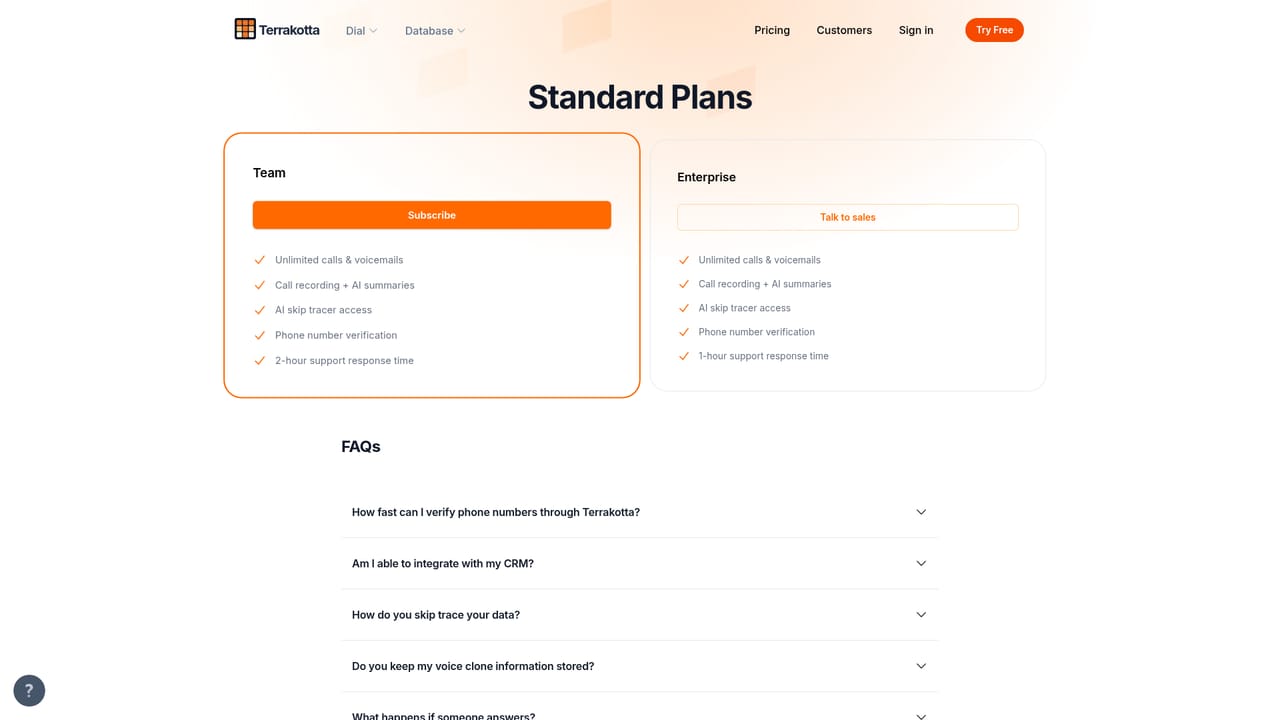
Terrakotta is a prospecting and dialing platform built specifically for commercial real estate. It combines three things brokers usually juggle across separate tools: a property and owner database, an in-platform dialer, and AI-generated voicemails. The homepage frames the product around three audiences, CRE brokers, acquisitions teams, and commercial services firms, and the pitch is speed. Find the right owner, understand the asset, and start calling without leaving the browser. The database layer is where the AI does its visible work. Terrakotta describes skip tracing owner phone numbers as easy as a GPT prompt, with the model surfacing high-value prospects rather than leaving the user to filter raw records. A stylized map view anchors the data to geography so a user can work a market visually. Before a call connects, the platform layers in property details, owner history, and market insights, an enrichment feature the company calls Call Context. The stated aim is that no call stays cold: the rep opens a conversation already holding the facts about the building and who controls it. Dialing happens inside the product, so there is no export to a separate phone system or softphone. Voice cloning lets a user produce a clone that can leave custom messages for contacts who do not pick up, which the platform markets as a way to keep outreach moving through answering machines. Testimonials on the homepage come from business development managers, associate brokers, investment sales reps, and working brokers, one of whom cites 300 calls in a single day. Customer logos include Cushman & Wakefield, CBRE, Lee & Associates, and Avison Young. Among CRE tools, Terrakotta sits closer to an outreach workflow than to a research terminal or a CRM. It assumes the user already knows which buildings or owner types to target and needs to reach people quickly. Teams that need deep underwriting or long-horizon market analytics will still pair it with a data provider or their CRM. The integration layer, including Salesforce, HubSpot, and RealNex, suggests it is meant to feed records into an existing system rather than replace it.
The homepage lists Salesforce (including Rethink, Apto, and Ascendix setups), HubSpot, RealNex, Foundry, and Excel, along with five or more other integrations.
Core features include an AI-driven property and owner database with a map view, prompt-based skip tracing for owner phone numbers, in-platform dialing, Call Context enrichment with property details, owner history and market insights, and customizable AI voicemails generated from a cloned voice. Integrations push records into common CRE and CRM systems.
 AI Angels400+ customizable AI girlfriends for NSFW chat, voice calls, and roleplay
 Candy AIExperience the future of companionship with AI friends who chat, role-play, and connect with you on a human level.
 ourdream.aiA vast AI roleplay platform with millions of characters for chat, images, video and voiceAI Angels400+ customizable AI girlfriends for NSFW chat, voice calls, and roleplayCandy AIExperience the future of companionship with AI friends who chat, role-play, and connect with you on a human level.ourdream.aiA vast AI roleplay platform with millions of characters for chat, images, video and voice


