Free trial
The Starter plan page shows a Start Trial button that leads to signup, so a trial appears to be available, but the homepage does not state its length or terms.
Learn moreGEO analytics for brand visibility in AI answer engines

Texta tracks brand mentions and citations across ChatGPT, Gemini, Claude, Perplexity and Google AI Overviews. It monitors prompt-level visibility, flags citation gaps and competitor shifts, then routes findings to SEO, content and PR owners with reporting built for growth teams.
Texta is monitoring and analytics software for what the homepage calls GEO, generative engine optimization. It watches the answers produced by ChatGPT, Gemini, Claude, Perplexity, Google AI Overviews and other answer engines, then reports how often a brand is mentioned, which sources get cited and how that share moves over time. The pitch is less about generating content and more about measurement: the team behind it treats AI answers as a channel that needs its own tracking, alerting and reporting loop, separate from classic search rankings. Prompt coverage is the core unit of work. Teams define branded, category and competitor prompts, and Texta records response trends across models and regions so a drop in mention share is visible early. Citation intelligence extends this by identifying which pages and domains the models actually cite, which is how content teams decide where a rewrite or a new source page is worth the effort. Competitive alerts and a unified dashboard sit on top, turning raw monitoring into a list of items that need attention. In practice the product is built for handoffs rather than solo use. Insights can be routed to SEO, content and PR owners so fixes happen inside an existing workflow instead of a separate spreadsheet, and reporting is framed for leadership audiences, connecting AI visibility to pipeline conversations. The homepage testimonials come from demand generation, organic growth, content operations and growth strategy roles, which suggests mid to large marketing organizations rather than individual bloggers. Texta sits in a young category alongside AI search tracking tools aimed at marketers. Its differentiator per the homepage is the operating layer framing, combining monitoring, diagnostics and ownership in one place. Teams that only want a simple rank check may find the workspace and prompt limits of the entry tier tight; teams running a formal GEO program across several brands will get more from the higher tiers.
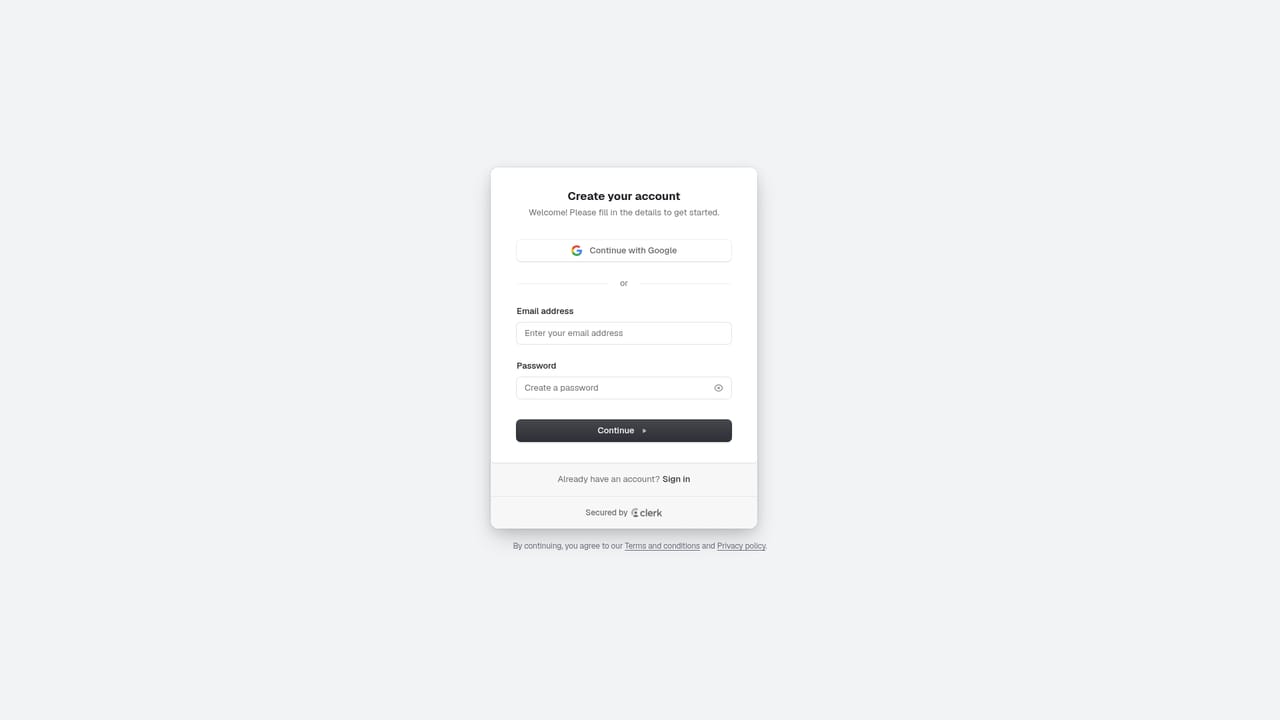

The Starter plan page shows a Start Trial button that leads to signup, so a trial appears to be available, but the homepage does not state its length or terms.
Learn moreStarter costs $49 per month with 1 workspace, 50 tracked prompts, basic mention scoring and source analysis. Pro is $199 per month with 2 workspaces, 150 prompts and advanced mention scoring. Advanced is $399 per month with 5 workspaces, 350 prompts and advanced source analysis. Enterprise pricing is custom via sales.
Learn moreThe homepage shows logos for tools including Notion, Framer, GitLab, Intercom, Stripe, Instagram, Supabase, Claude, ChatGPT, Make and Vercel to illustrate connected workflows. Named connectors and API details are not documented on the homepage.
AI visibility tracking across ChatGPT, Gemini, Claude, Perplexity and other answer engines, with prompt coverage trends by market. Citation intelligence and gap detection, competitive GEO alerts, a unified dashboard, workflow routing to SEO, content and PR owners, and executive reporting on mention share and citation quality.
 AI Angels400+ customizable AI girlfriends for NSFW chat, voice calls, and roleplay
 Candy AIExperience the future of companionship with AI friends who chat, role-play, and connect with you on a human level.
 ourdream.aiA vast AI roleplay platform with millions of characters for chat, images, video and voiceAI Angels400+ customizable AI girlfriends for NSFW chat, voice calls, and roleplayCandy AIExperience the future of companionship with AI friends who chat, role-play, and connect with you on a human level.ourdream.aiA vast AI roleplay platform with millions of characters for chat, images, video and voice


