Support
The site advertises AI specialists on shift around the clock and a walkthrough option, but no public help centre, documentation portal or support policy is listed.
An AI-native marketing OS that plans, makes and sends the work

The AI CMO is a content writing tool. An AI-native marketing operating system that plans campaigns, writes ads, emails and posts, sends them across email, SMS, push and social, drafts win-back journeys and reports first-party attributed revenue, all on top of a unified customer profile and warehouse.
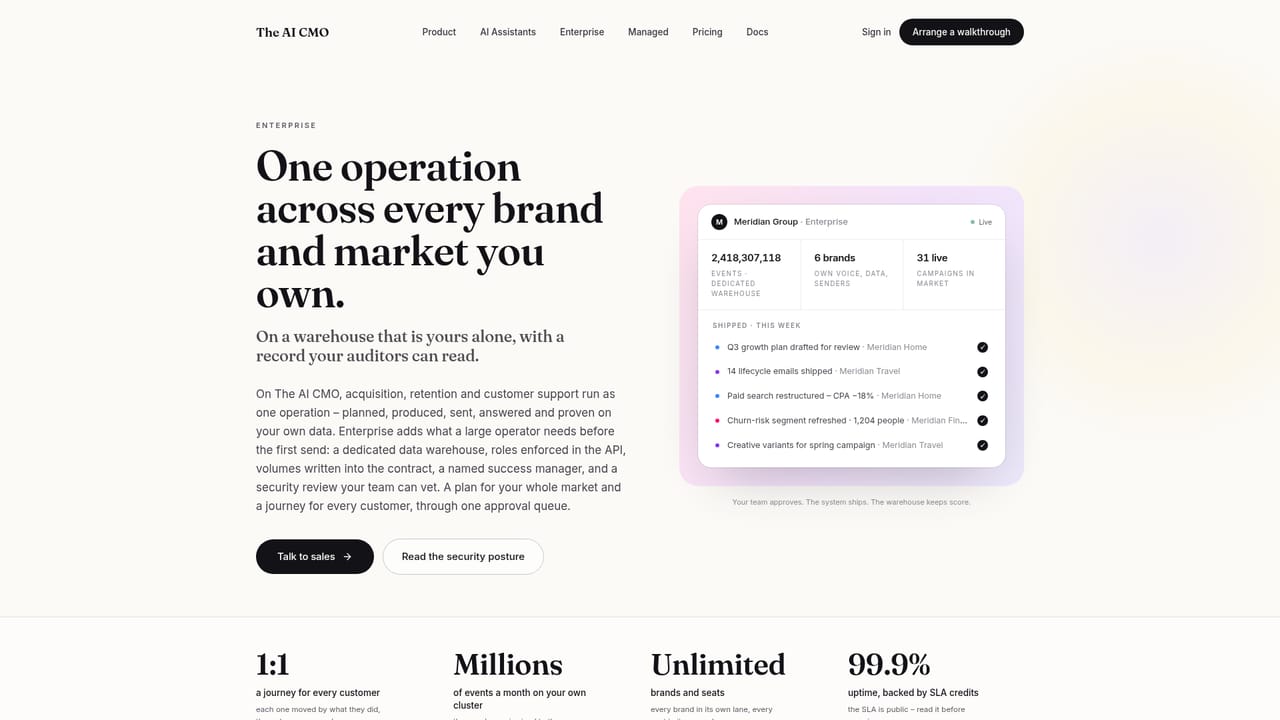
The AI CMO is a marketing operating system built around AI agents rather than a single generation tool. It reads your customer data, plans the week's campaigns with the money at stake attached to each one, drafts the ads, social posts and personalized emails, sends them through your existing channels, and answers customer questions around the clock. The homepage frames it as covering everything from the first ad a shopper sees to every question they ask afterwards, with first-party attribution tying spend to return per channel. The system rests on three connected layers. A Customer 360 profile merges identity, value, behaviour and consent, scoring people with RFM and lifecycle stages so segments refresh themselves and quiet high-value buyers surface before the quarter ends. Data 360 pulls events from files, endpoints, your website, Shopify, ad platforms or your own Postgres into one warehouse without a migration project. On top sits the agentic layer: AI specialists that propose weekly plans, run continuous shifts, execute inside limits you define, and write every action to an append-only ledger that even account owners cannot edit. In practice the tool behaves like a small marketing team on rotation. Example workflows on the site show an A/B subject line test where a winning variant is promoted automatically, a win-back journey that swaps in variant B when a message goes unopened for 48 hours while holding the discount, a birthday gift code timed to each customer's local hour, and referral or loyalty perks routed only to margin-safe segments. Approval can be placed wherever you want it: ask first, wait a day, or publish immediately. It suits ecommerce and retail brands with a steady flow of campaigns and a lean team, plus marketing operations leads who want fewer point tools and one audit trail. Merchants already running Shopify, Meta, Google Ads, HubSpot or Klaviyo style stacks are the natural fit. Compared with standalone email builders or ad generators, the difference is that planning, production, delivery and measurement share one data layer and one approval surface.
The site advertises AI specialists on shift around the clock and a walkthrough option, but no public help centre, documentation portal or support policy is listed.
Connects with Shopify, Meta, Google Ads, HubSpot, Salesforce, Slack, TikTok, Snowflake, Zendesk, LinkedIn, Webflow, Stripe, WhatsApp, Klaviyo-style email sending, Google Analytics and more than 3,400 other services.
Agentic weekly plans with dollars at stake, 24/7 shifts with human approval gates, Customer 360 with live RFM and lifecycle stages, a warehouse fed from files, endpoints, Shopify and ad platforms, journey automation for win-back and birthdays, A/B testing, referrals, loyalty tiers, push, SMS, WhatsApp and social publishing, plus first-party attribution and an append-only action ledger.
 AI Angels400+ customizable AI girlfriends for NSFW chat, voice calls, and roleplay
 Candy AIExperience the future of companionship with AI friends who chat, role-play, and connect with you on a human level.
 ourdream.aiA vast AI roleplay platform with millions of characters for chat, images, video and voiceAI Angels400+ customizable AI girlfriends for NSFW chat, voice calls, and roleplayCandy AIExperience the future of companionship with AI friends who chat, role-play, and connect with you on a human level.ourdream.aiA vast AI roleplay platform with millions of characters for chat, images, video and voice


