Free trial
No free trial is listed, but new customers can try any plan for 99p in the first month, limited to one intro offer per account.
Learn moreCinematic before and after videos built from a tradesperson's job photos
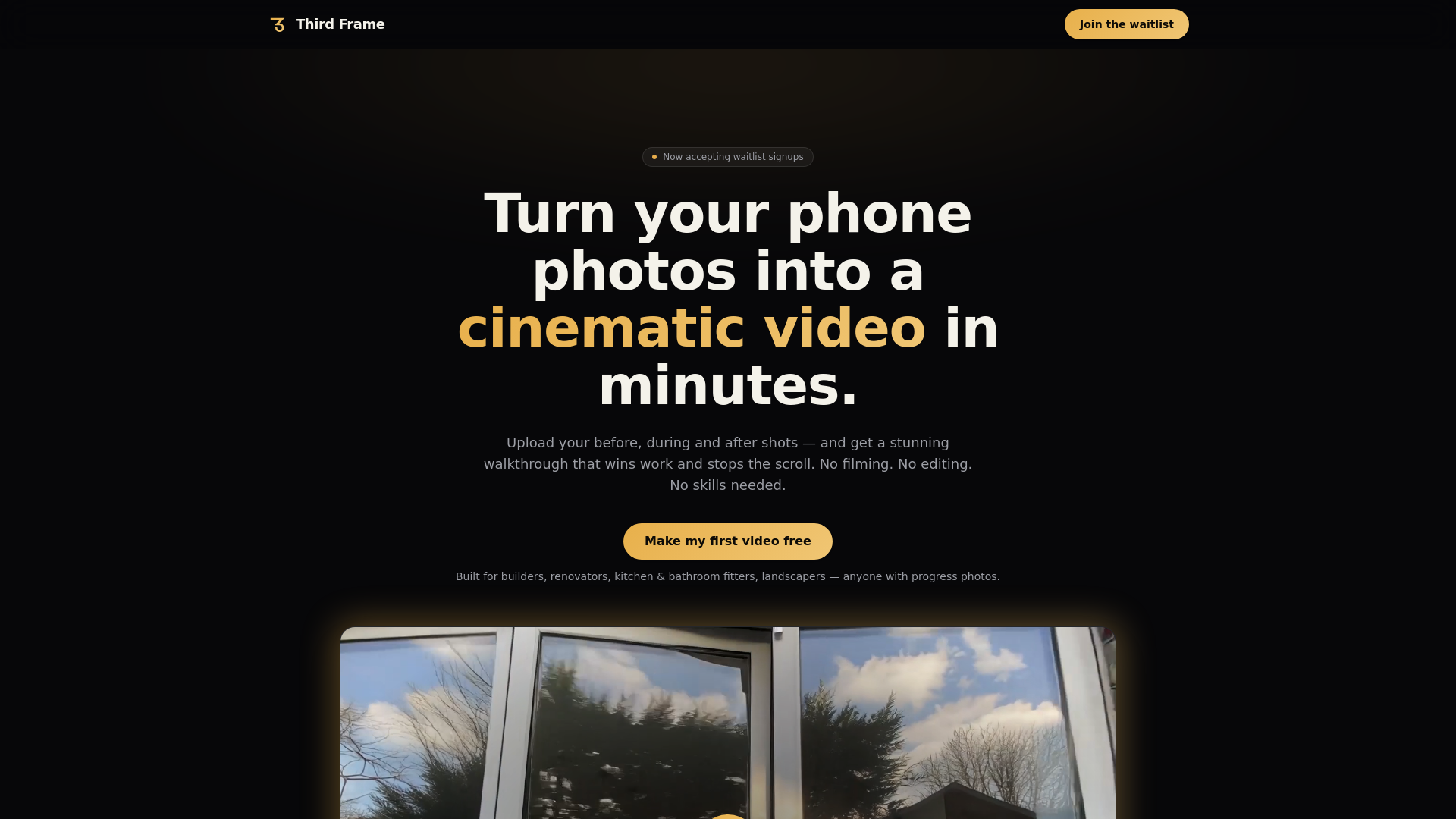
Third Frame converts job photos from a phone into short cinematic before, during and after videos for tradespeople. Pick a template, upload 3 to 20 photos and get a shareable reel in minutes, from £29 a month after a 99p first month.
Third Frame is a video maker for tradespeople that turns ordinary job photos into a short, cinematic before, during and after walkthrough. The user uploads the pictures already sitting on their phone, chooses a ready-made template, and receives a finished video a few minutes later. There are no text prompts to write, no footage to shoot and no timeline to edit, which makes the tool a poor fit for anyone who wants creative control but a sensible one for people whose only skill is taking a photo on site. The audience is clearly small-business trades: builders, plumbers, kitchen fitters, landscapers, property stagers and similar contractors who need proof of their work for social media, a website or a quote. The pitch is that real photographs of real jobs carry more trust than a rendered mockup, and that a moving walkthrough tends to hold attention better than a pair of static images. Finished videos are meant to be shared straight to WhatsApp, Instagram or attached to a quote. The founders say they ran a video agency for nine years before building the product, and the whole offer is positioned against paying a crew several hundred pounds per job. Access is subscription based, with a 99p first month for new customers and one intro offer per account. Basic costs £29 a month and covers 6 videos of about 20 seconds, using 3 to 10 photos each, ending on a Third Frame card. Pro costs £69 and adds 8 videos, up to 15 photos, longer clips of roughly 75 seconds, priority rendering, removal of the Third Frame branding and a custom end card with logo, website and tagline. Ultra costs £199 for 18 videos, up to 20 photos and clips near 100 seconds. Compared with general AI video generators or template editors, Third Frame is deliberately narrow: it does one job, the before and after reel, and trades flexibility for speed and simplicity.
No free trial is listed, but new customers can try any plan for 99p in the first month, limited to one intro offer per account.
Learn moreNew customers pay 99p for the first month on any plan (one per account). Then Basic is £29/mo (6 videos), Pro £69/mo (8 videos, own end card, no branding) and Ultra £199/mo (18 videos). Cancel anytime, no contract.
Learn moreA roadmap form invites trade-specific ideas and the team says it reads every suggestion. No support channels are stated on the homepage.
No integrations are listed. Videos are meant to be shared to WhatsApp, Instagram or into a quote.
Turns 3 to 20 job photos into a cinematic before and after video using ready-made templates. Plans differ in videos per month, clip length (about 20s to 100s), priority rendering, watermark removal and a custom end card.
 AI Angels400+ customizable AI girlfriends for NSFW chat, voice calls, and roleplay
 Candy AIExperience the future of companionship with AI friends who chat, role-play, and connect with you on a human level.
 ourdream.aiA vast AI roleplay platform with millions of characters for chat, images, video and voiceAI Angels400+ customizable AI girlfriends for NSFW chat, voice calls, and roleplayCandy AIExperience the future of companionship with AI friends who chat, role-play, and connect with you on a human level.ourdream.aiA vast AI roleplay platform with millions of characters for chat, images, video and voice


