Free trial
New accounts get one free B-roll cut (up to 60 seconds, 50 clips, built-in voice) plus daily free credits for Z-Image, video templates and Code to Video, no card required.
Learn moreTurns a script and hundreds of raw clips into one captioned video in minutes.

AgentReel is a clip finder tool that turns a script and hundreds of raw clips into one captioned video in minutes. AgentReel is a browser-based AI video and image studio centered on a B-roll editor that matches voiceover scripts to raw footage and renders captioned short-form videos, alongside 20+ image and video generation models.
AgentReel is a browser-based video studio built around an AI B-roll editor. A user pastes a voiceover script and uploads a batch of raw clips, and the system screens every shot, matches a clip to the meaning of each line (not just a keyword) and assembles a captioned video, usually in under 20 minutes. Alongside that core workflow sits a library of about 20 image models and 20 video models, including Seedance, Kling, Wan, Veo, Nano Banana, GPT Image and Seedream, used for text-to-video, image-to-video, AI images, TikTok carousels, video ads and lyric videos. The tool targets people who need finished short-form video without learning a timeline editor: faceless TikTok, Reels and Shorts channels, YouTube explainer creators, marketers building product or ad videos, and travel or lifestyle storytellers. Editors already working in Premiere Pro, Final Cut or CapCut can also use it to generate a first B-roll pass, then refine the hook, music or final beat themselves. In practice, a project starts with pasting a script and dropping in any number of mp4, mov, m4v or image files; the browser compresses heavy footage before upload. The AI builds a phrase-by-phrase shot plan that can be reviewed and adjusted before anything renders, with controls for pacing, caption style and output frame shape. Every job shows its credit cost upfront, and failed steps are refunded automatically so retries only cost the remaining work. What separates AgentReel from a plain AI video generator is the assembly layer: rather than only producing isolated clips, it stitches a large, disorganized footage library into a finished cut tied to a voiceover's timing. Pricing runs on a credit system, with a free tier limited to a handful of tools and one free B-roll cut, and paid credits or subscriptions required to unlock the full model roster and unlimited B-roll editing.
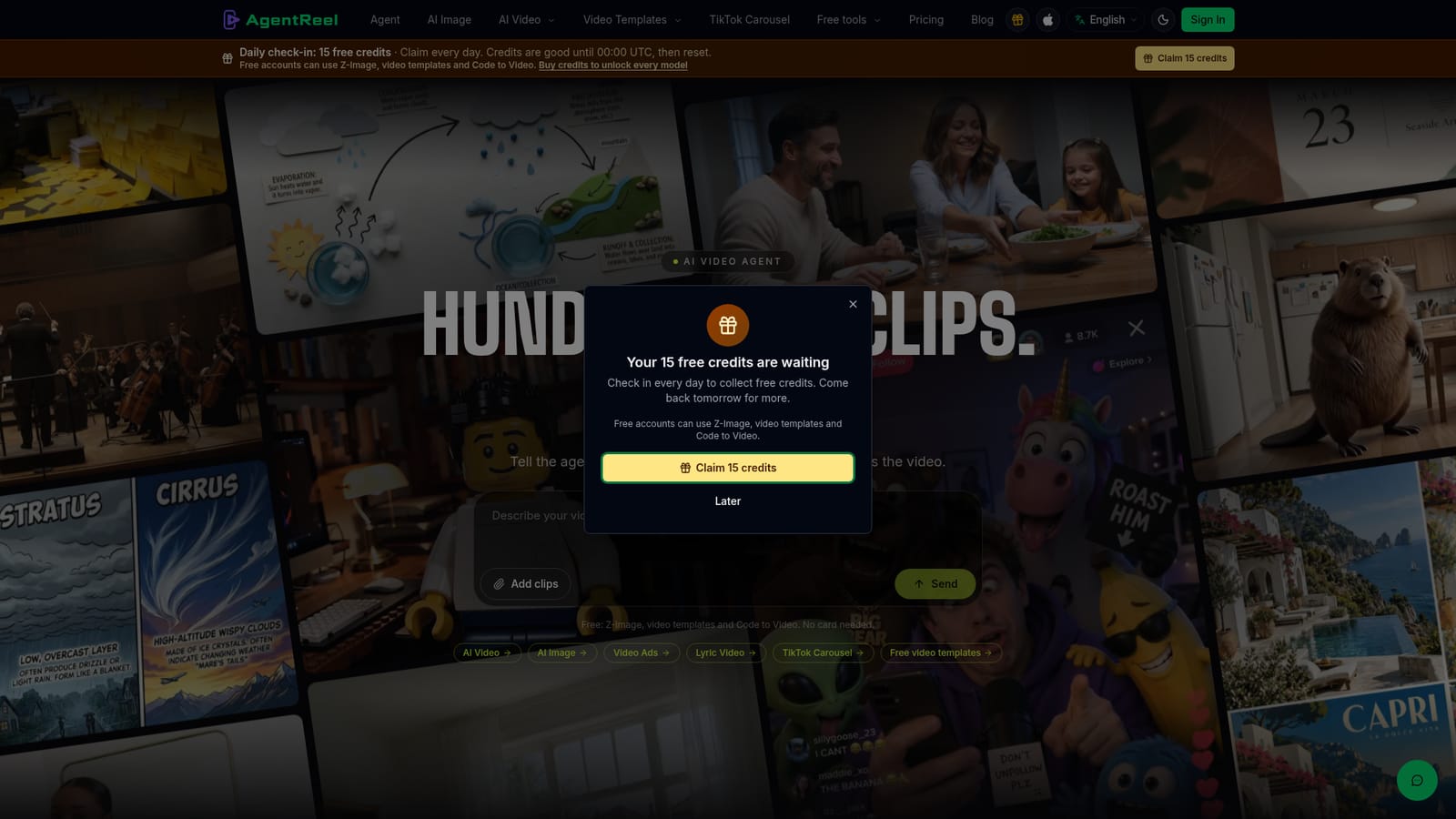
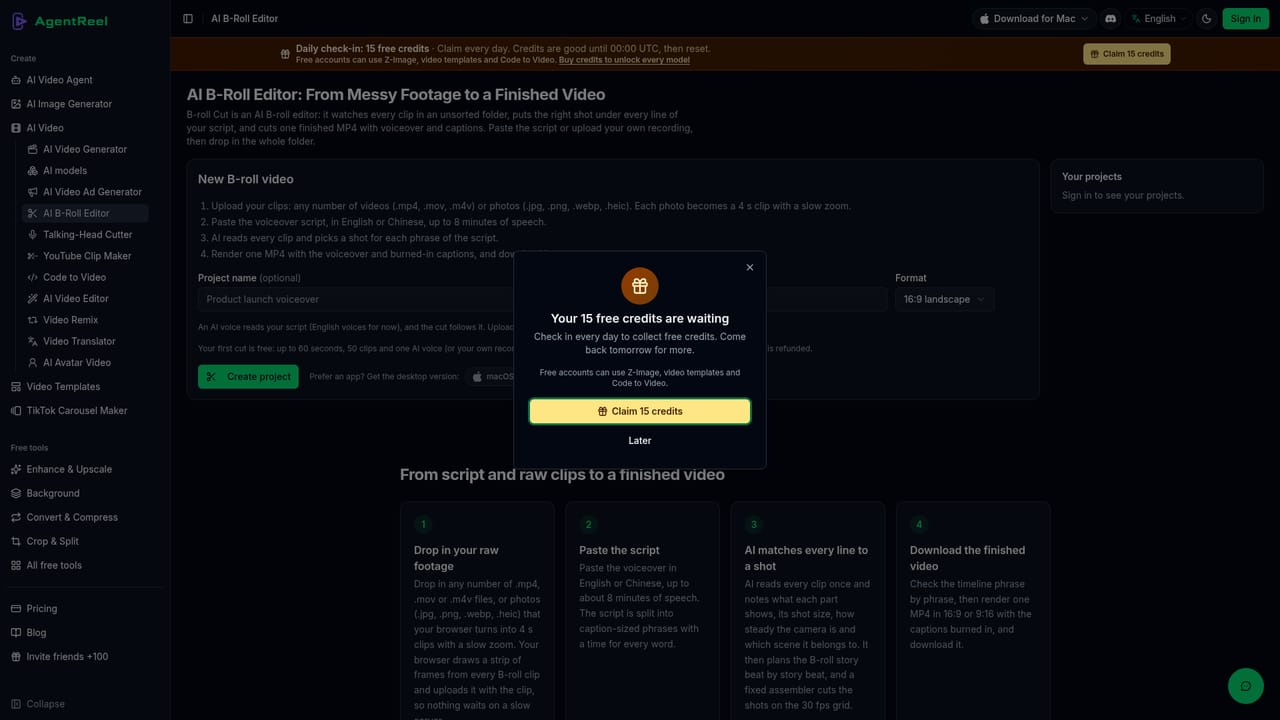
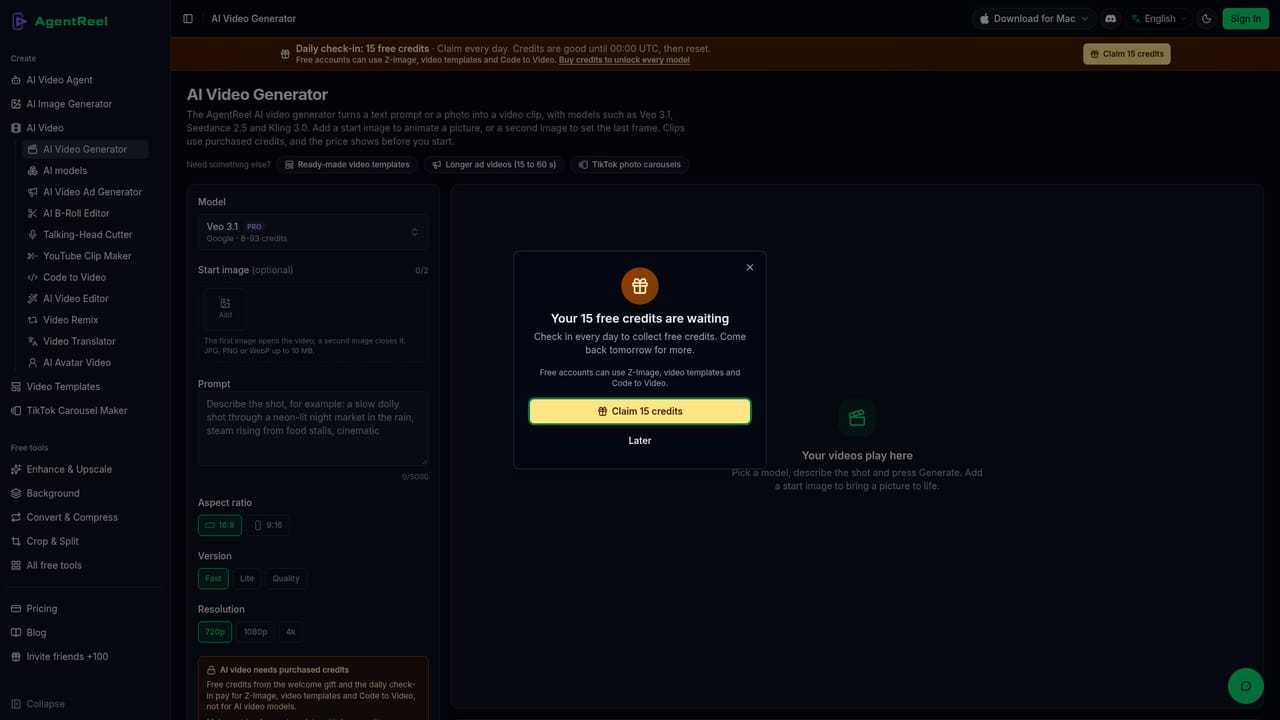
New accounts get one free B-roll cut (up to 60 seconds, 50 clips, built-in voice) plus daily free credits for Z-Image, video templates and Code to Video, no card required.
Learn moreCredit-based pricing: one-time credit packs never expire, subscriptions add credits monthly, and any purchase unlocks every model and tool. Prices start at USD 11.99, with full details on the pricing page.
Learn moreSupport resources include a docs section, a changelog for product updates and a contact page; no live chat or email SLA is specified.
Learn moreAI B-roll editor matches voiceover scripts to uploaded clips and cuts captioned videos automatically; about 20 video and 20 image models for text-to-video, image-to-video, AI images, TikTok carousels, video ads and lyric videos; adjustable pace, caption styles and frame shapes.
Learn more AI Angels400+ customizable AI girlfriends for NSFW chat, voice calls, and roleplay
 Candy AIExperience the future of companionship with AI friends who chat, role-play, and connect with you on a human level.
 ourdream.aiA vast AI roleplay platform with millions of characters for chat, images, video and voiceAI Angels400+ customizable AI girlfriends for NSFW chat, voice calls, and roleplayCandy AIExperience the future of companionship with AI friends who chat, role-play, and connect with you on a human level.ourdream.aiA vast AI roleplay platform with millions of characters for chat, images, video and voice


